...
Use the following settings:
| Option | Value |
|---|---|
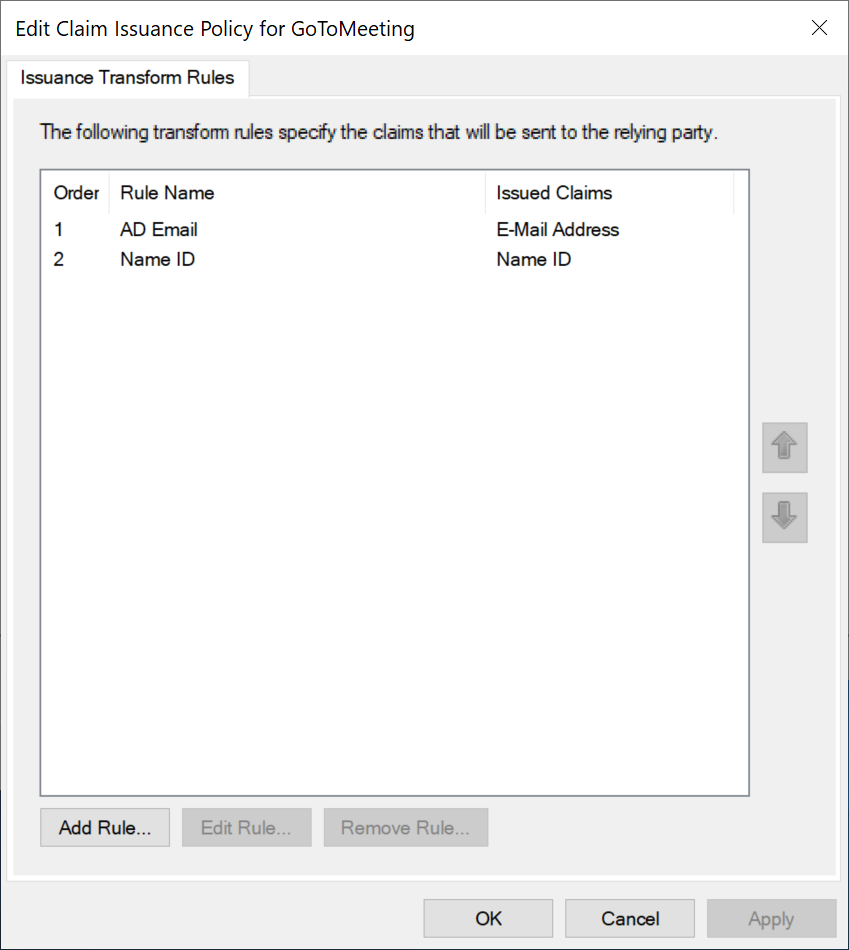
| Claim rule name | AD Email |
| Attribute store | Active Directory |
| LDAP Attribute | E-mail-Addresses |
| Outgoing Claim Type | E-mail Address |
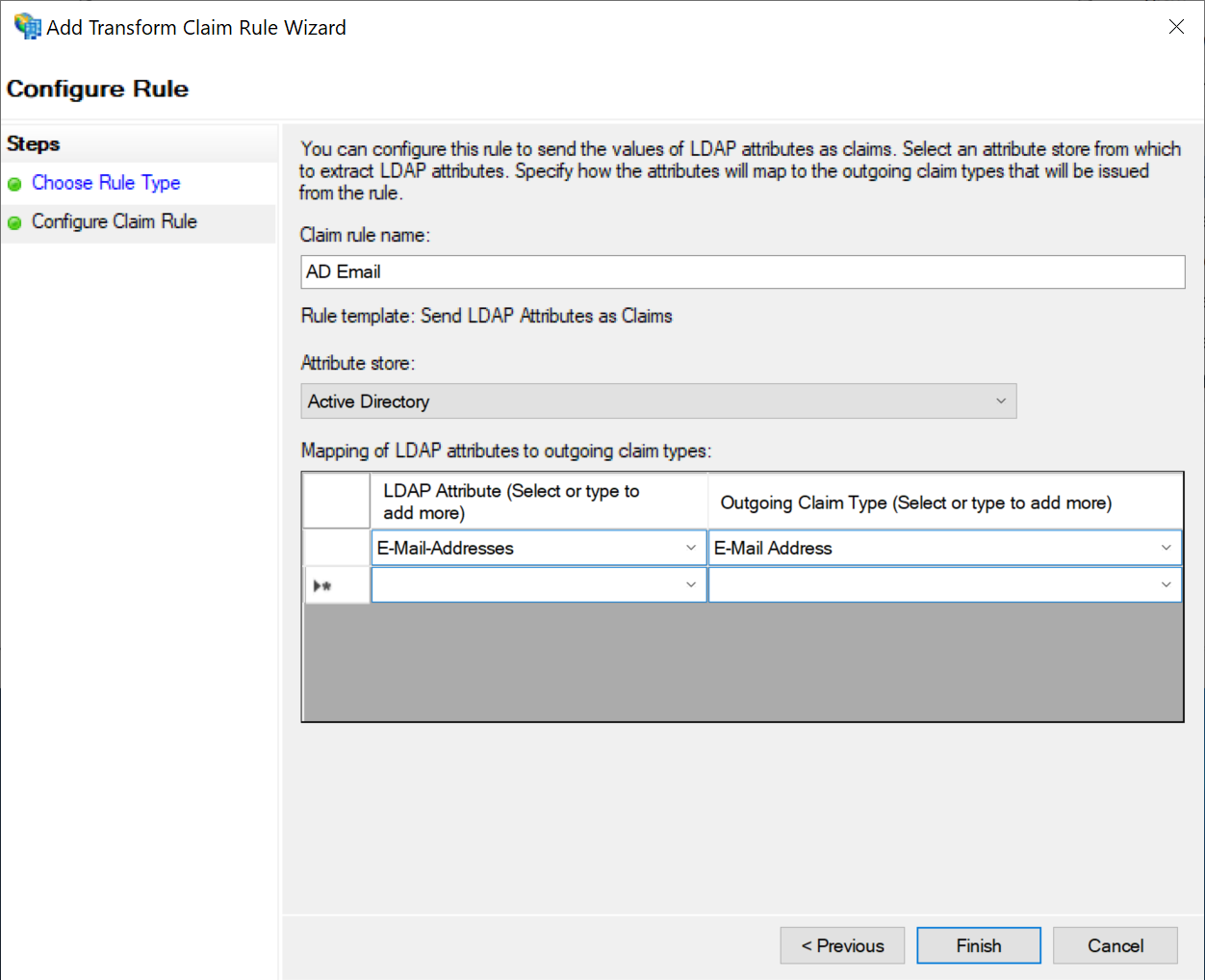
Click "Finish"
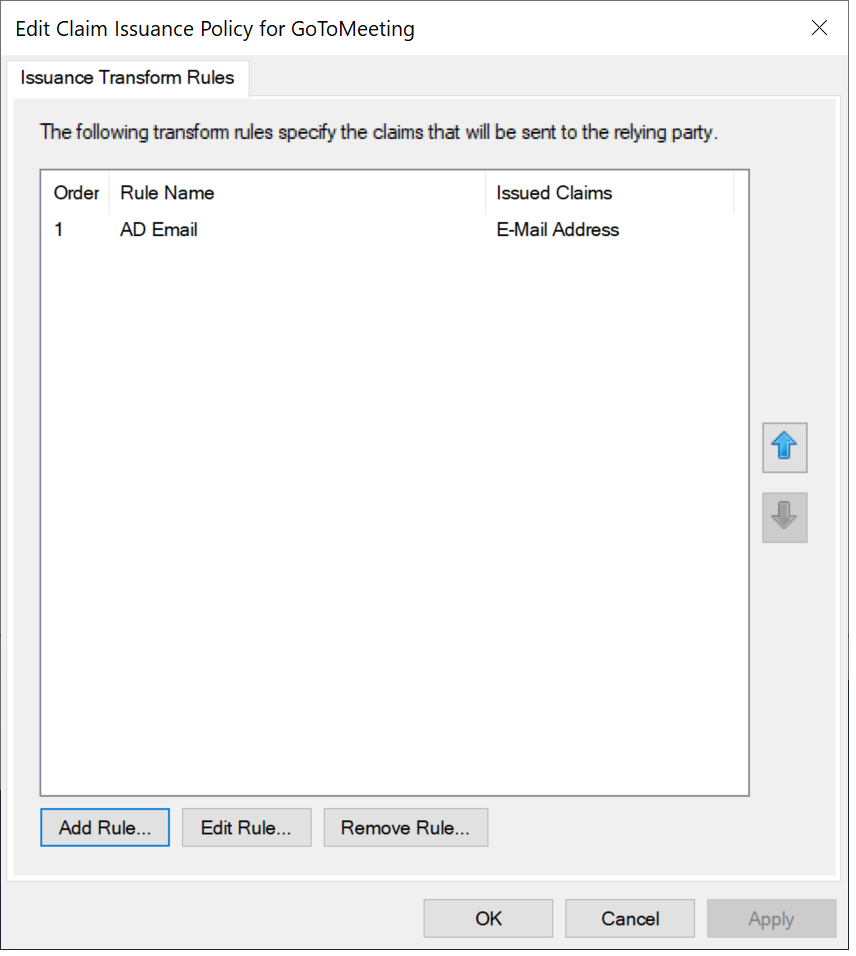
Click "Add Rule..." again
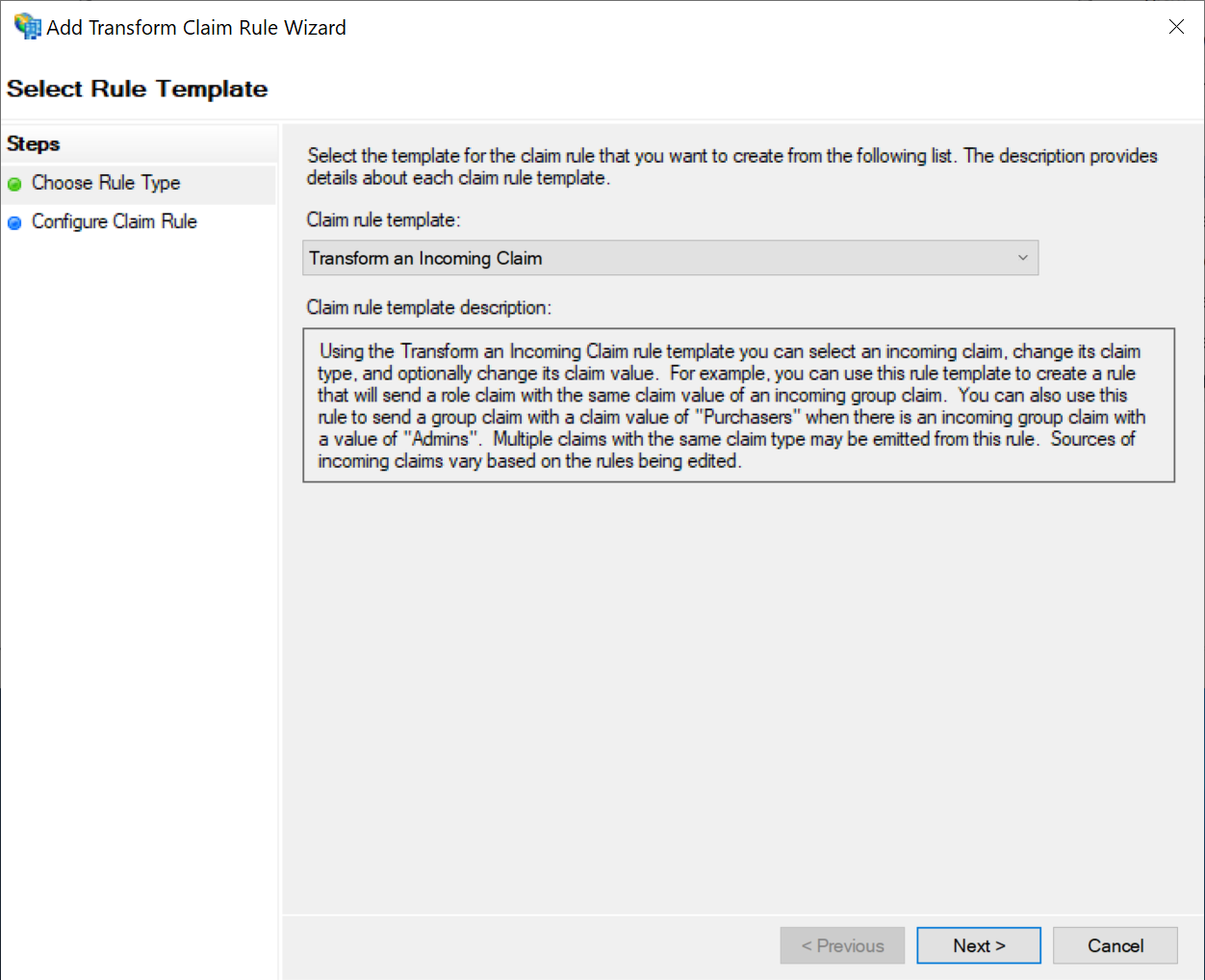
select Send LDAP Attributes as Claims Transform an Incoming Claim as the Claim rule template
...
use the following settings:
| Option | Value |
|---|---|
| Claim rule name | Name ID |
| Incoming claim type | E-Mail Address |
| Outgoing claim type | Name ID |
| Outgoing name ID Format |
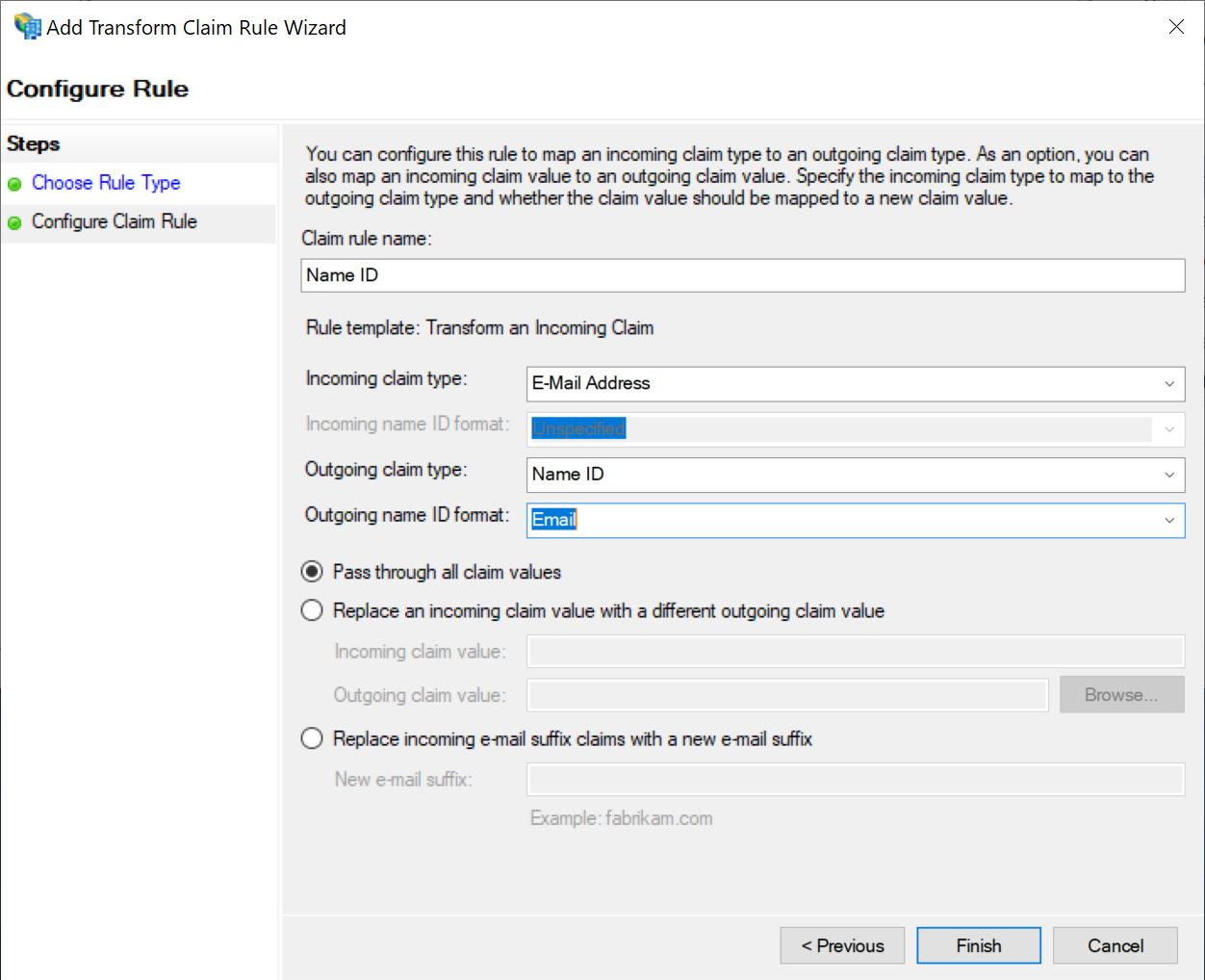
Click "Finish"
Finally, to prevent ADFS from sending encrypted assertions by default, open a Windows Power Shell command prompt and run the following command:
set-ADFSRelyingPartyTrust –TargetName "relyingPartyTrustDisplayName" –EncryptClaims $False