The DualShield computer logon clients are designed to be installed and running without the need of for configuration by the user. Therefore, the logon clients need a way to automaticaly automatically discover the logon agents.
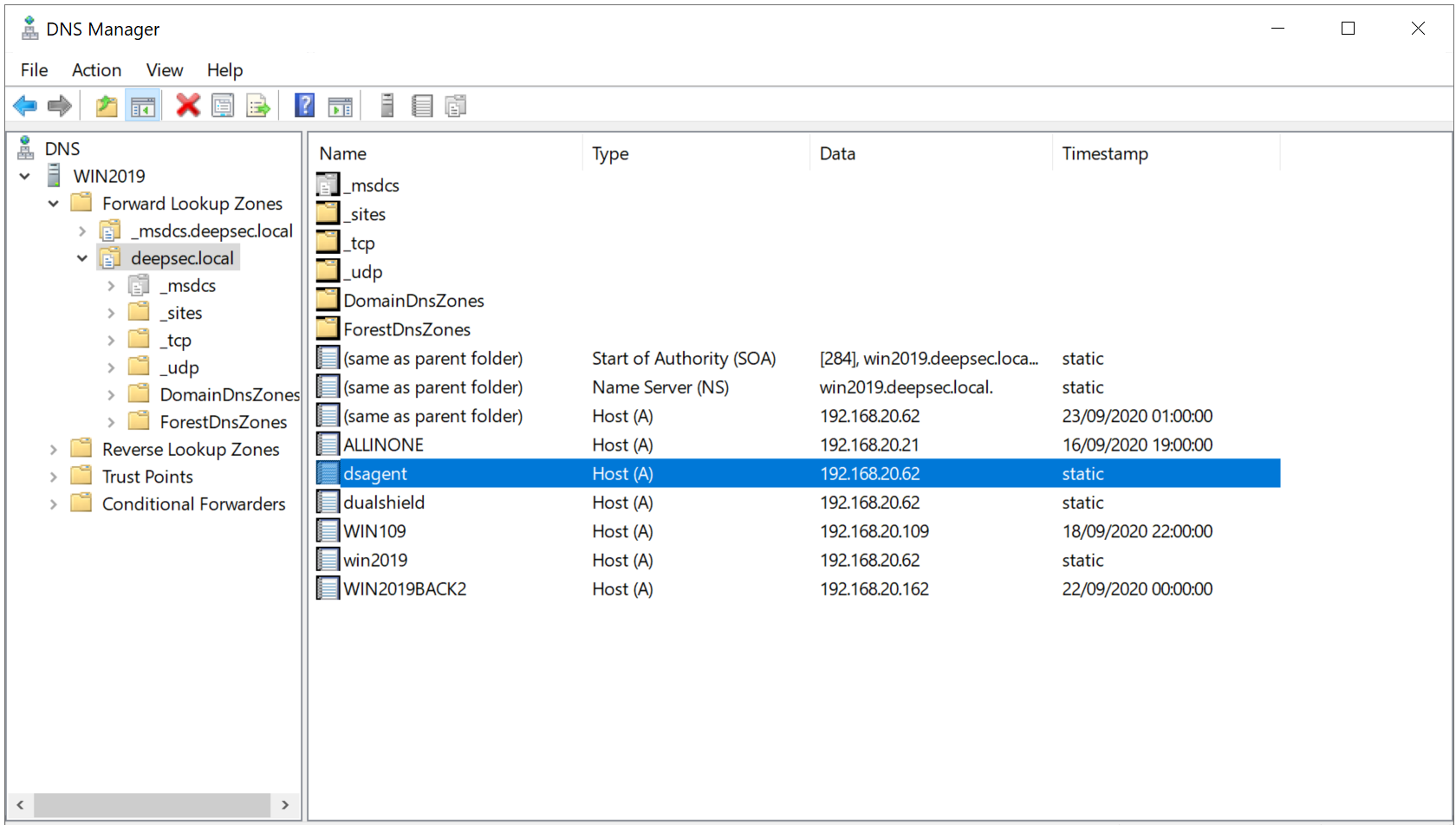
The way that the logon client locates the logon agent is by DNS lookup. The logon client will look up a hostname called “dsagent” in the domain's DNS server. For instance, if the domain name of your organisation organization is “acme.org” then it will look for “dsagent.acme.org”
The diagram below illustrates the data flow of the computer logon process

In order for the computer logon client to discover the logon agent, you must add the hostname "dsagent" to Therefore, you need to add these two hostnames in your DNS server.


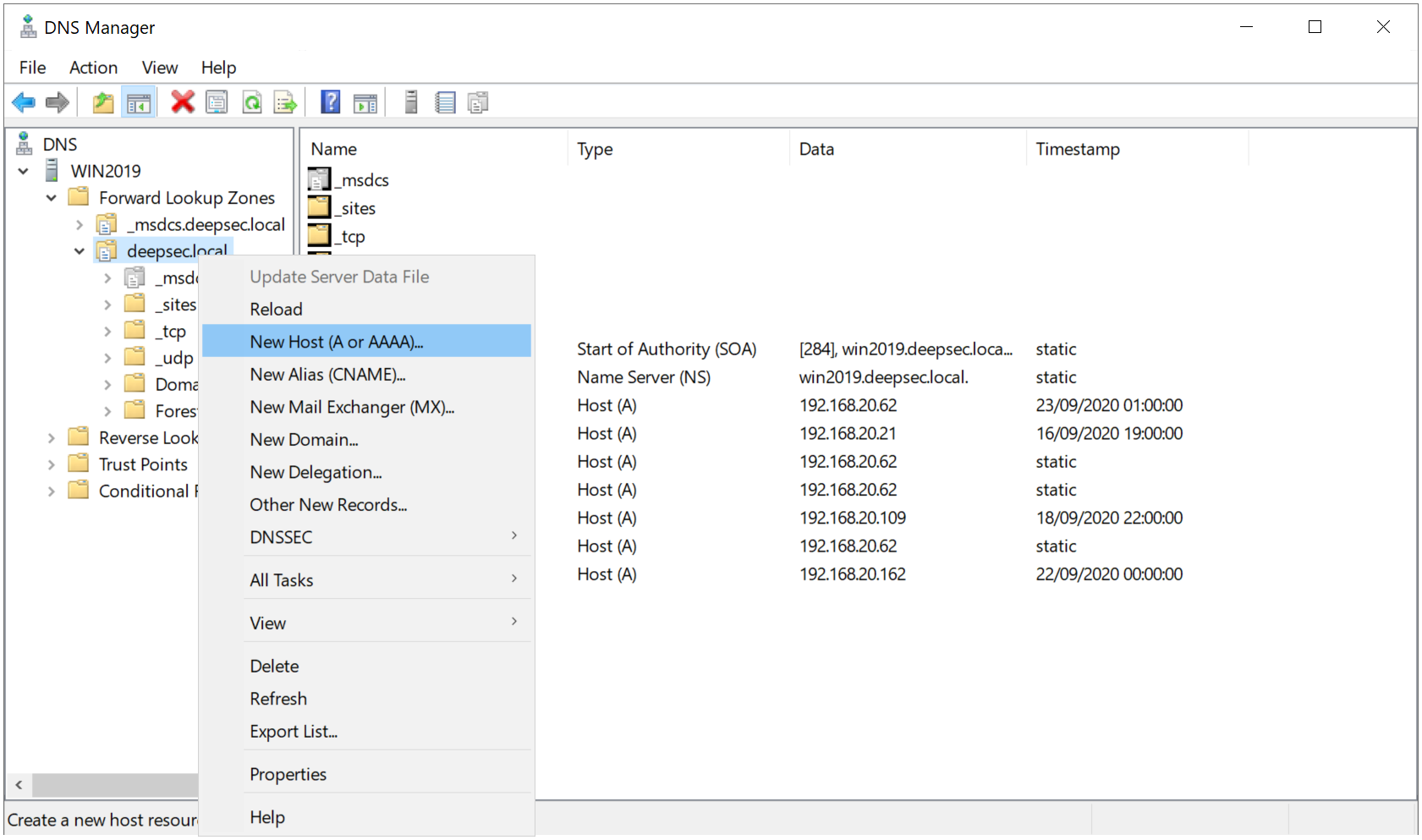
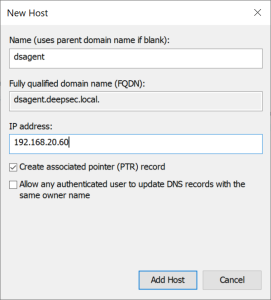

For the purpose of redundancy, you might want to install multiple instances of the Logon Agent. In that case, If you have multiple logon agents installed, then you must add multiple entries of the "dsagent" hostname in the domain DNS server.