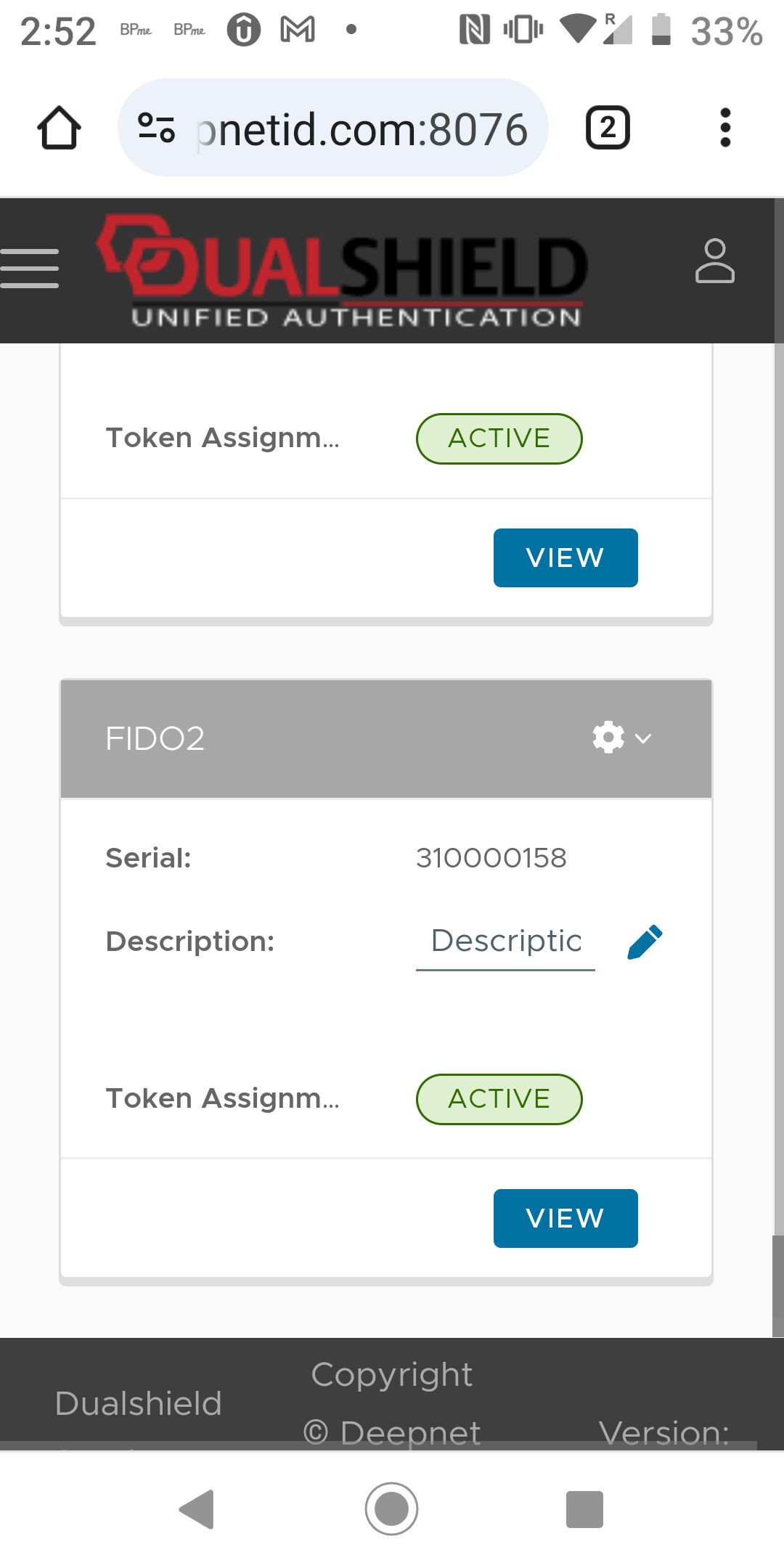
...
3 - In this example, we use a test user account called "2fa"
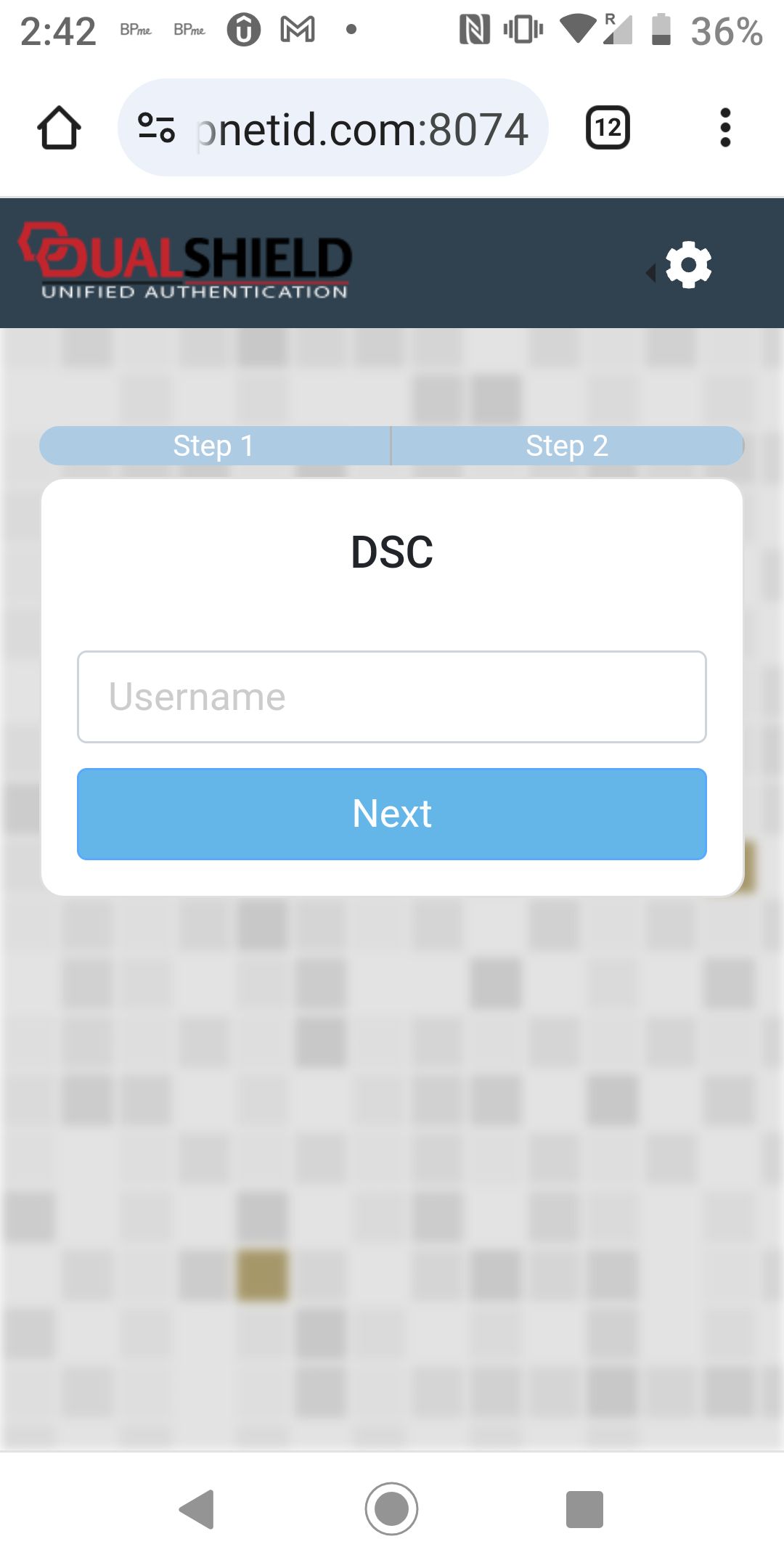
Enter the username, i.e. "2fa"
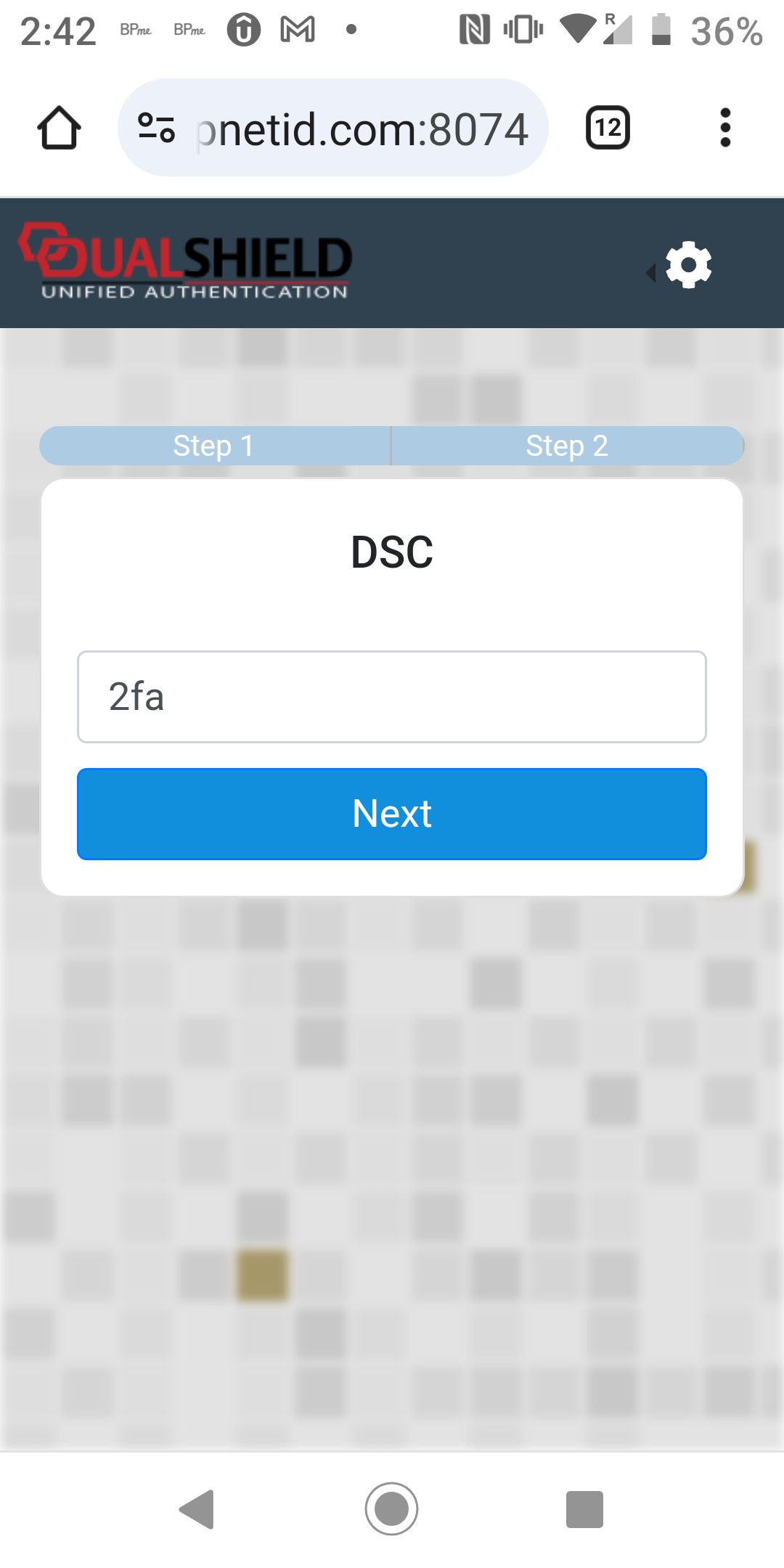
Click Next to continue
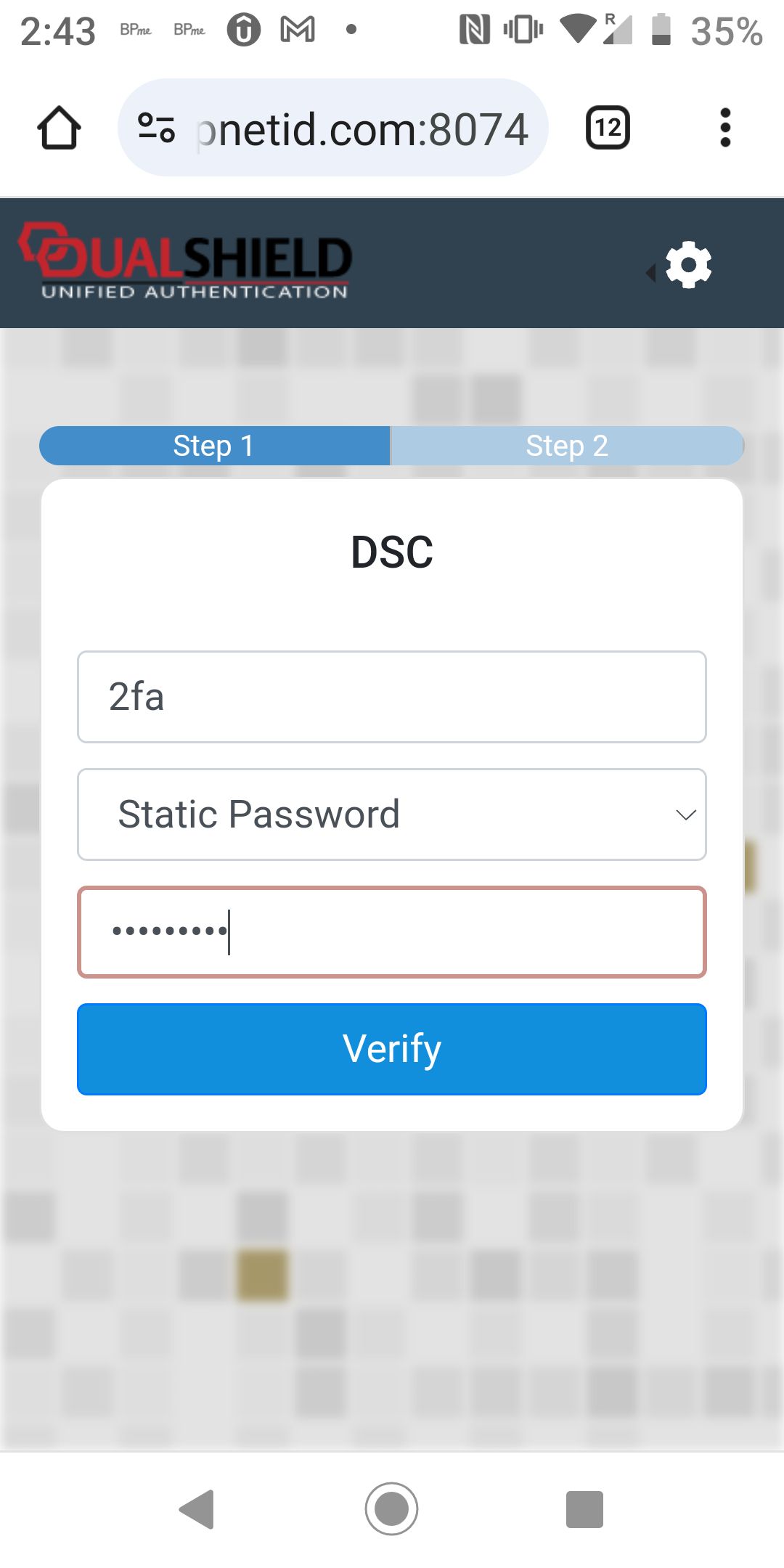
The first step is Static Password verification. Entere the user's password
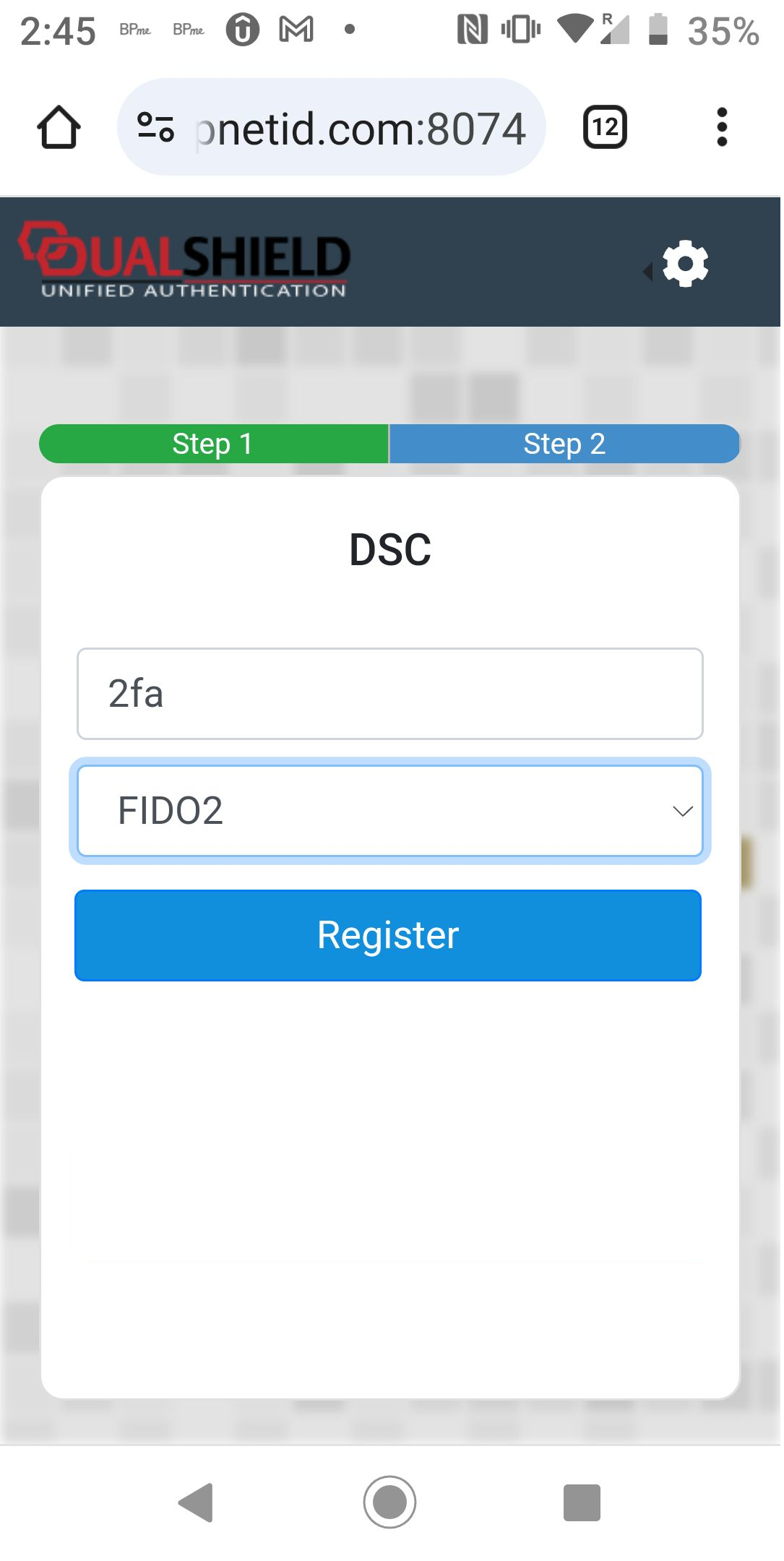
The second step is FIDO2 verification.
Click the "Register" button to register your phone
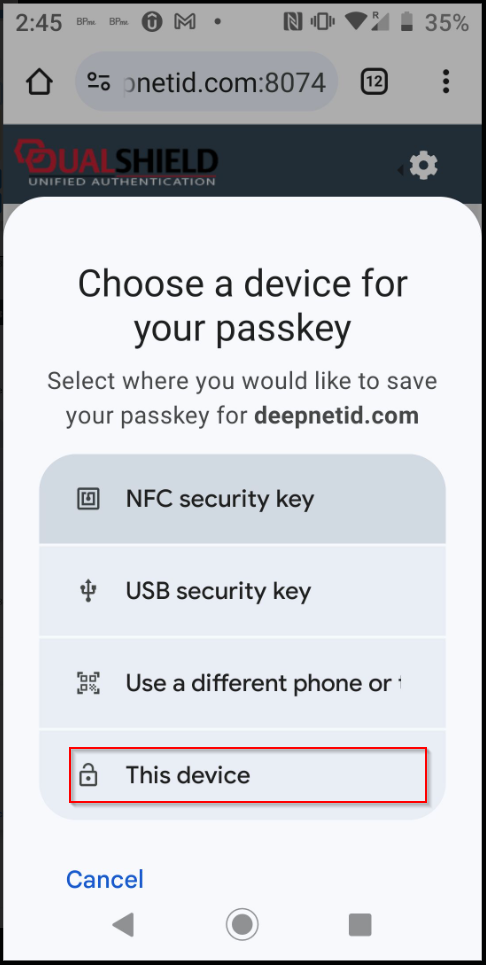
Select "This device"
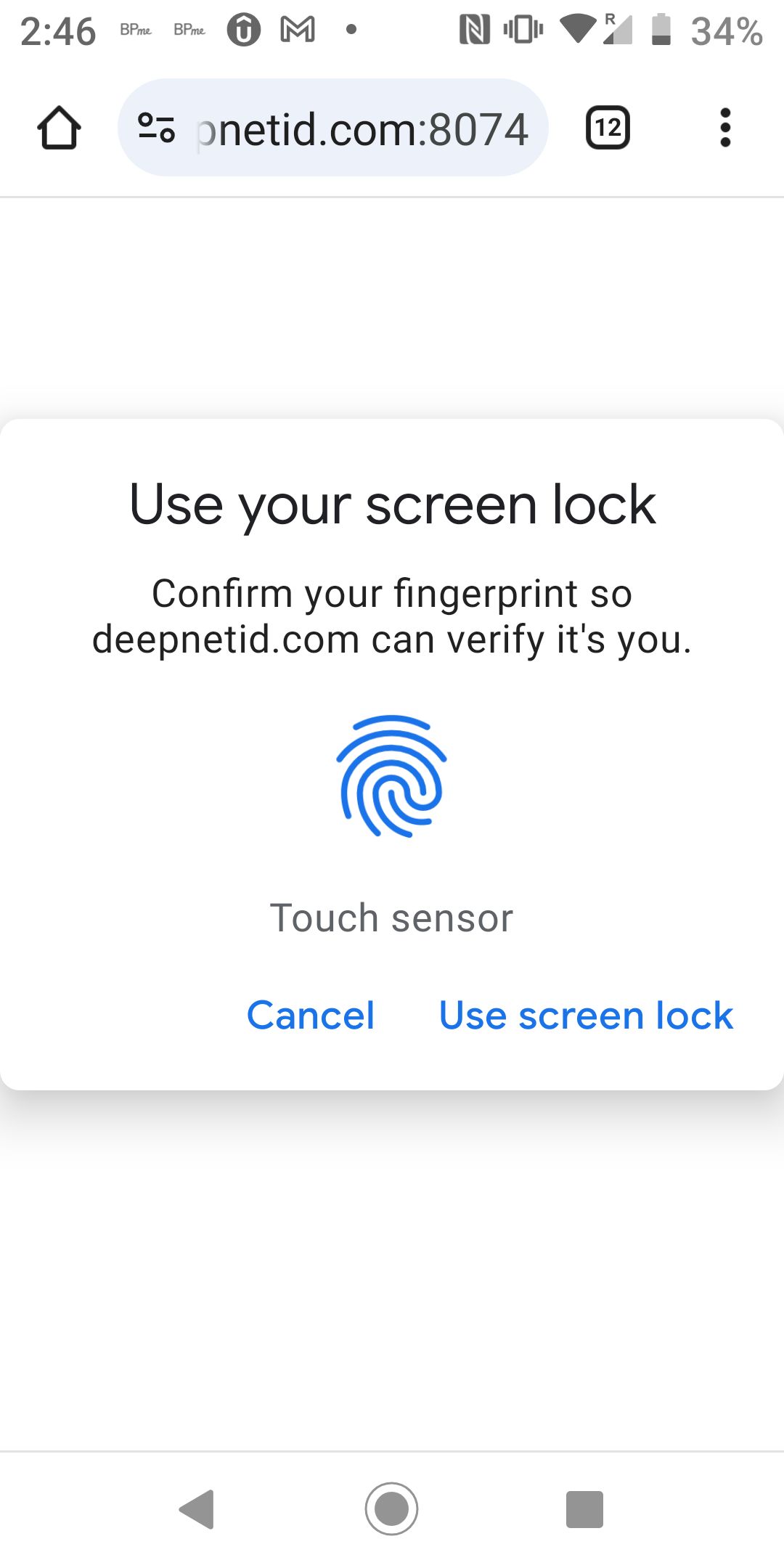
Touch the fingerprint reader on the phone
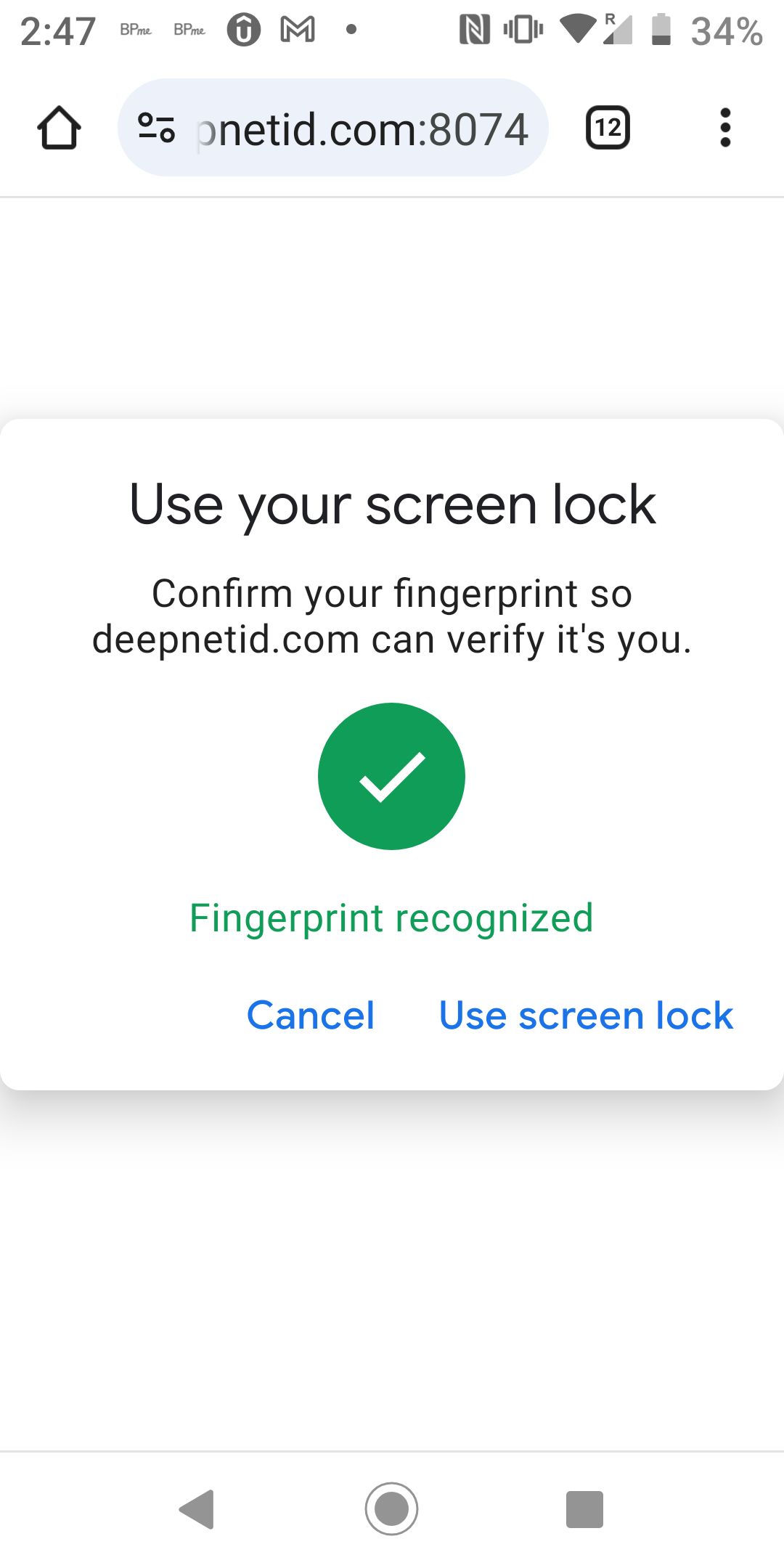
Your phone has been successfully registered as FIDO2 token in your account