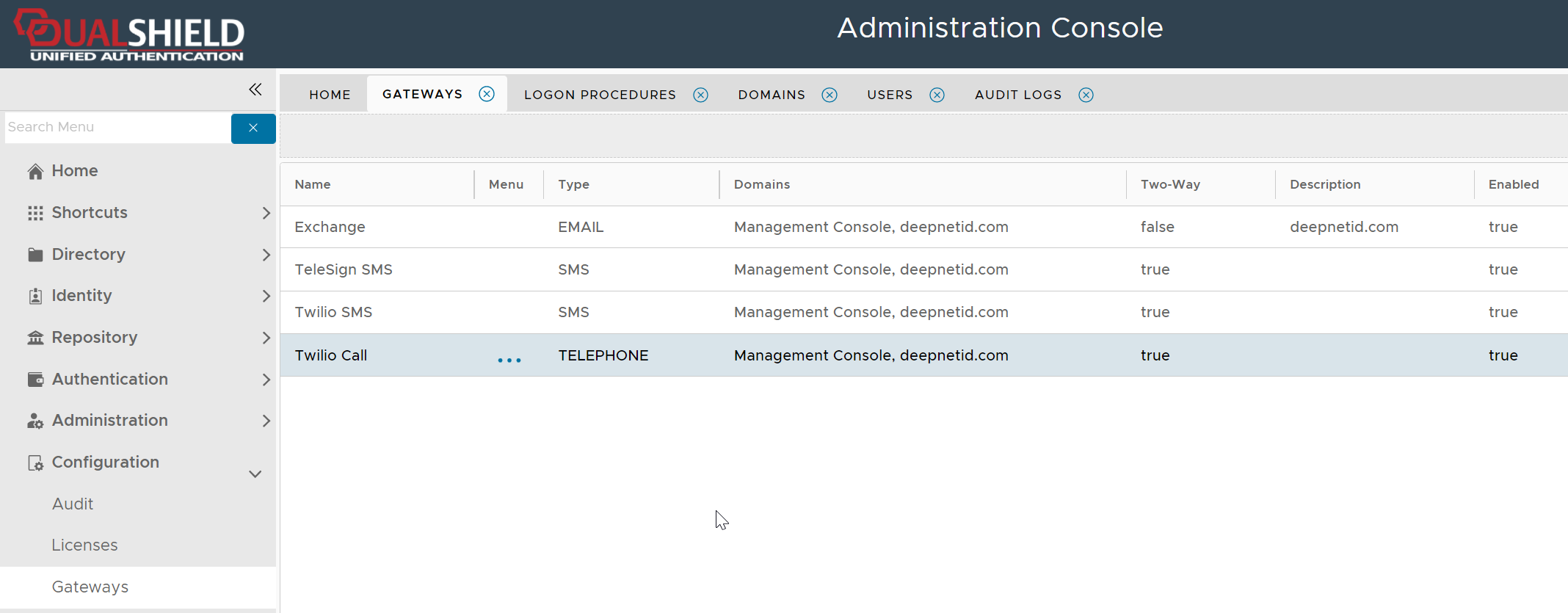
Login to your Twilio account
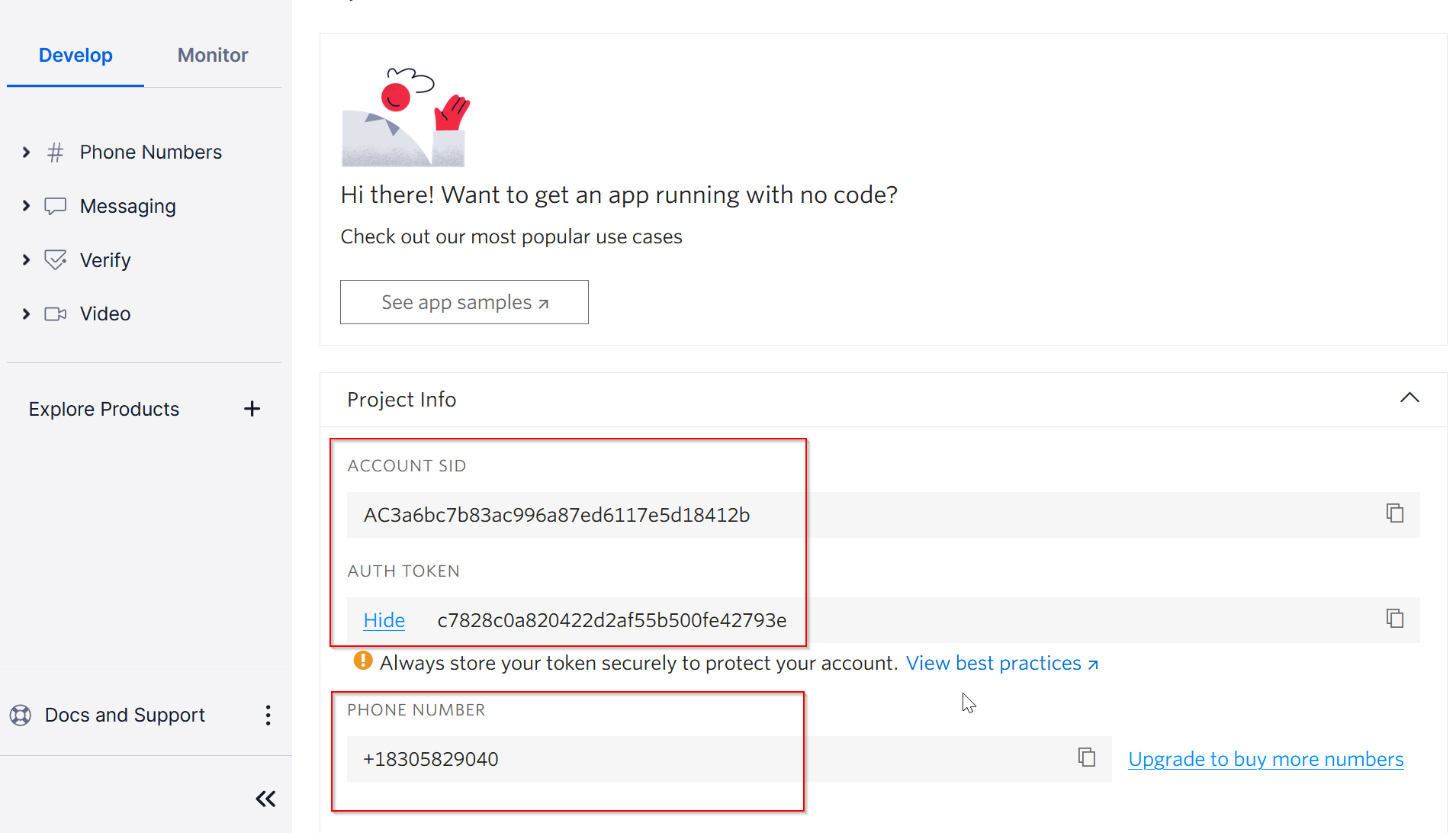
Copy out the ACCOUNT SID, AUTH TOKEN and PHONE NUMBER
Now, navigate to "Explore Products"
Scroll down to the "Developers tools" section
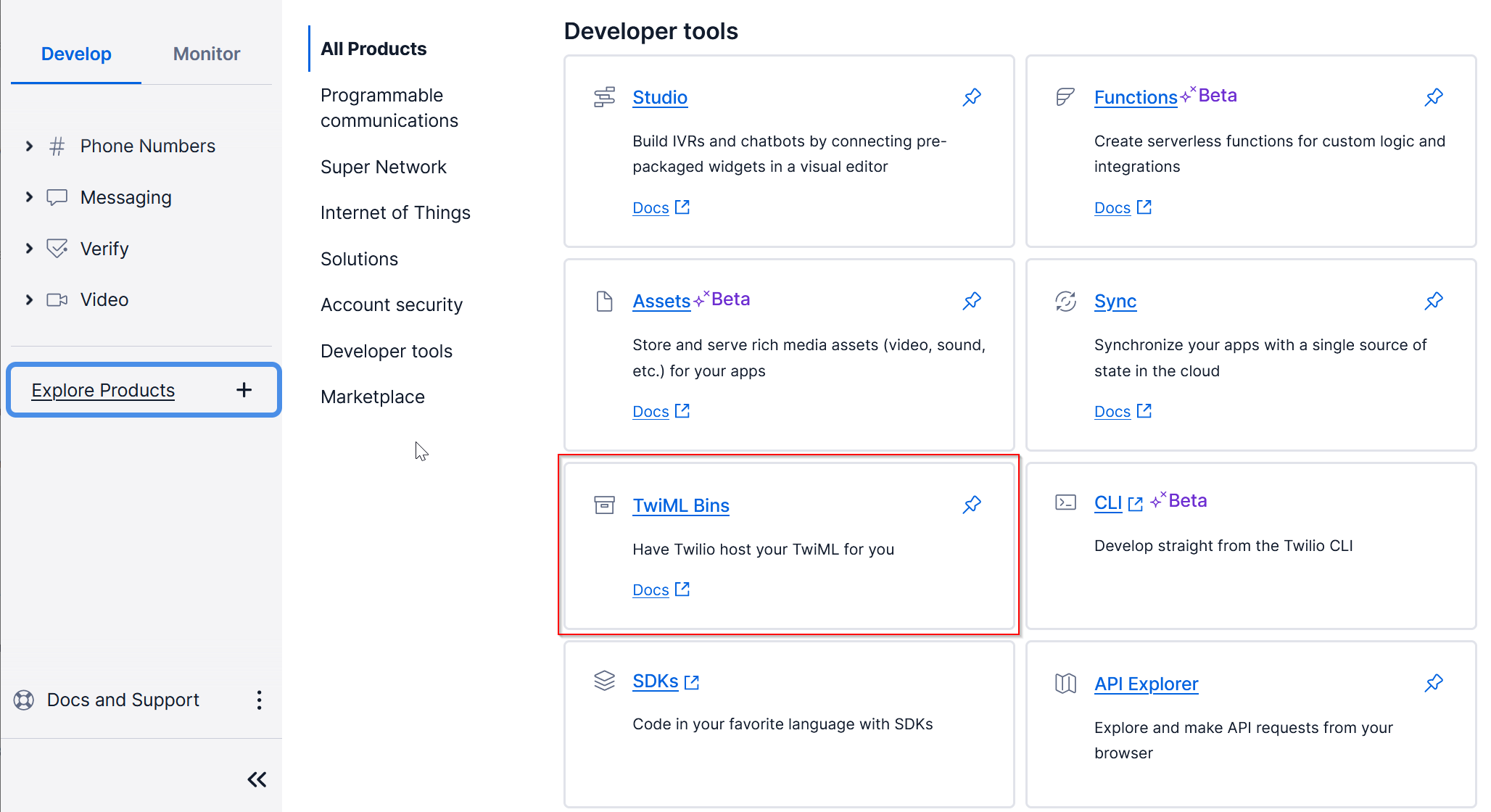
Click on "TwiML Bins"
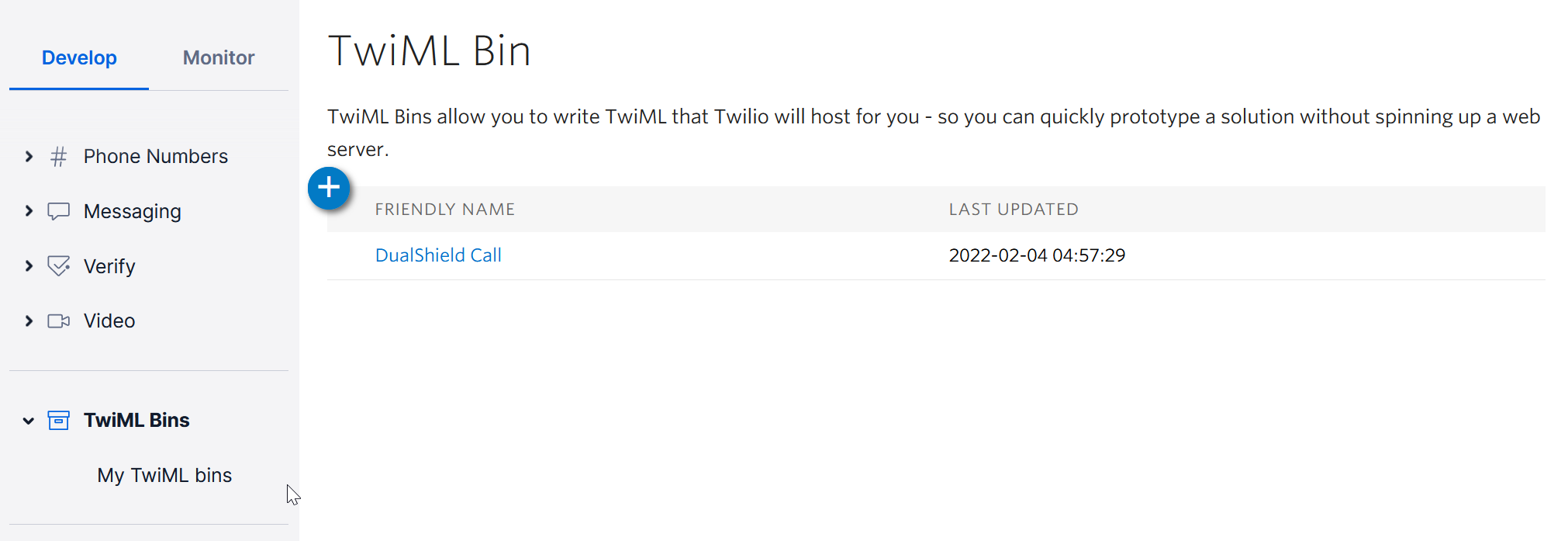
Click on your TwiML Bin, e.g. DualShield Call
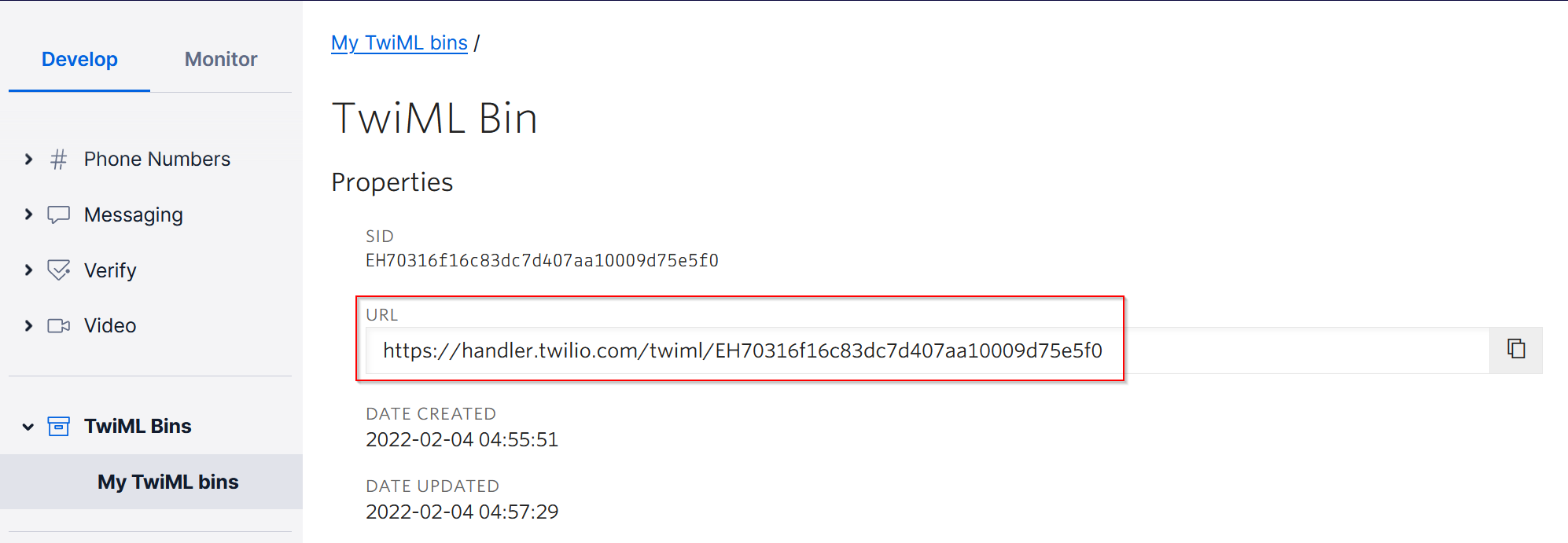
Copy out the handler URL
Login to your In DualShield Admin Console, navigate to "Gateways"
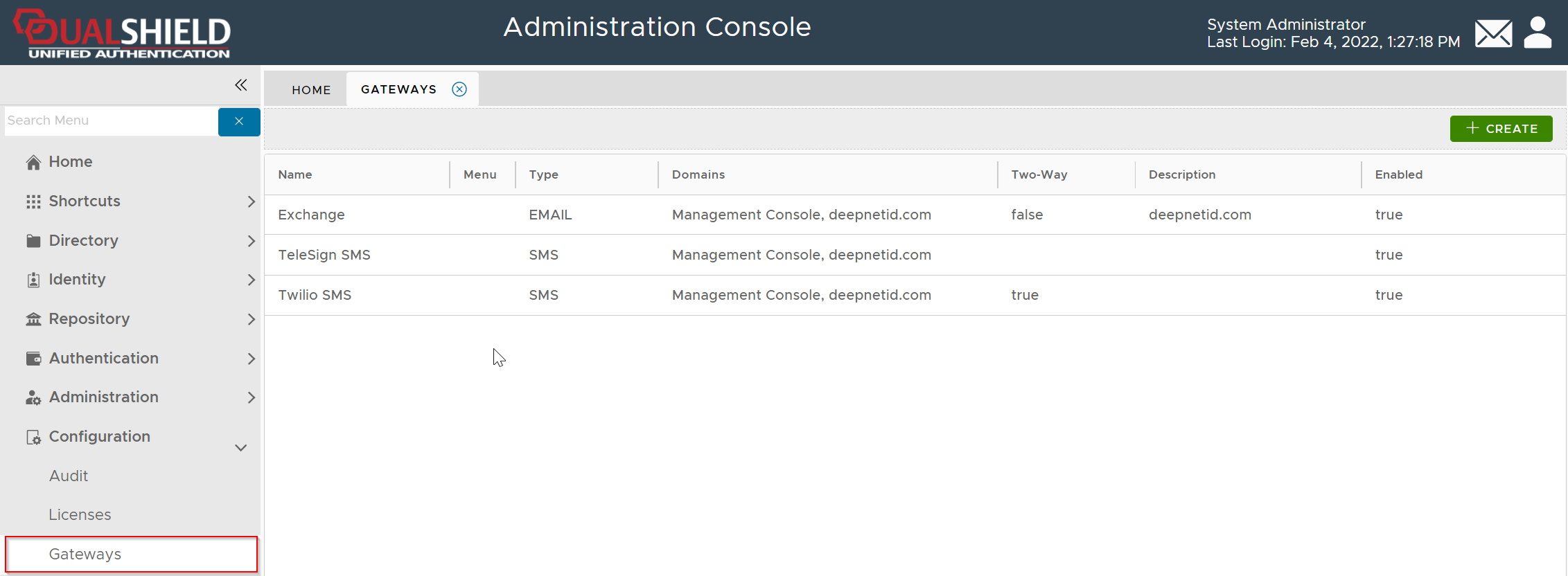
click CREATE
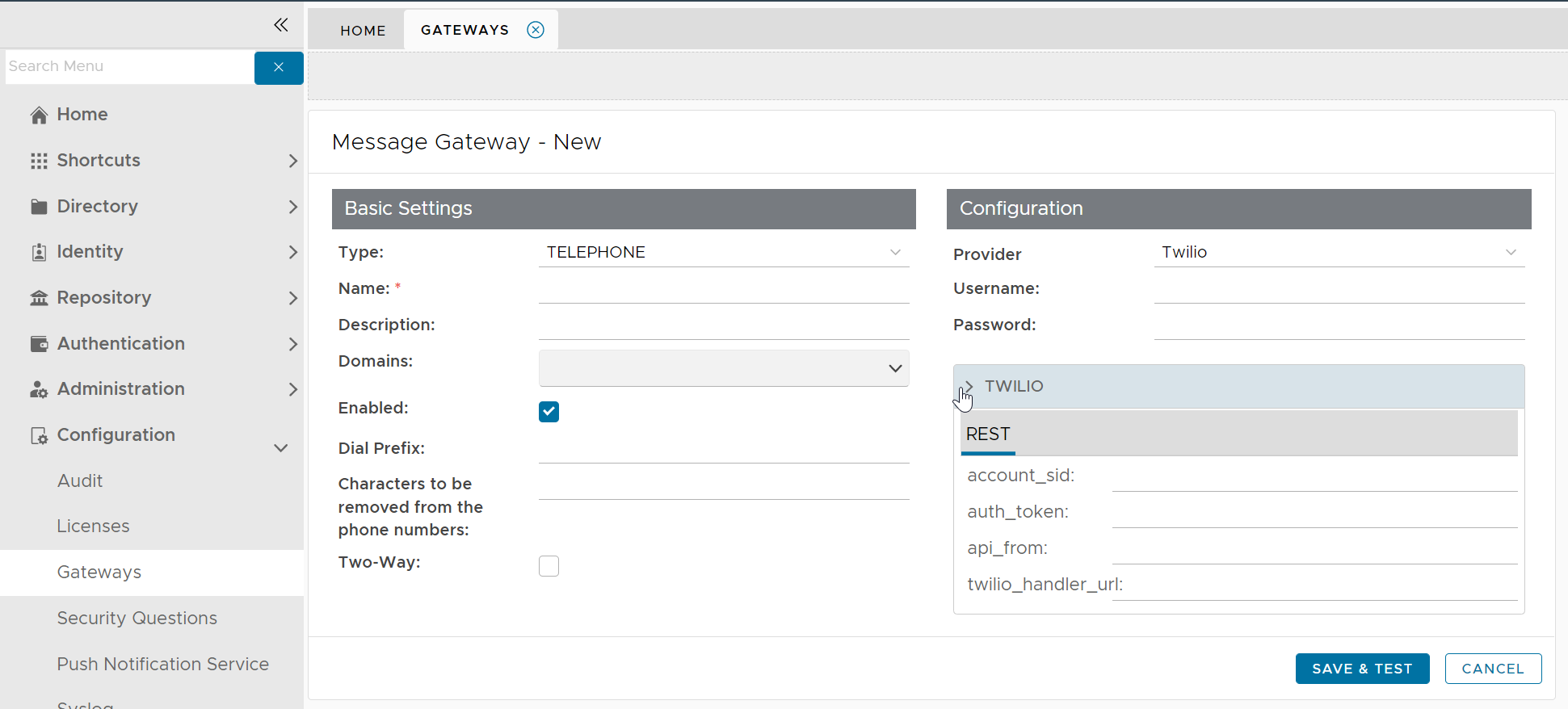
Fill in the following details
| Item | Value |
|---|---|
| Type | TELEPHONE |
| Name | Enter a name, e.g. Twilio Call |
| Domains | Select all domains |
| Enabled | √ |
| Two-Way | √ |
| Provider | Twilio |
| Username | ACCOUNT SID in Twilio |
| Password | AUTH TOKEN in Twilio |
| api_from | Phone number in Twilio |
| account_sid | ACCOUNT SID in Twilio |
| auth_token | AUTH TOKEN in Twilio |
| twilio_handler_url | Handler URL in TwilML Bin |
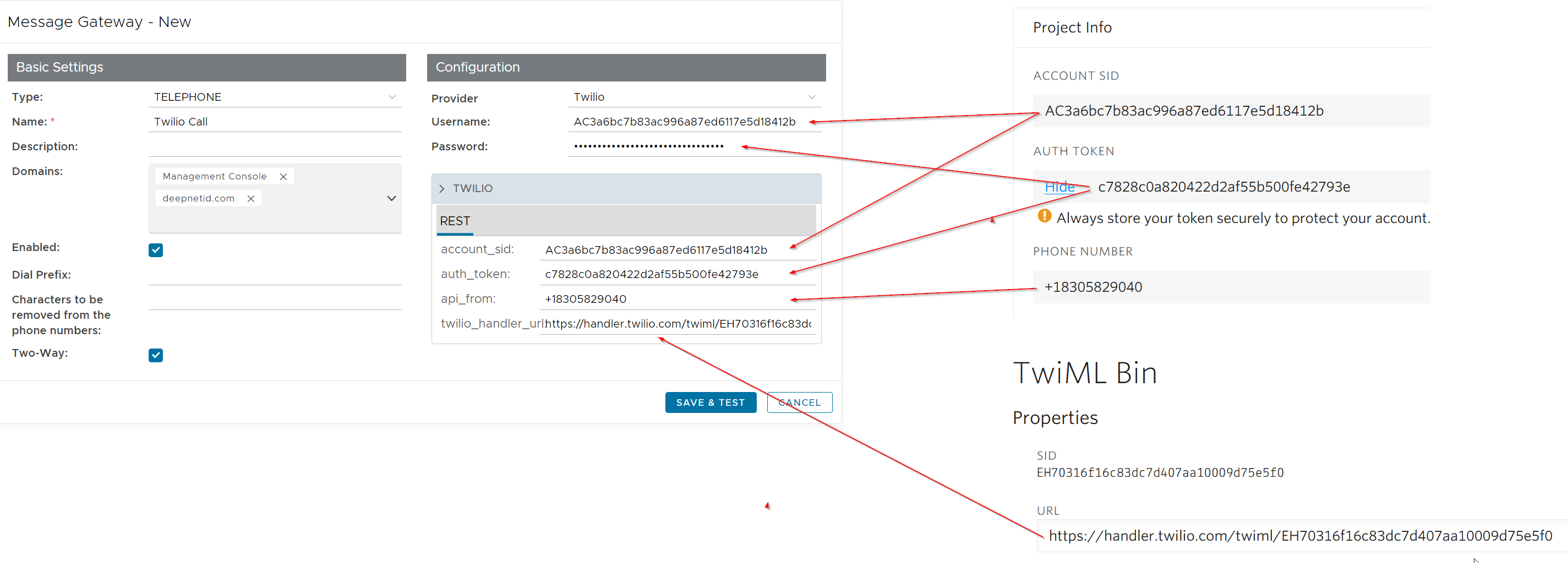
Click SAVE & TEST
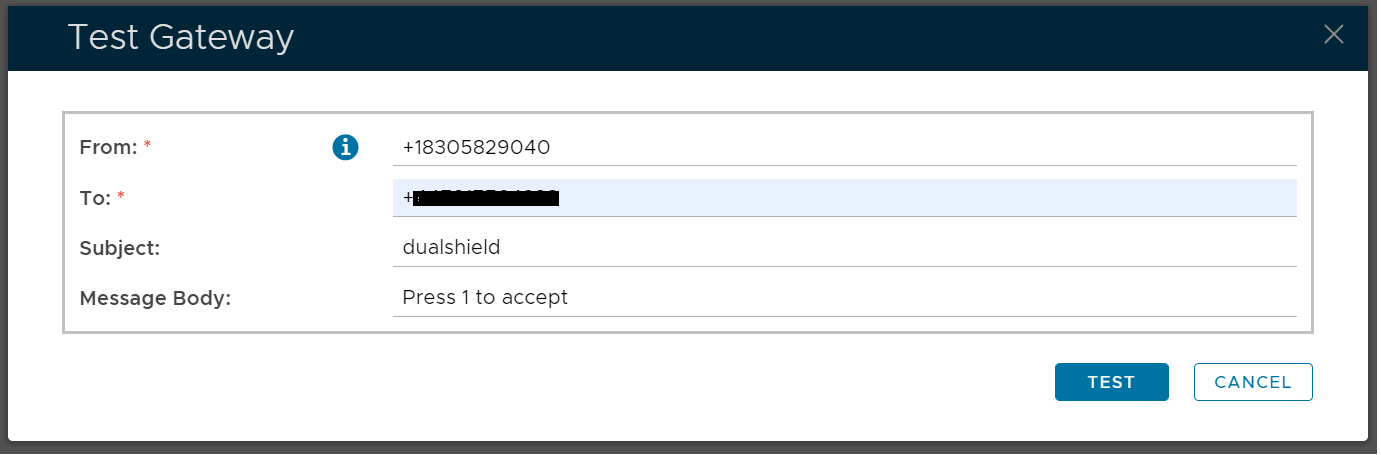
Unfortunately, this Test function does not work in the current versions (6.x).
Click CANCEL to finish it