This tutorial shows how to configure a cluster with two DualShield servers. This cluster is load-balanced by Kemp LoadMasterCitrix Netscaler load balancer.
Table of Contents
Create Real Servers
Log into Citrix Netscaler console, select "Configuration" tab, navigate to "Traffic Management > Load Balancing > Servers" :
...
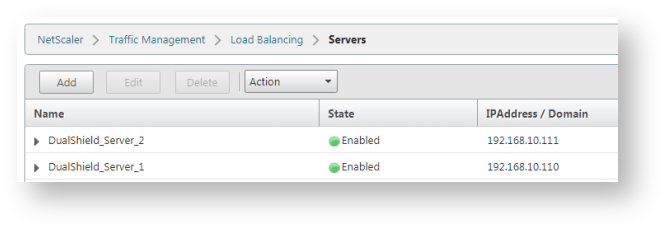
Repeat the step above to add all DualShueld servers:
Create Service Groups
A DualShield server hosts a number of services. Each services works on a specific port. Below is a list of DualShield services and their port numbers:
...
Repeat the same steps above to create service groups for other DualShield services, such as: SSO, DMC, DPS, etc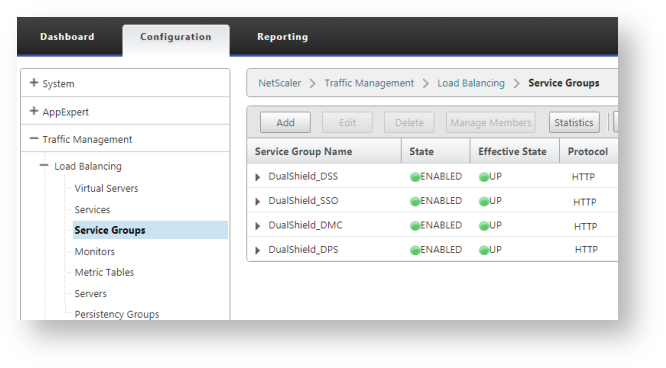
Create Virtual Servers
Now that we have created all service groups, we will create load balancing virtual servers.
...
Repeat the same steps to create virtual servers for other DualShield services, e.g. DMC, DPS, DSS etc.
Anchor _GoBack _GoBack
Create Persistency Group
The last item we need to create is a Persistency Group.
...