...
- In RD Gateway Manager, right-click the server name and select Properties.Go
- to the Select the "RD CAP Store" tab
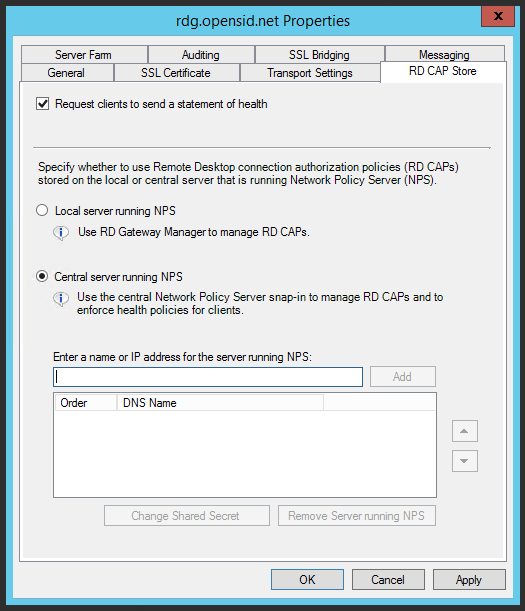
- Select " tab and select Central server running NPS."
- Enter the name of IP address of your DualShield RADIUS server (not the IP address of the NPS server)
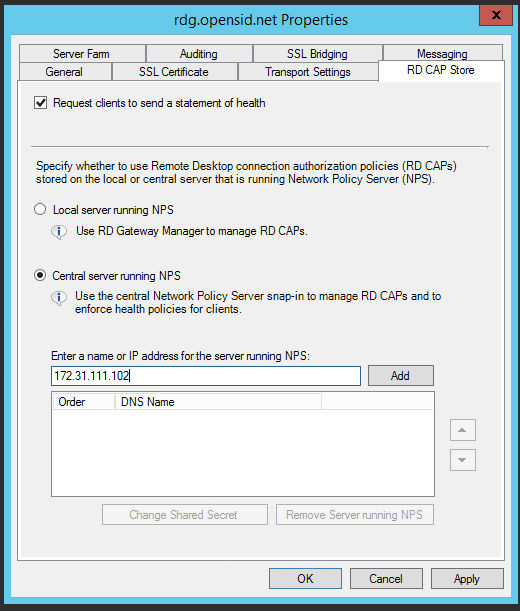 Add one or more DualShield Radius Servers as RADIUS servers by entering the name or IP address of each server.
- Click "Add" to create a shared secret key.

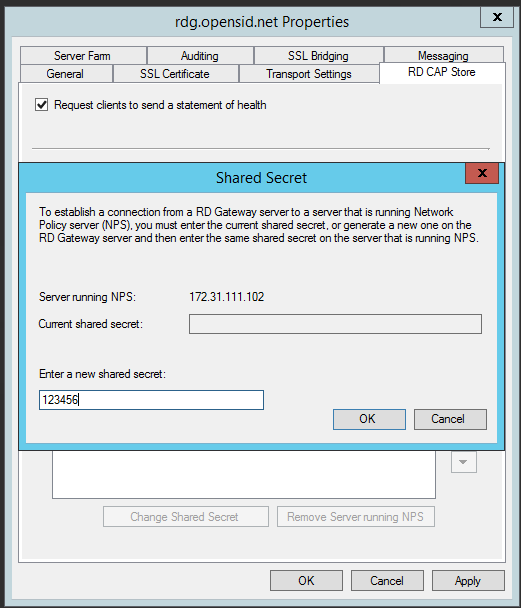
- Enter the same shared scret that was set in the RADIUS settings, then click "OK"
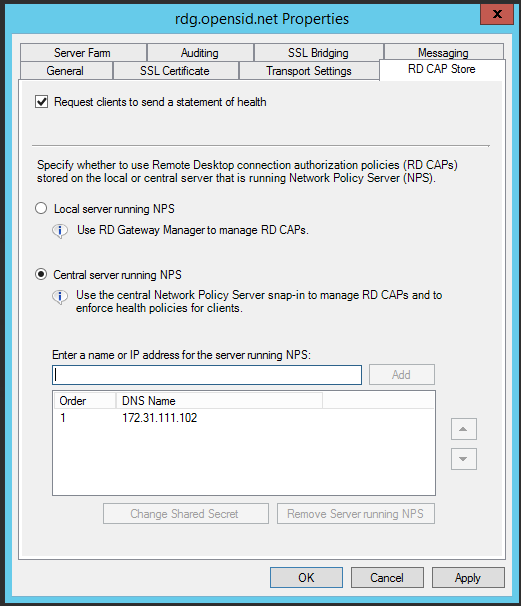
- Click Click "OK" and "Apply" to save the changes.