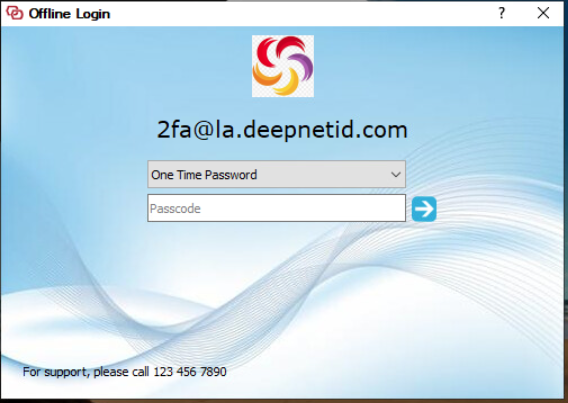
By default, the Computer Logon MA User Interface for the offline logon looks like below
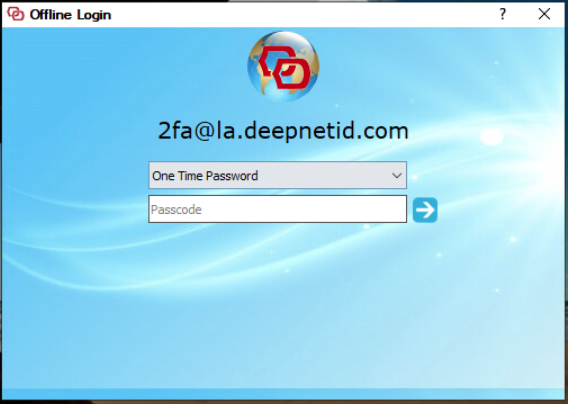
You can customize the following 3 elements in this User Interface
- Logo
- Background
- Tagline Message
In the Deepnet Configuration Editor, open the Computer Logon MA project
...
Select your logo image, background image, and enter your tagline message, i.e. "For support, please call 123 456 7890"
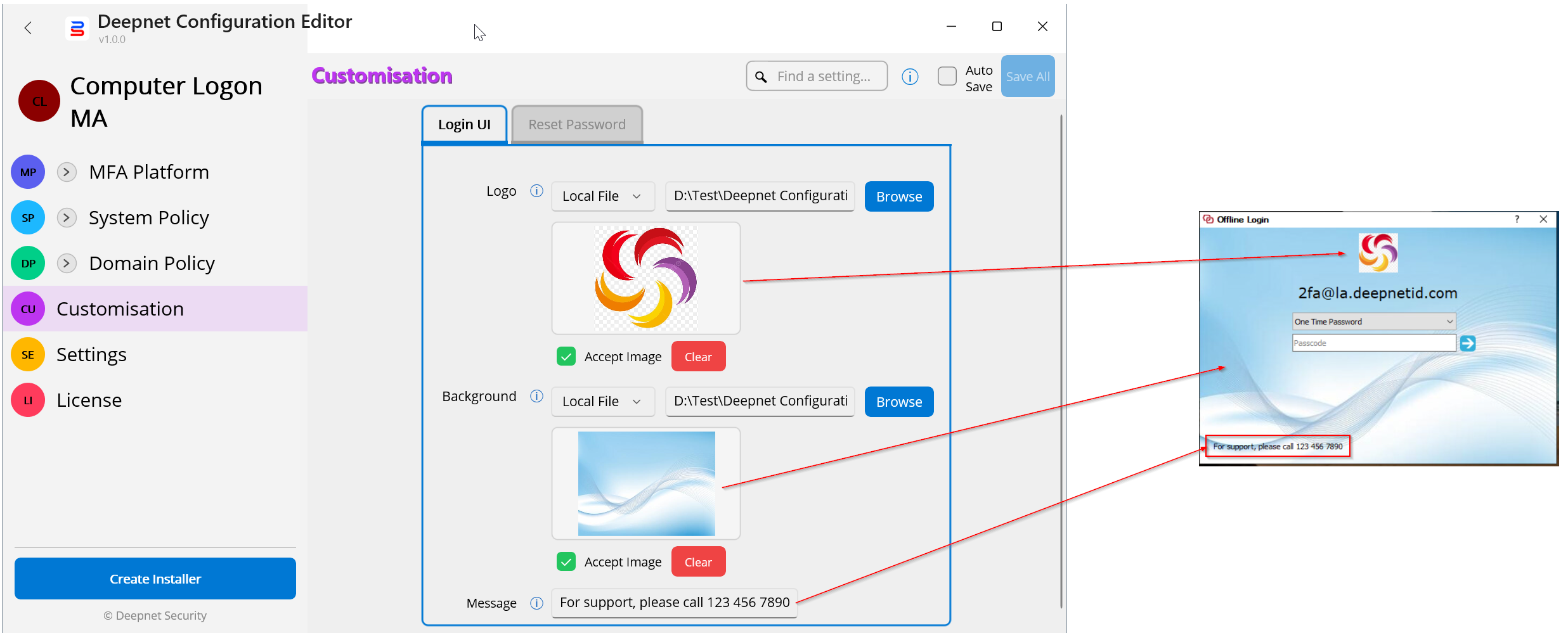
Click "Save All" to save the changes
Your Computer Logon MA User Interface for the offline logon will look like below: