...
You are able to install and run both the DualShield Windows Logon Agent 5.x and 6.x on the same machine. In other words, if you install the DualShield Windows Logon Agent 6.x on a machine where there is a DualShield Windows Logon Agent 5.x, then you will have both 5.x and 6.x running on the same machine.
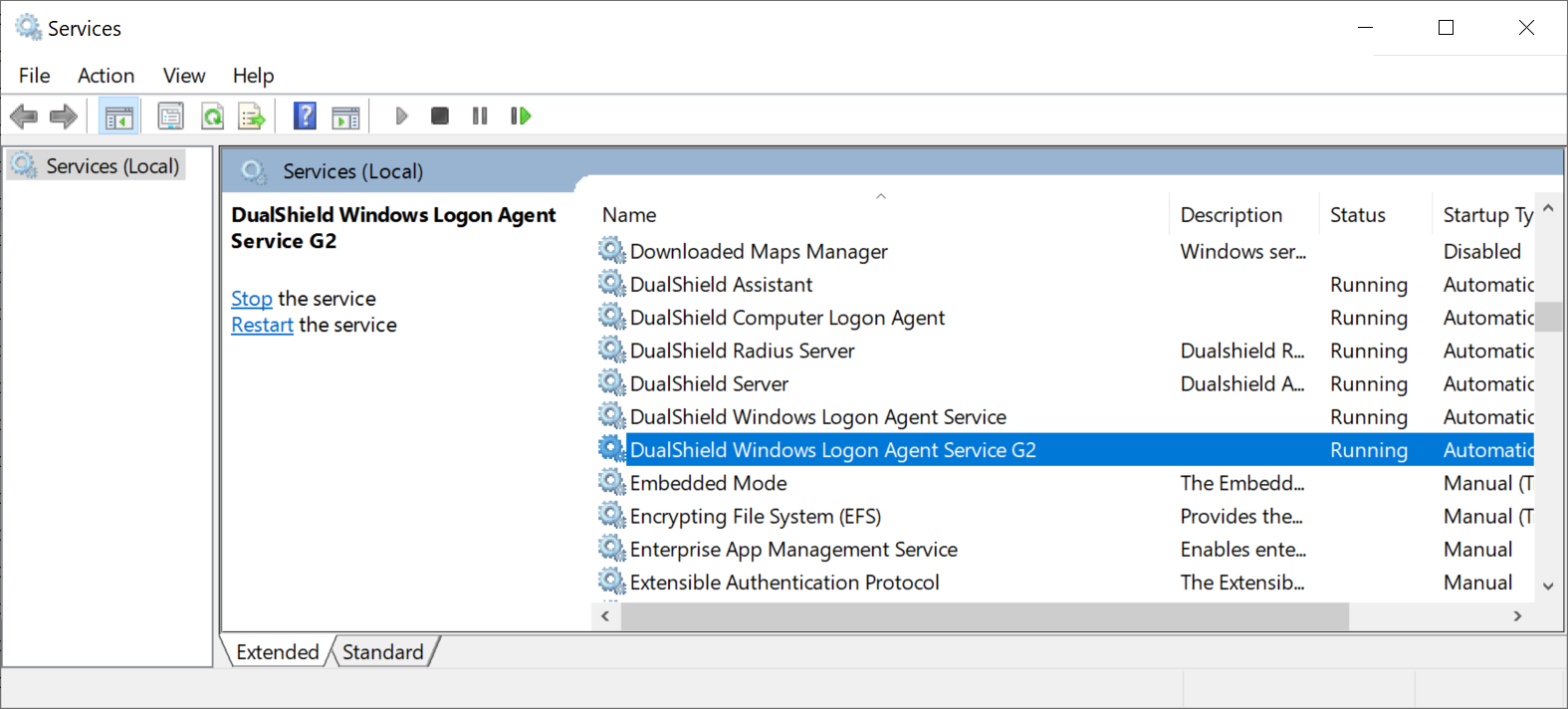


For further installation and setup of Windows Logon Agent version 6.x please go to Windows MFA Logon Agent
| Info | ||
|---|---|---|
| ||
If you install the new Dualshield Windows Logon Agent 6.x on a machine where the old DualShield Windows Logon Agent 5.x has been running, then you should NOT uninstall the old the DualShield Windows Logon Agent 5.x, even when there is no old DualShield Windows Logon Client running in your network at all. |
...
On the endpoint machines, the PCs and terminal servers, you can only install and run either the DualShield Windows Loogn Logon Client 5.x or 6.0. If you install the DualShield Windows Logon Client 6.x on a machine where there is a DualShield Logon Client 5.x, then the 6.x client will replace the 5.x client.
...
- If the current logon client 5.x was installed using the EXE, then you must uninstall it first. Then, install the logon client 6.x using either EXE or MSI
- If the current logon client 5.x was installed using the MSI, then you can install the new logon client 6.x directly on top of the old 5.x client. The 6.x MSI installer will automatically remove the 5.x client first then install the 6.x client.
For further installation and setup of Windows Logon Client version 6.x please go to Windows MFA Logon Client