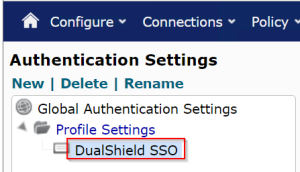
It is not mandatory but recommended to create an authentication profile in Netmotion Mobility for SAML authentication so that you can apply SAML authentication on selected users and devices only.
In the Mobility console,
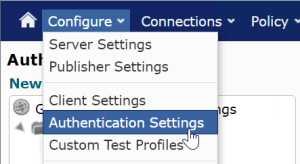
1. Navigate to "Configure > Authentication Settings"
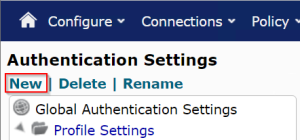
2. Click on "New"
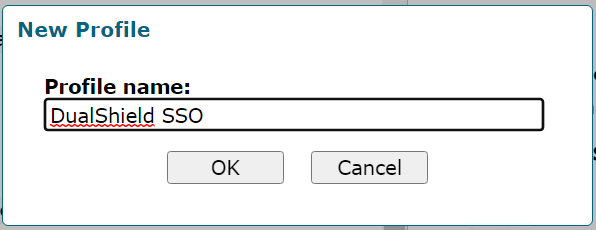
3. Enter the name for the new profile, e.g DualShield SSO
4. New authentication profile is created