Depending on how the SAML Service Provider imports IdP metadata, there are 3 ways that you can acquire the IdP metadata from the DualShield server.
Download metadata by URL
| Include Page |
|---|
| Download IdP Metadata by URL |
|---|
| Download IdP Metadata by URL |
|---|
|
Download metadata from
...
the Admin Console
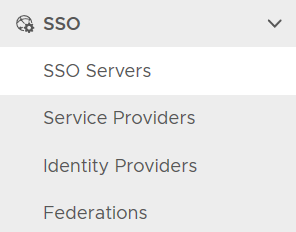 Image Removed
click the context menu of the SSO server
 Image Removed
select "Download IdP MetaData". It will be saved in the local drive as "SSO Server.xml"
| Include Page |
|---|
| Download IdP Metadata from the Admin Console |
|---|
| Download IdP Metadata from the Admin Console |
|---|
|
Download metadata by copy and paste
| Include Page |
|---|
| Download IdP Metadata by copy and paste |
|---|
| Download IdP Metadata by copy and paste |
|---|
|
 Image Removed