...
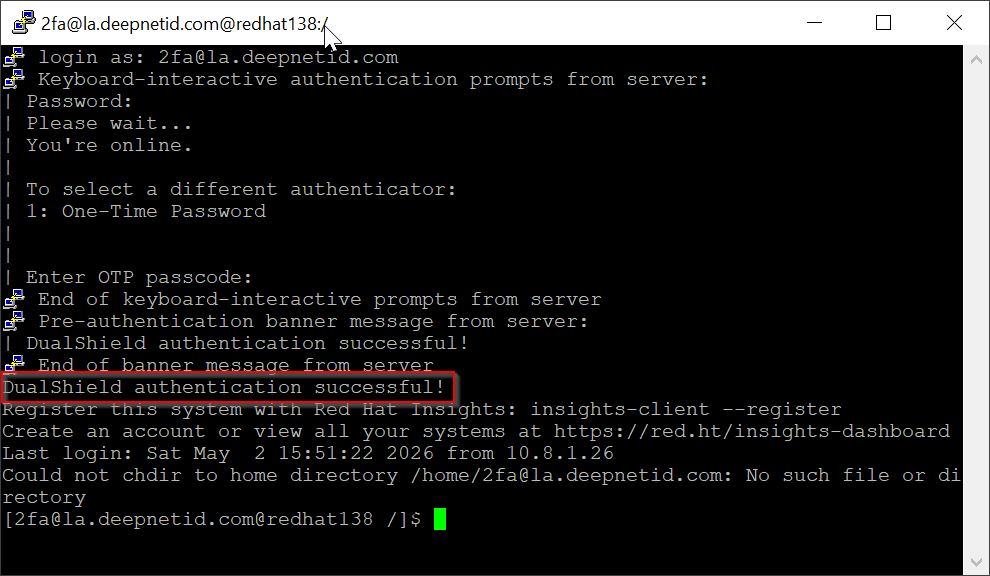
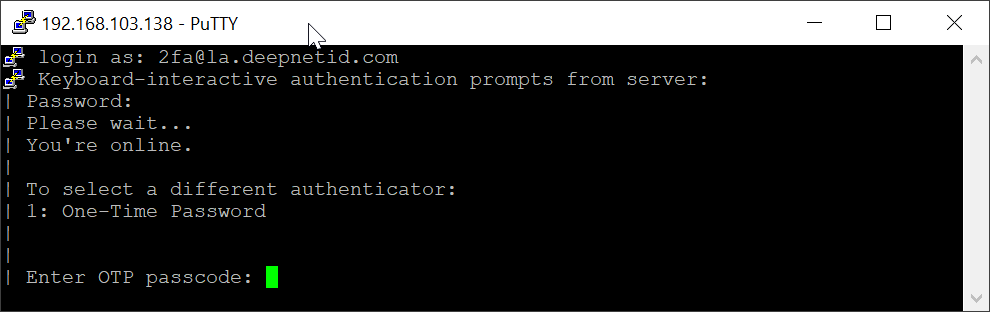
After the password has been verified successfully, you'll be prompted to enter a one-time password:
select an OOBA token:
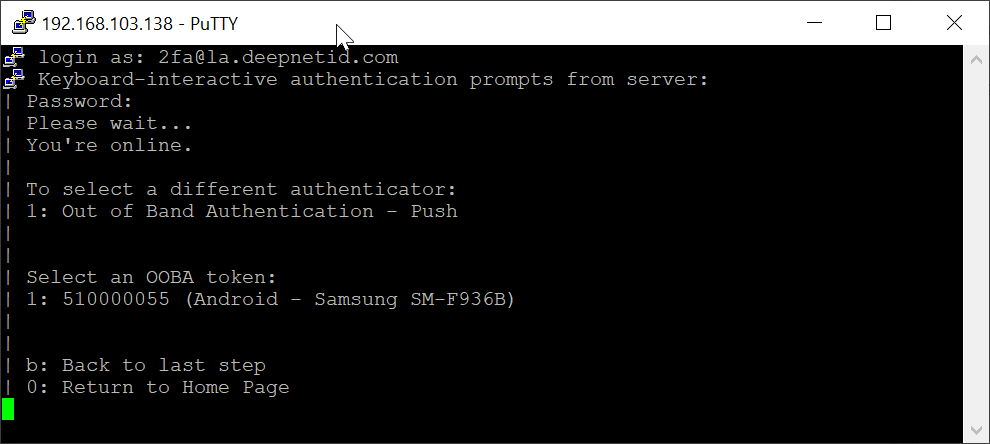
Enter "1" and press the Enter key to continue
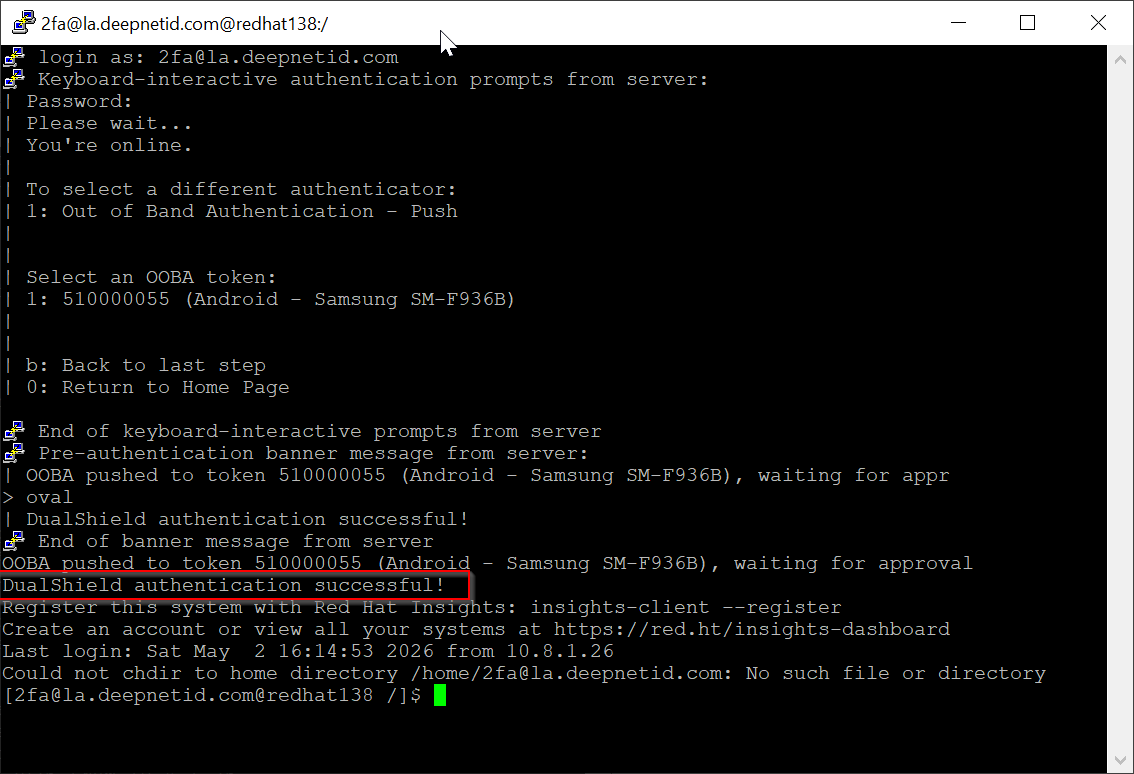
You should receive the OOBA push authentication request on your smartphone
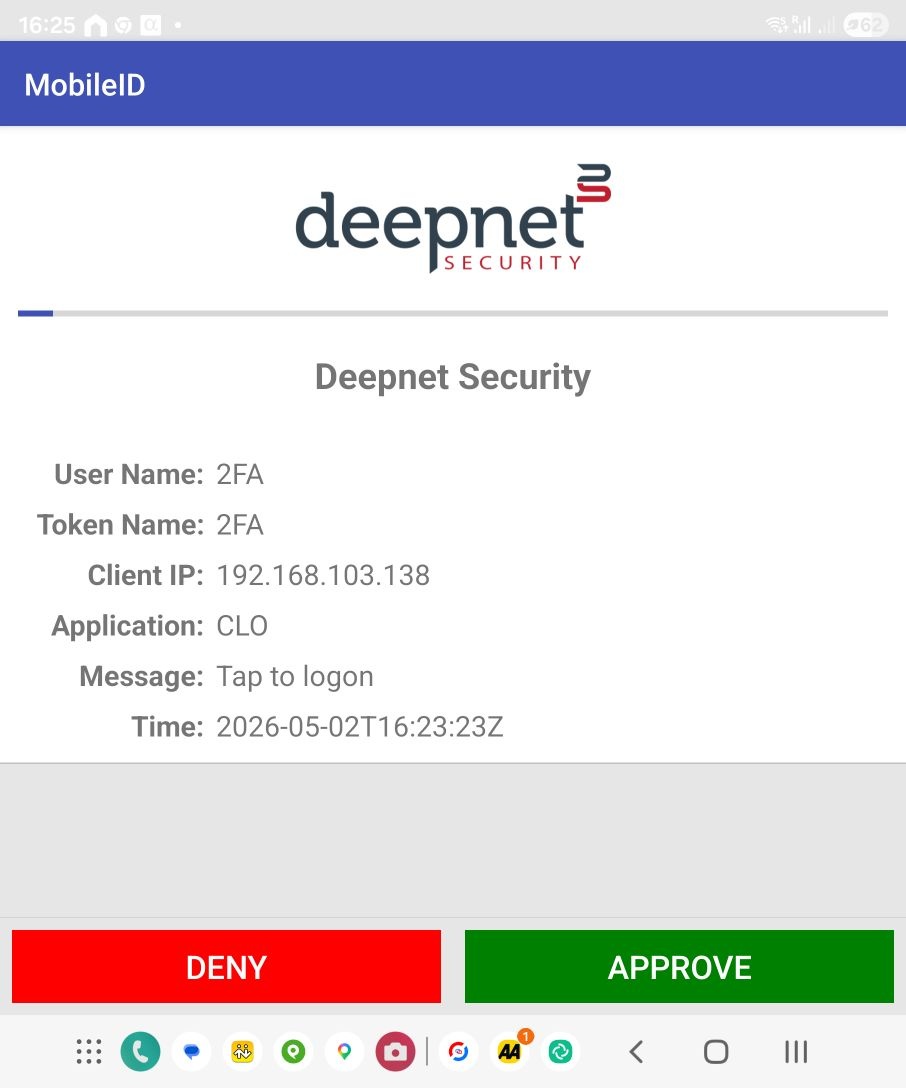
As soon as you approve the authentication request on your phone, youIf the one-time password is correct, then you're signed in successfully: