In some very rare occurrences, some users might see the error below when they sign into the DuaShield DualShield Admin Console or User Console.
...
To avoid this error message in your DualShield system, follow the steps below.
Include Page How to edit JAVA options in DualShield Sever How to edit JAVA options in DualShield Sever
In the "Java Options" section, add the instruction "-Duser.timezone=UTC" ,
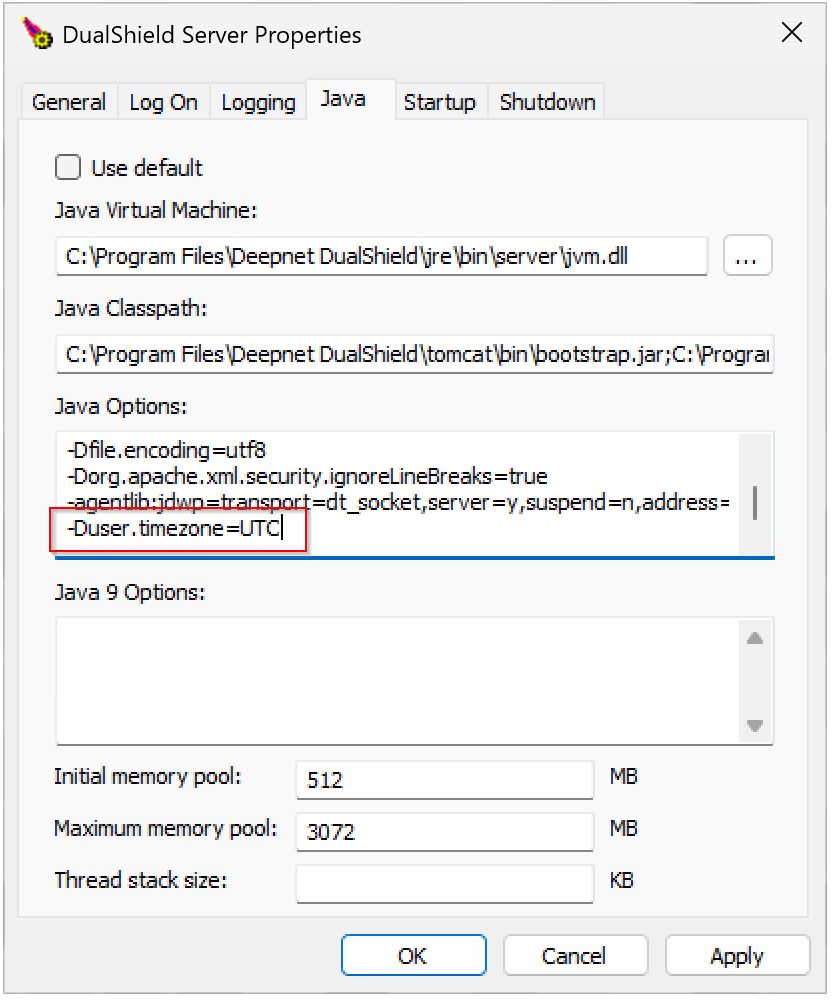
then click "Apply", click "OK"
Finally, restart the DualShield service.