To get the JSON file of your hardware tokens, follow the steps below:
...
Download the Token Secret File in
...
the "Entra MFA JSON" format
| Expand | ||||||
|---|---|---|---|---|---|---|
|
...
If you have previously downloaded the token secret file in the "Entra MFA CSV format, then you can follow the steps below to convert CSV to JSON
| Expand |
|---|
Download CSV2JSON PowerShell ScriptDownload CSV2JSON PowerShell Script and save it in a local folder. |
...
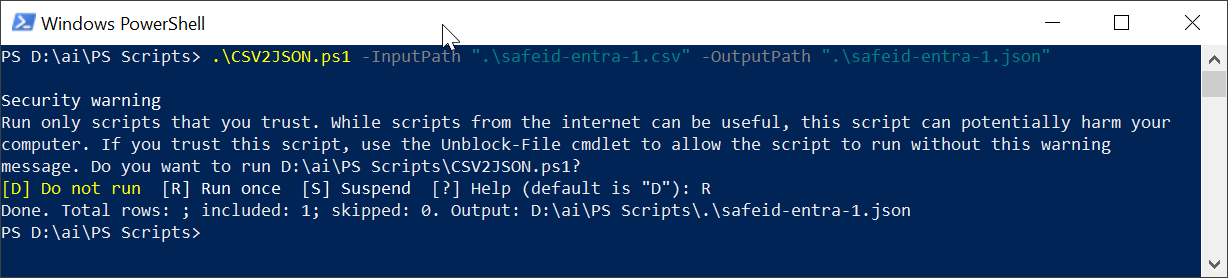
Convert the CSV file to JSON fileRun Windows PowerShell, execute the cmd below: .\CSV2JSON.ps1 -InputPath "{your token CSV file}" -OutputPath "{your token JSON file}" See an example below:
|