...
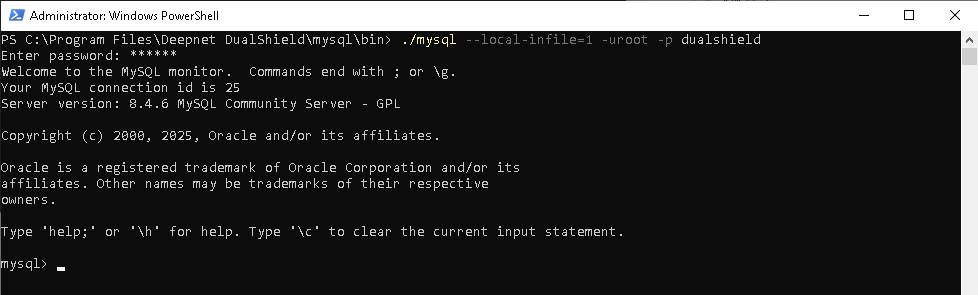
1 - Log into MySQL console
You have to use mysql command with --local-info=1 to login, e.g.
| Code Block |
|---|
mysql --local-infile=1 -uroot -p dualshield |
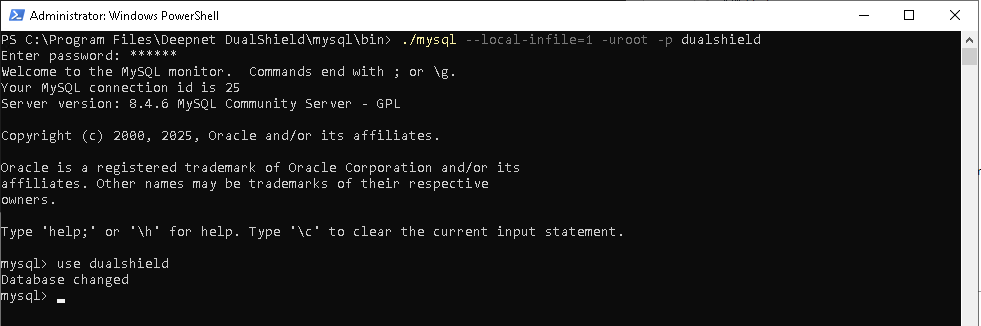
2 - Change to "DualShield" database:
| Code Block | ||
|---|---|---|
| ||
mysql > use DualShield; |
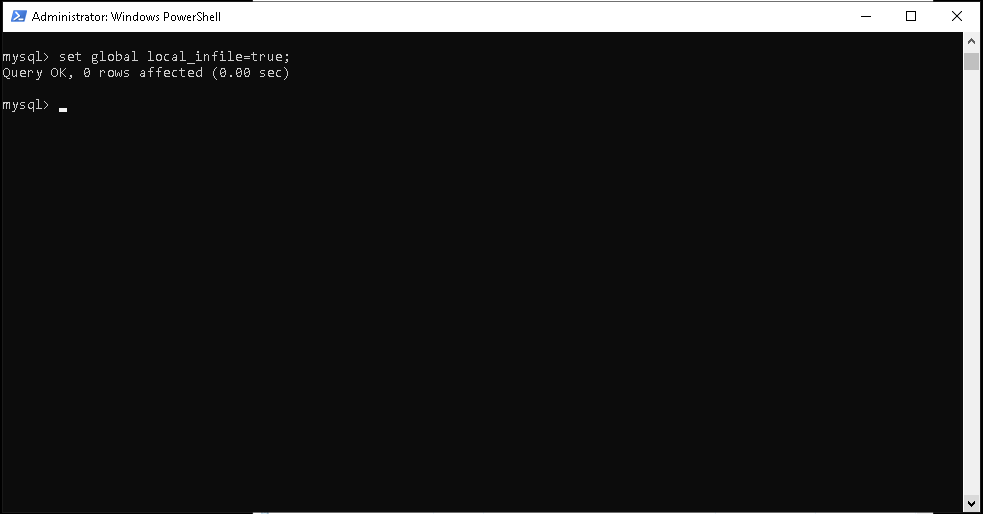
3 - Execute the script below to import the databaseSet local_infile variable
| Code Block | ||
|---|---|---|
| ||
mysql > set global local_infile=true; |
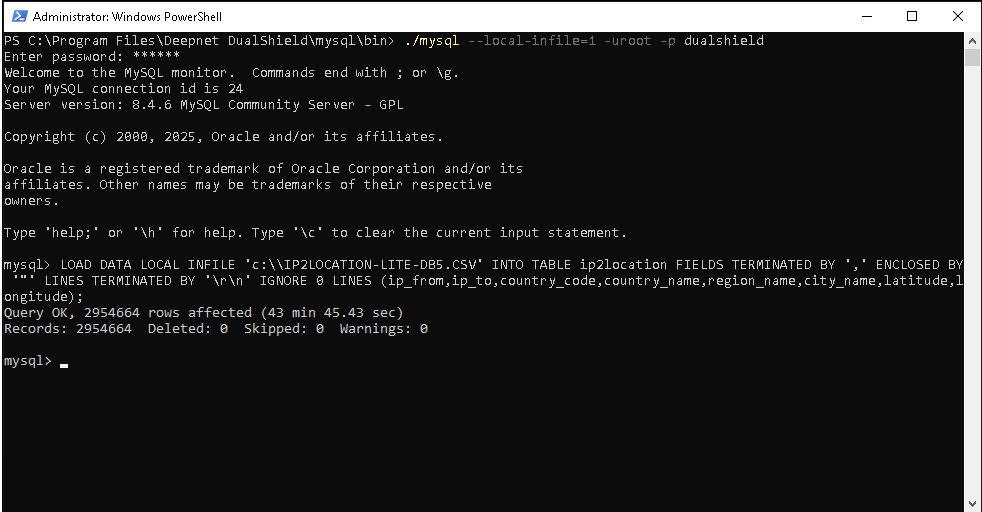
4 - Execute the script below to import the database
| Code Block | ||
|---|---|---|
| ||
mysql > LOAD DATA LOCAL INFILE 'FILE-PATH-TO\\IP2LOCATION-LITE-DB5.CSV' INTO TABLE ip2location
FIELDS TERMINATED BY ',' ENCLOSED BY '"'
LINES TERMINATED BY '\r\n'
IGNORE 0 LINES (ip_from,ip_to,country_code,country_name,region_name,city_name,latitude,longitude); |
...
Please note that it can take about 30 minutes to import the data.

Note:
* For dualshield version < 8.0, the name of the table in the database is called "ip2location_db3", although the import file is called "db5.csv"