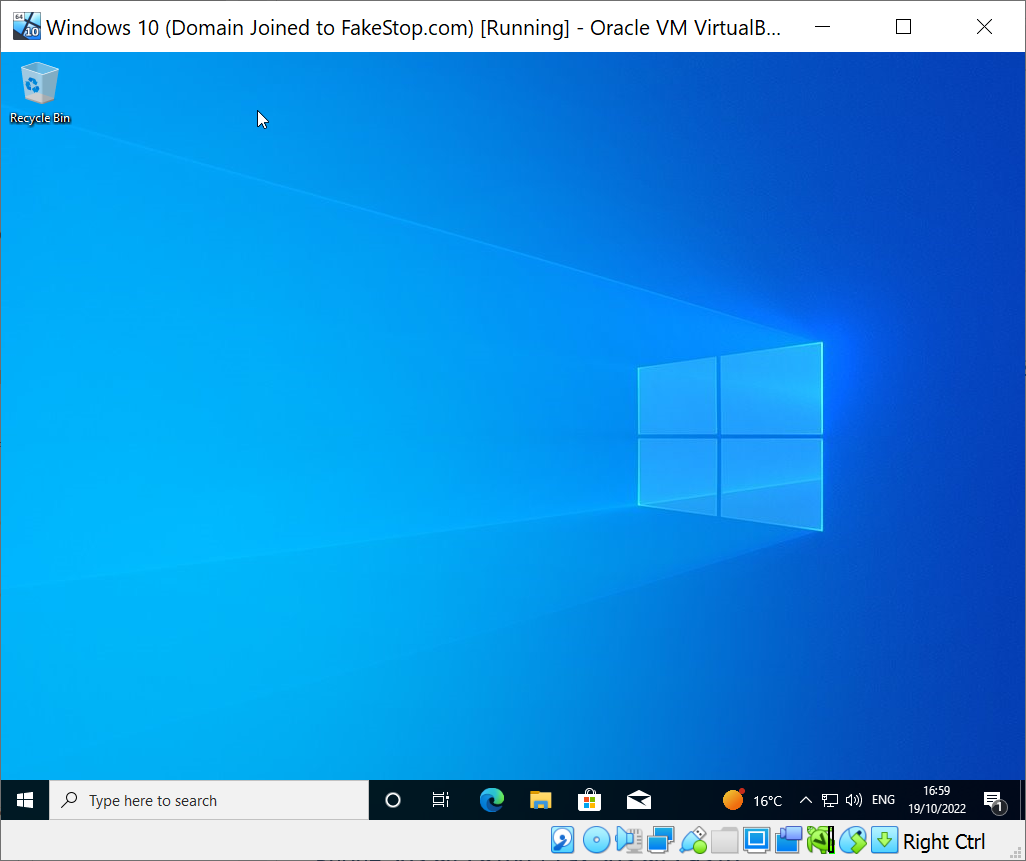
At the desktop login window, select FIDO U2F as the authentication method

If you have not inserted a FIDO U2F key into a USB port of your PC or laptop, then you will be asked to insert a FIDO key
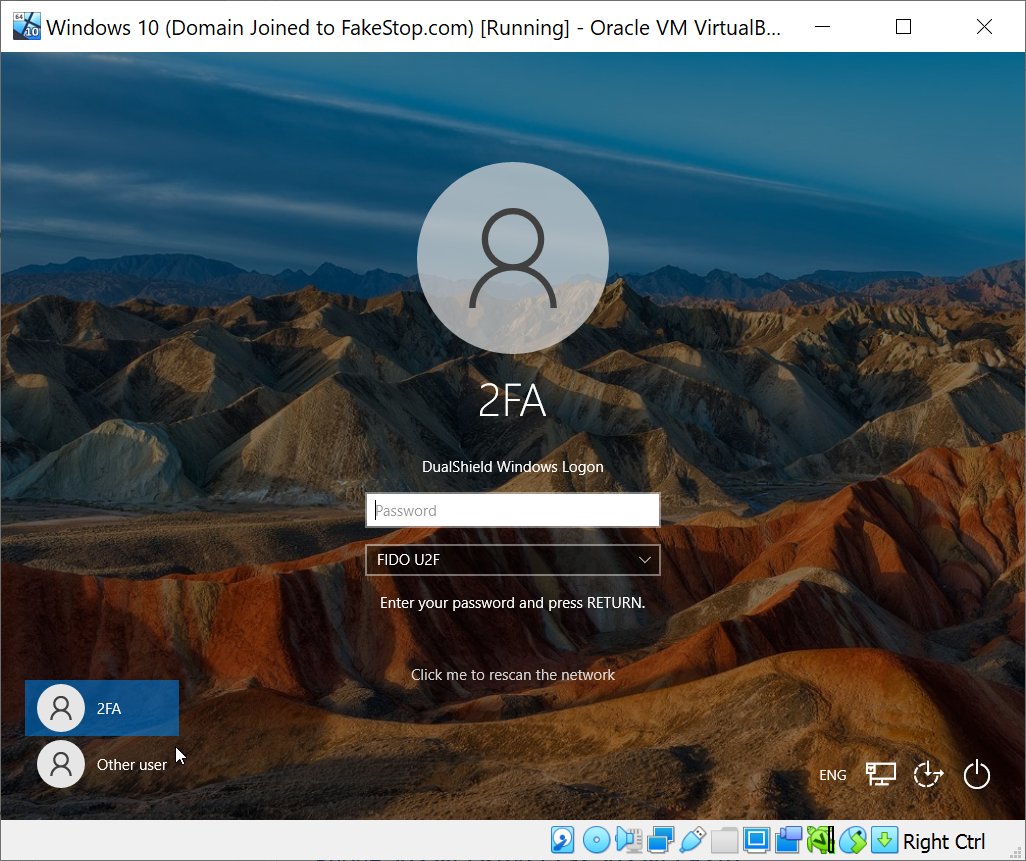
Now, enter your password and press the ENTER key
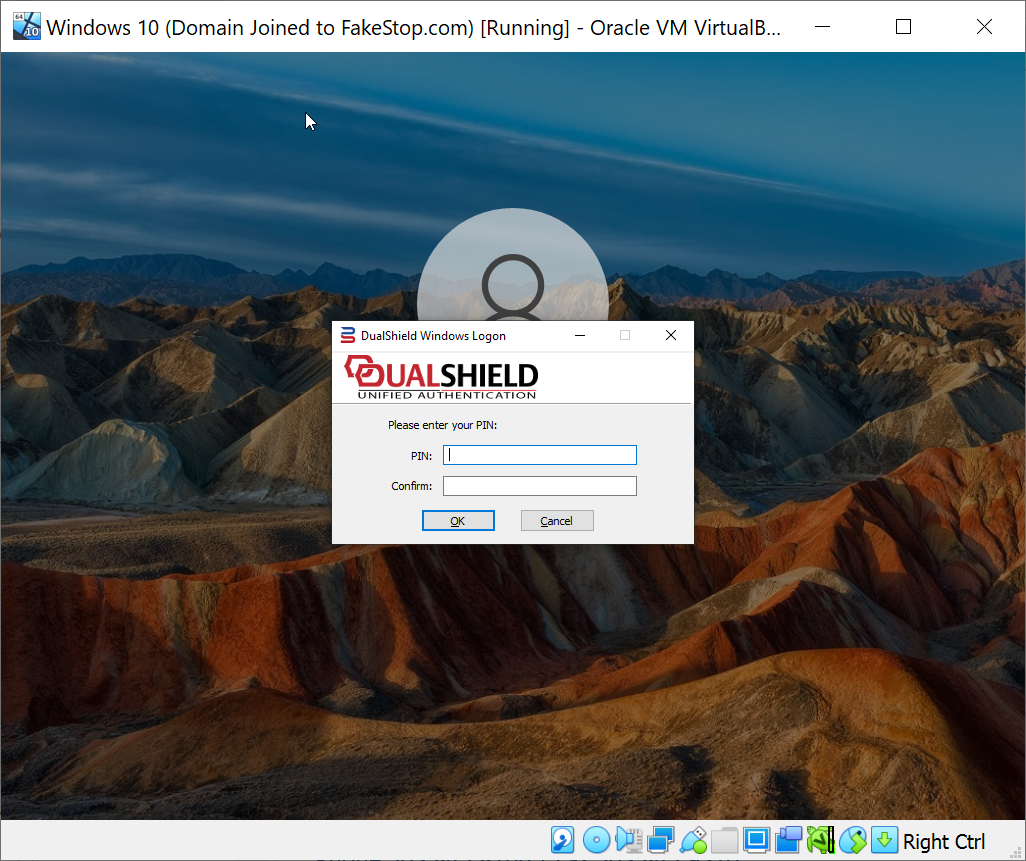
If your FIDO U2F key is protected with a PIN, then you will be prompted to enter the PIN
| Expand |
|---|
|
Next, you will be asked to touch the FIDO key
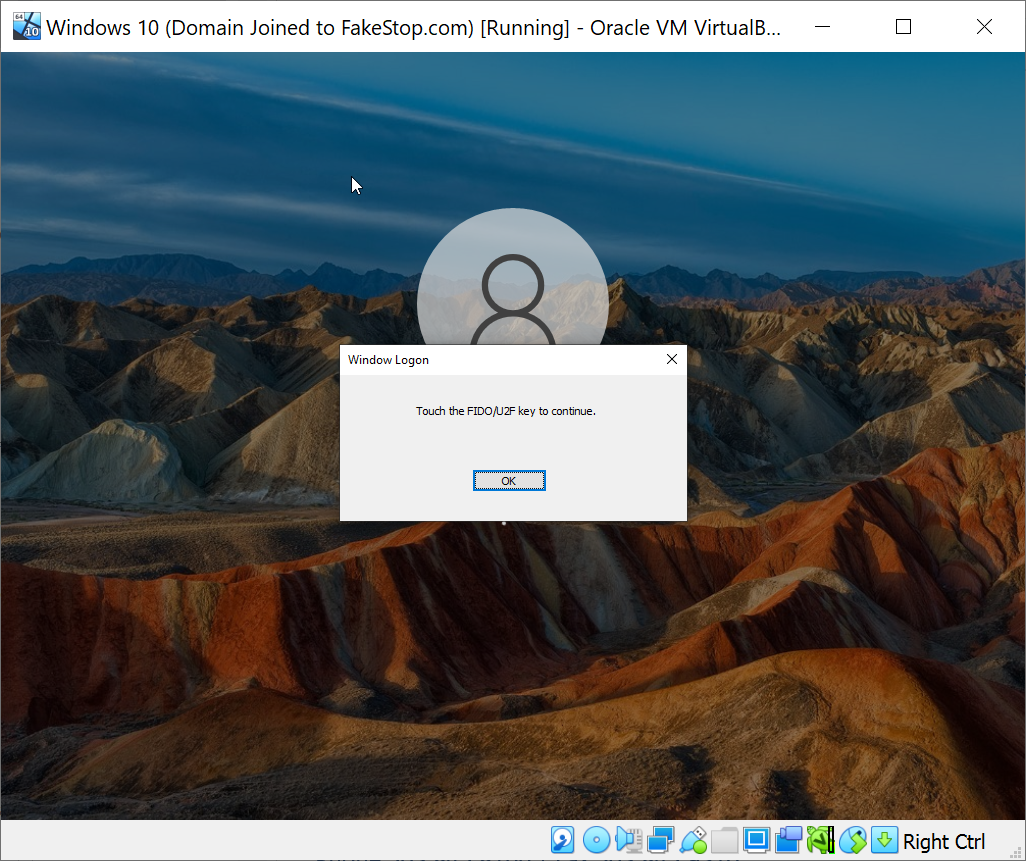
As soon as you touch the FIDO key, you will be able to login