In the DualShield Admin Console,
1. Navigate to "SSO > Service Providers"
2. Click "Create", and fill in the form as below:

Make sure that you tick the option Add "InResponseTo" Attribute
3. Now, click the "Create Metadata" button.
Copy the content of "mobilitySPMetata.xml" that you downloaded in the previous step, and paste it into the Metadata box
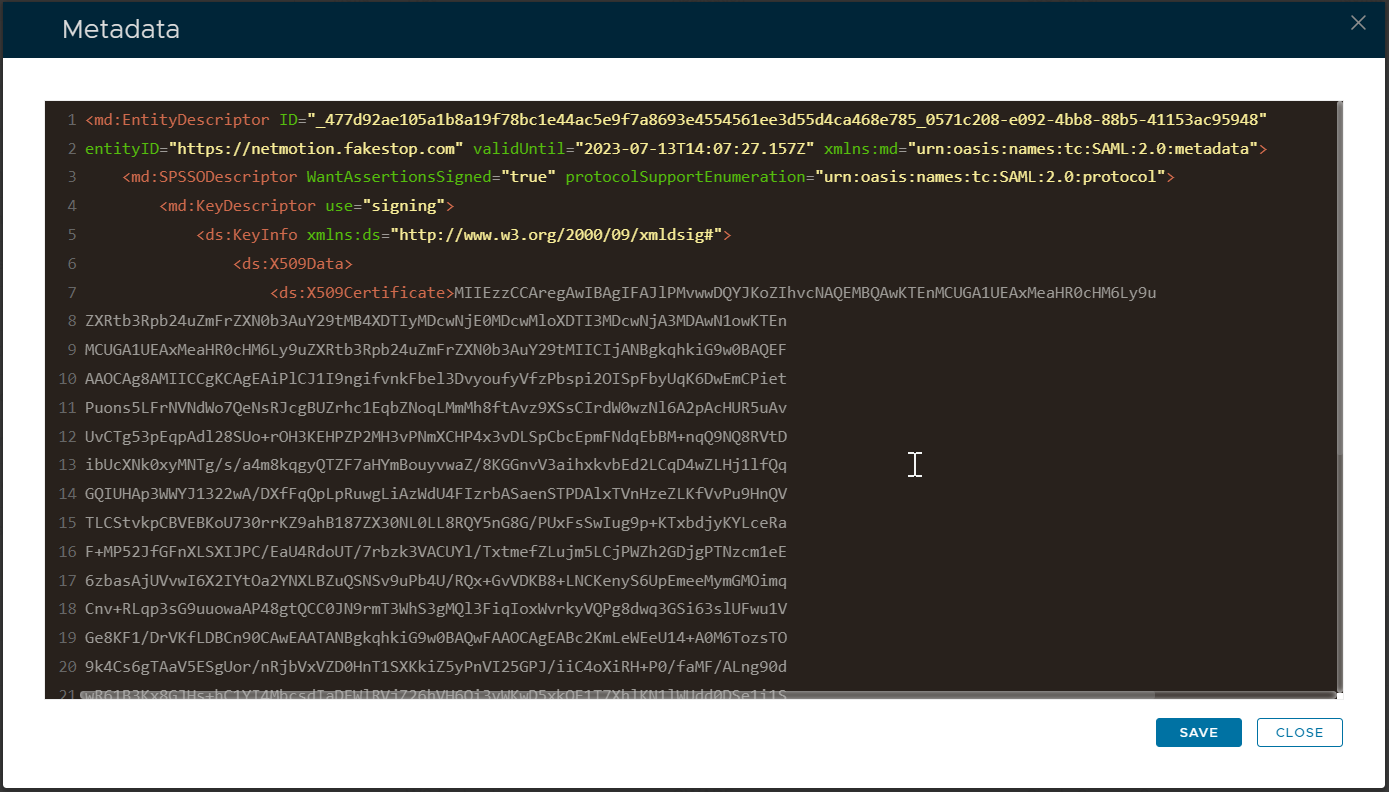
4. Click Save