...
To download tokens, users must log in to their domain network first, then visit the Computer Logon User Console on http://localhost:8082launch the application called "Deepnet Configuration Wizard"
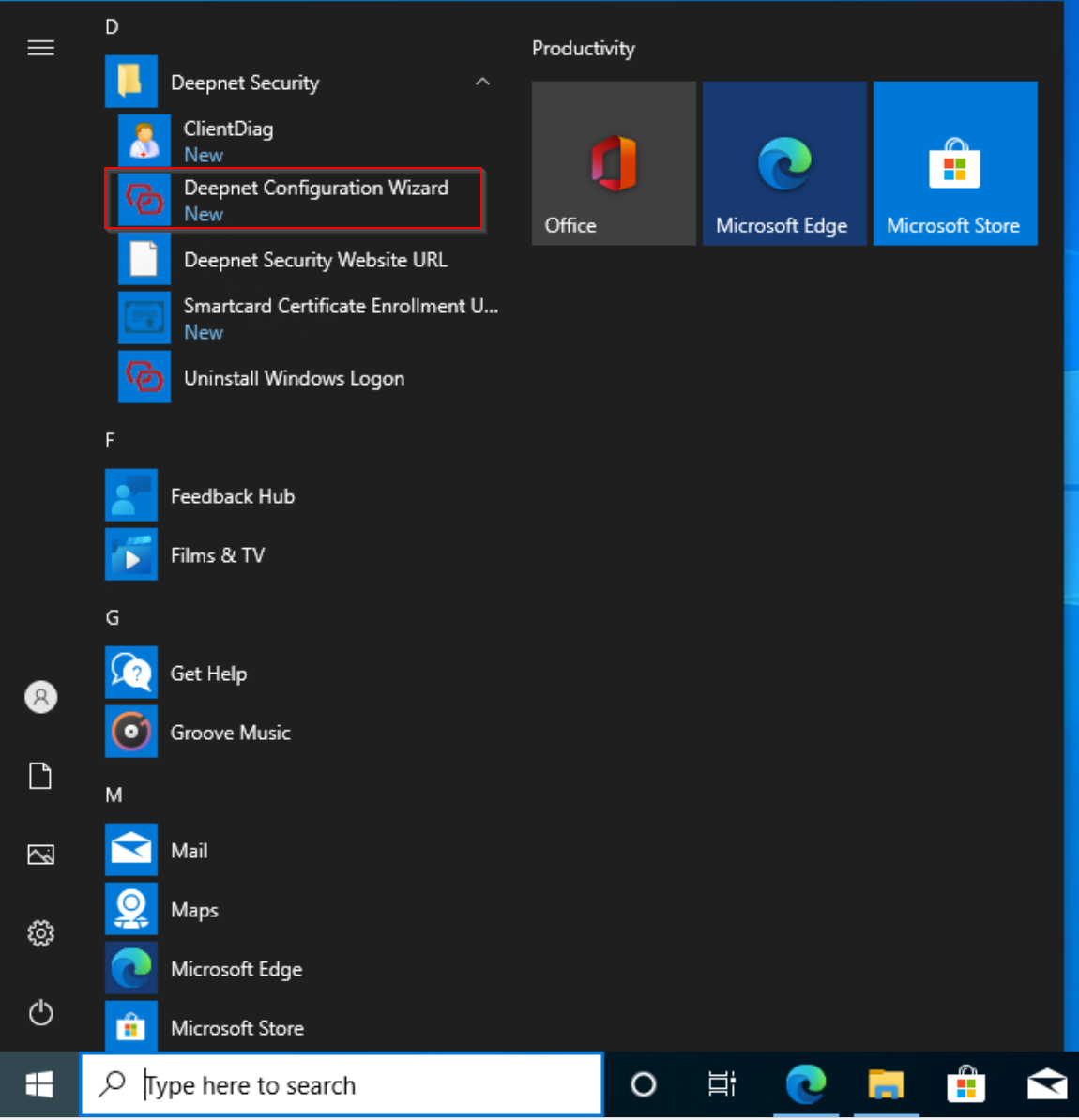
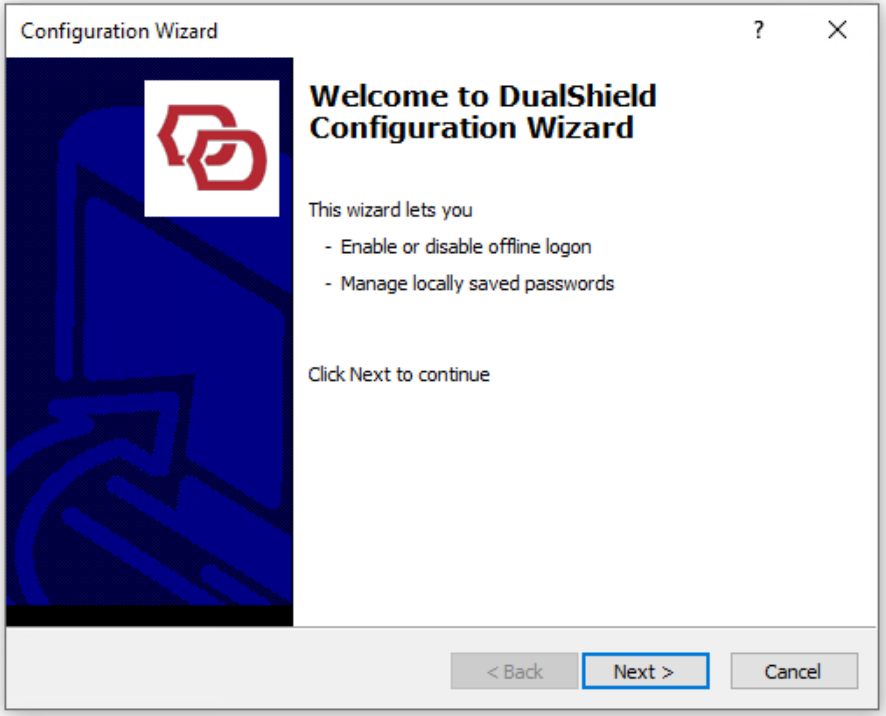
Click Next
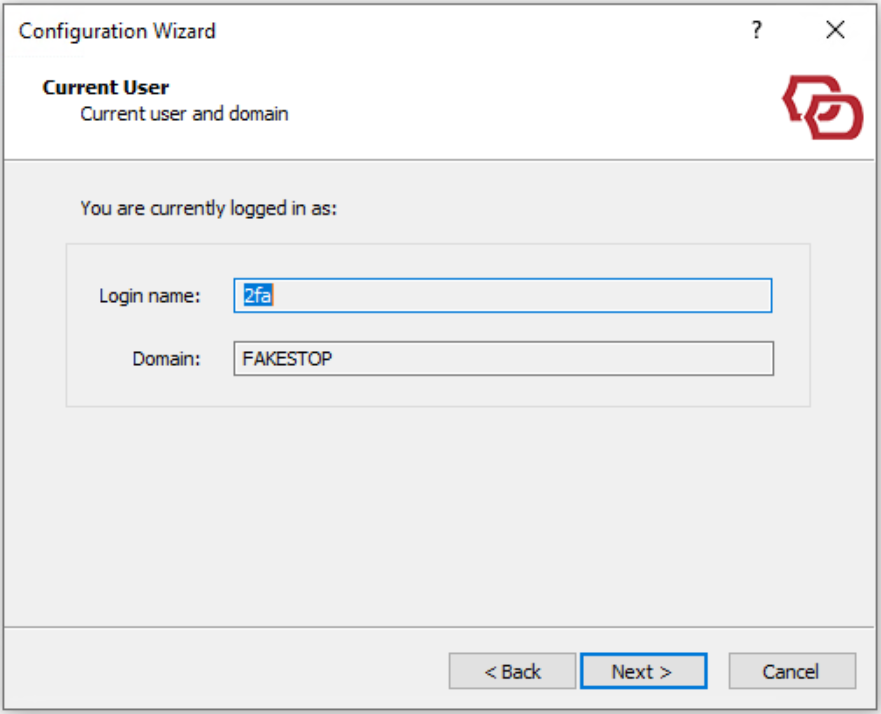
Click Next
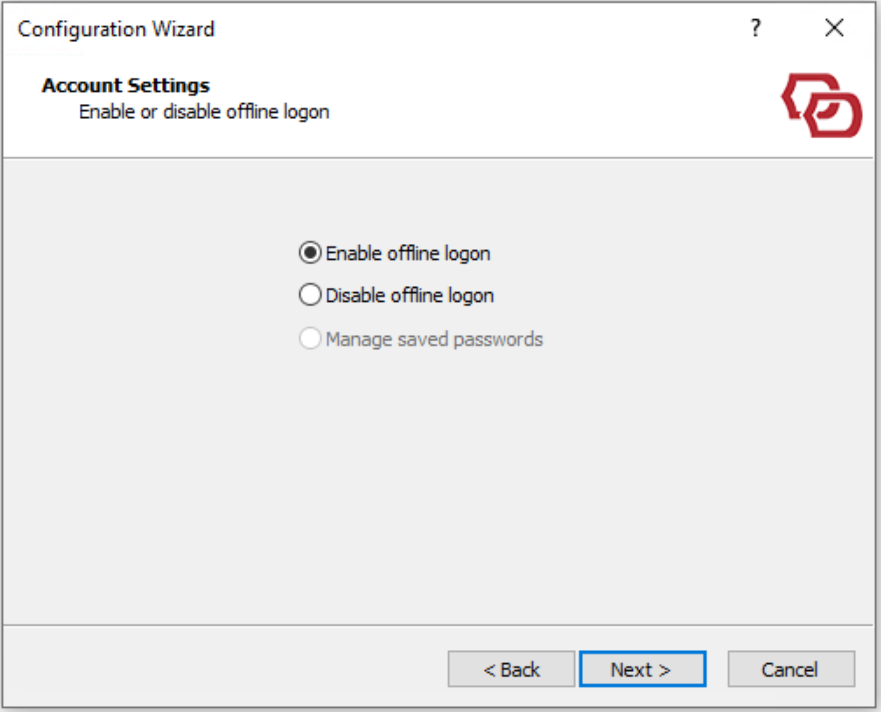
Select "Enable offline logon"
Click Next
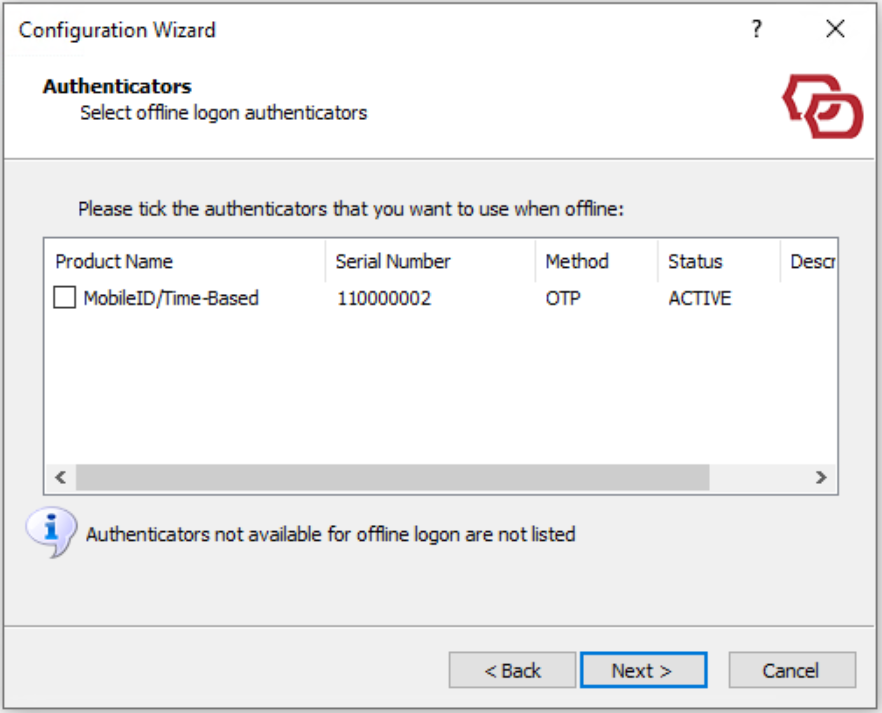
Select the token to be downloaded for offline logon
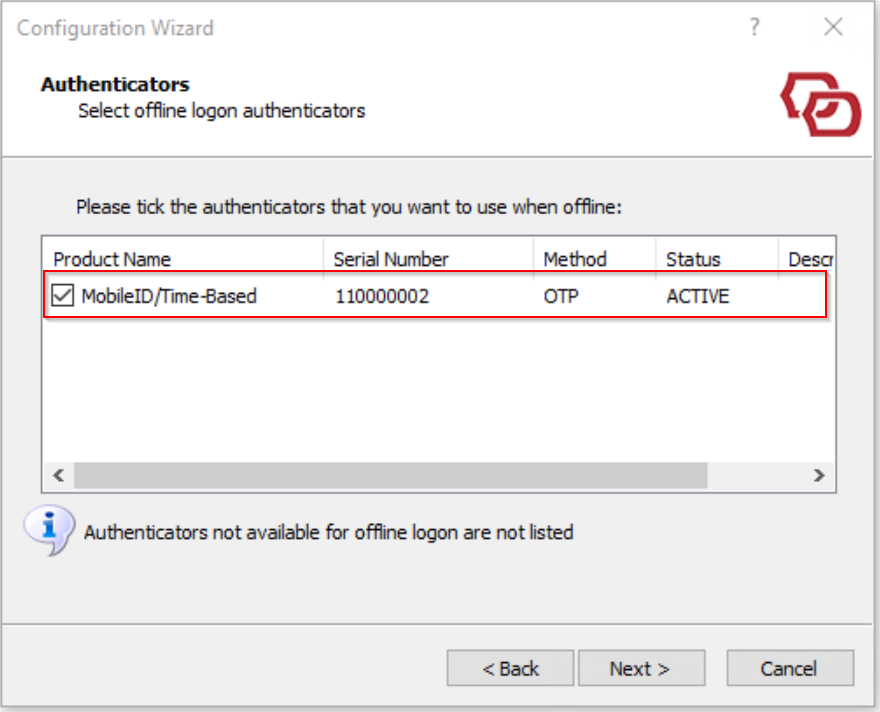
Click Next
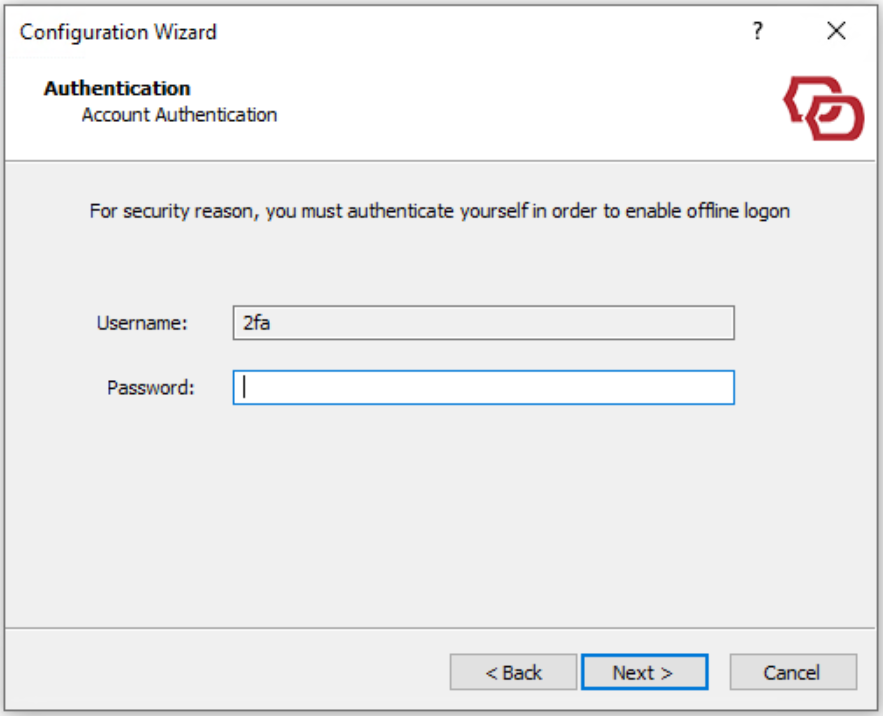
Enter your AD password
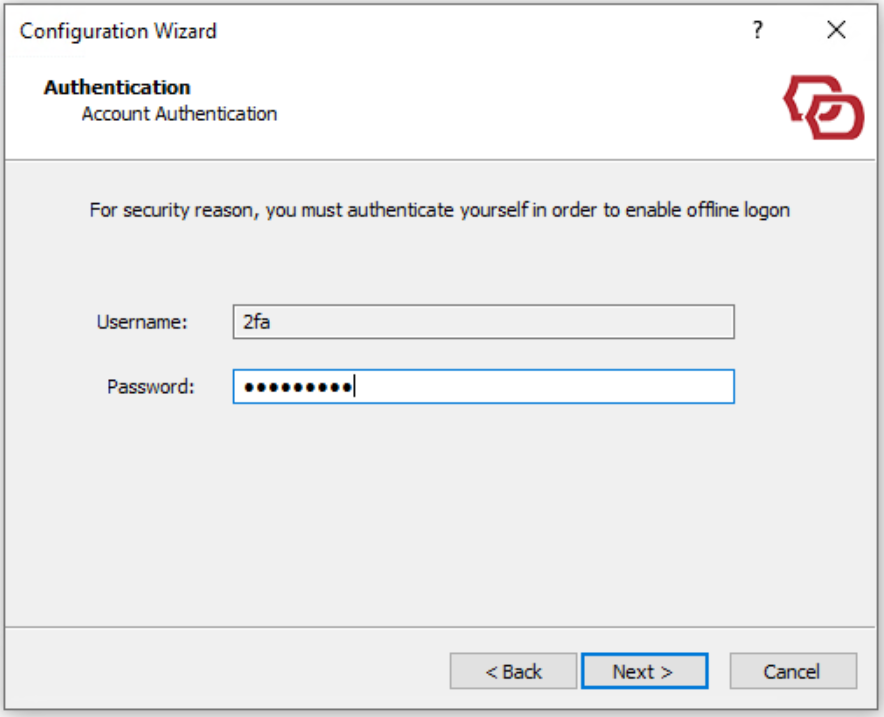
Click Next
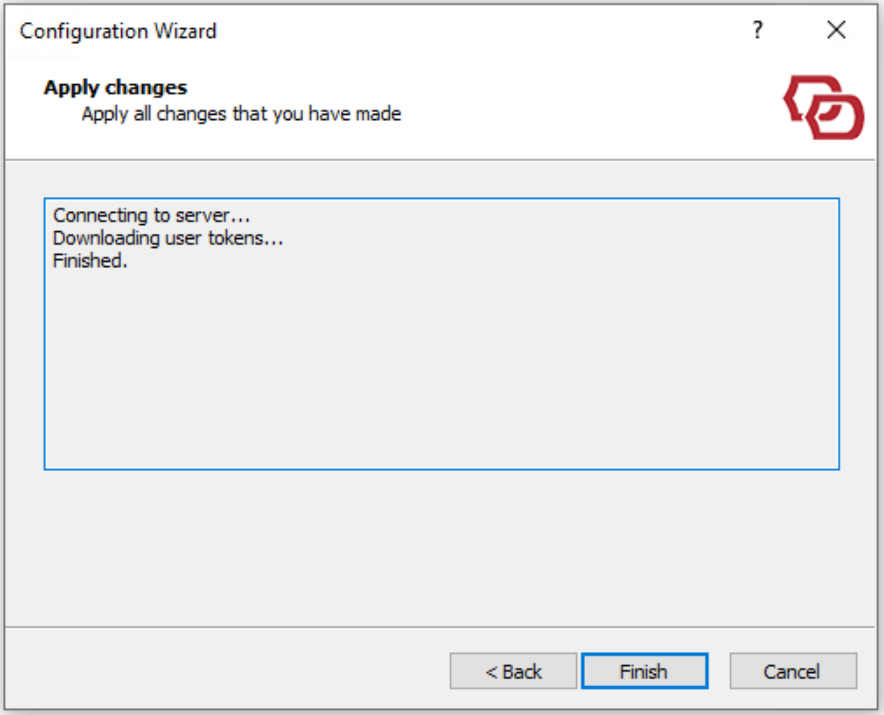
The selected token will be downloaded and ready to be used in offline logon