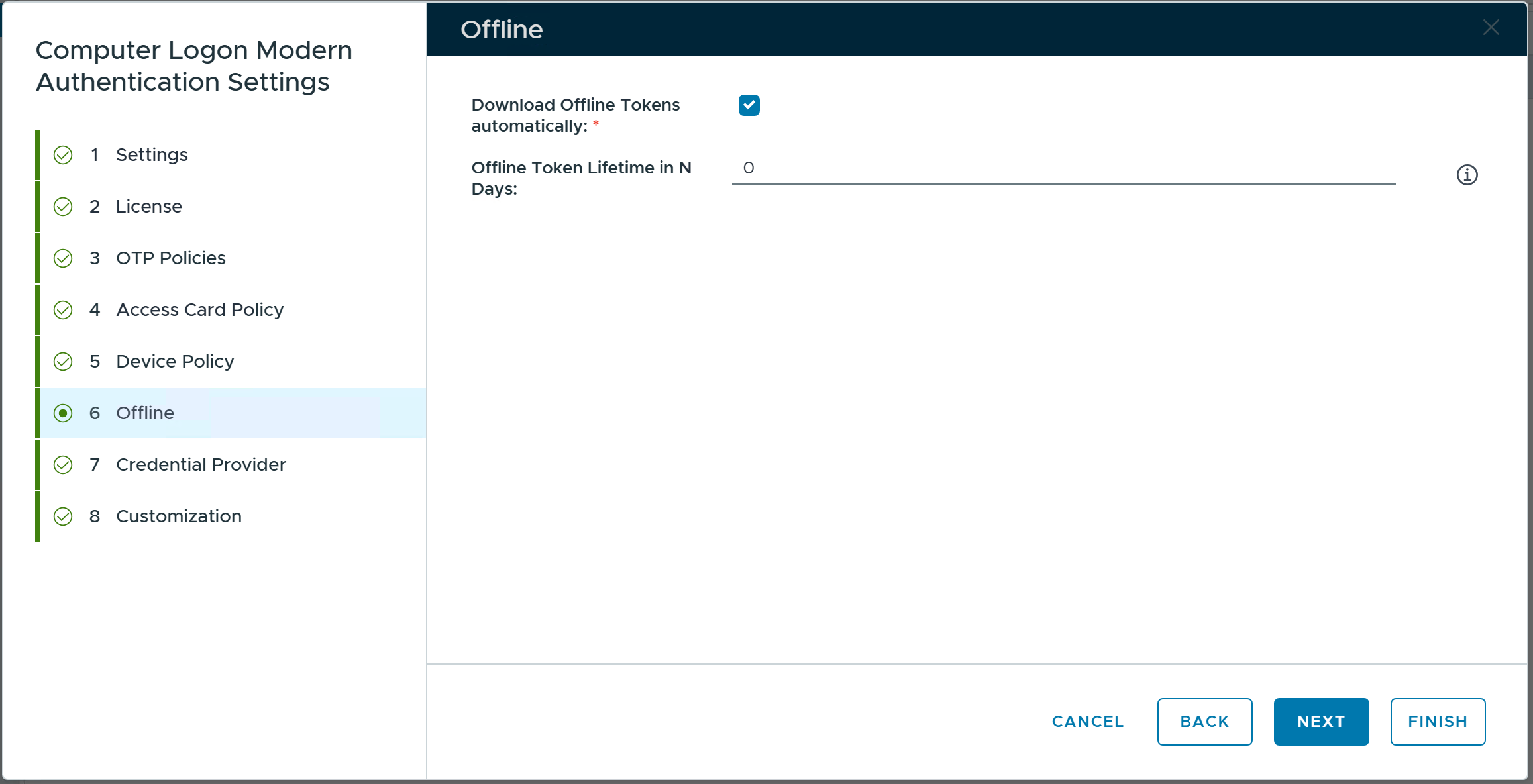
When a user attempts to sign in to a computer that cannot communicate with its authentication service provider, the DualShield MFA server, then the computer enters the so-called Offline Login mode.
First, the system administrator has to decide whether or not MFA is required for offline login. This option is in the Computer Logon Modern Authentication system policy.
| Include Page | ||||
|---|---|---|---|---|
|
Edit the system policy of Computer Logon Modern Authentication
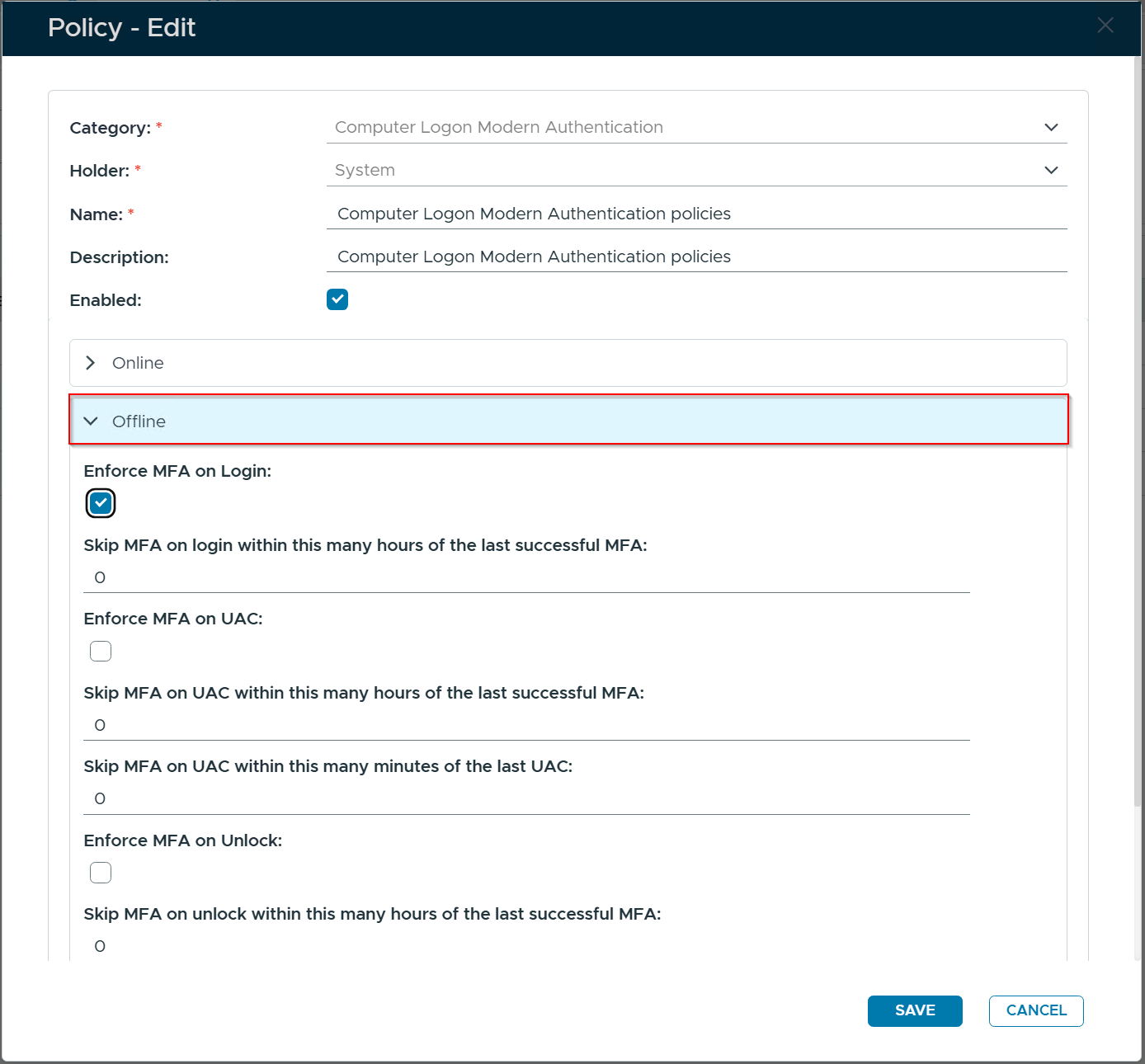
In the Offline section, toggle the option "Enforce MFA on Login" to enable or disable MFA for offline login.
Set other options accordingly.
Next, you need to configure settings for tokens to be used for offline login.
In the DualShield Admin Console., navigate to Configuration \ Computer Logon Modern Authentication
Select "Offline" in the sidebar