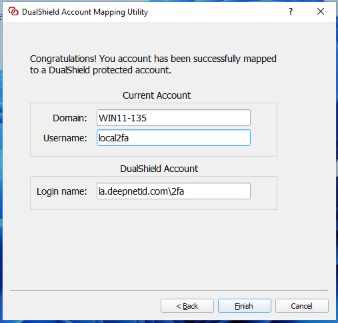
This is the first step and it needs to be carried out by users on their computers.
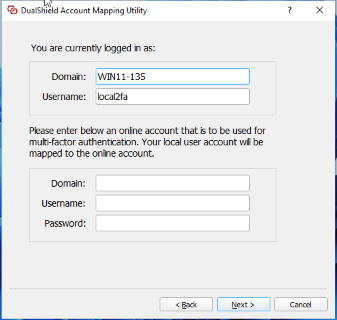
First, sign in to the computer using the local account
Then, navigate to the "Program Files\Deepnet Security\ComputerLogonClient" folder
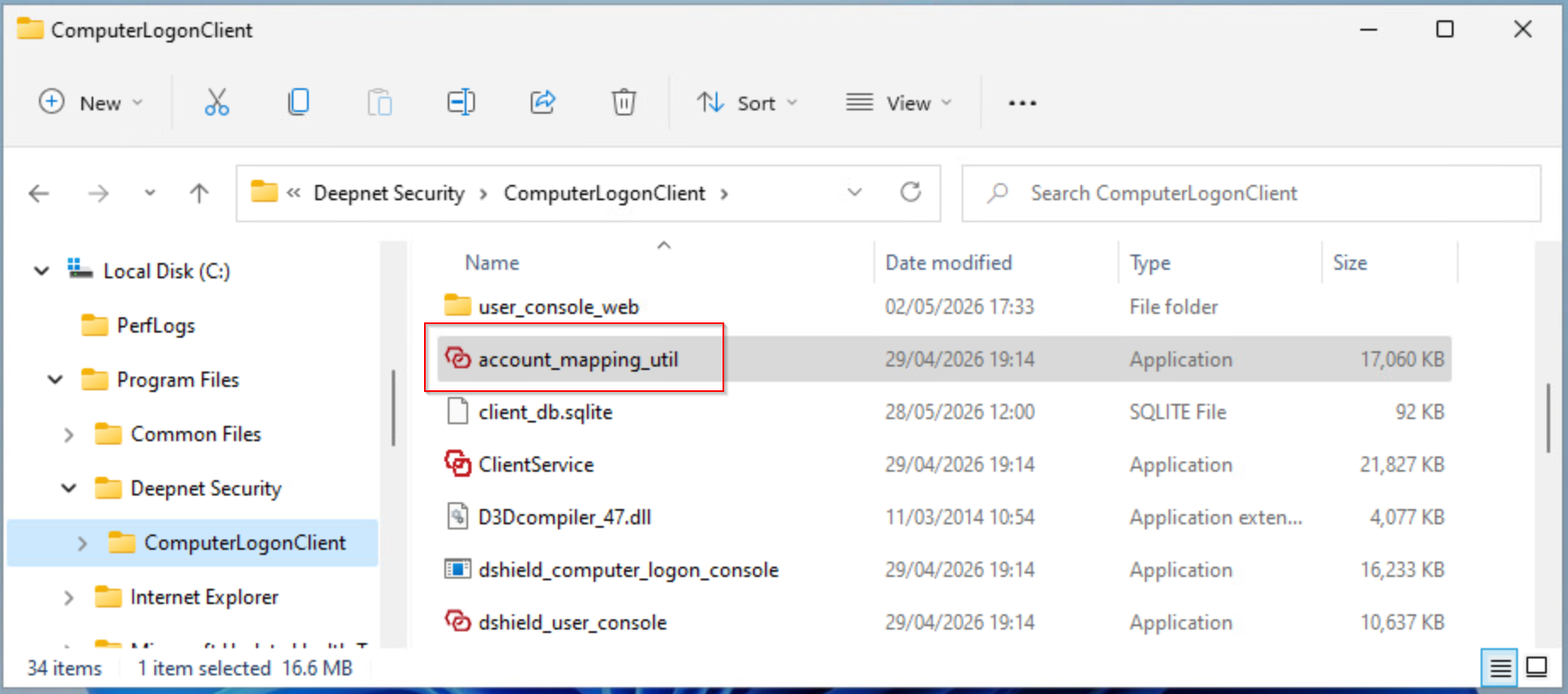
Run the utility application "account_mapping_util"
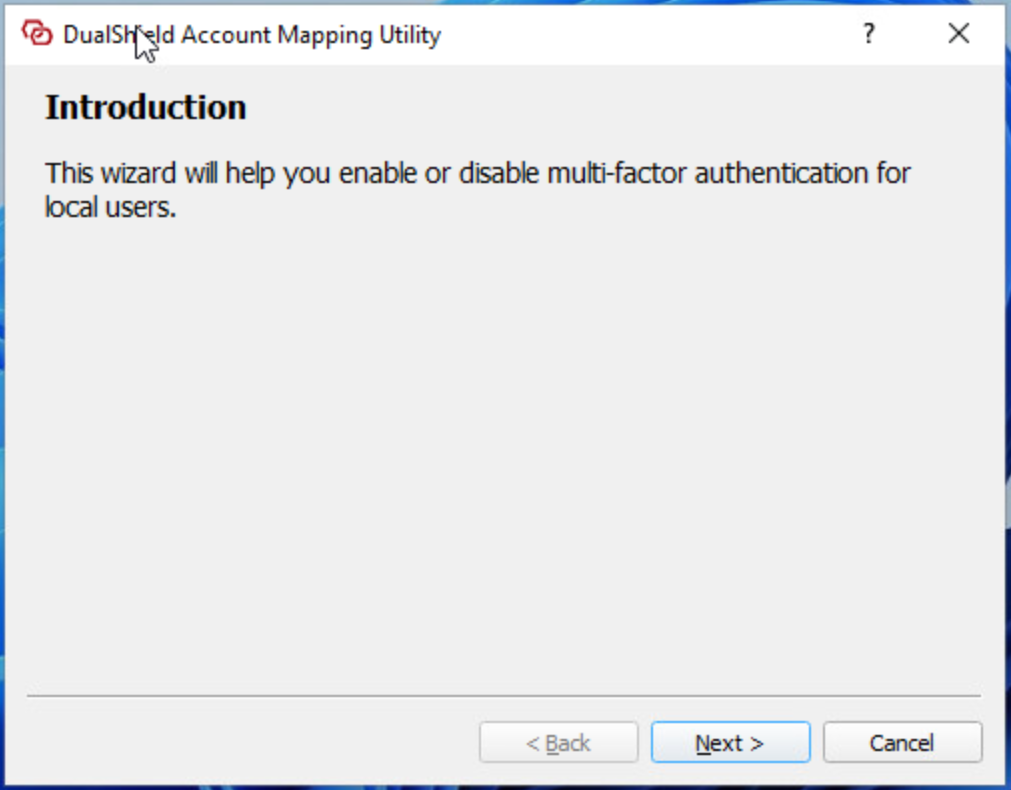
Click "Next"
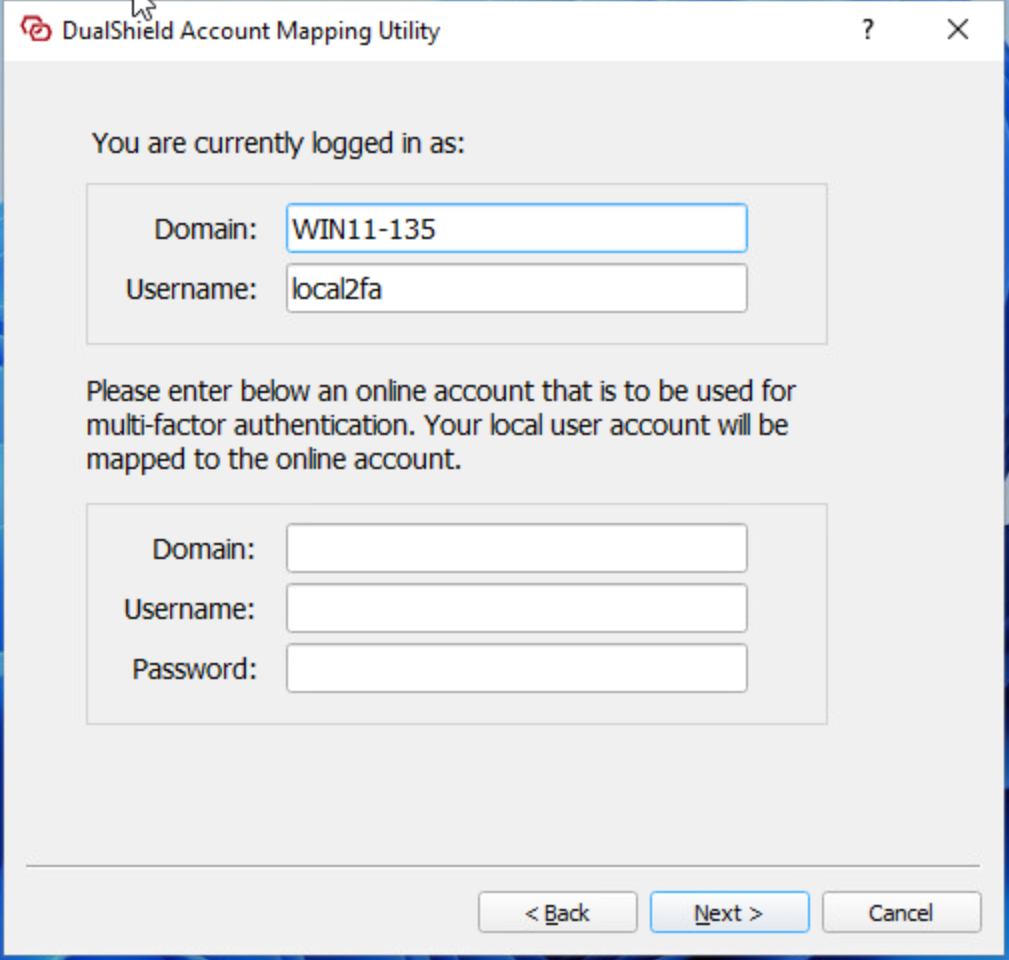
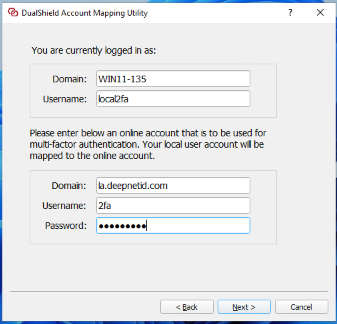
Enter the details of the domain account to which the local account will be mapped, including
- Domain Name
- Username
- Password
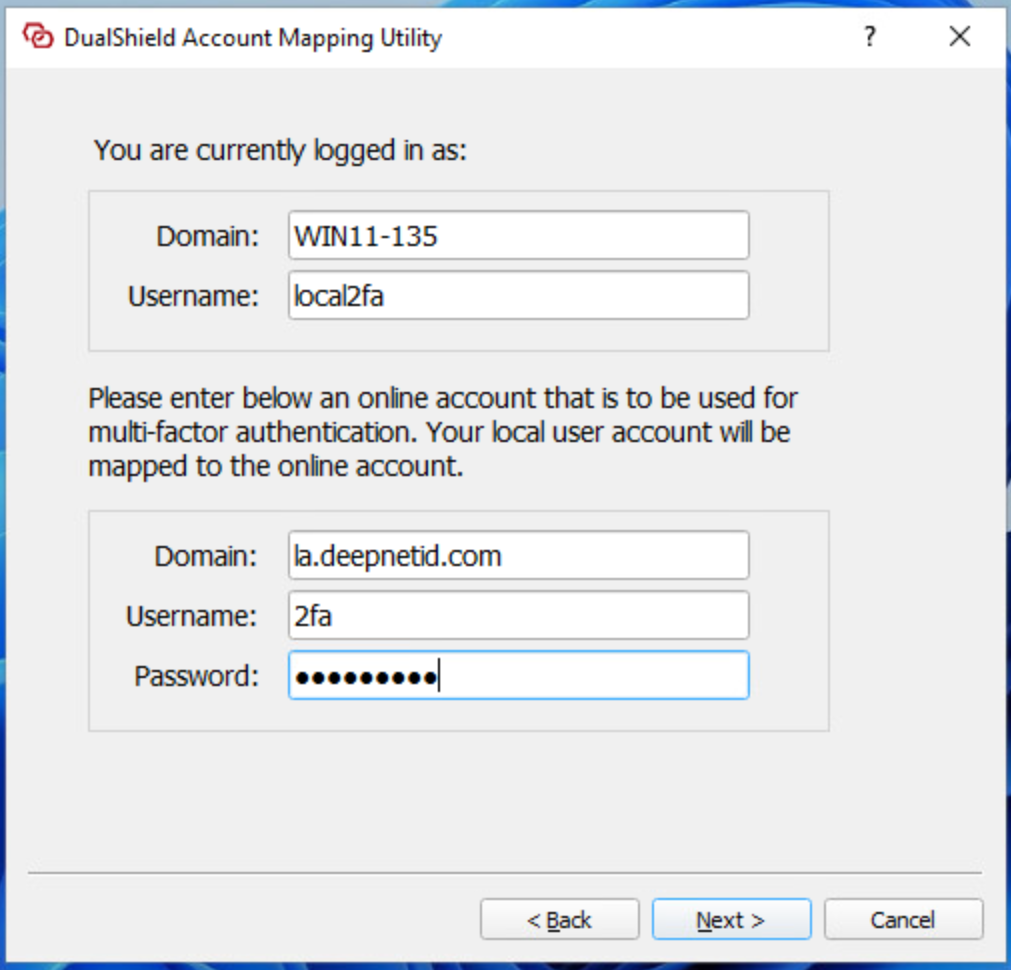
Click "Next"
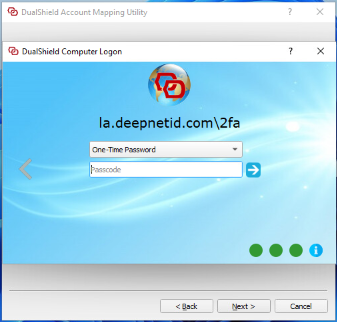
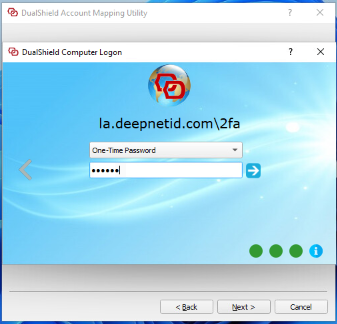
You will be prompted to verify the domain account
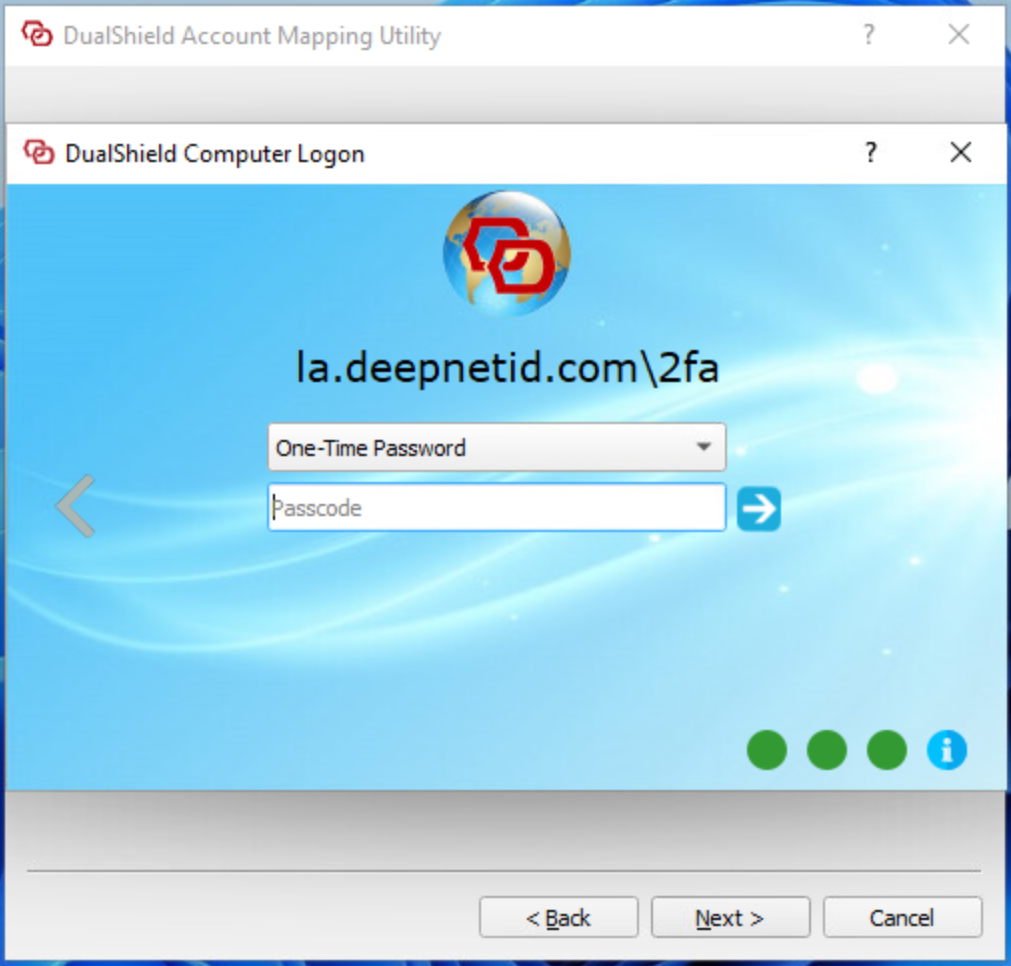
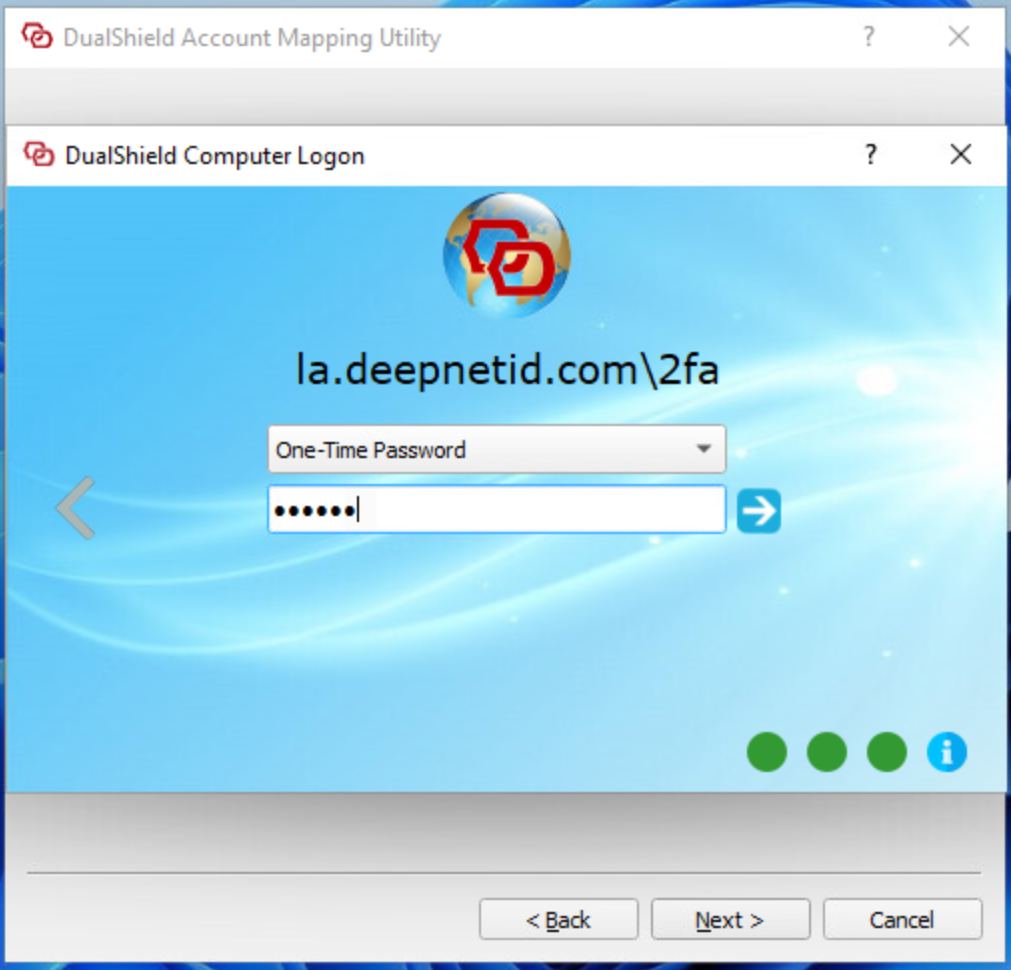
Once the domain account has been successfully verified, the local account is mapped to the domain account.
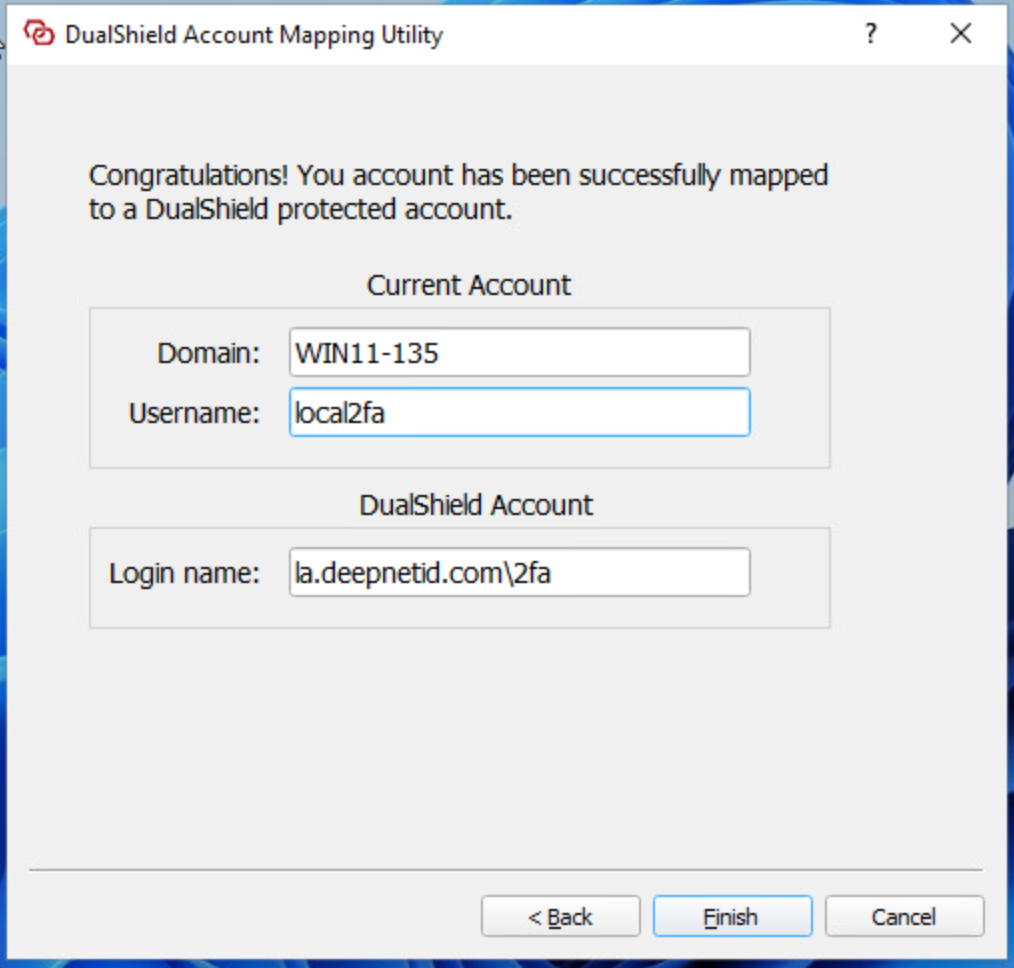
Map