Two Logon Steps were created in DualShield Configuration for Fortigate FortiGate VPN (IPSec) :
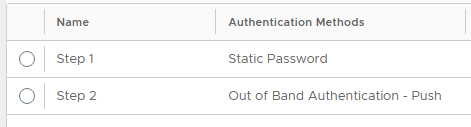
For FortiClient to authenticate using MFA, Step 2 has to be Out of Band as the software does not present an extra field to input an OTP.
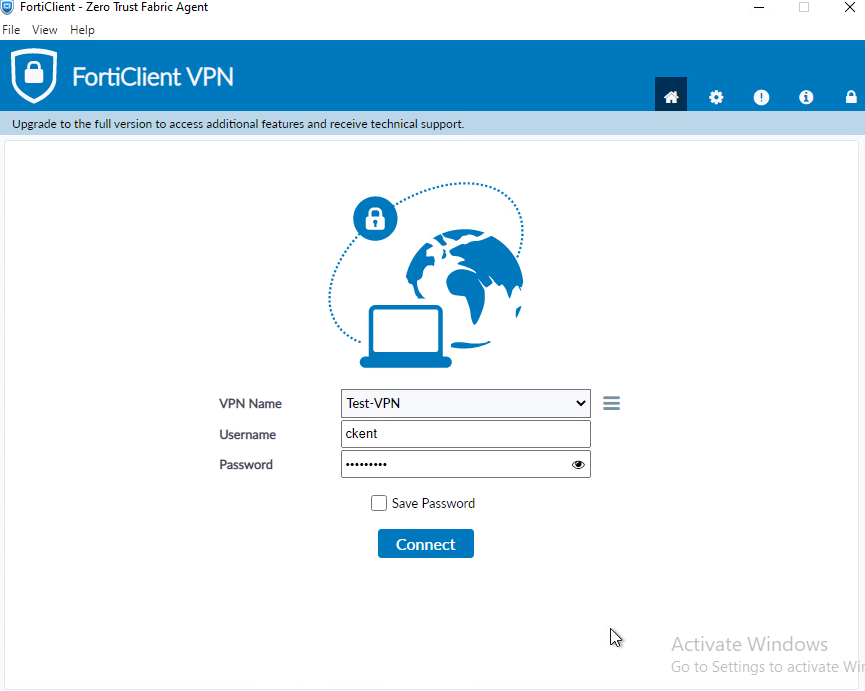
Launch FortiClient VPN, enter your usual AD credentials and click Connect
If your AD credentials are correct, your smartphone shortly receive a logon request notification

Follow the Prompts on the phone to approve the request,
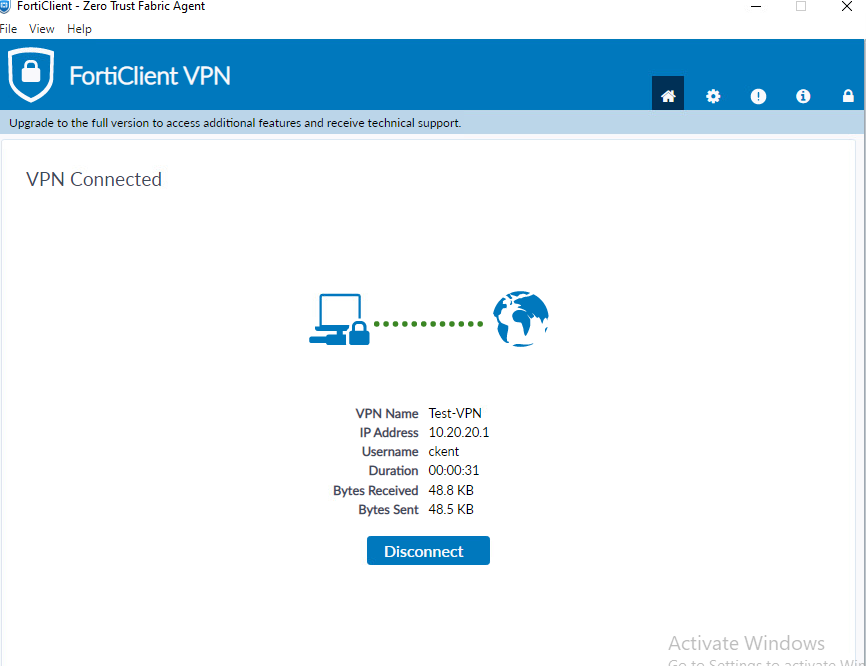
Once approved, the connection will be established.