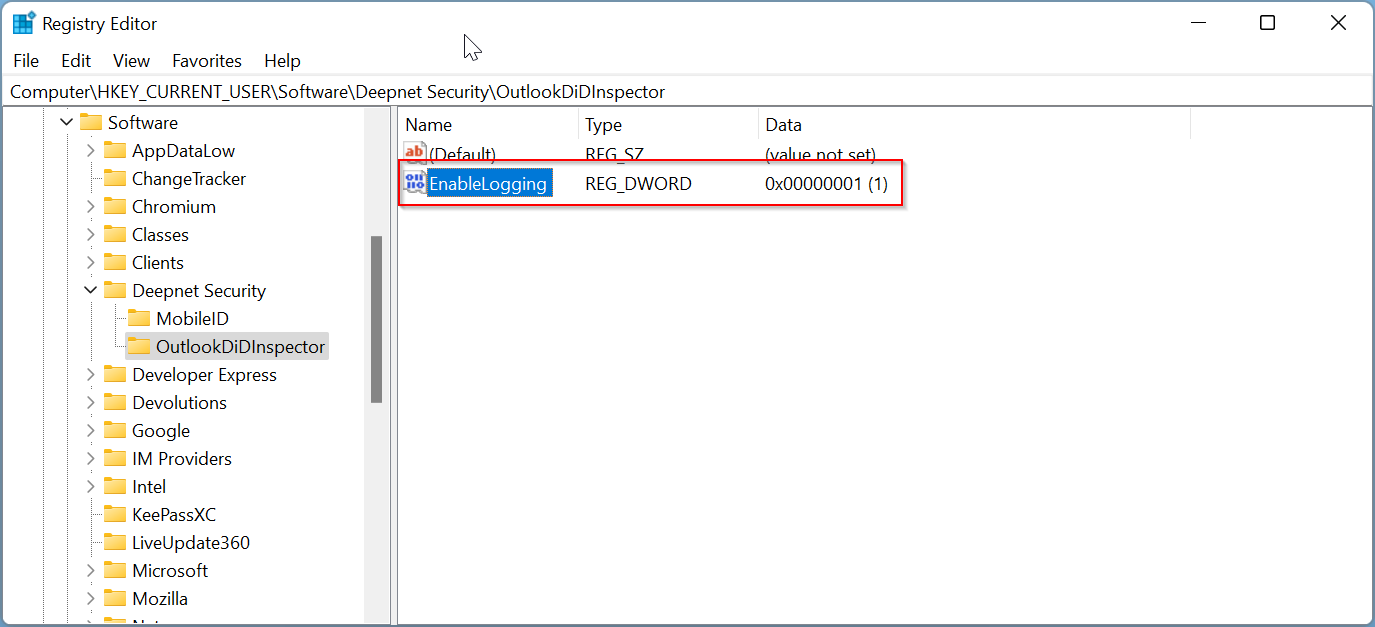
To enable the log function in the Outlook DeviceID Inspector, download the registry settings file below
then double click it to add the settings to the Windows Registry.
The log file is located at:
"%temp%\oadid.txt"
To disable the log function, you need to change the value of "EnableLogging" to 0