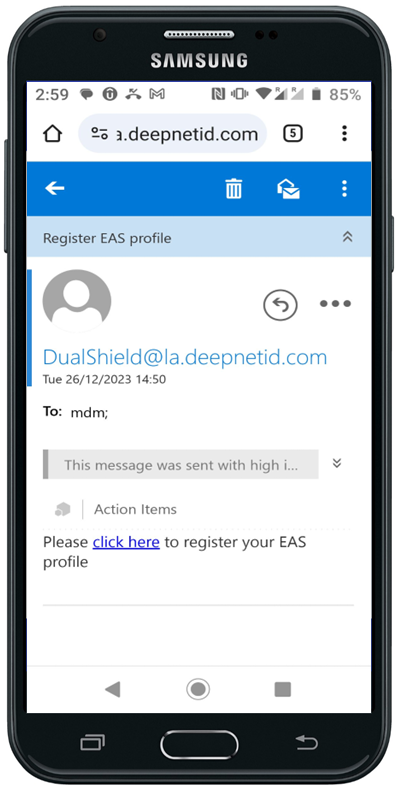
Click the link to start the registration process
You will be taken to the Deployment Service portal of your DualShield Platform
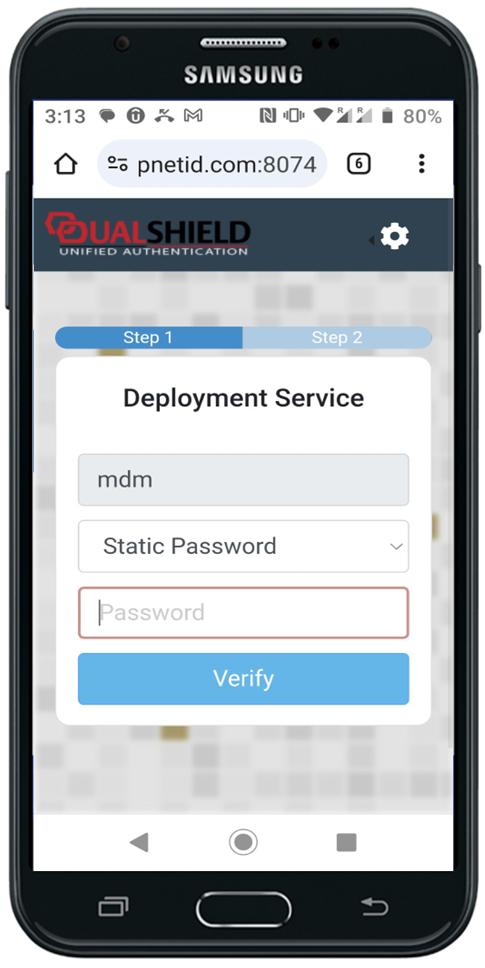
Depending on how the Deployment Service portal is configured, you might be required to authenticate with MFA
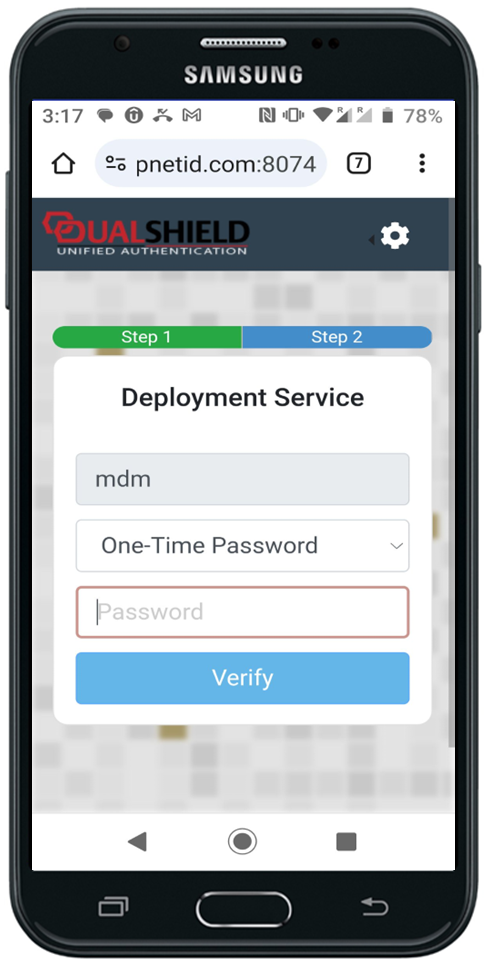
Once you have successfully authenticated yourself, you're ready to start the enrollment
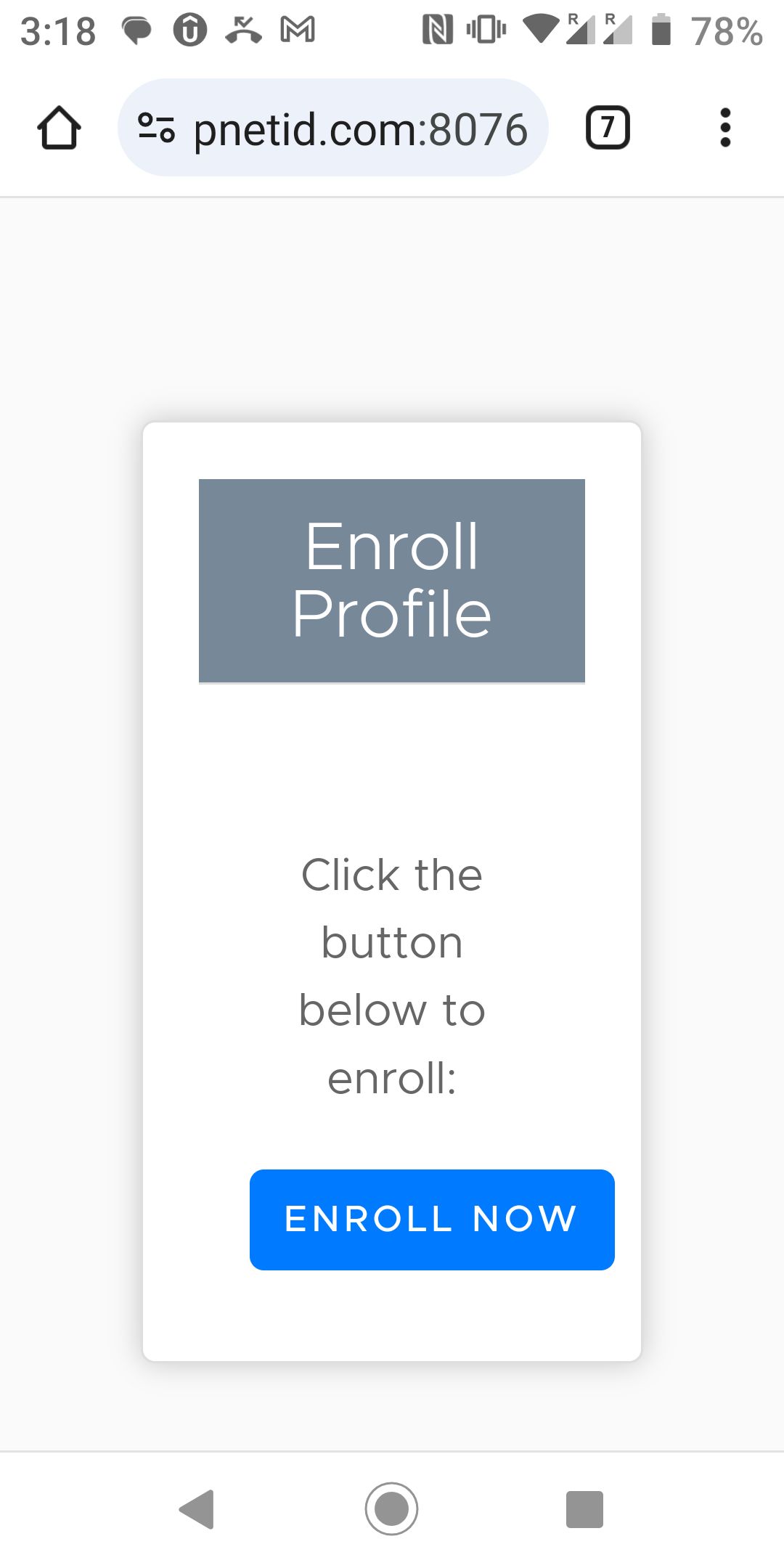
Click "ENROLL NOW" to set up a Work Profile on your phone
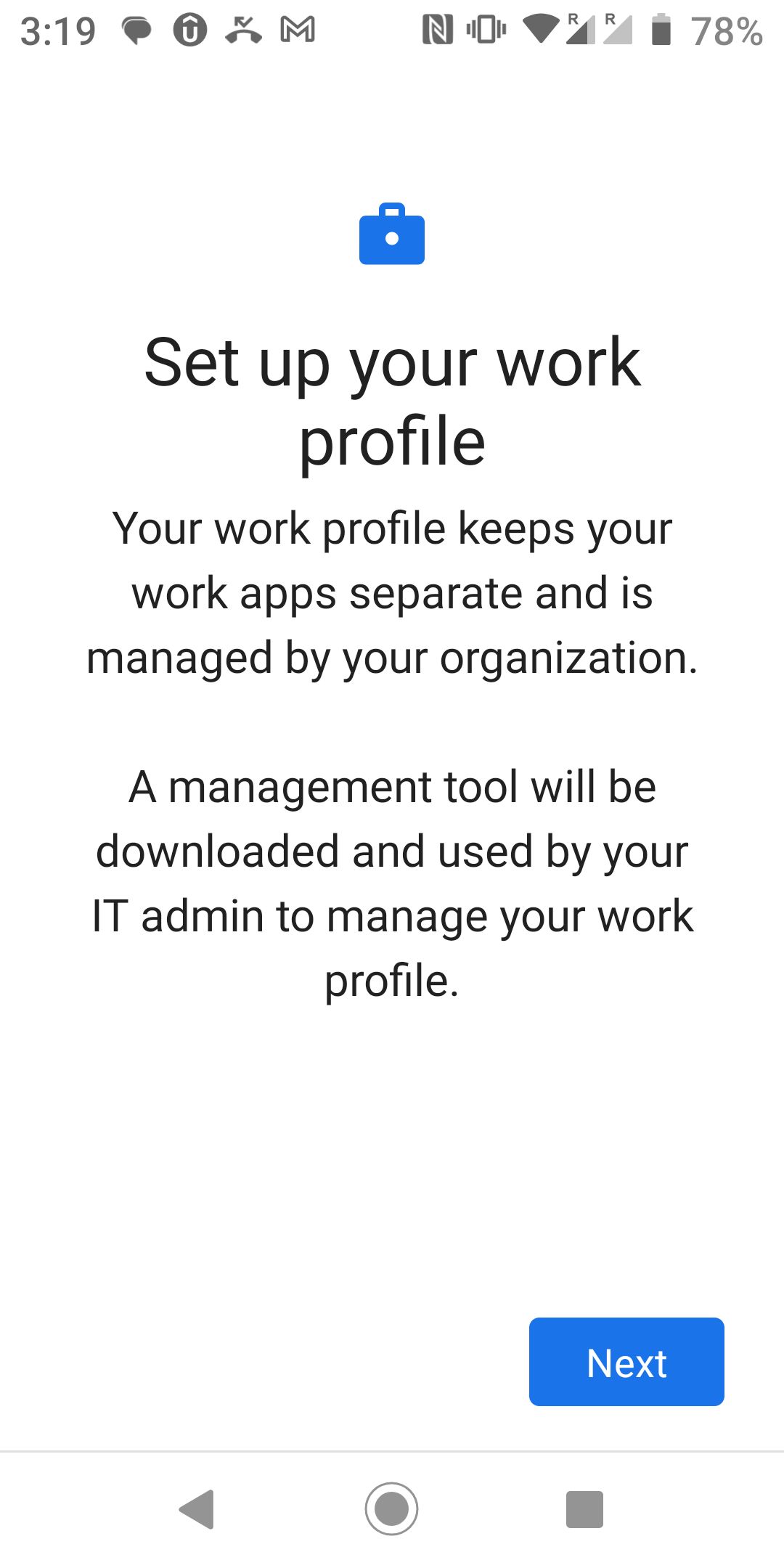
Click "Next" to continue
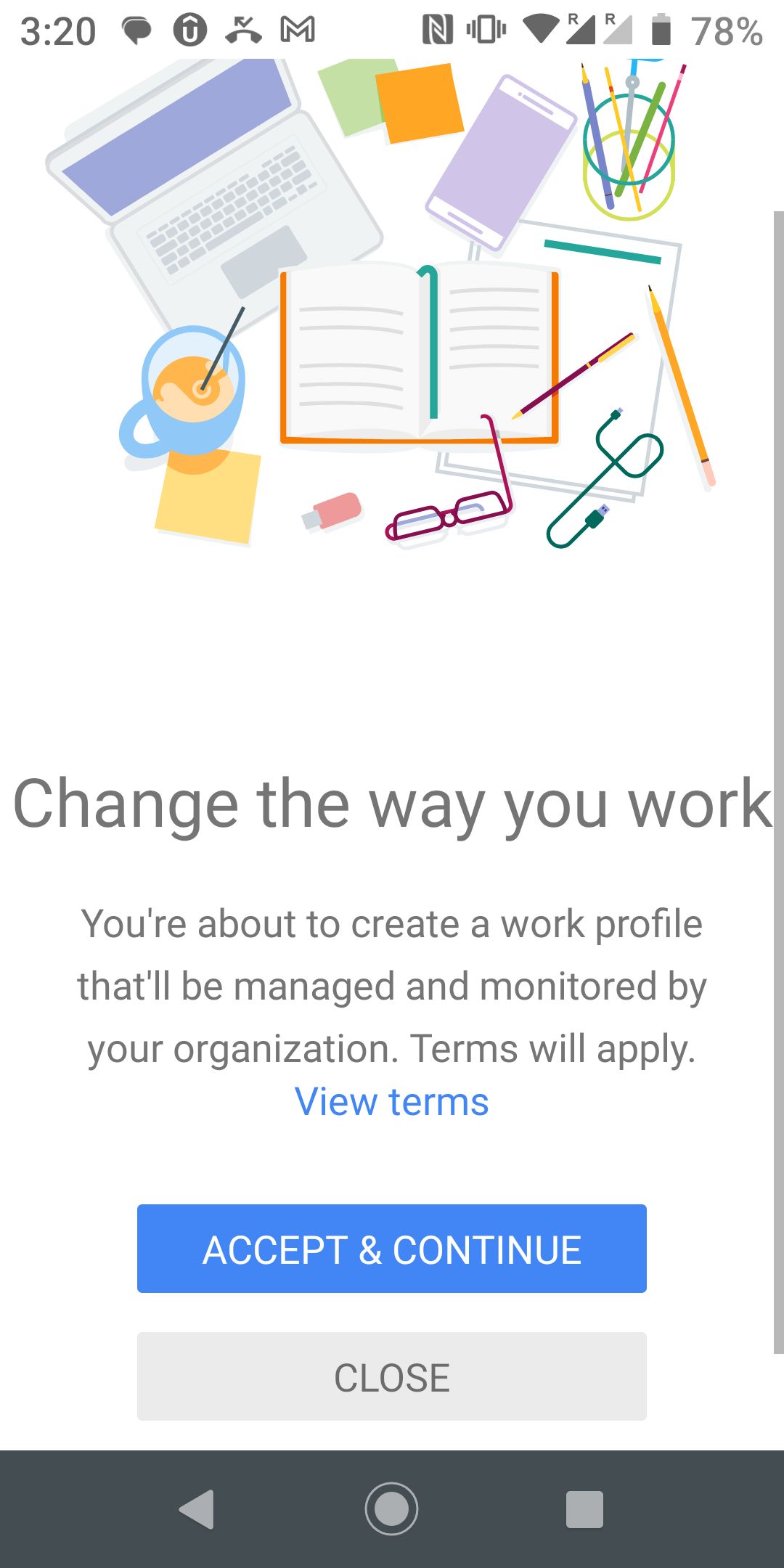
Click "Accept & Continue"
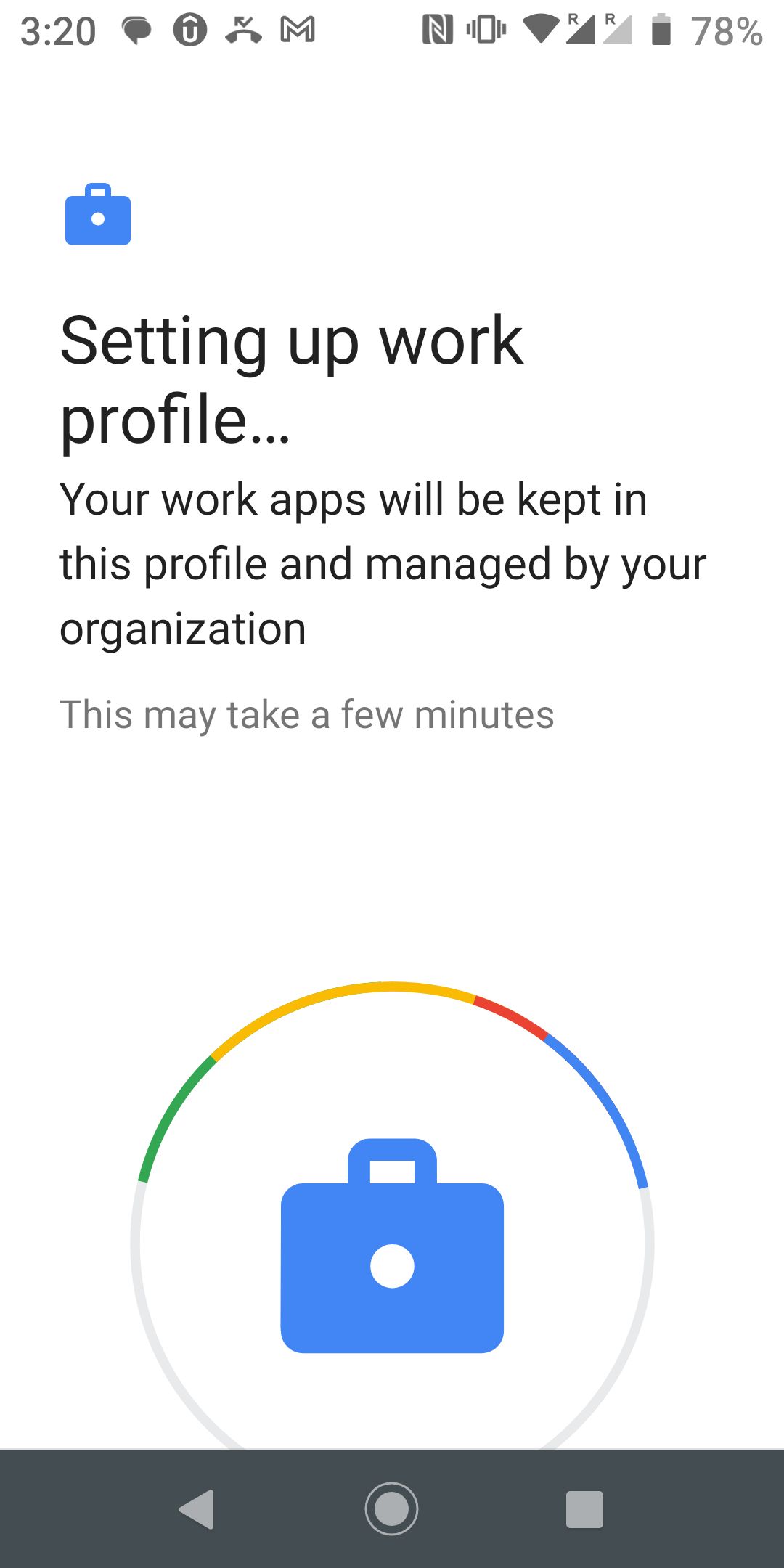
Shortly, your EAS profile will be successfully enrolled
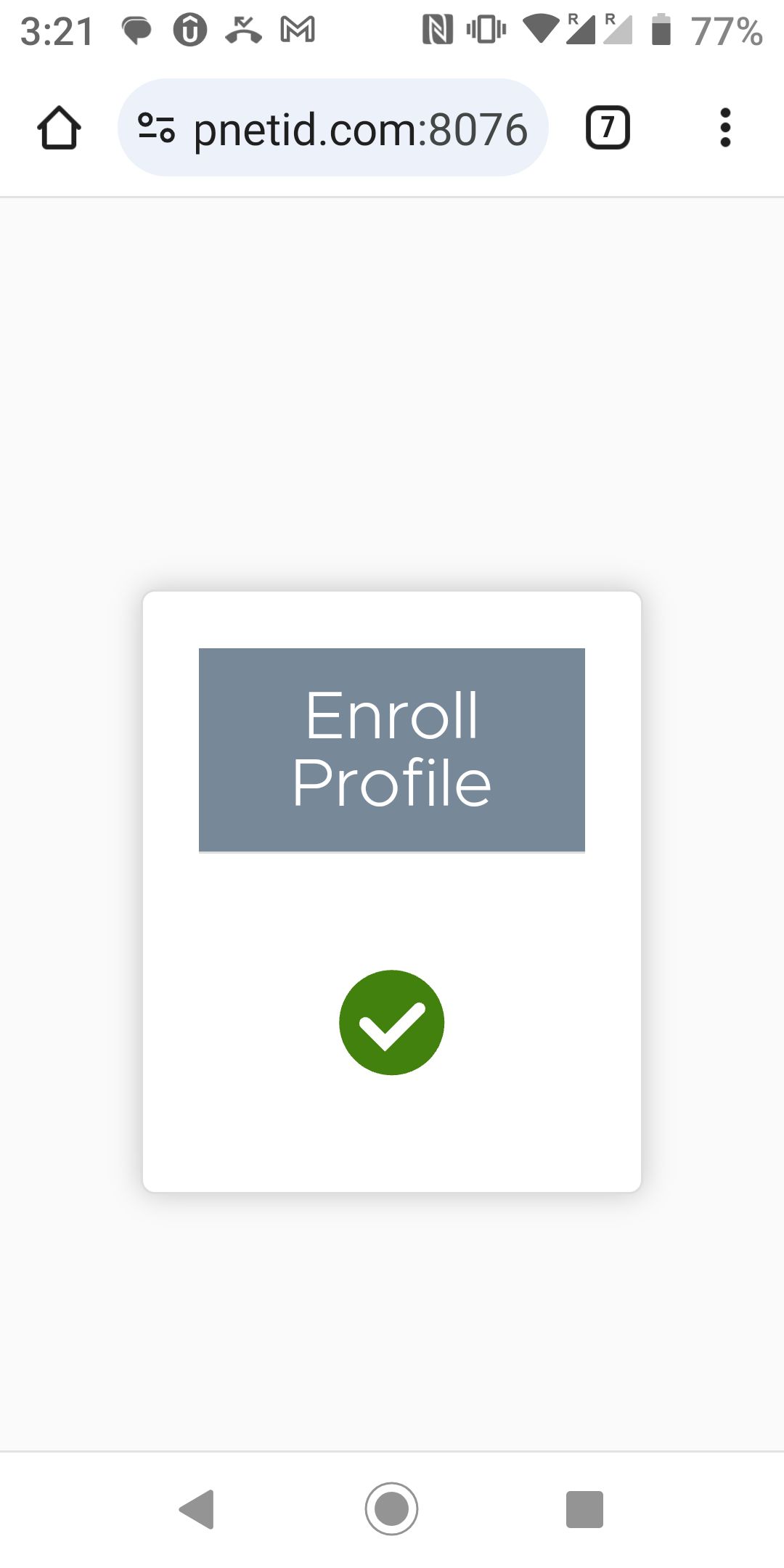
Now, you should see a Work Profile has been created on your Android phone
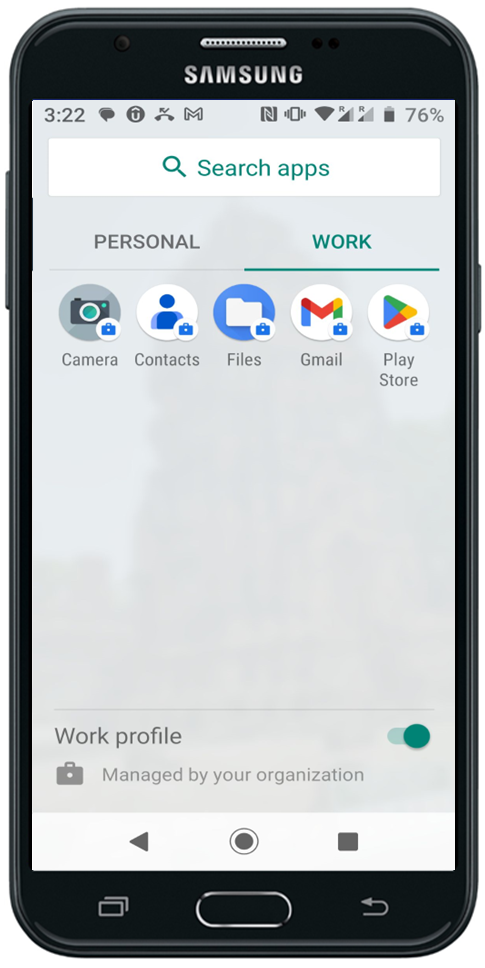
In the work profile, you will find the Gmail app
Open the Gmail app
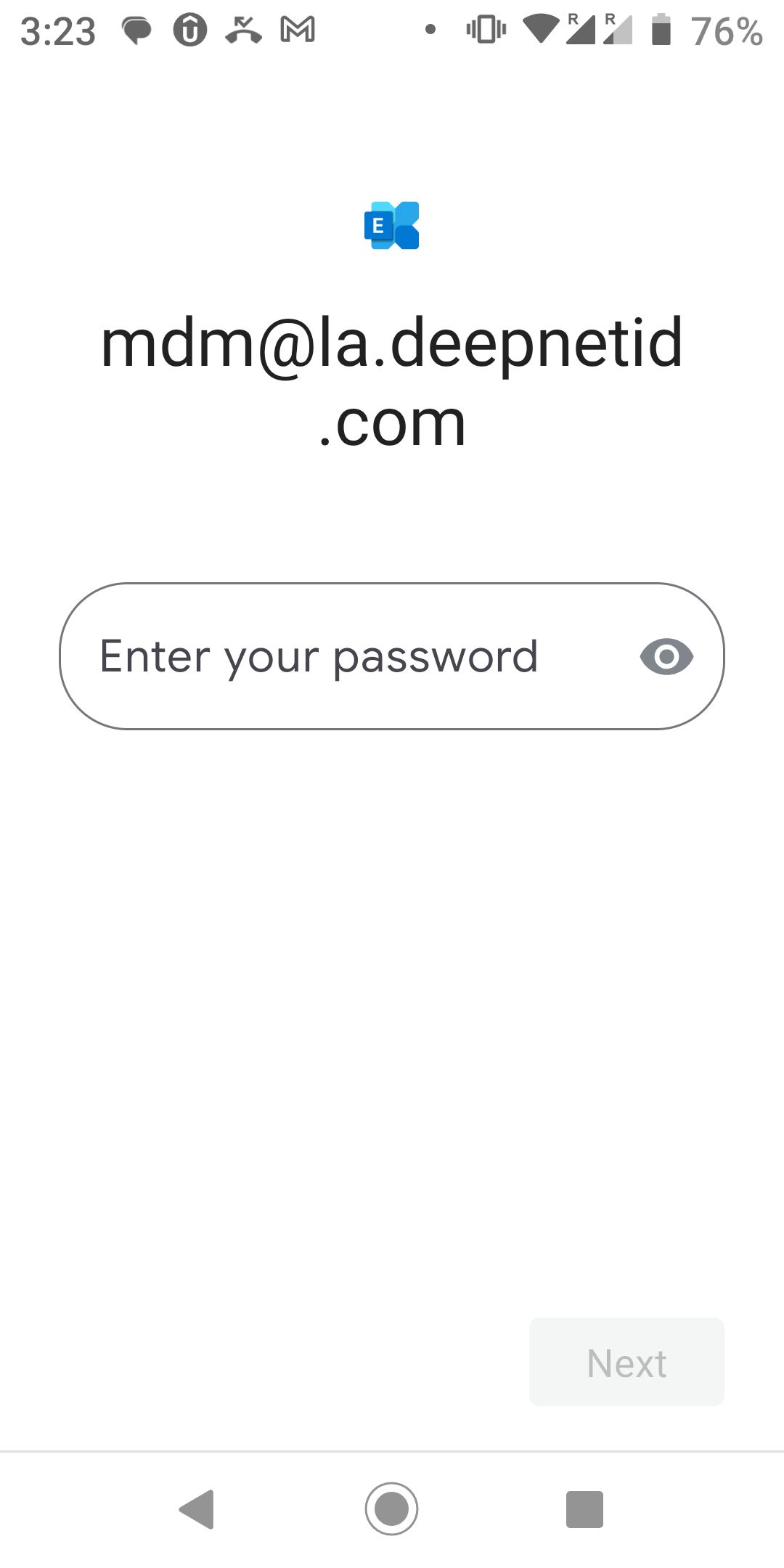
Enter your password
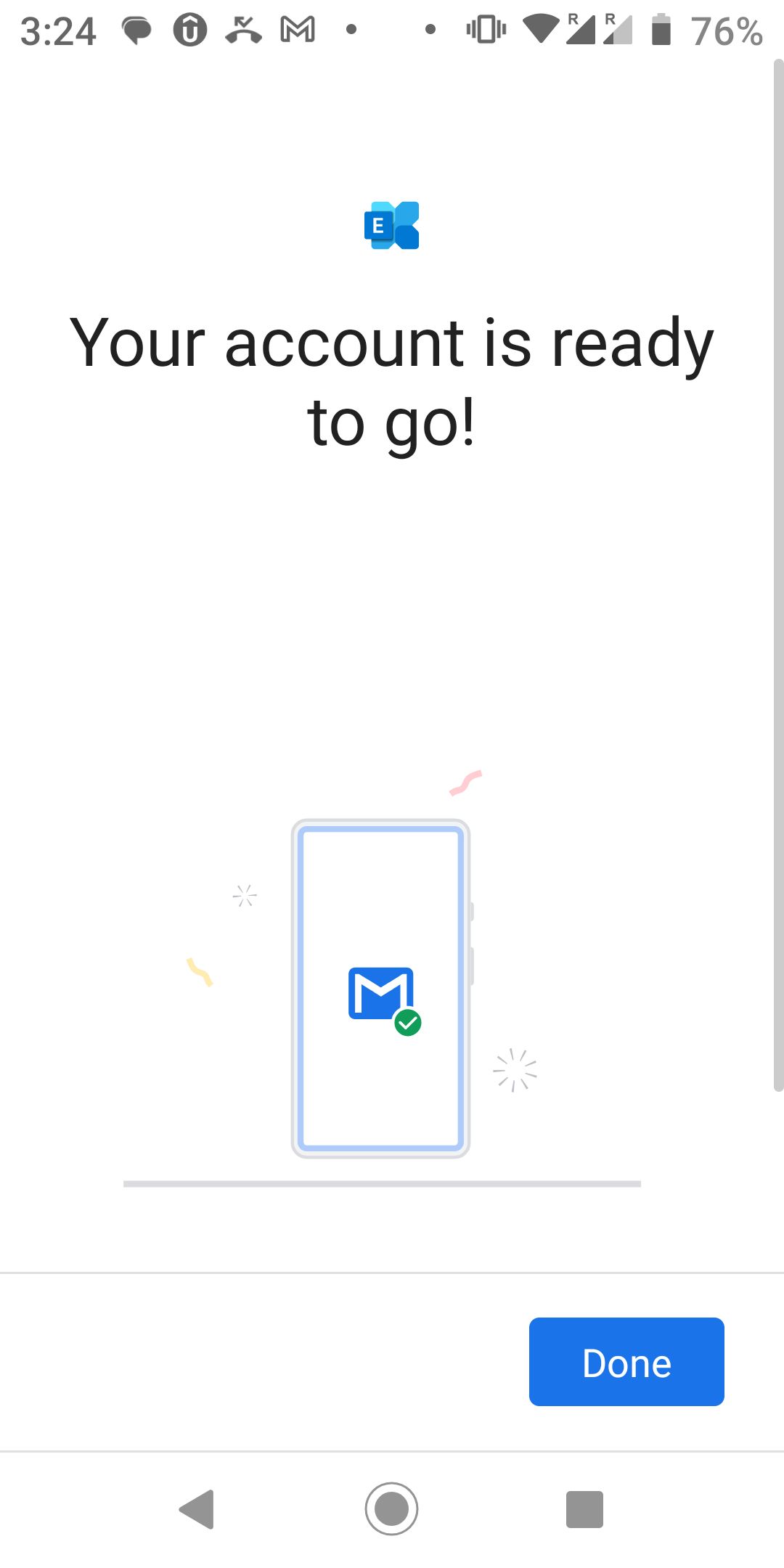
Your email account is now successfully created
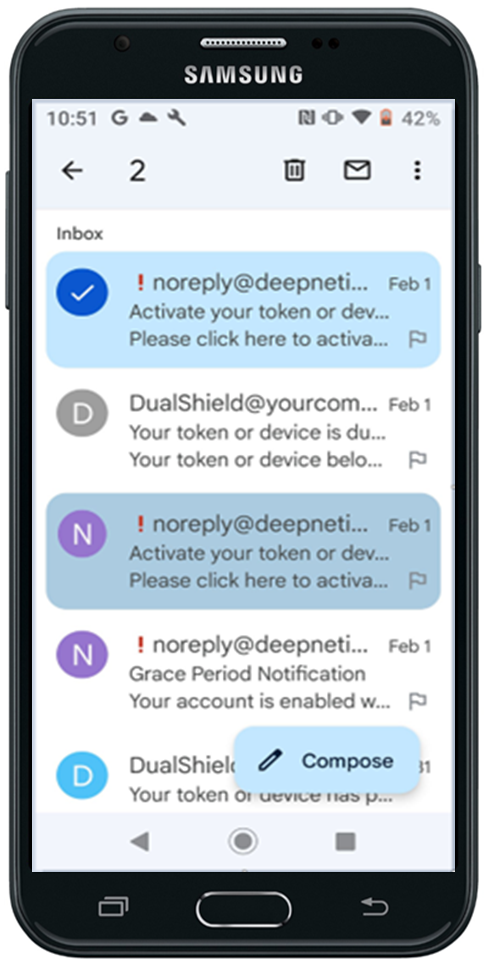
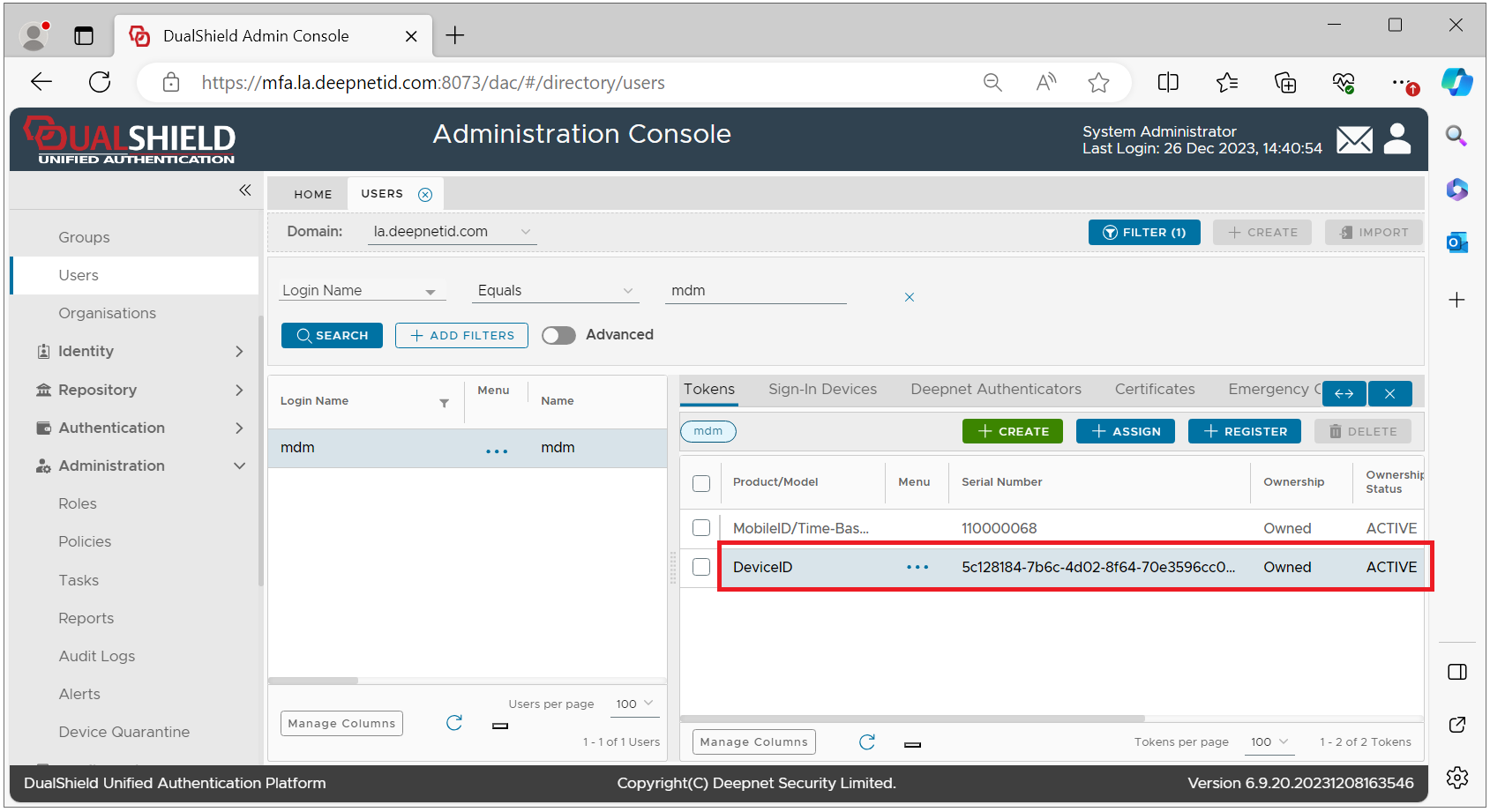
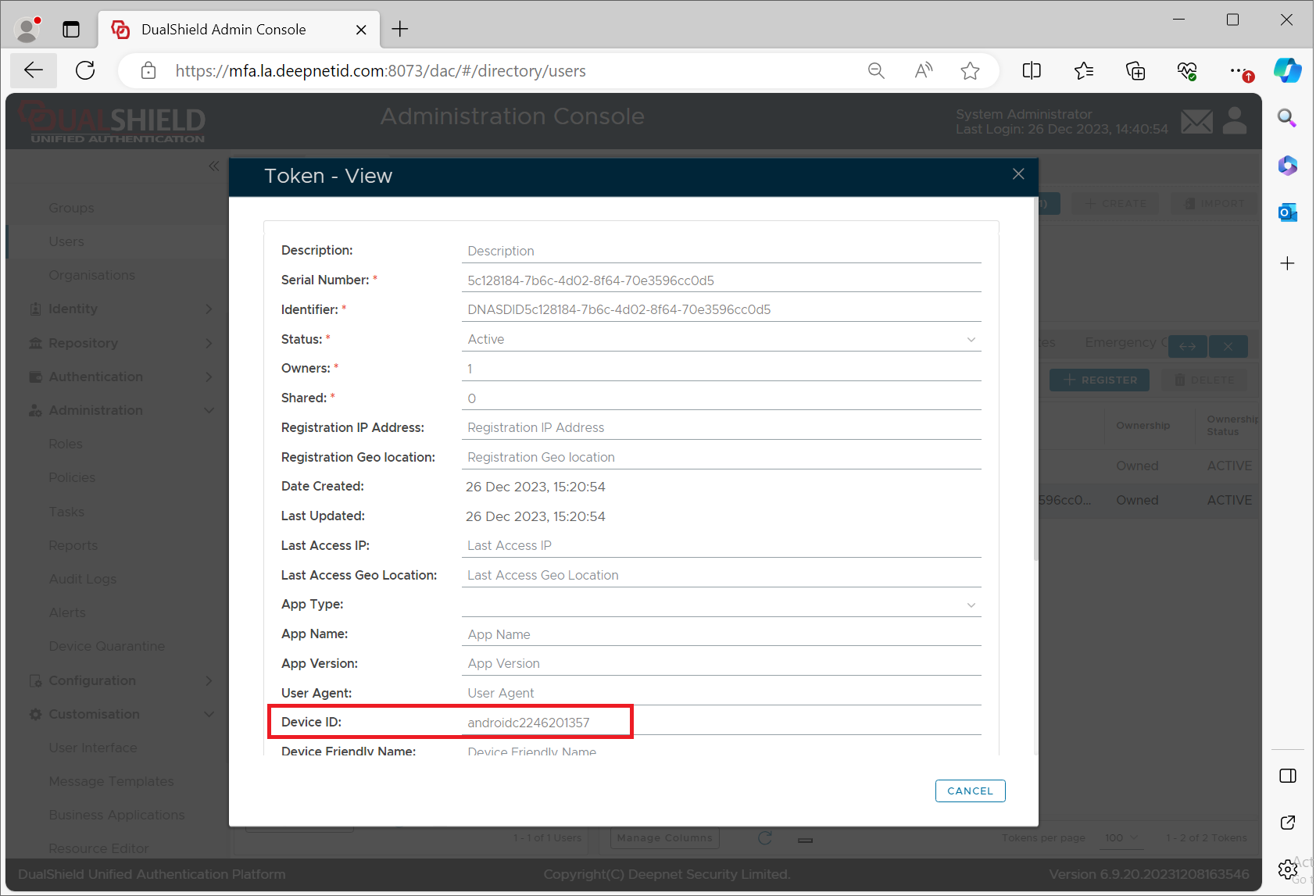
Your Android device has also been successfully registered in your account in the MFA server