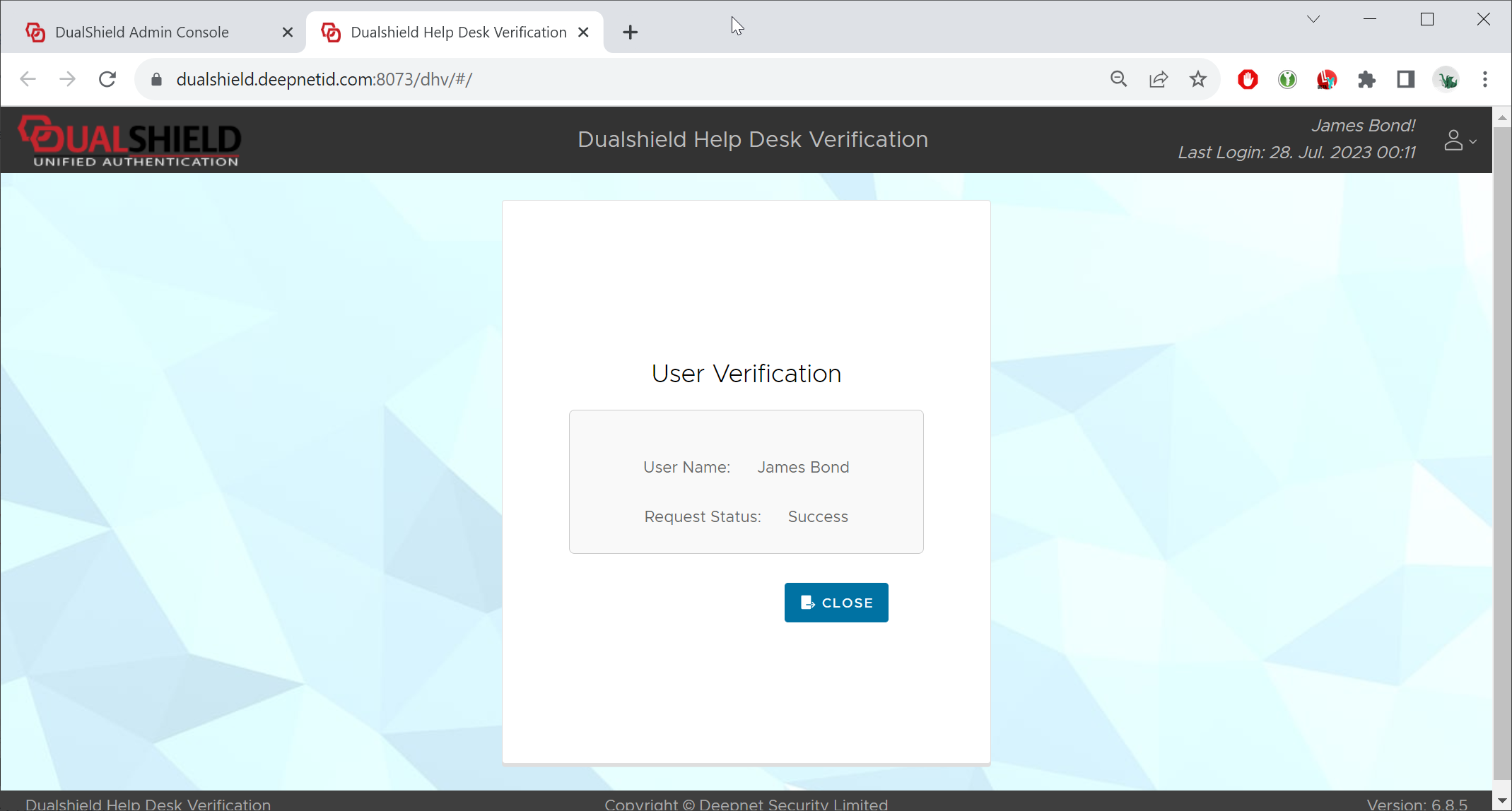
To verify a user's identity, follow the steps below.
In the Admin Console, find the user's account
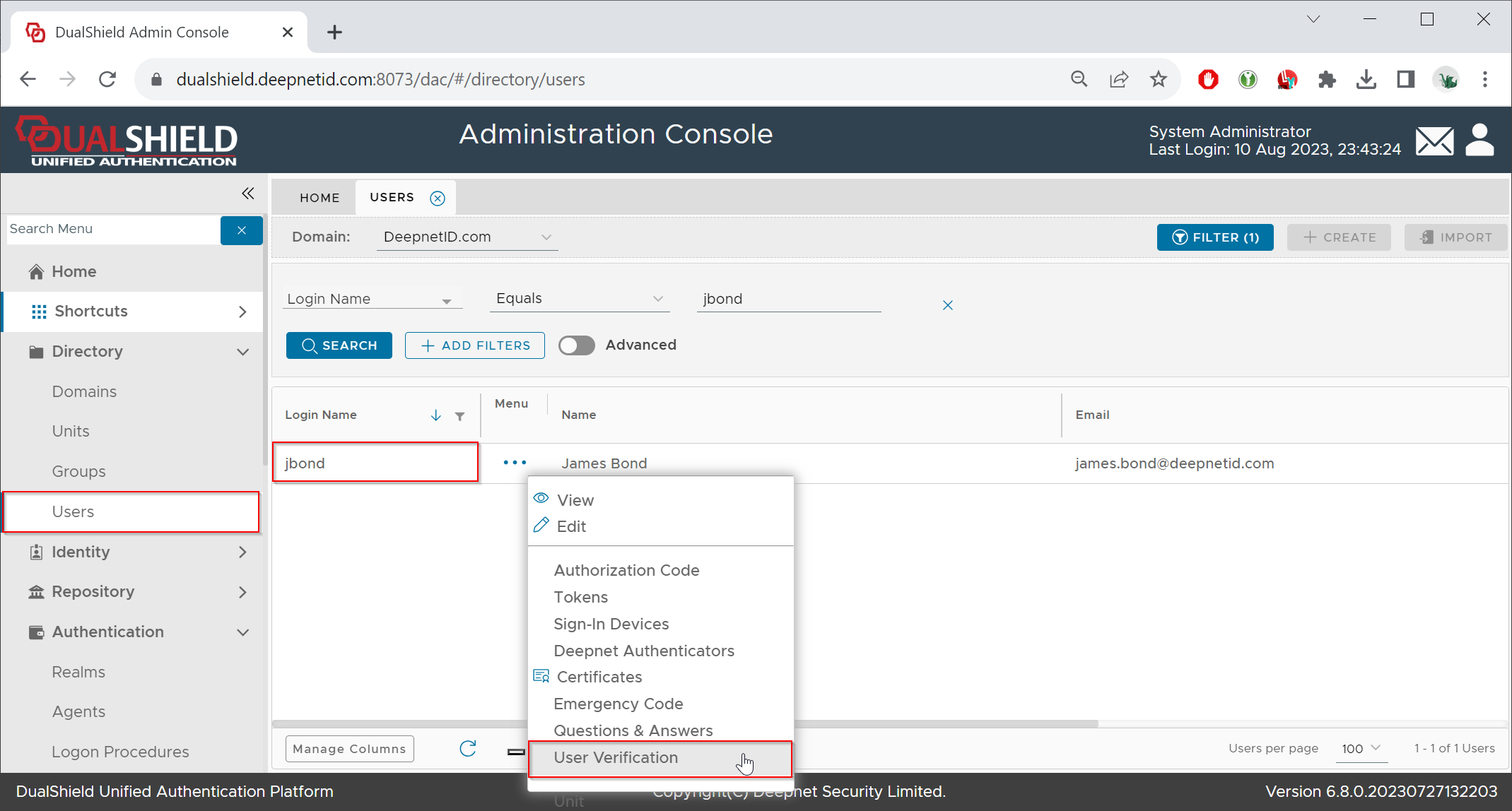
Select "User Verification" from the user's context menu
The Help Desk Verification Service portal will be launched in a new browser tab:
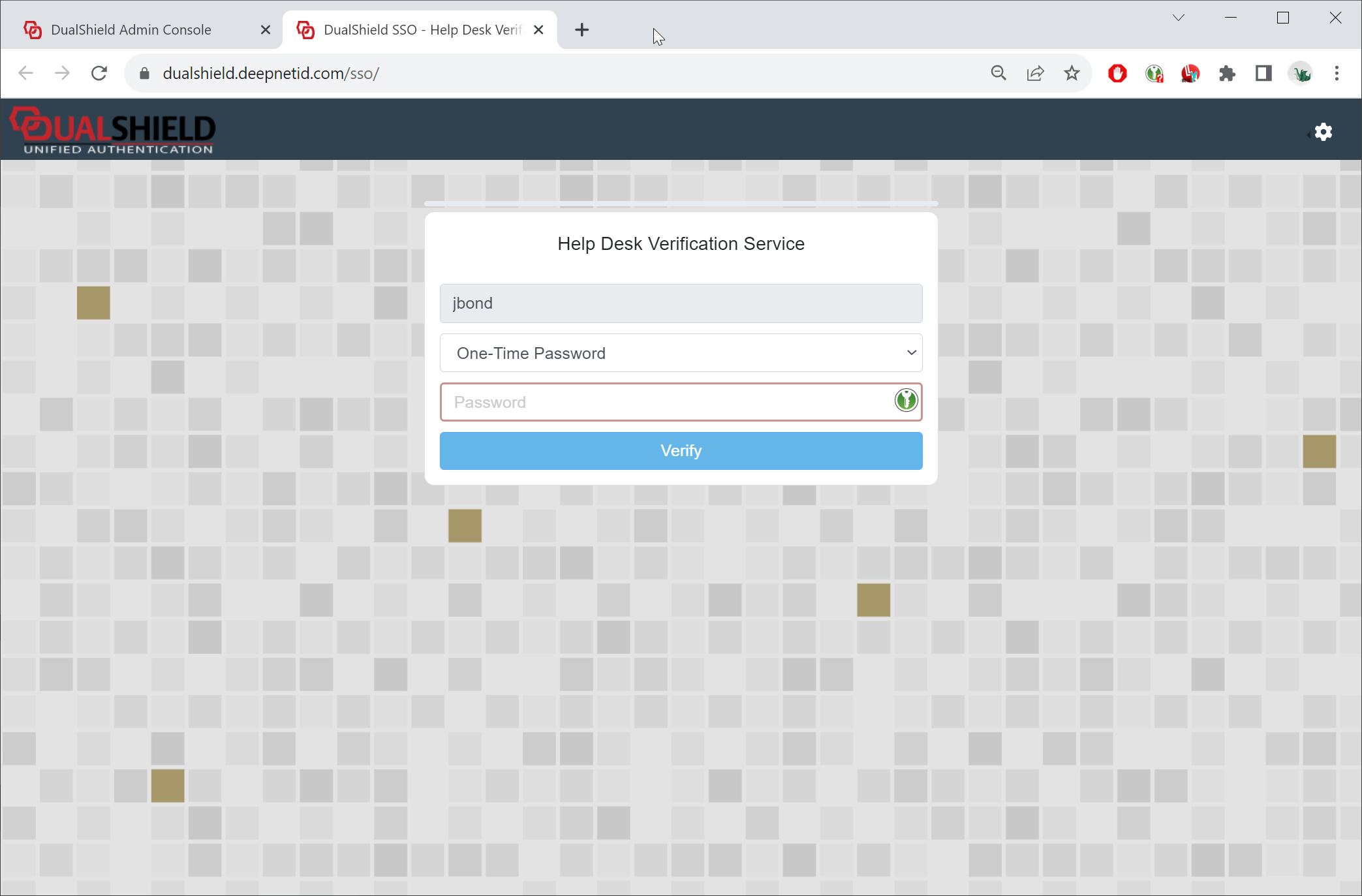
Now, you can ask the user to provide a one-time password to verify themselves.