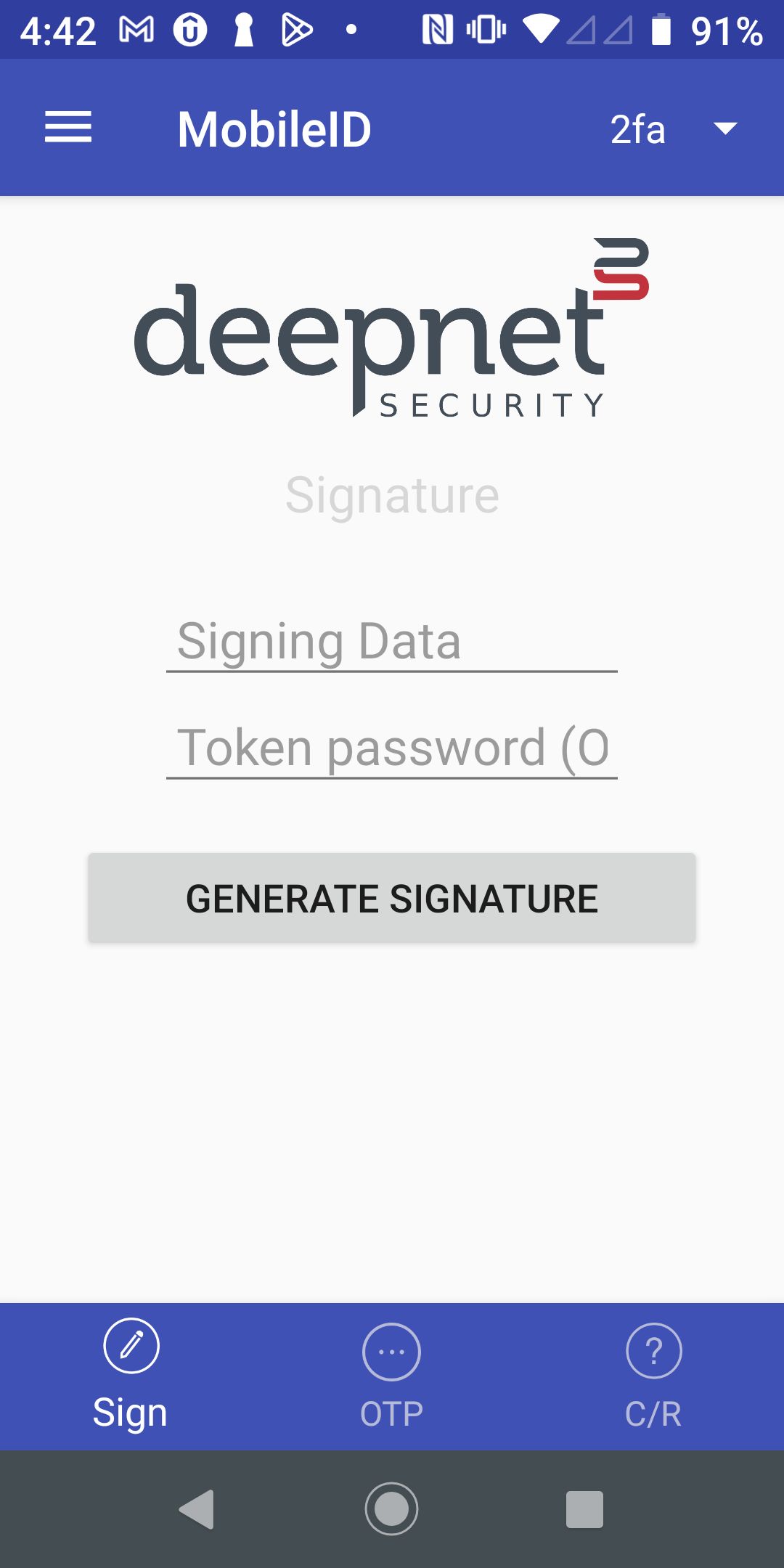
Open the MonileID on your mobile device
| Select | Step 1 - In your MobileID, select "Sign" | on the bottom toolbar | ||
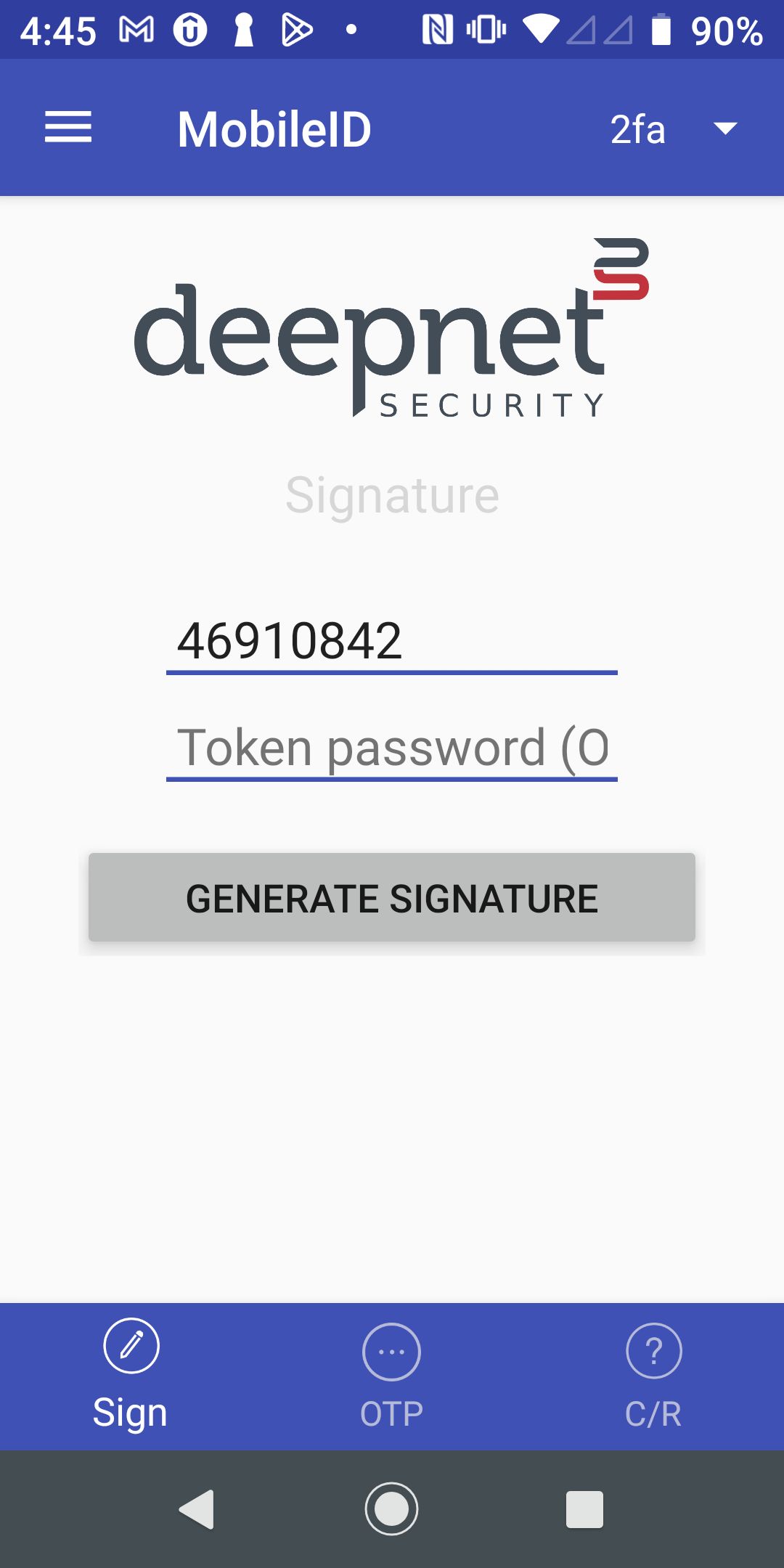
| In the "Signing Data" entry, enter | Step 2 - Enter the data to be signed. The signing data is generated by the application. For instance, in | the "Signing Data" entryan online banking application, the signing data is typically generated based on the payee account number and the amount to be paid. | ||
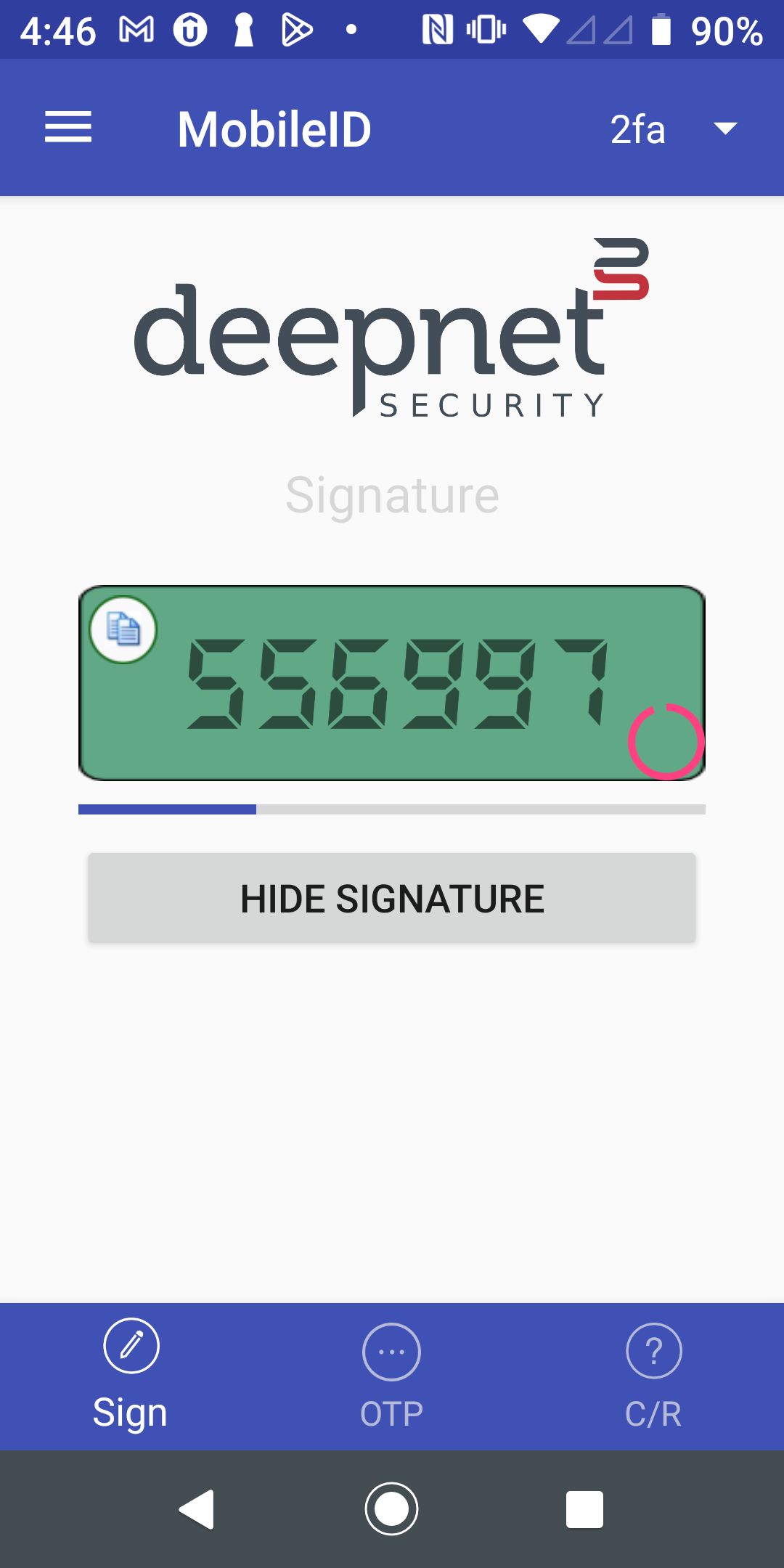
| Step 3 - Press the "Generate Signature" button | to get the signature |
|
|  |