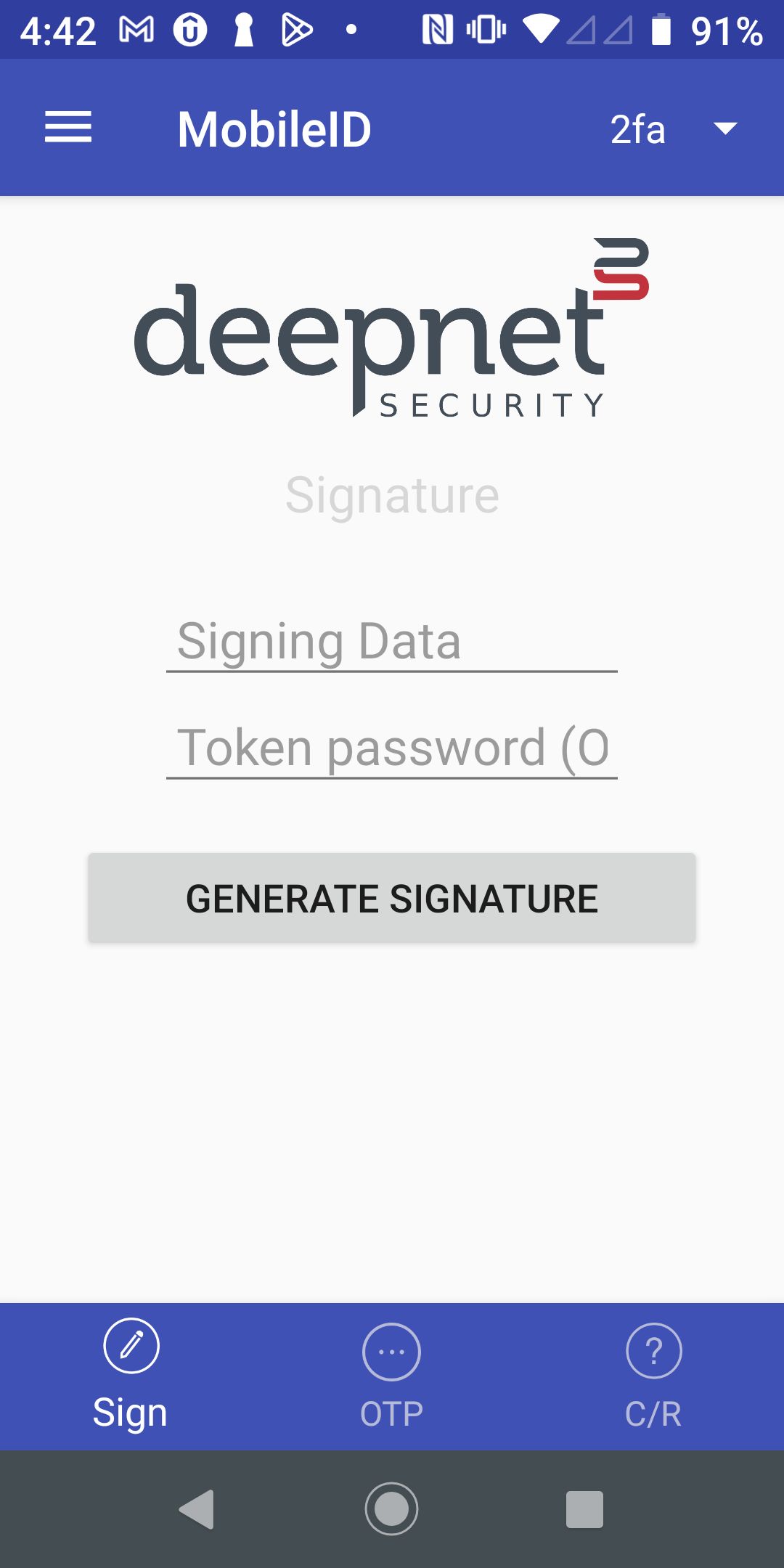
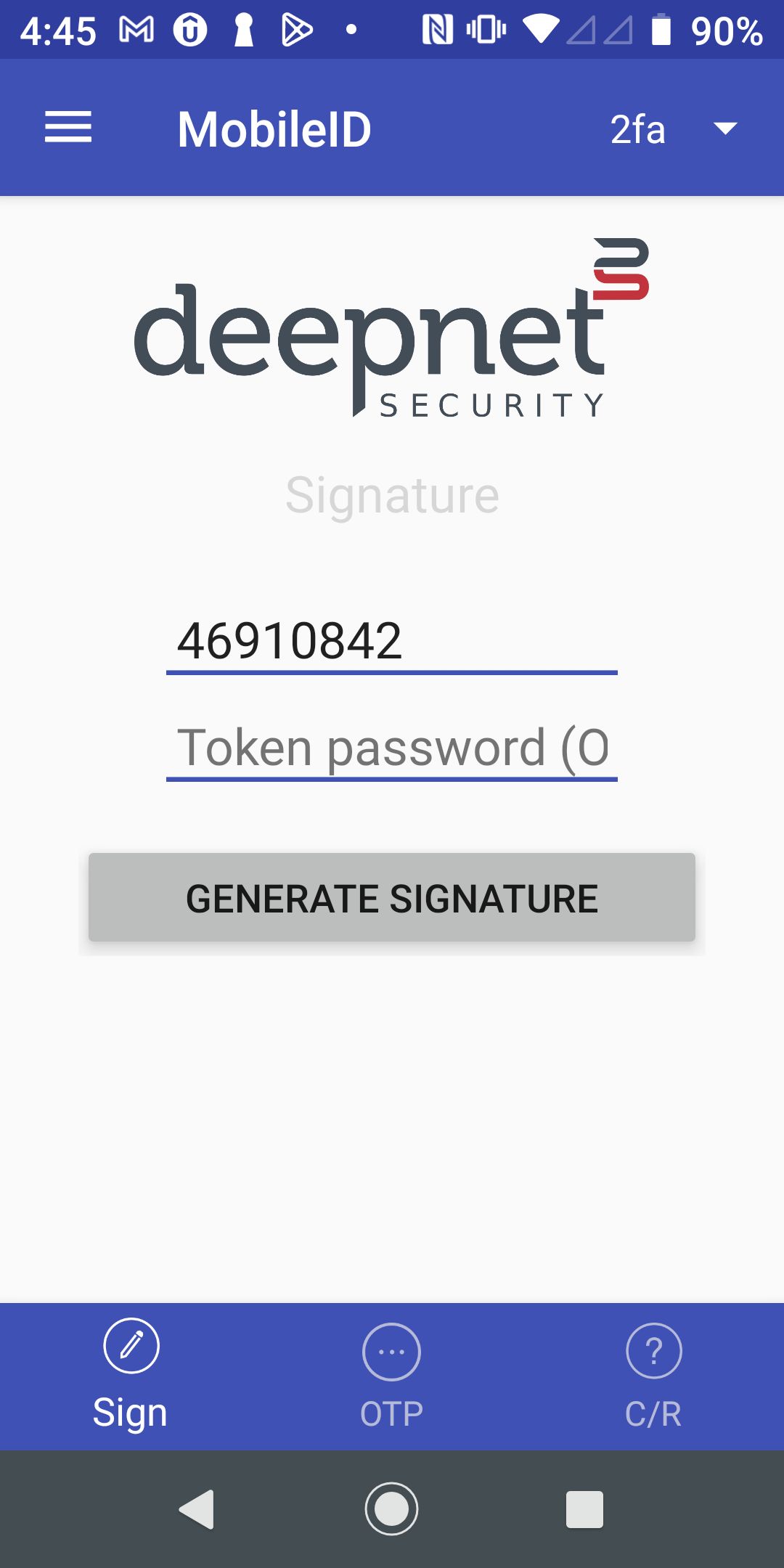
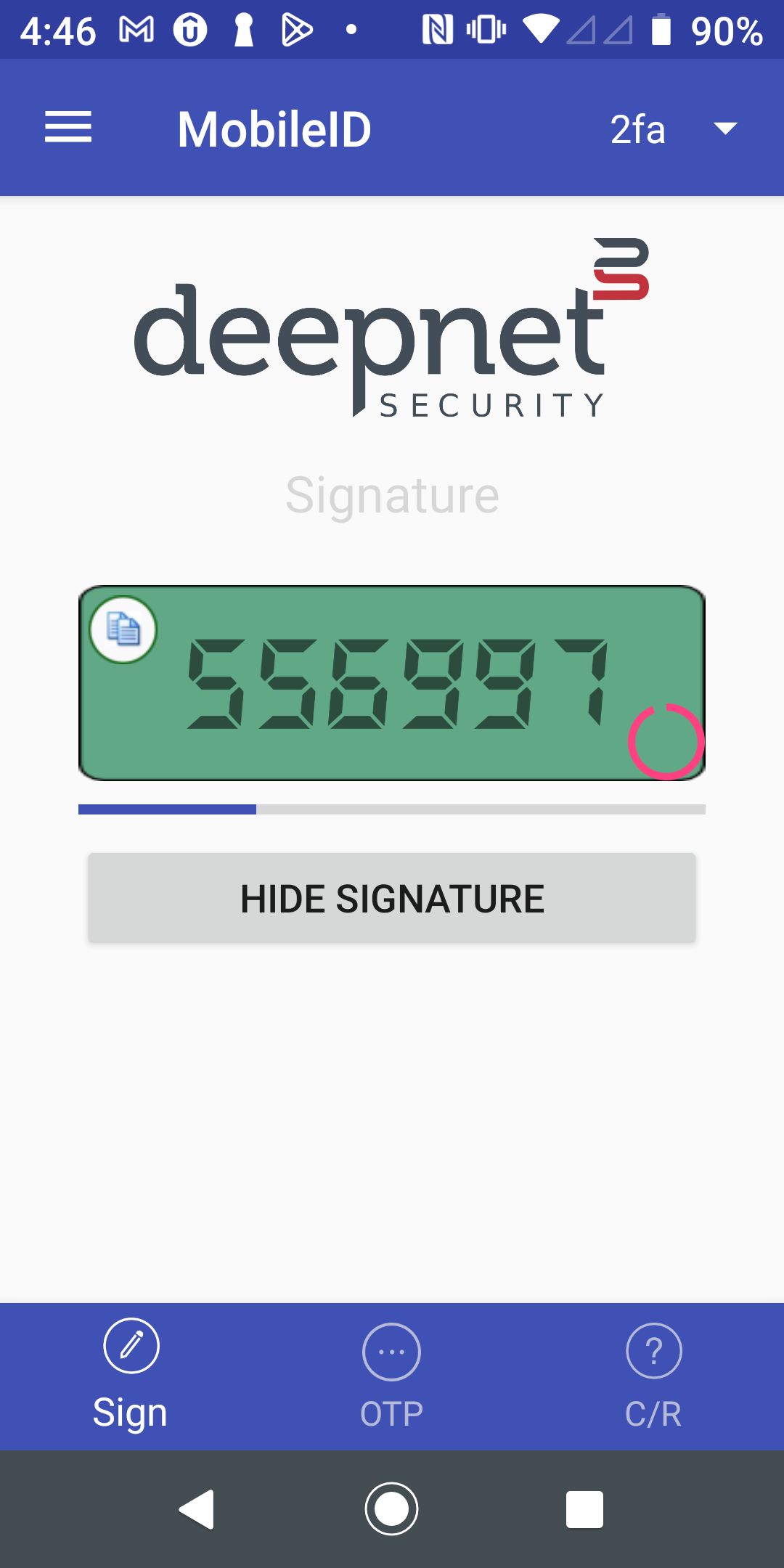
Step 1 - In your MobileID, select "Sign" on the bottom toolbar | Step 2 - Enter the data to be signed in the "Signing Data" entry | Step 3 - Press the "Generate Signature" button to get the signature |
|---|---|---|
|
|
|
Page History
Overview
Content Tools
Step 1 - In your MobileID, select "Sign" on the bottom toolbar | Step 2 - Enter the data to be signed in the "Signing Data" entry | Step 3 - Press the "Generate Signature" button to get the signature |
|---|---|---|
|
|
|