Using the SafeID programming tool app on an Android phone, you can easily program a SafeID token in 3 steps only.
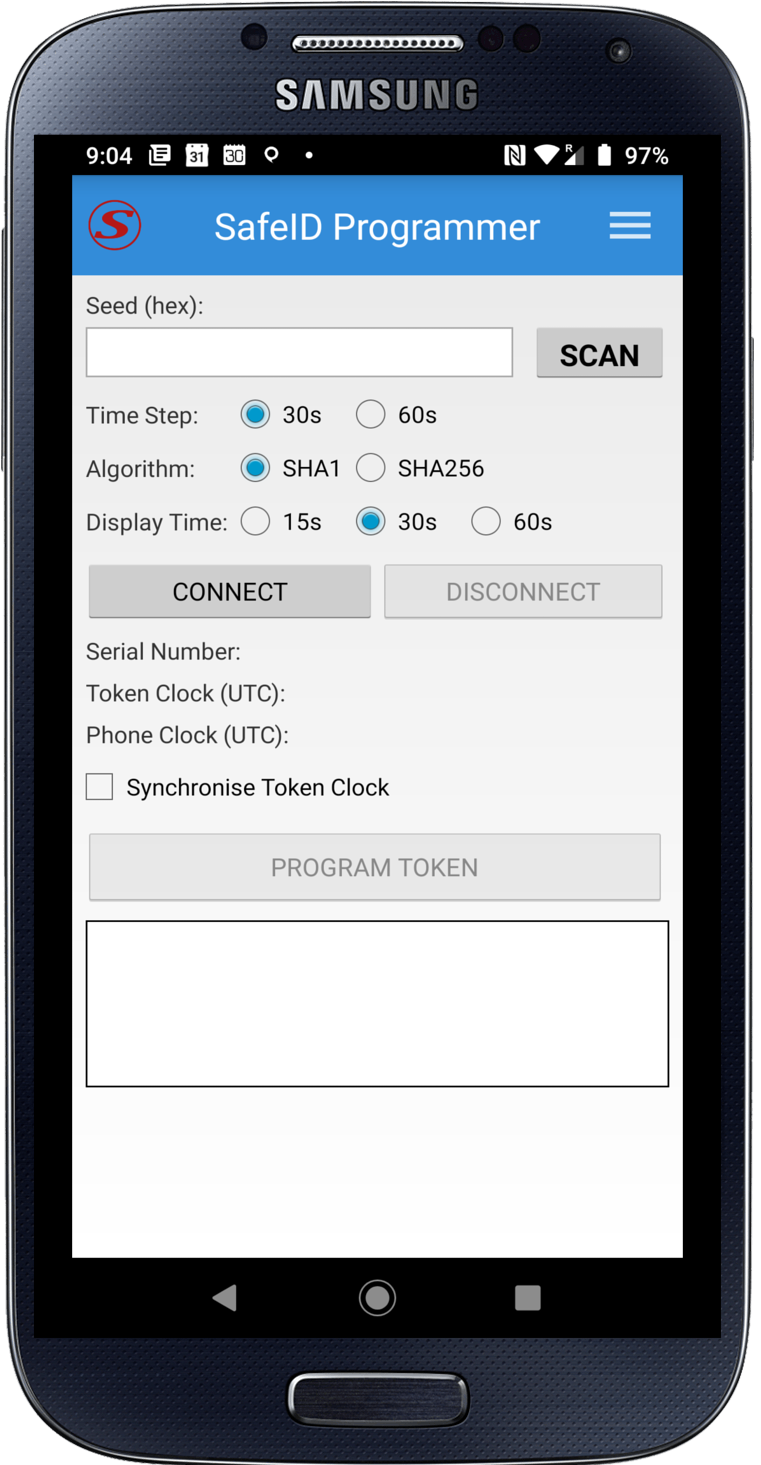
Step 1 - Launch the SafeID Programmer app

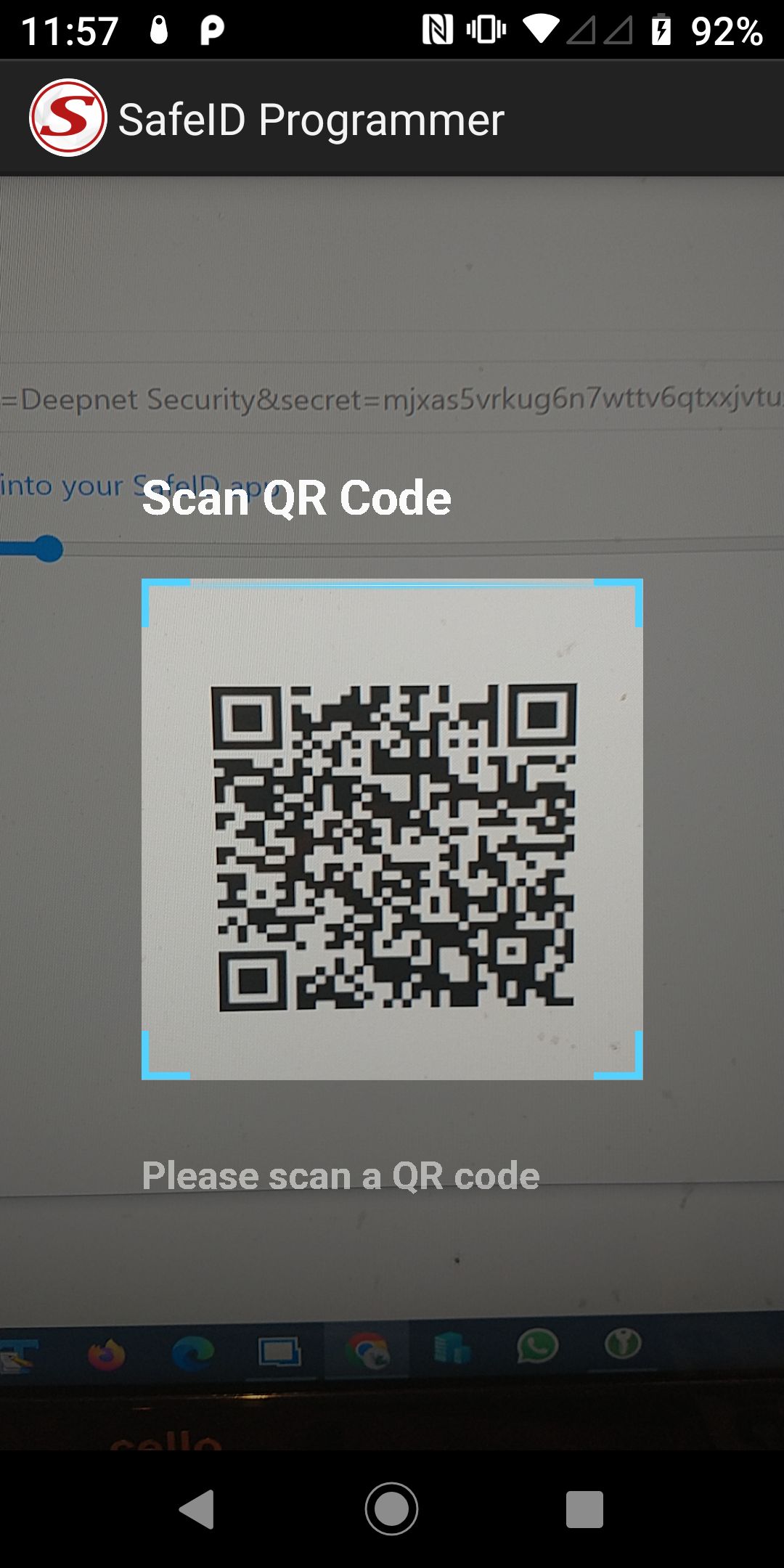
Step 2 - Scan QR Code
Press the "SCAN" button

Step 3 - Program Token
Switch on a token and place it against the phone
When you hear a beep, do not move the token until you hear the second beep

A token has been successfully programmed


Related Articles
...