...
After removal of the old background, adding the image to the content header, and updating our CSS script we save the customisation and now when we resize the page we see the backgound resizes with the page;
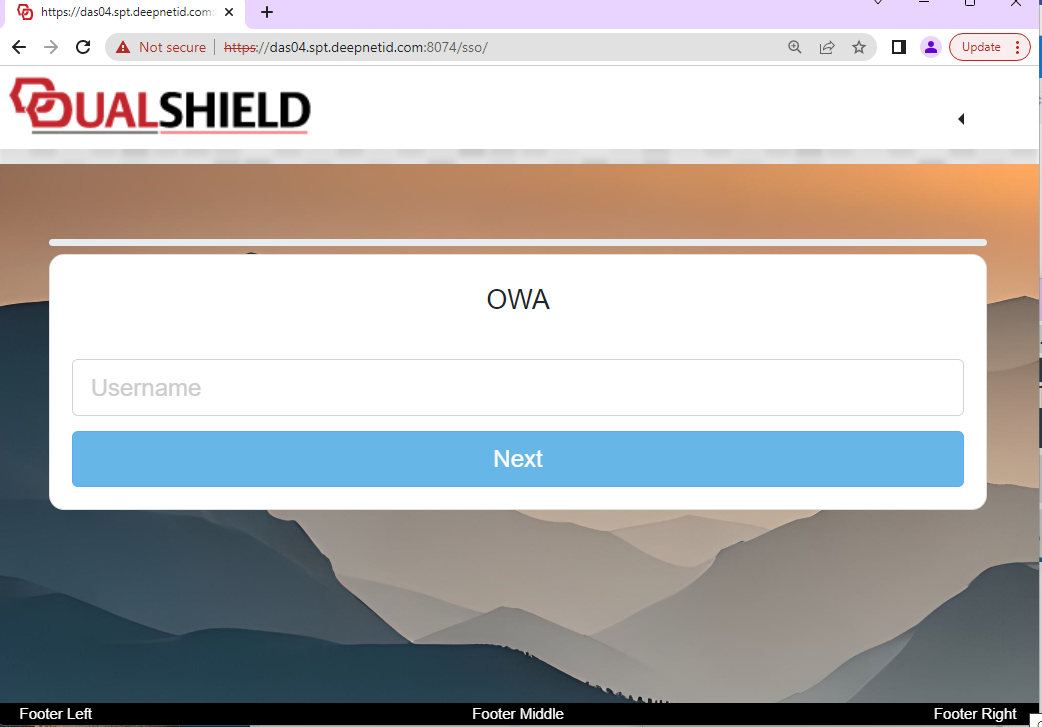
Now when we expand the image you will find that the background image has been resized to fit the new size of the window;
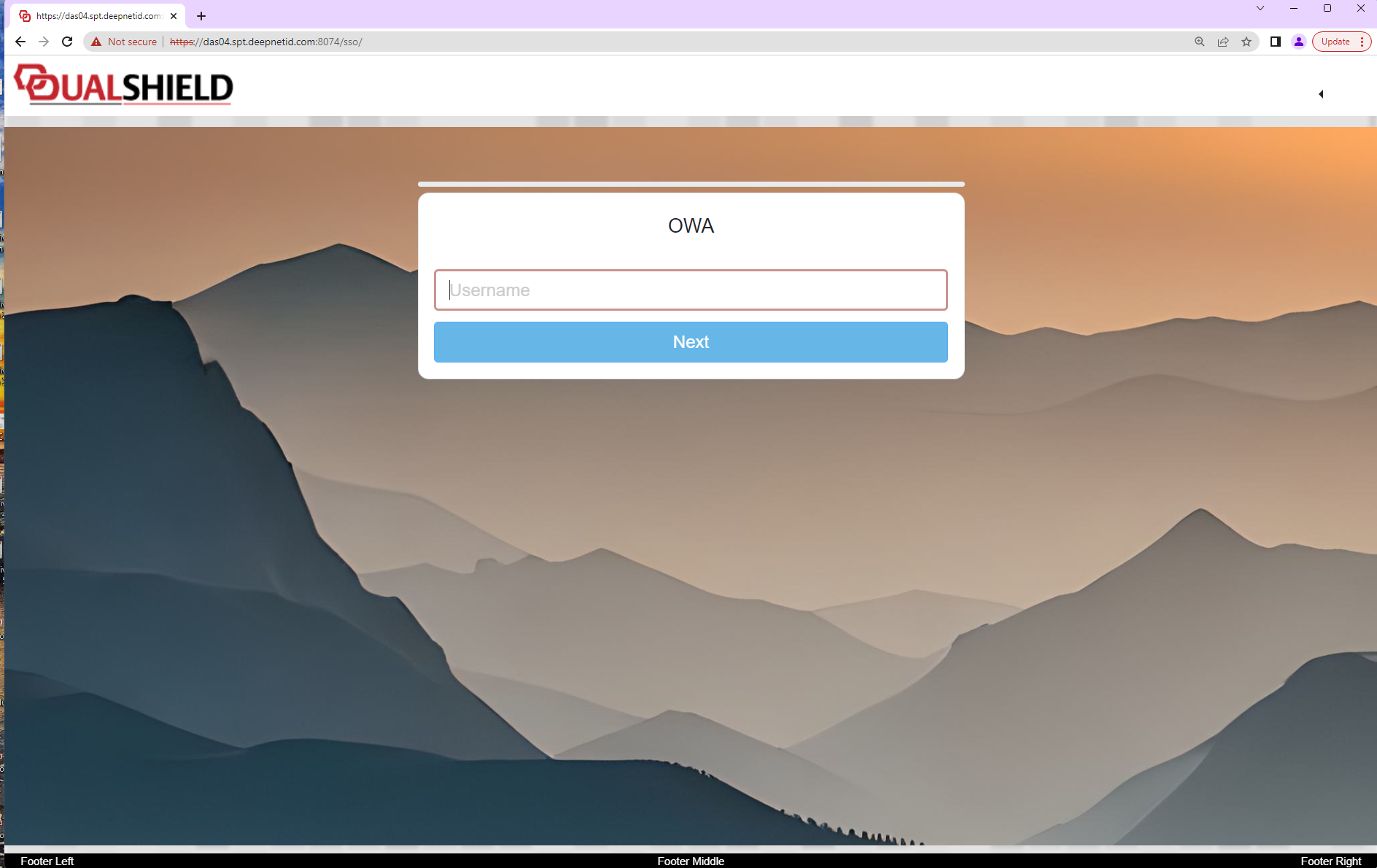
If you want a more interesting effect you could use a transparent image for the content header top, then supply a complementary image background image (using the "BACKGROUND IMAGE" button). By using both images the background could just provide a texture background whilst the transparent re-sizing images would overlay on this background. Additionally you can adjust the "%" and "px" parameters in the CSS script to resize other horizontal and vertical aspects of the page presentation.