changes.mady.by.user Paul Ruvin
Saved on Sep 28, 2022
Saved on Oct 12, 2022
...
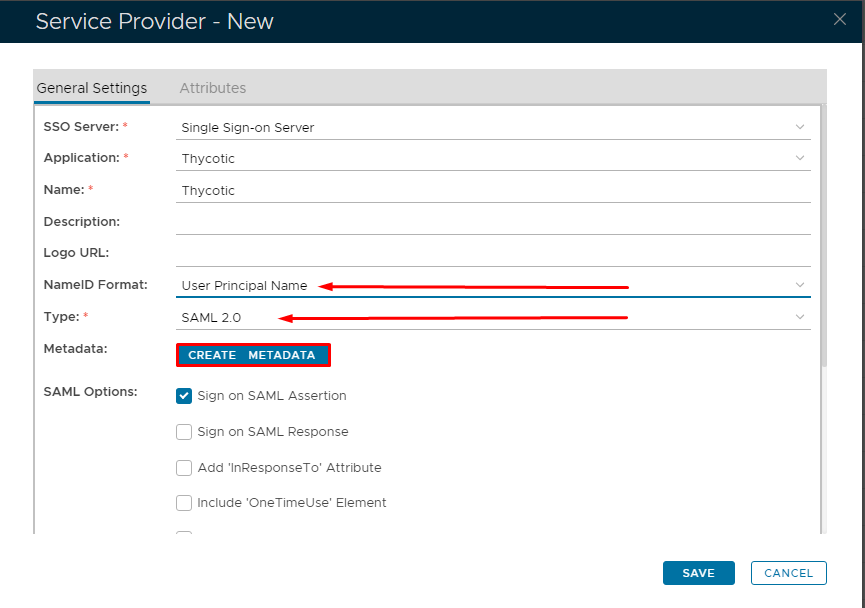
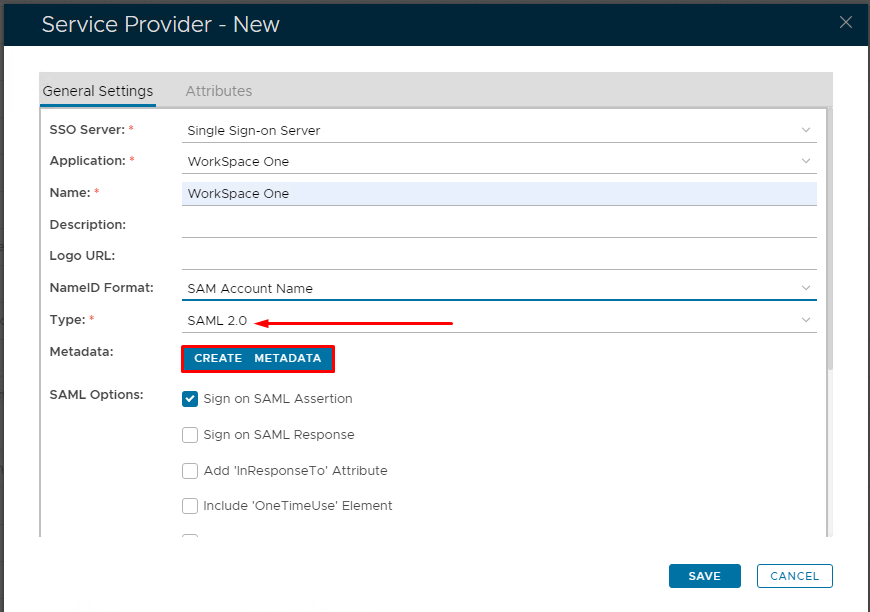
Fill in the details as per screenshot on right and make sure NameID Format is set to User Principle Name and you sure you select SAML 2.0 as Type.
Click on Create Metadata
Image RemovedImage Added
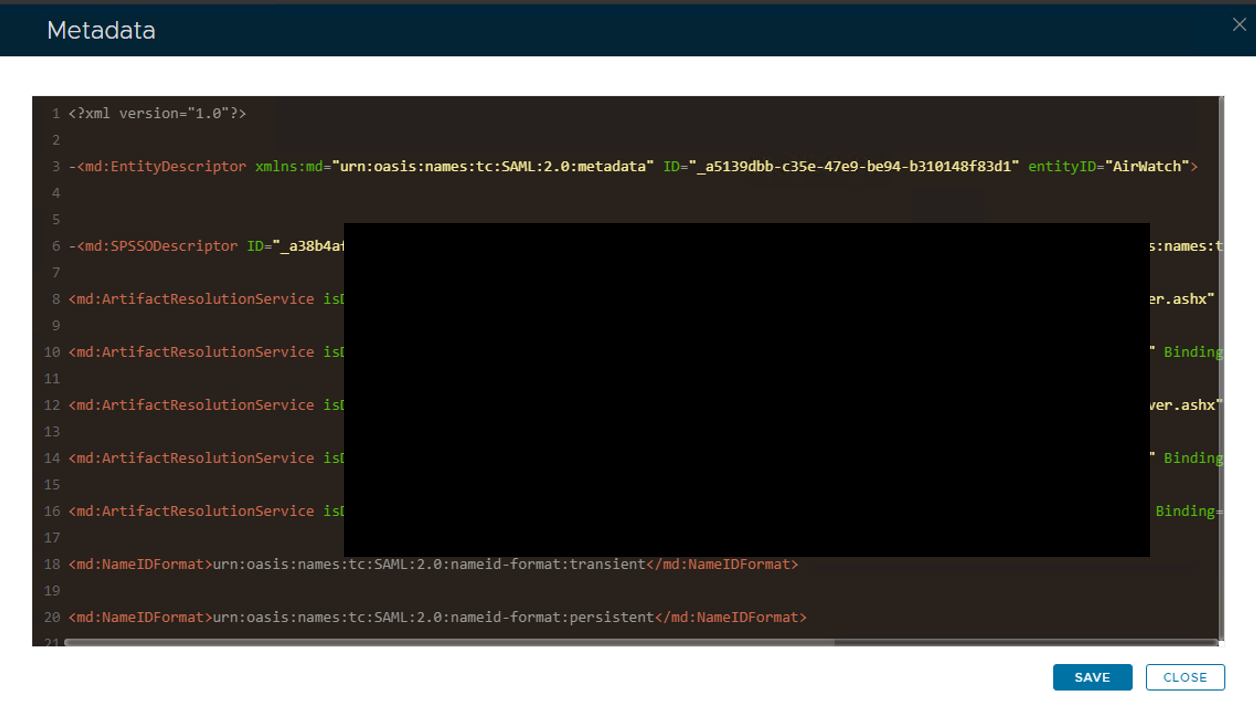
Open the Service Provider Metadata file you obtained in Workspace One Configuration.
Copy and past the metadata into Notepad or Notepad ++.
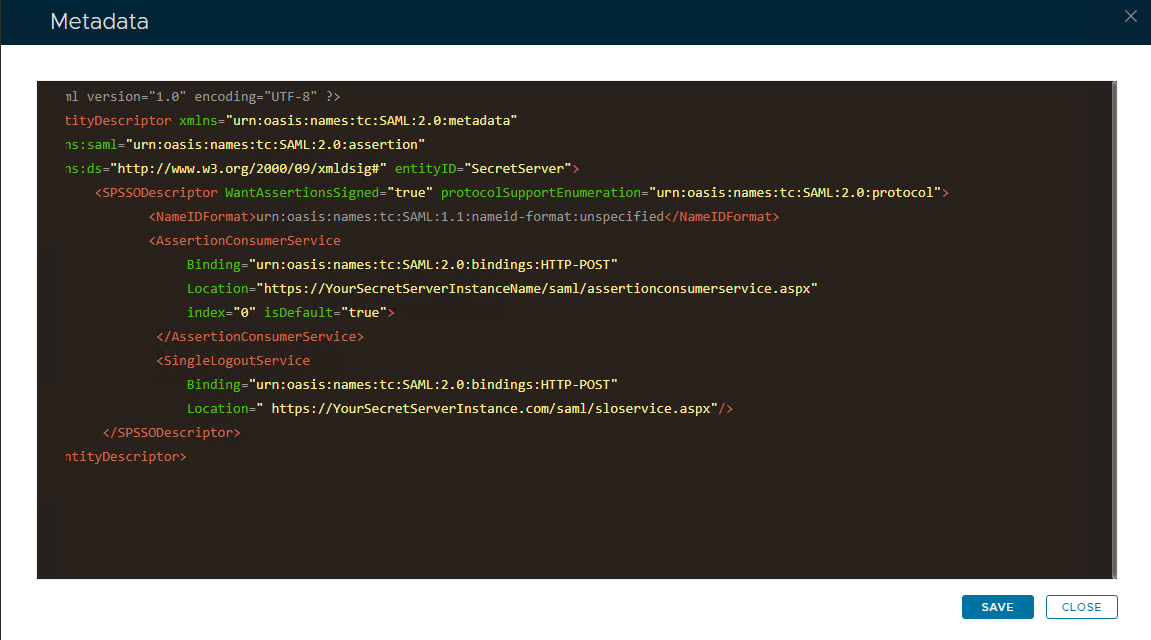
Remove the last three ACS locations and edit the file so it looks as follows.
Copy and paste the edited file into the Service Provider Metadata Windows and click Save