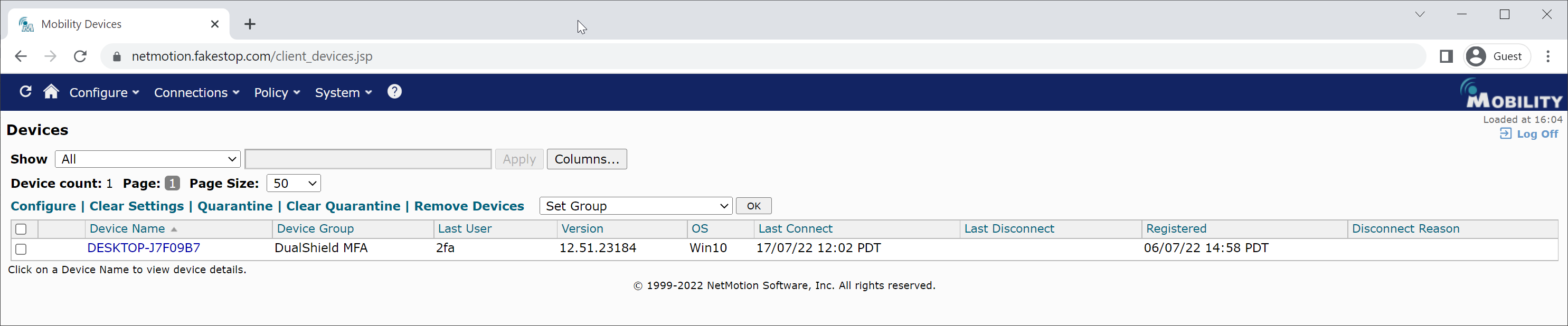
To enable MFA on a device, move the device to the MFA device group.
In the Mobility Console,
1. Navigate to "Configuration > Devices"
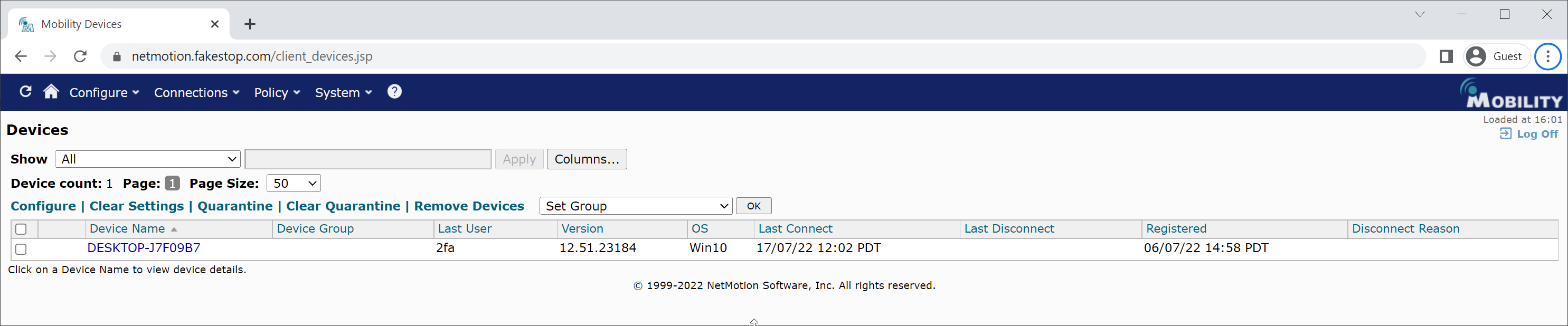
2. Select the device to be moved, then select the MFA device group, e.g. "DualShield MFA" in the "Set Group" list

3. Click "OK"