Visit Google reCAPTCHA admin console at: https://www.google.com/recaptcha/admin/

In reCPATCHA type, select "reCPATCHA2 v2" and "I'm not a robot" options
In Domains, enter the FQDN of your DualShield SSO server, e.g. "dualshield.deepnetid.com"
Click "Submit"
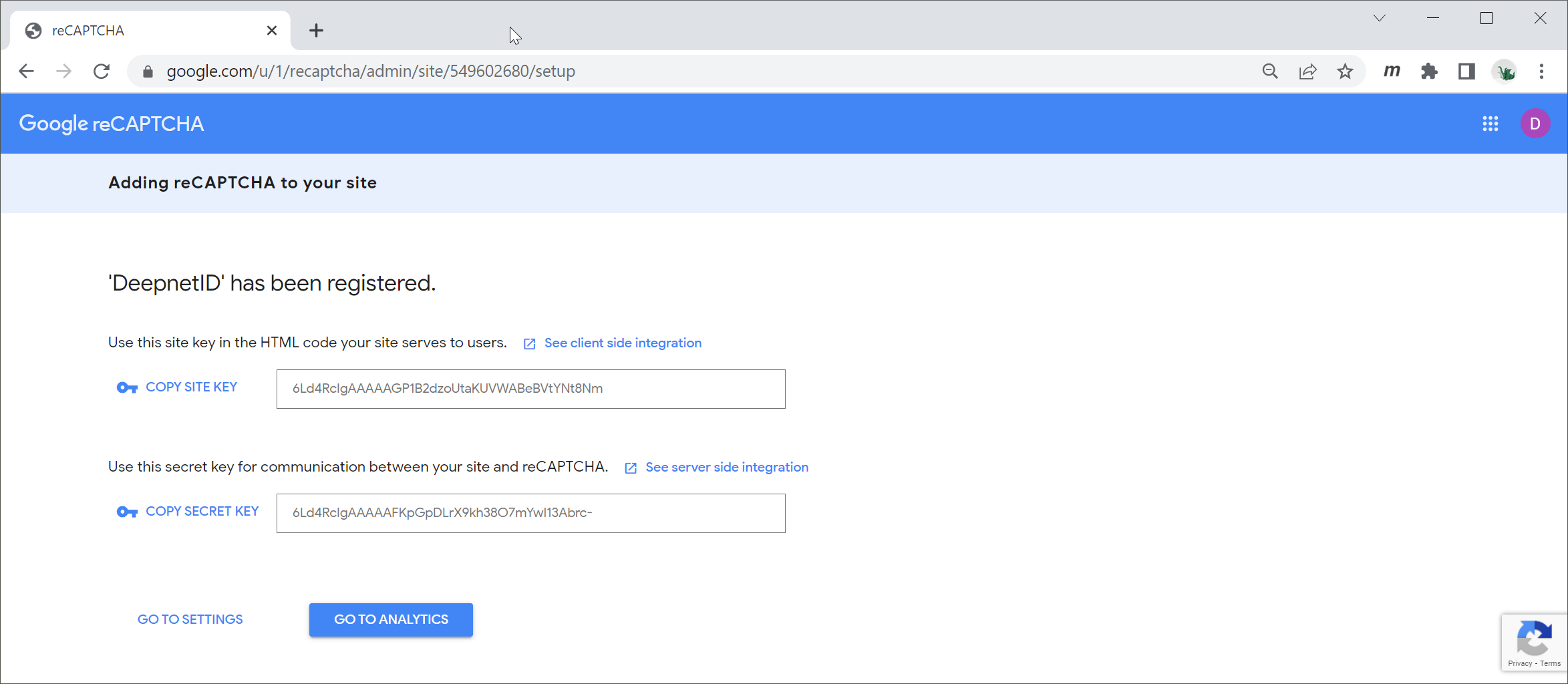
Copy out the Site Key and Secret key
Click "Go to Settings"
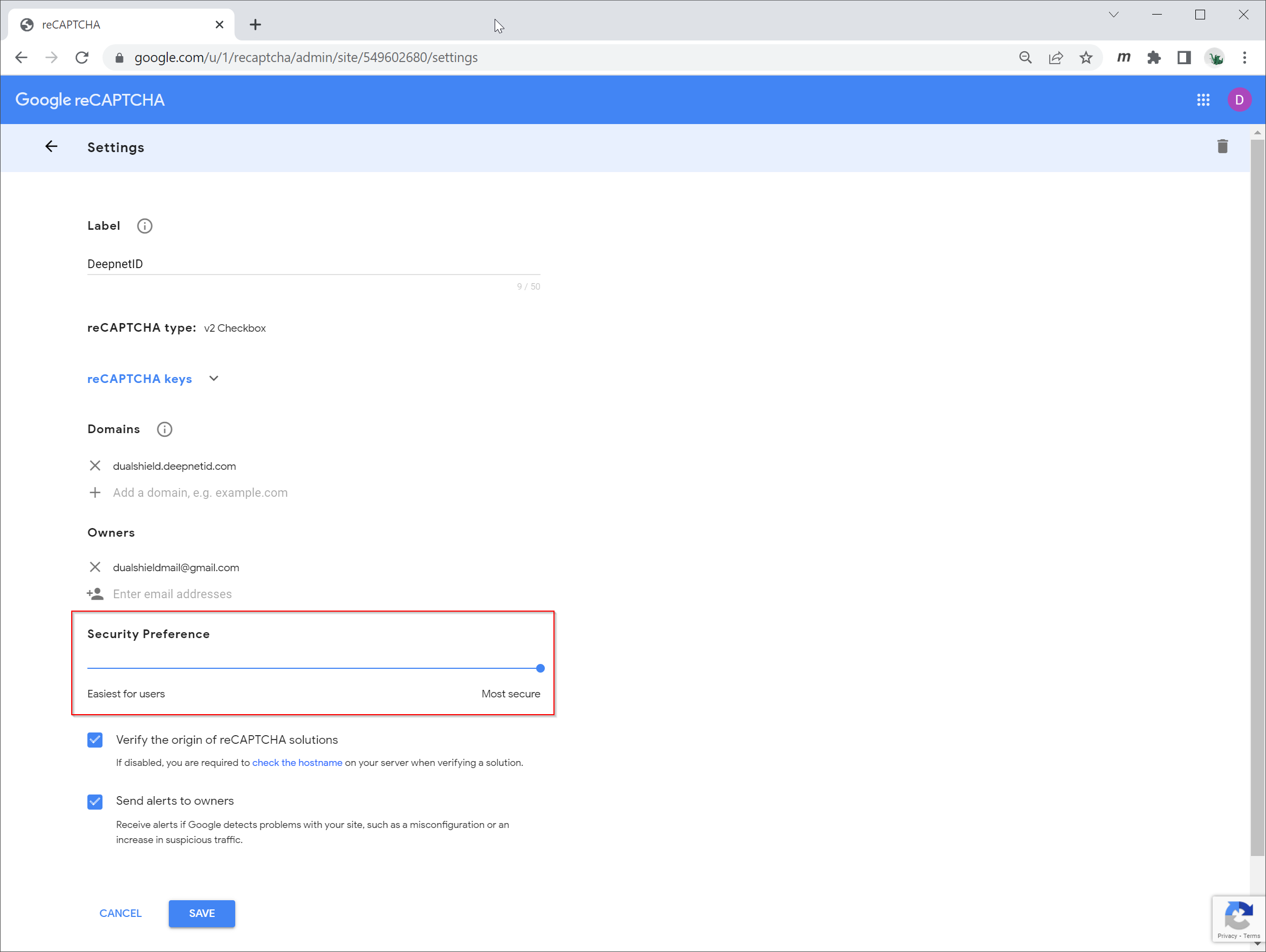
You can adjust the level of Security Preference, if you wish.