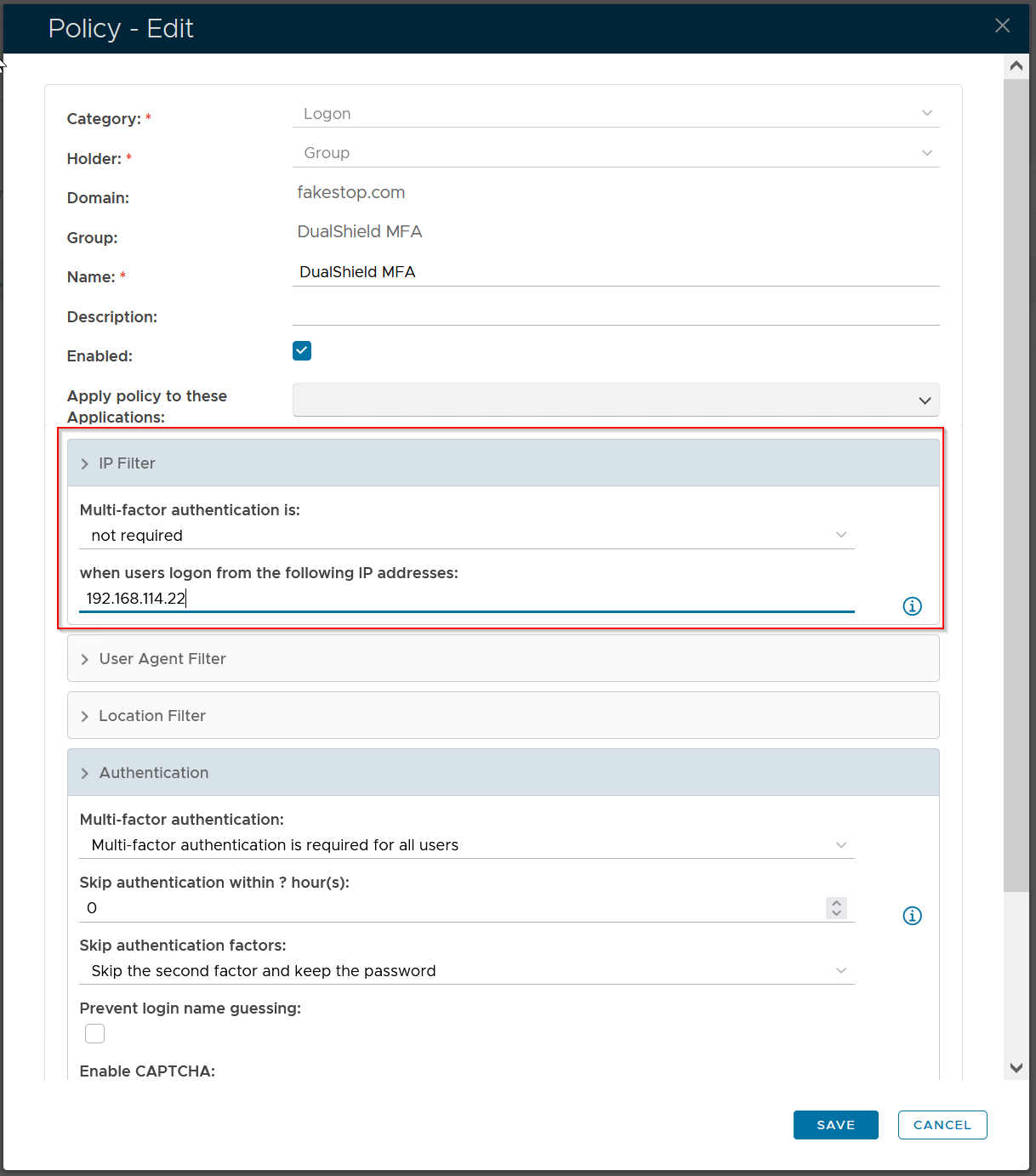
If you want to exclude some internal computers from MFA, then you can use the feature called "IP filter" in the DualShield Windows Logon Manager:
...
All computers in the IP Filter list will be excluded from MFA.
Please note that the IP Filter rule in the Windows Logon Manager is global. It applies to all users. If you want to exclude some computers by their IP address when they are used by some specific users, then you must the IP Filter option the Logon Policy that is applied to the specific user or user group: