...
| Section |
|---|
|
| Column |
|---|
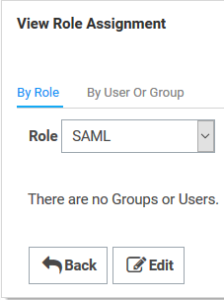
Click the Assign Roles link of the newly created role. The View Role Assignment page appears Click the Role dropdown list to select the role you just created. Click the Edit button. |
| Column |
|---|
|
| Panel |
|---|
| borderColor | #9EBEE5 |
|---|
| bgColor | #f0f0f0 |
|---|
| borderWidth | 1px |
|---|
| 
|
|
|
Upload the Idp Certificate file
| Section |
|---|
|
| Column |
|---|
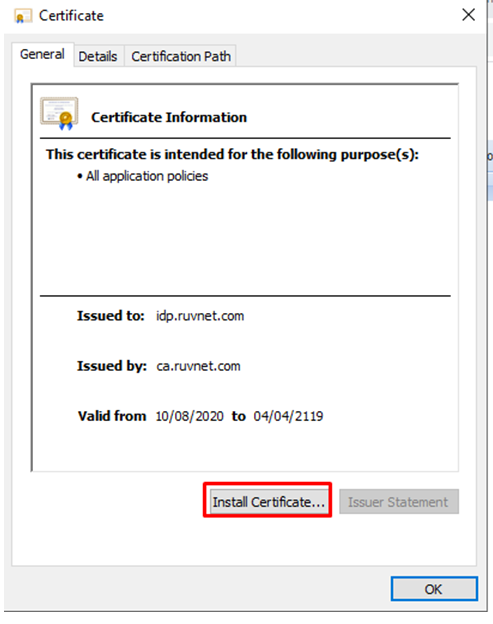
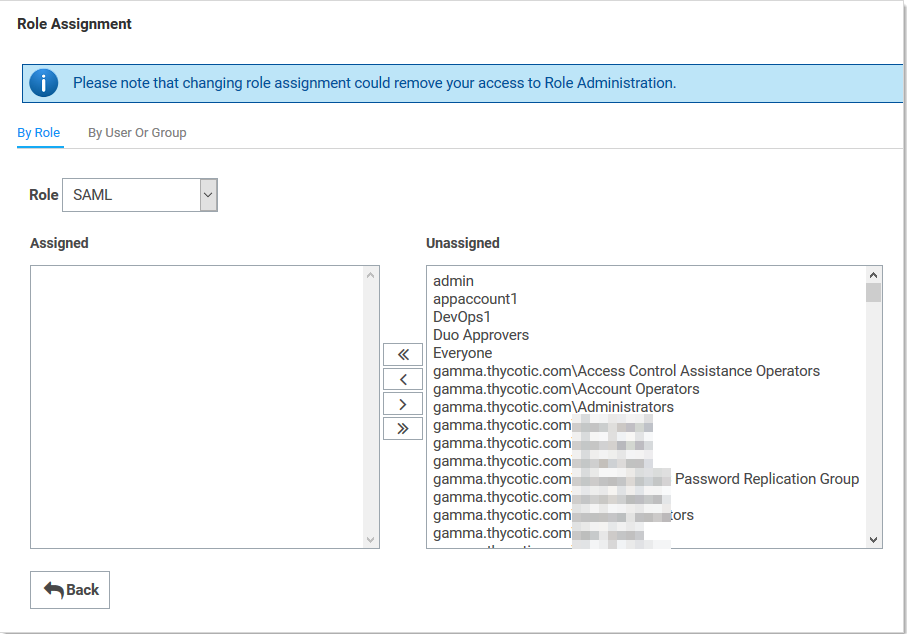
On the Role Assignment page move the desired users to the Assigned list using the same method as before Click the Save Changes button. In order to do this, you need to convert the 'crt' file that was downloaded in the previous section to a 'cer' file. To begin, Open the crt file and install the Certificate to your personal folder in Certificate manager |
|
| Section |
|---|
|
| Column |
|---|
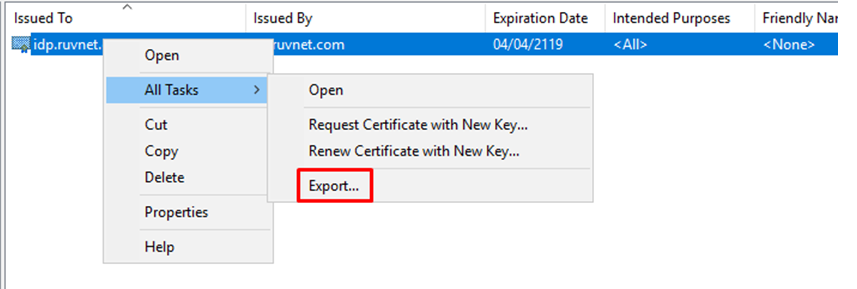
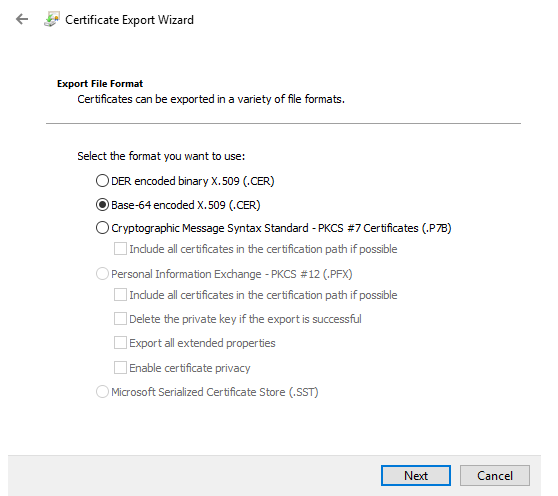
Once installed the Certificate needs to be exported
Export it as a Base-64 encoded X.509 (.CER) |
| Column |
|---|
|
| Panel |
|---|
| borderColor | #9EBEE5 |
|---|
| bgColor | #f0f0f0 |
|---|
| borderWidth | 1px |
|---|
|  
|
|
|
...