...
- In the main menu, select "Authentication | Applications"
- Click the "Create" button on the toolbar
- Enter a name and select a realm
- Select the newly created logon procedure
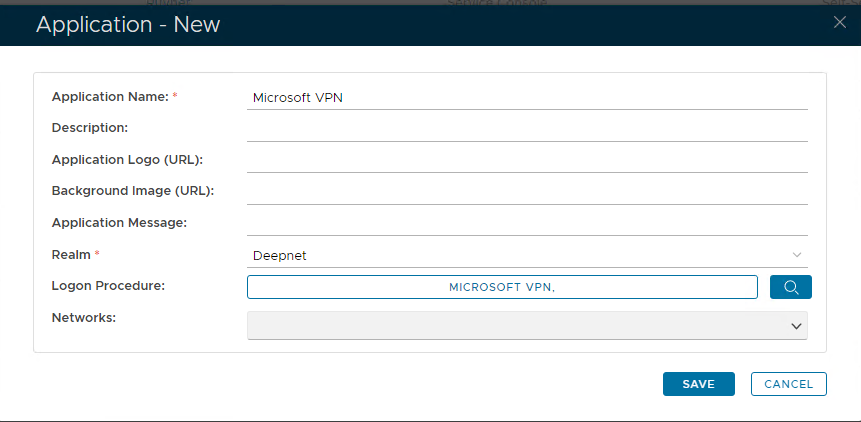
- Click "Save"
- Click the Context menu of the newly created application, select "Agent"

- Click "Save" and use the "Self-Test" function to verify that the application is correctly set up and ready
...