On your local computer, open Windows PowerShell and run the following command.
$UserCredential = Get-Credential
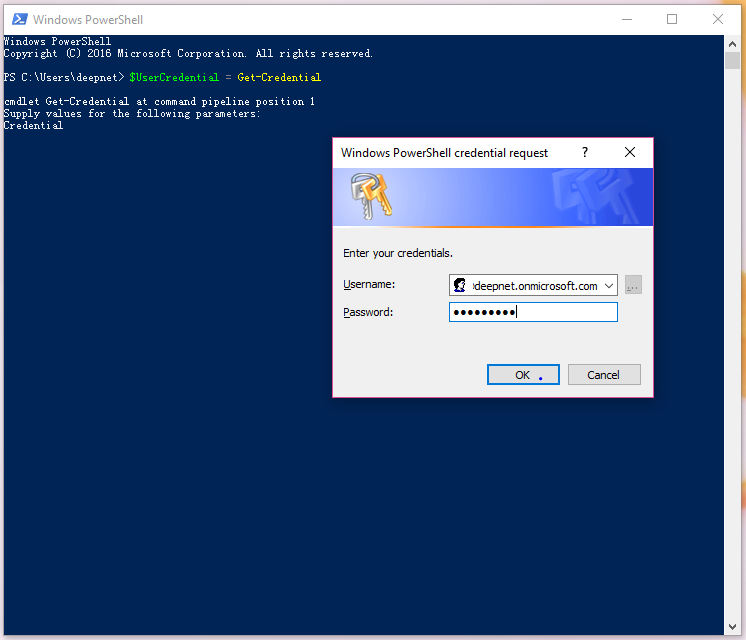
In the Windows PowerShell Credential Request dialog box, type your work or school account and password, and then click OK.
Run the following command.
$Session = New-PSSession -ConfigurationName Microsoft.Exchange -ConnectionUri https://outlook.office365.com/powershell-liveid/ -Credential $UserCredential -Authentication Basic -AllowRedirection
Run the following command.
Import-PSSession $Session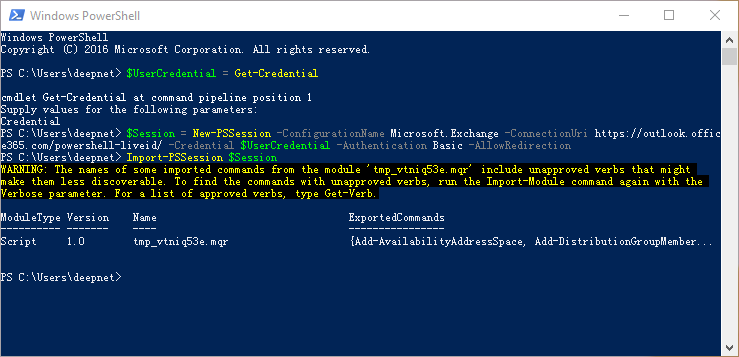
Page History
Overview
Content Tools