There are 3 ways to get the QR code of a MobileID token
| Expand |
|---|
| title | Get QR Code from the Admin Console |
|---|
|
| Include Page |
|---|
| Get QR code from the Admin Console |
|---|
| Get QR code from the Admin Console |
|---|
|
|
| Expand |
|---|
| title | Get QR Code from the Service Console |
|---|
|
| Include Page |
|---|
| Get QR code from the Service Console |
|---|
| Get QR code from the Service Console |
|---|
|
|
| Expand |
|---|
| title | Get QR Code from email |
|---|
|
| Include Page |
|---|
| Get QR code from email |
|---|
| Get QR code from email |
|---|
|
|
First, locate the MobileID token in the user's account
...
 Image Removed
Now, click the token's context menu icon "..." to bring up its context menu:
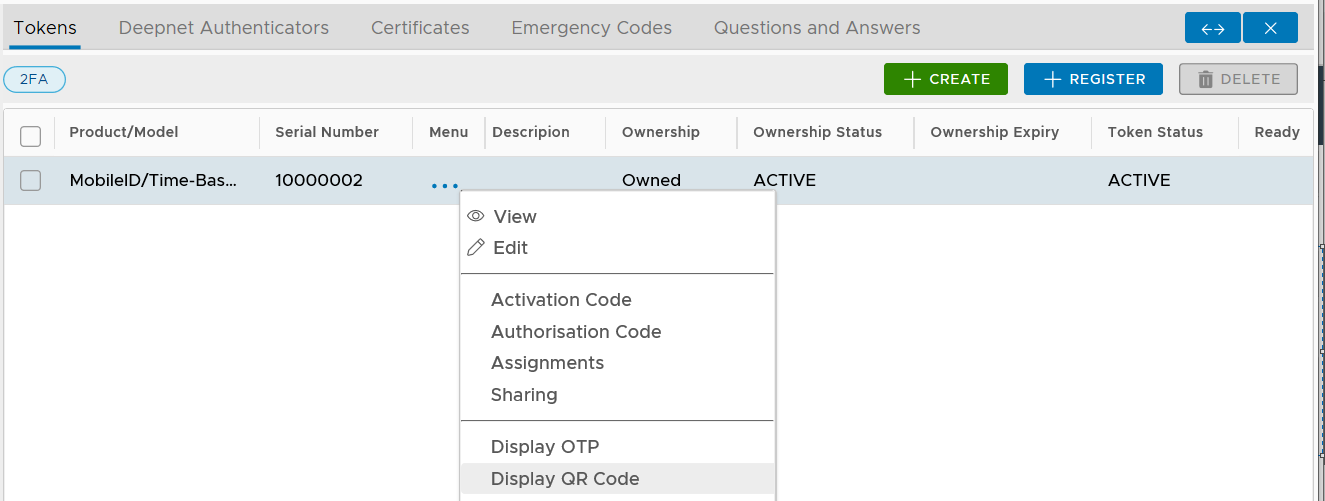 Image Removed
Select "Display QR Code"
...
Now, open the MobileID app on your smart phonesmartphone
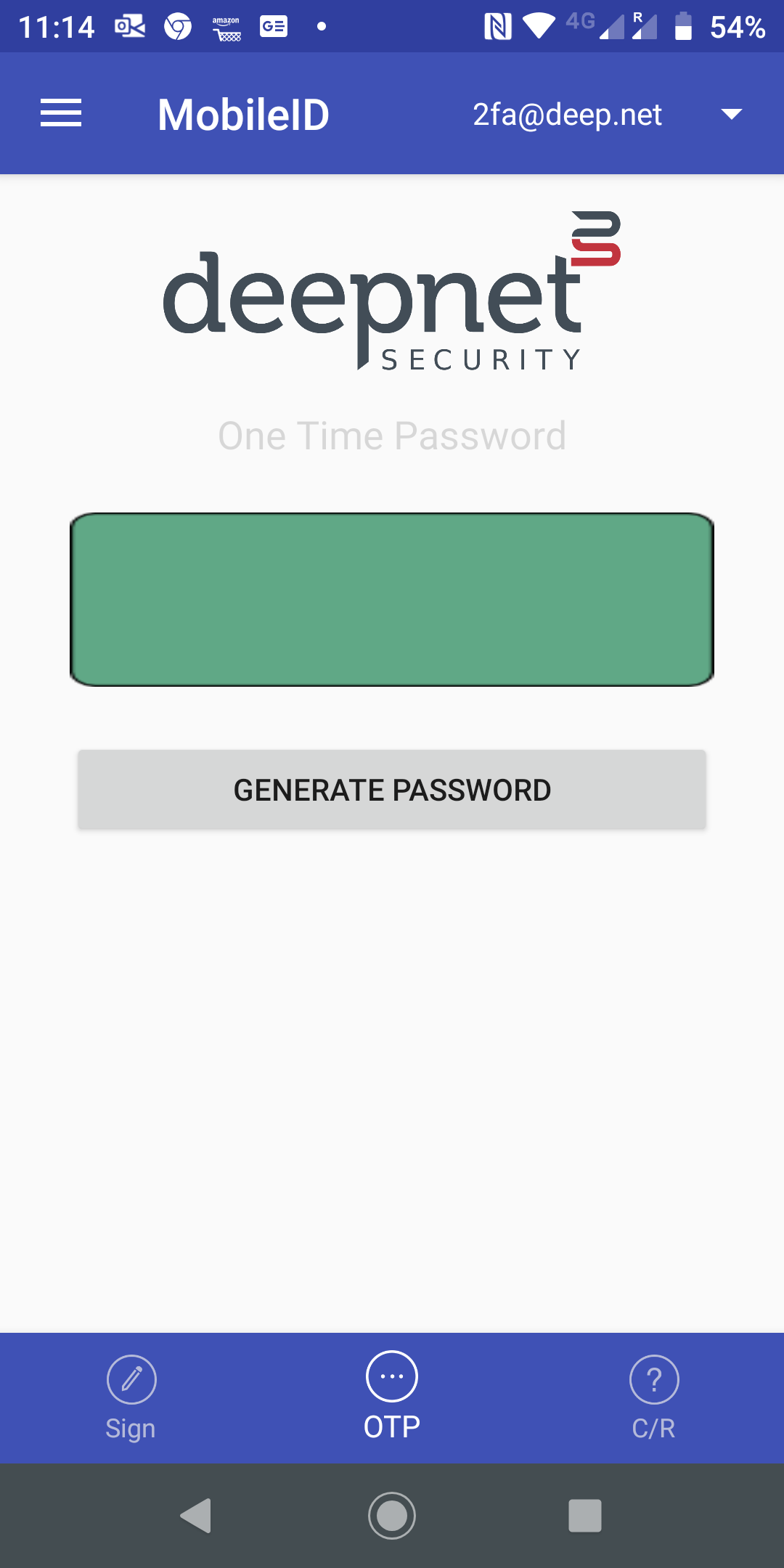
click the menu icon on the top-left corner
...