In the DualShield Admin Console, select "Administration | Alerts"
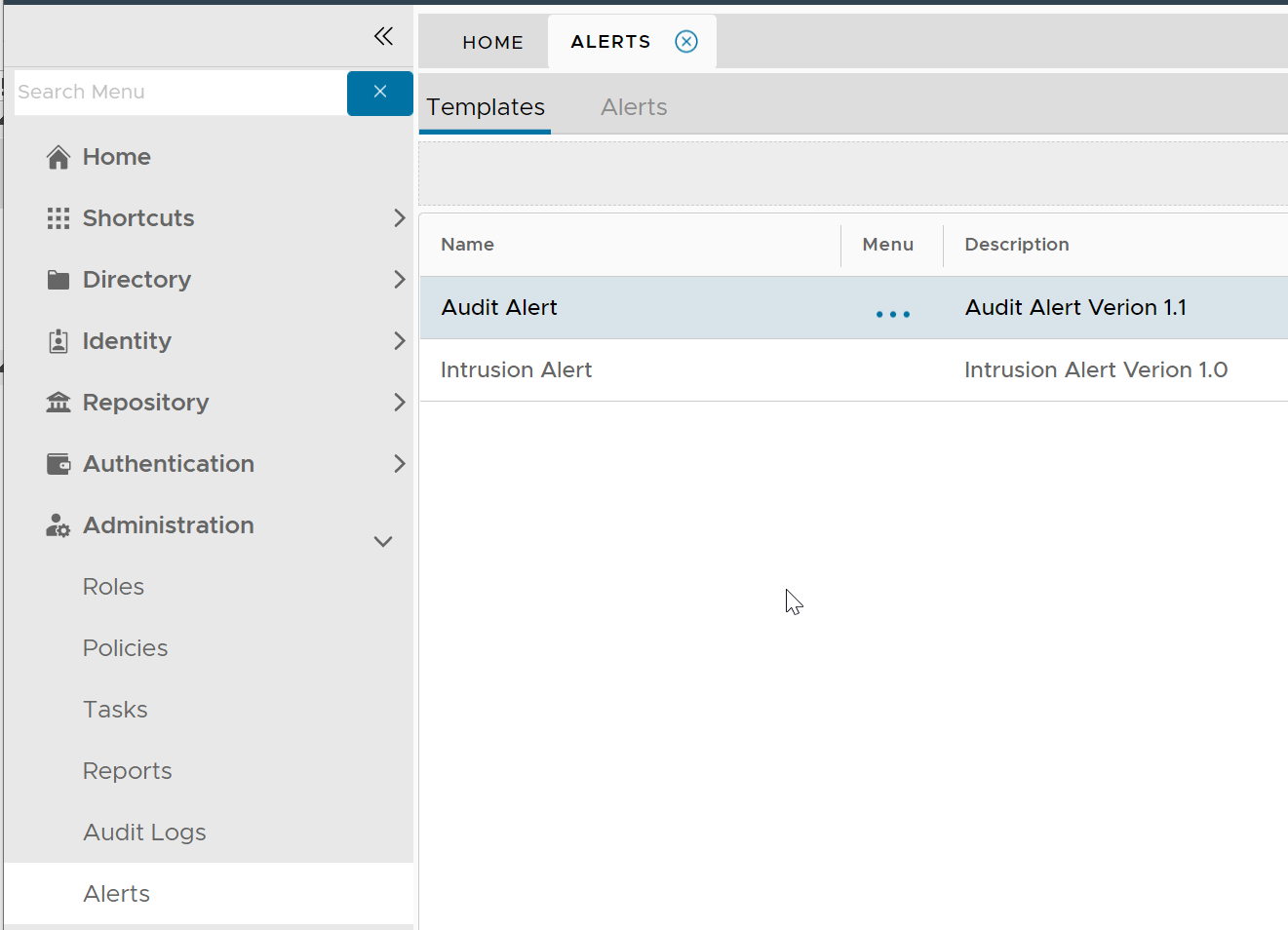
Click the context menu of "Audit Alert"
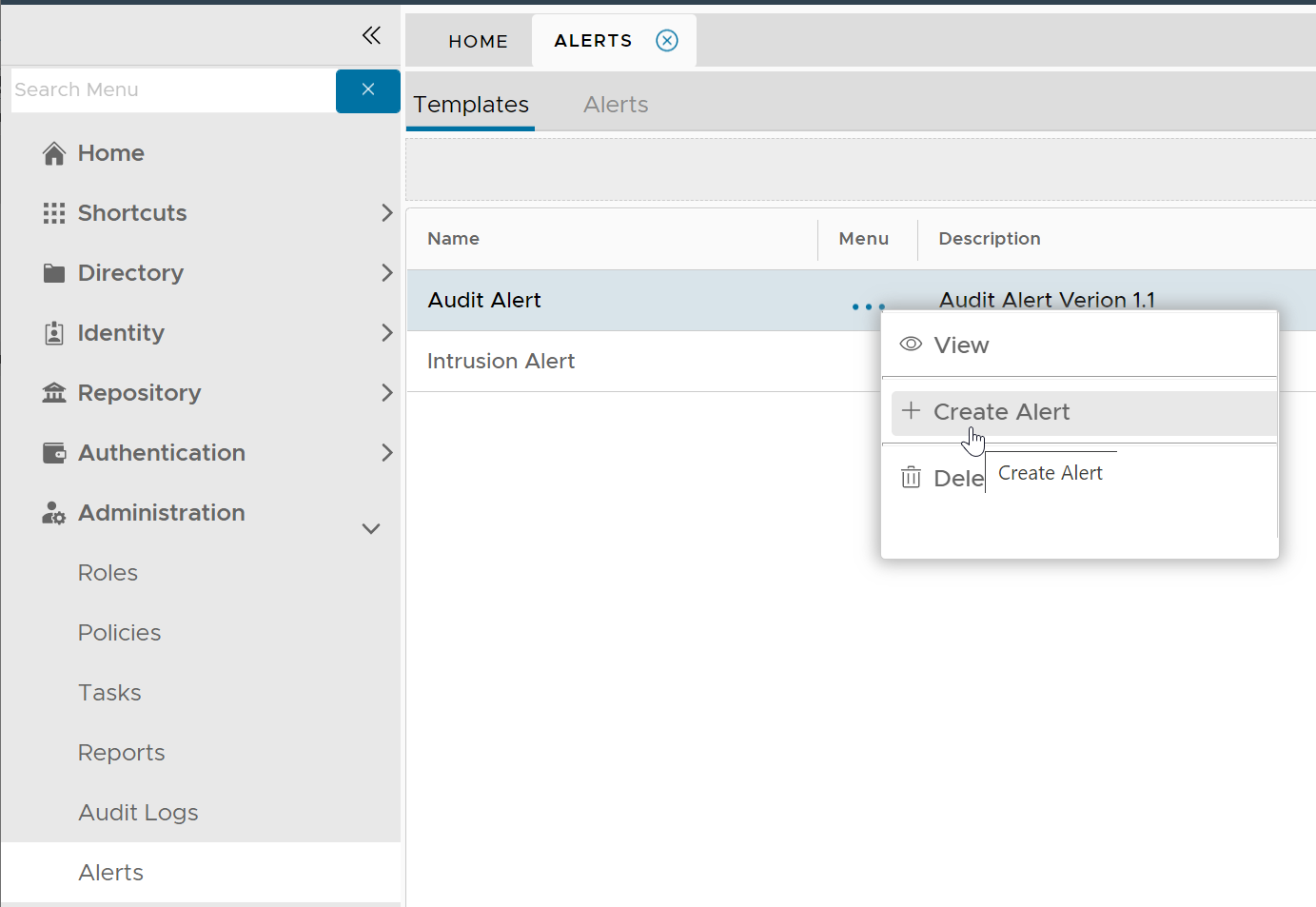
Select "Create Alert"
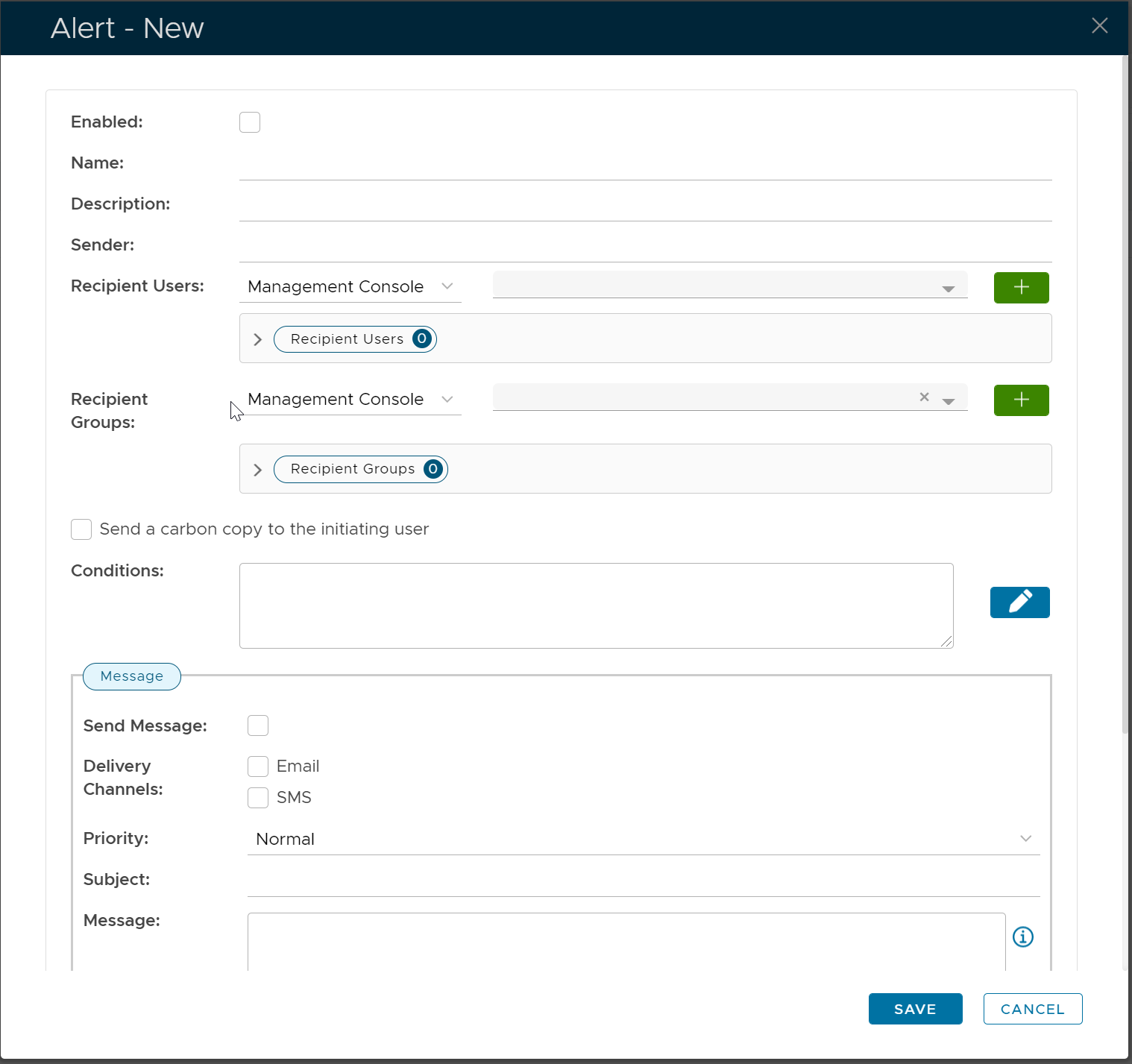
Tick the "Enable" option
Fill in Name, Description etc
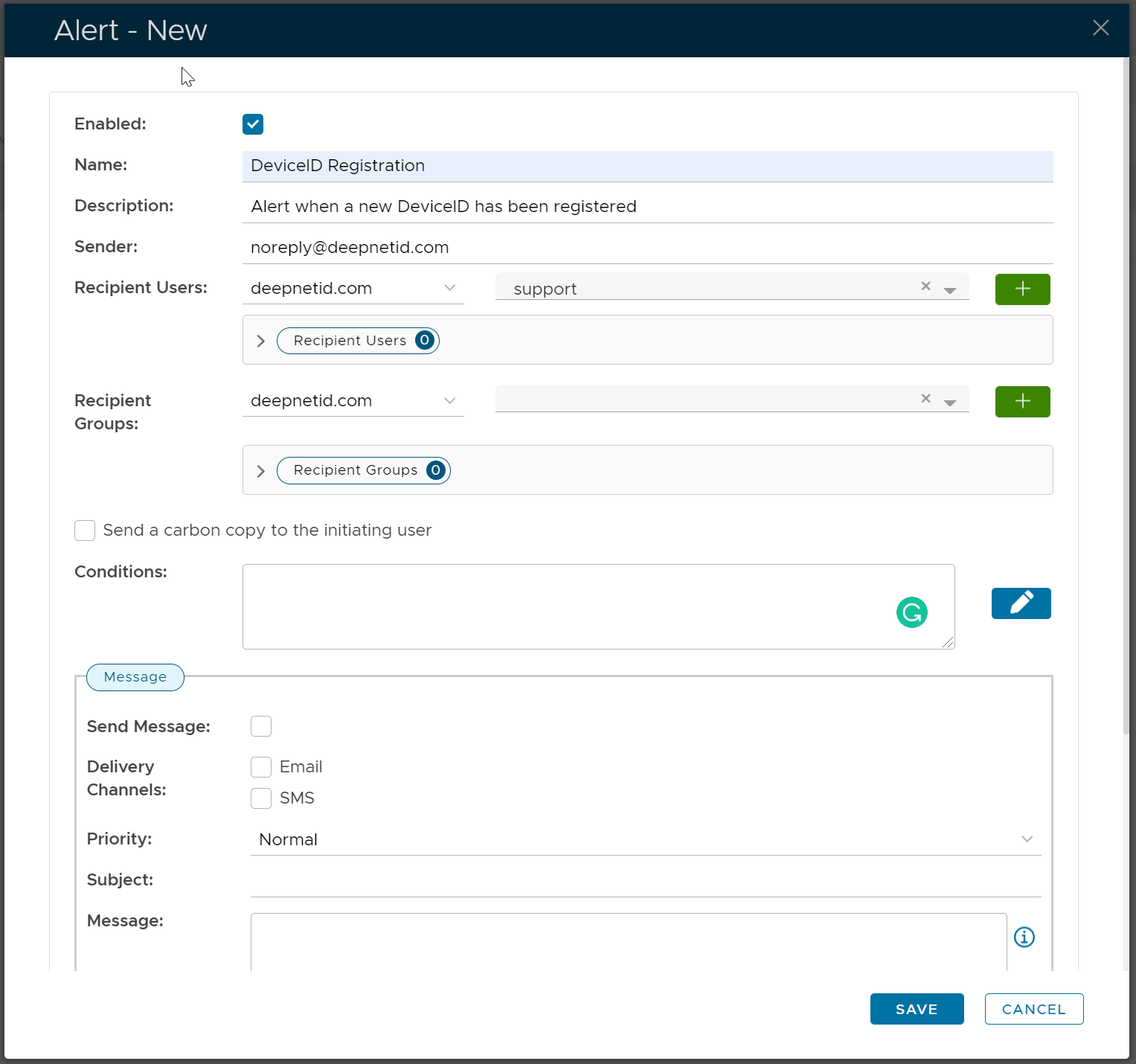
Click the Edit icon on the right of the Conditions box
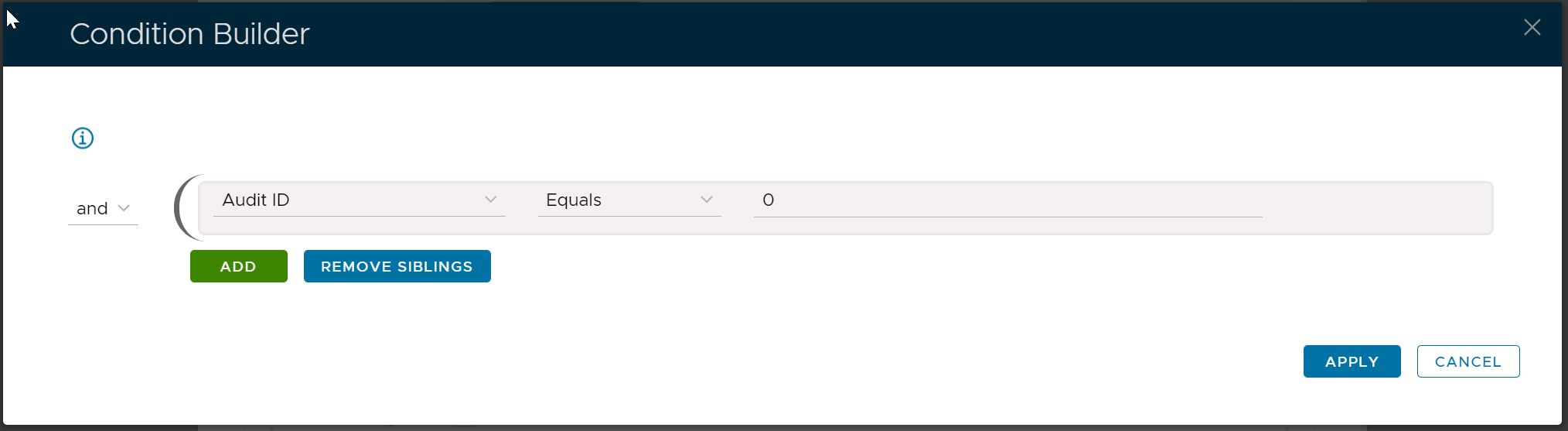
Add the conditions below:
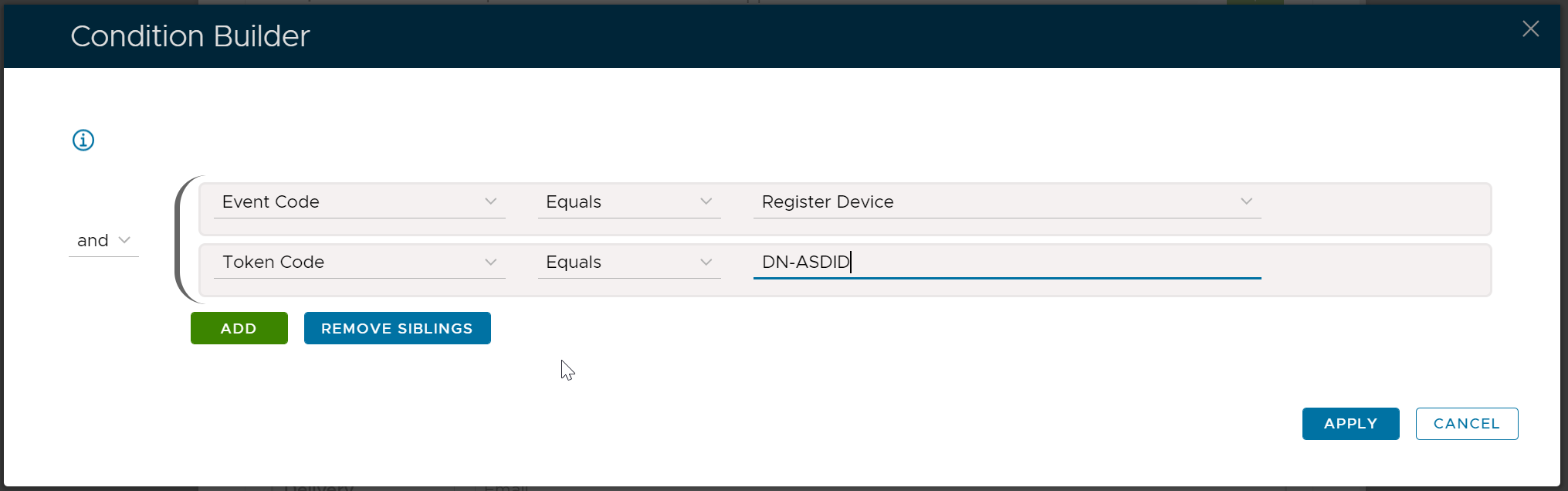
Click "Apply"
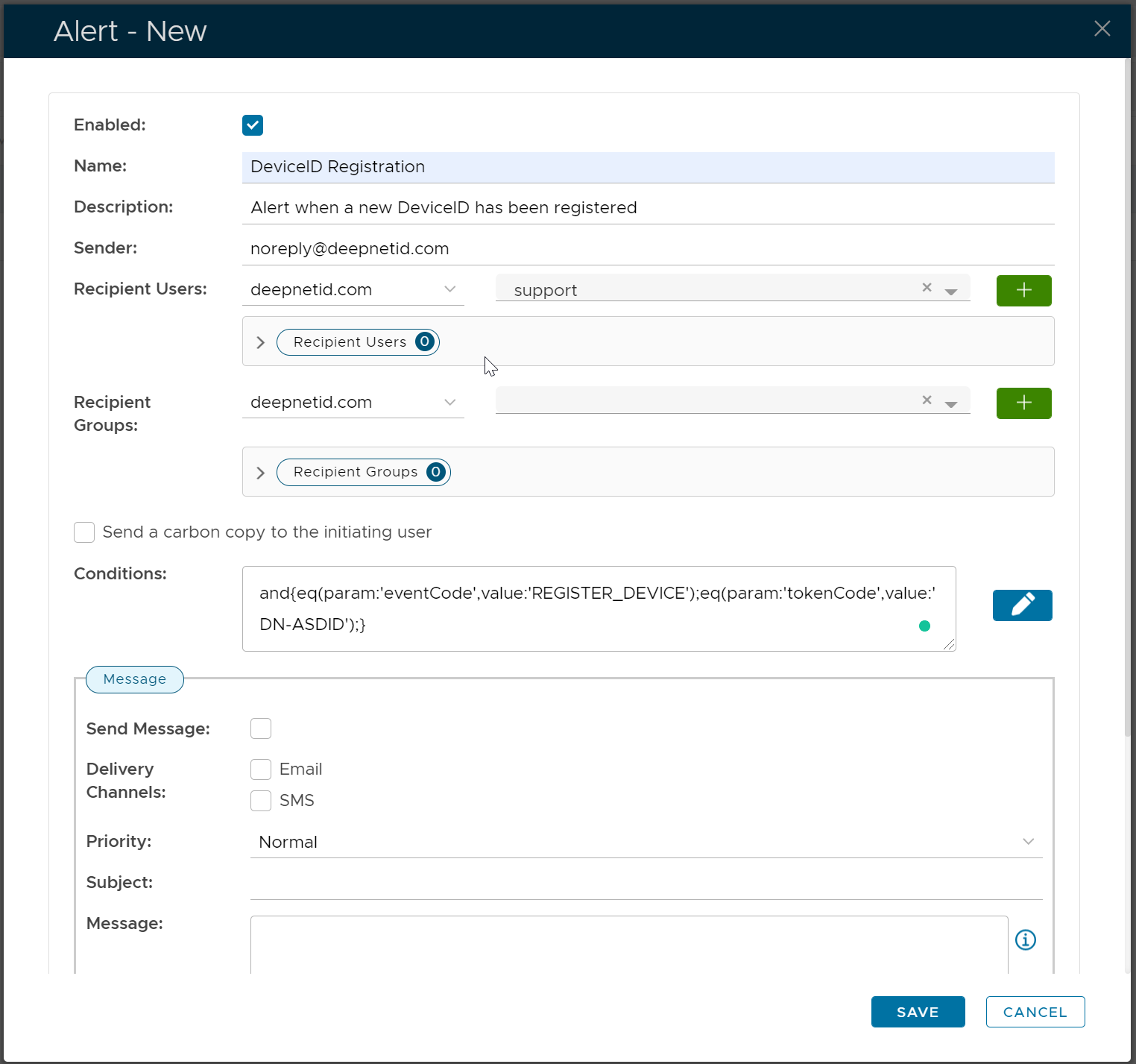
Now, enter the Message text. Below is an example:
| Code Block |
|---|
A new DeviceID has just been registered and is waiting for review and approval.

User's LoginName: [[loginName]]
Token's Serial Number: [[tokenSerial]] |
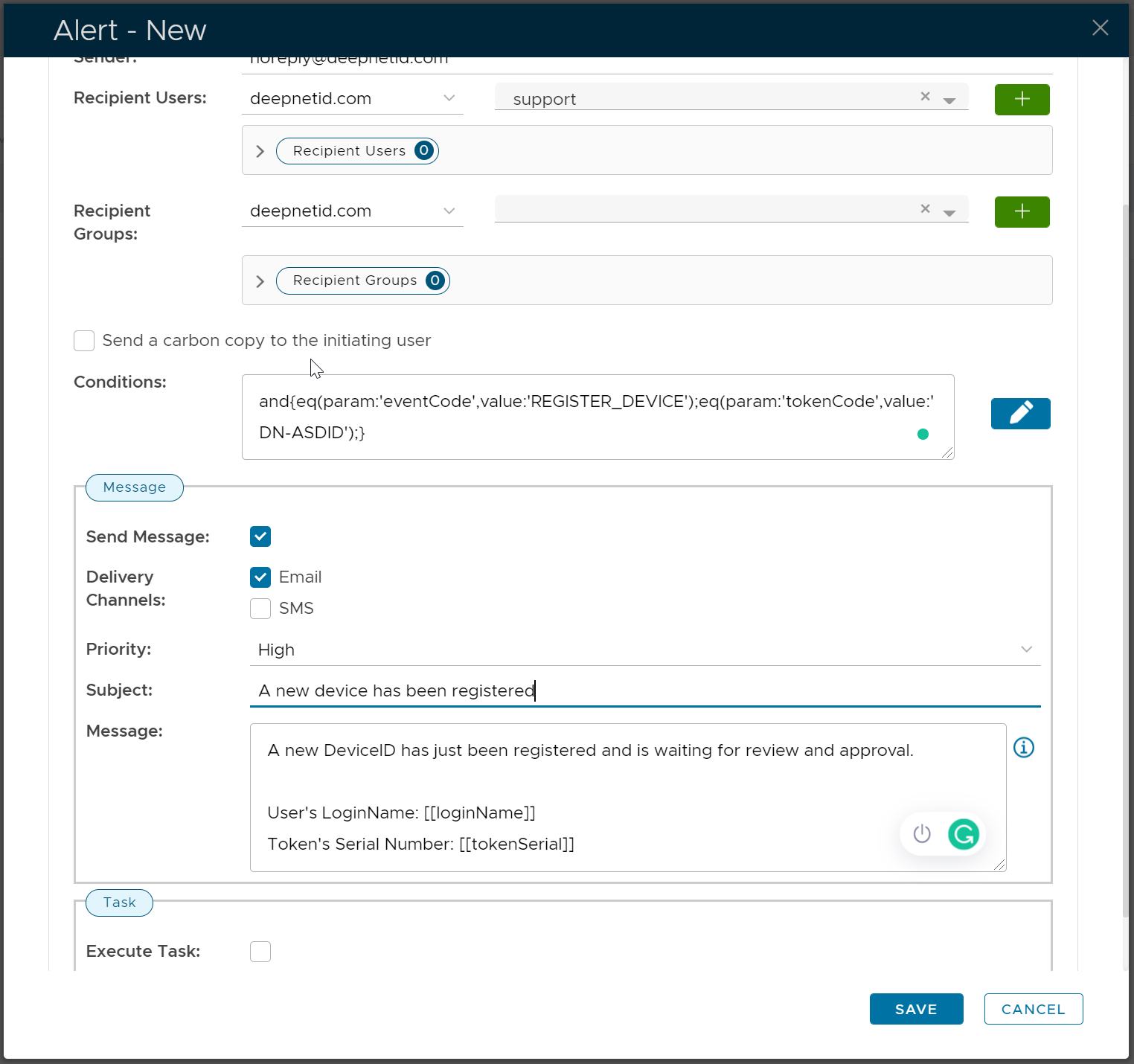
Click "Save"
