...
Once the "Create" button has been pressed you will be presented with a page that will allow you to customise one of the available portals;
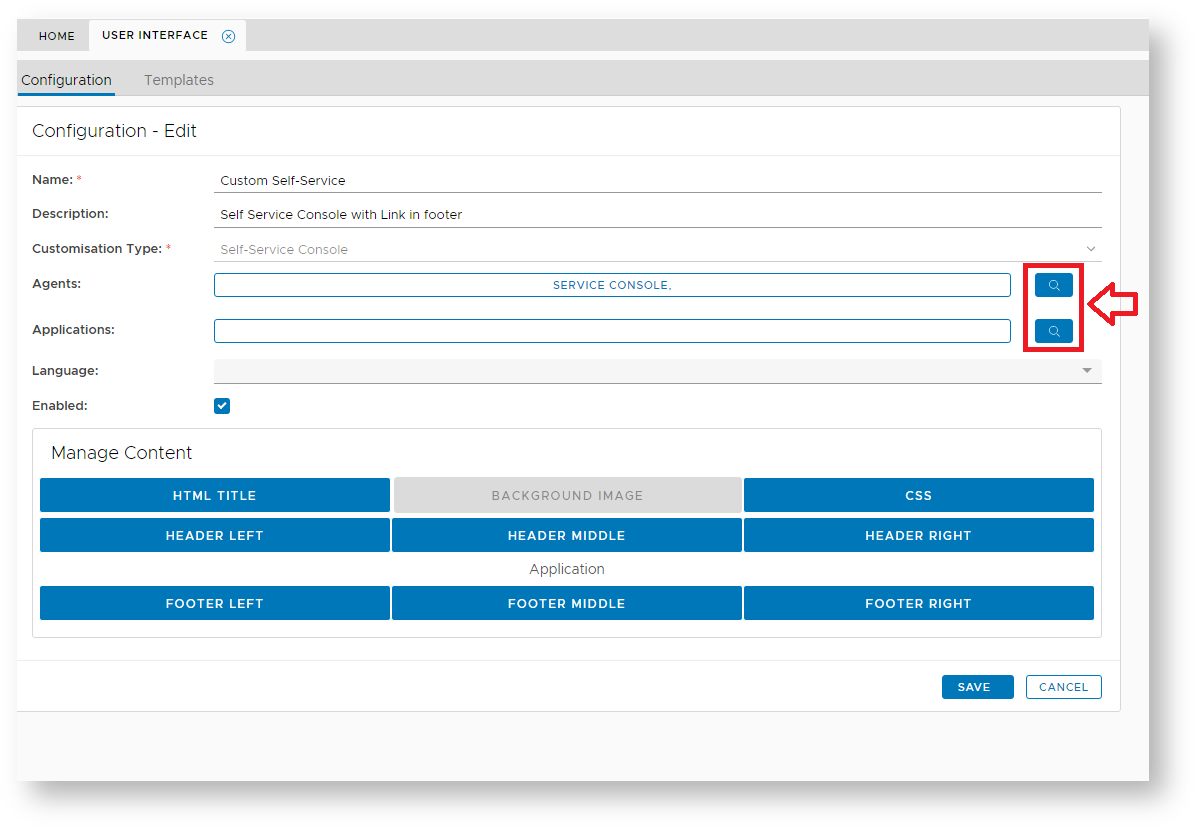
At the prompts "Name:" and "Description:" provide text that relates to the customisation you are about to perform, then at the prompt "Customisation Type:" select which portal is to be customised, then at the prompts "Agents:" and "Applications" click on the search icons (see arrow in the picture above), then select the agent and application that matches your selected customisation type;
...