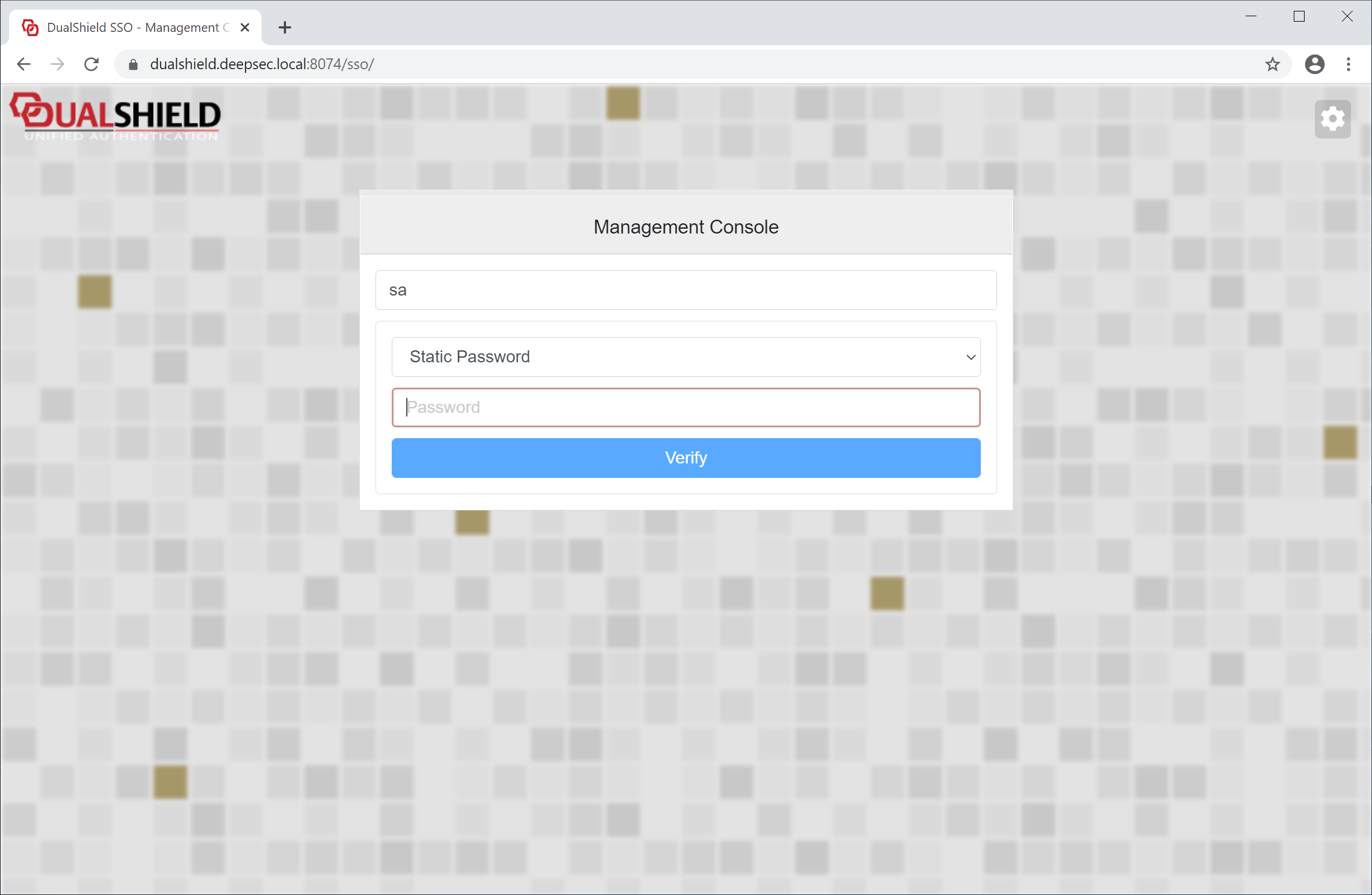
...
If this is the very first time that you're setting up an agent, click select the existing "Create New Application" button to create a new application for this agent (and for other agents you might want to install later)
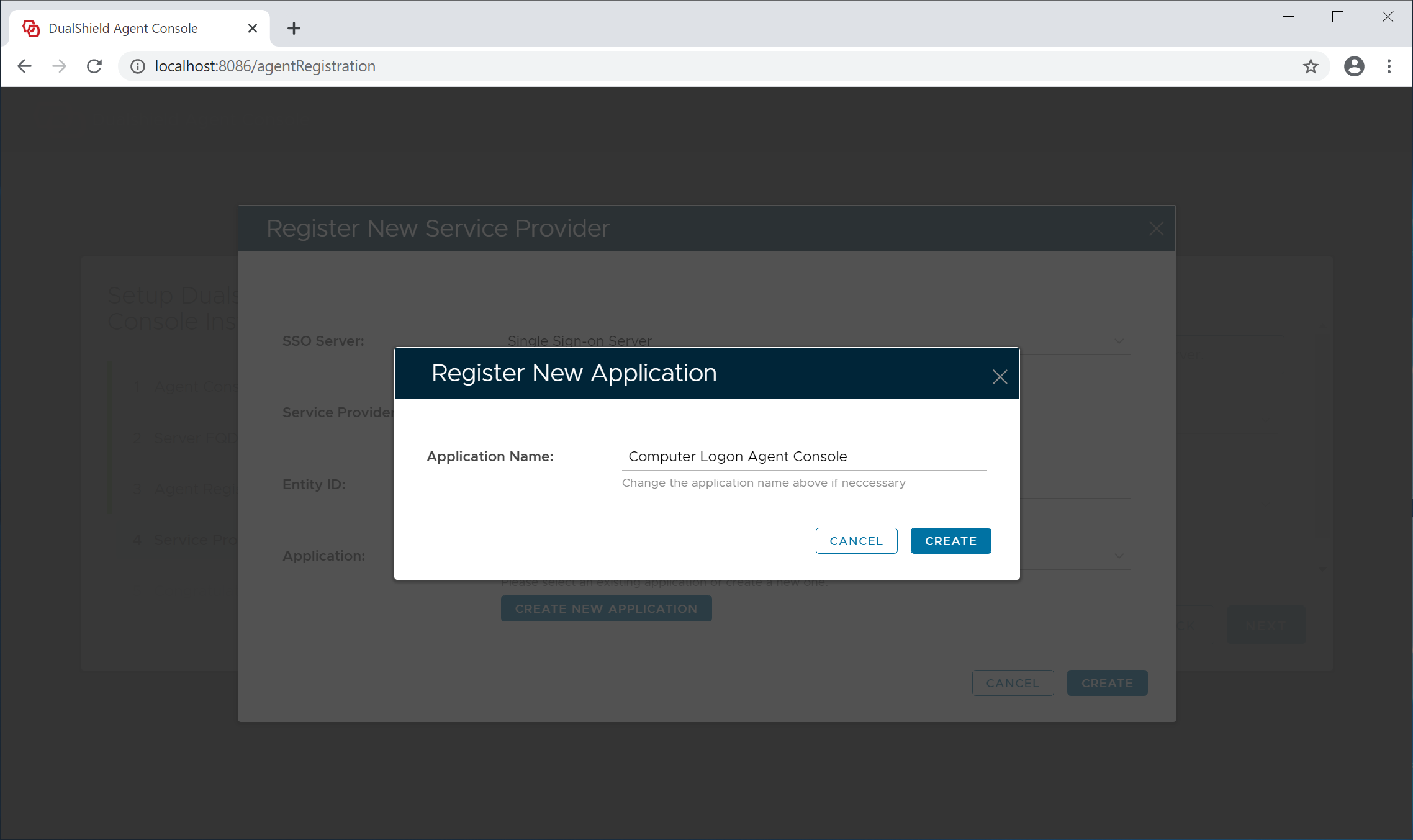
Click the "Create" button to Management Console" application from the application list. Do not create a new application.
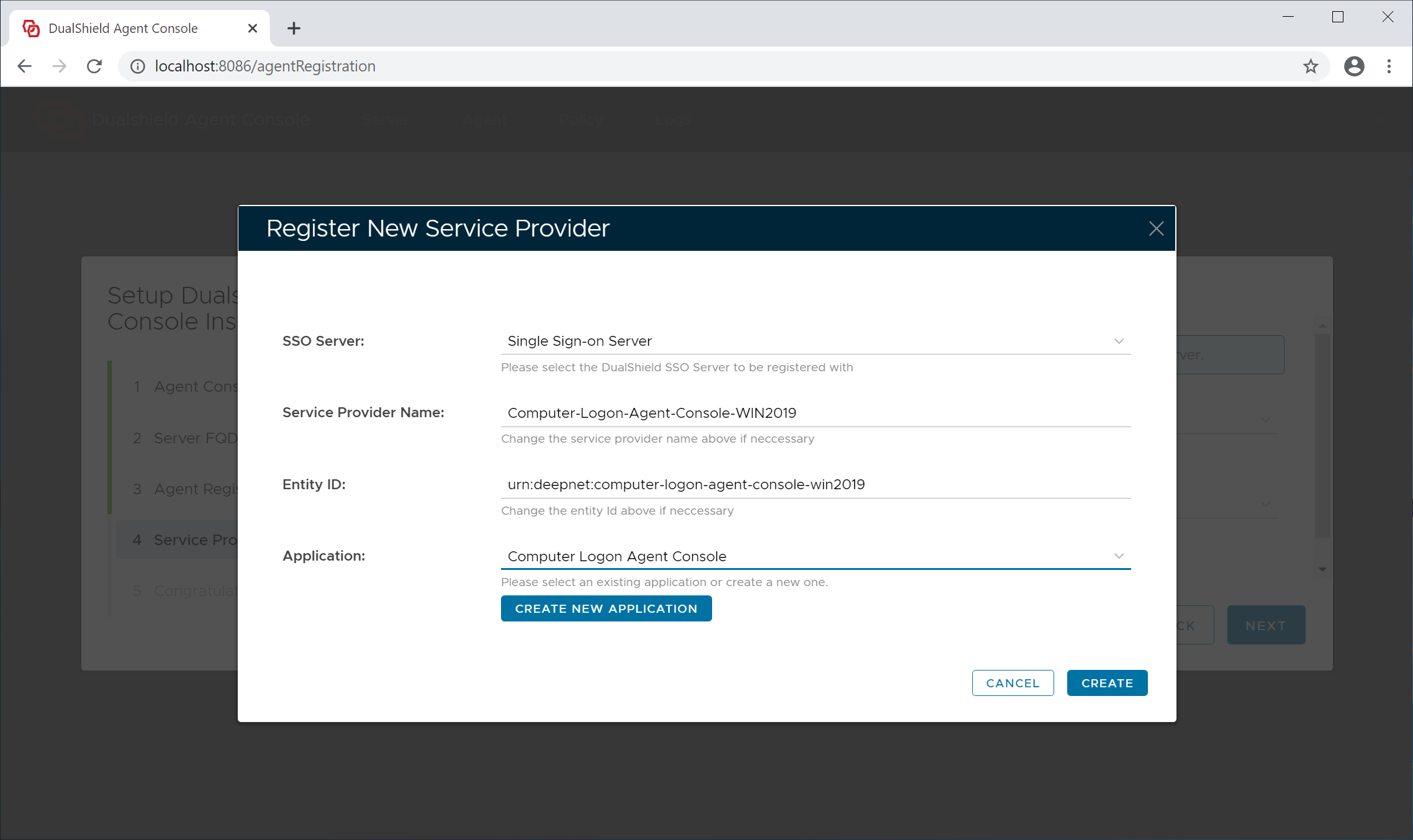
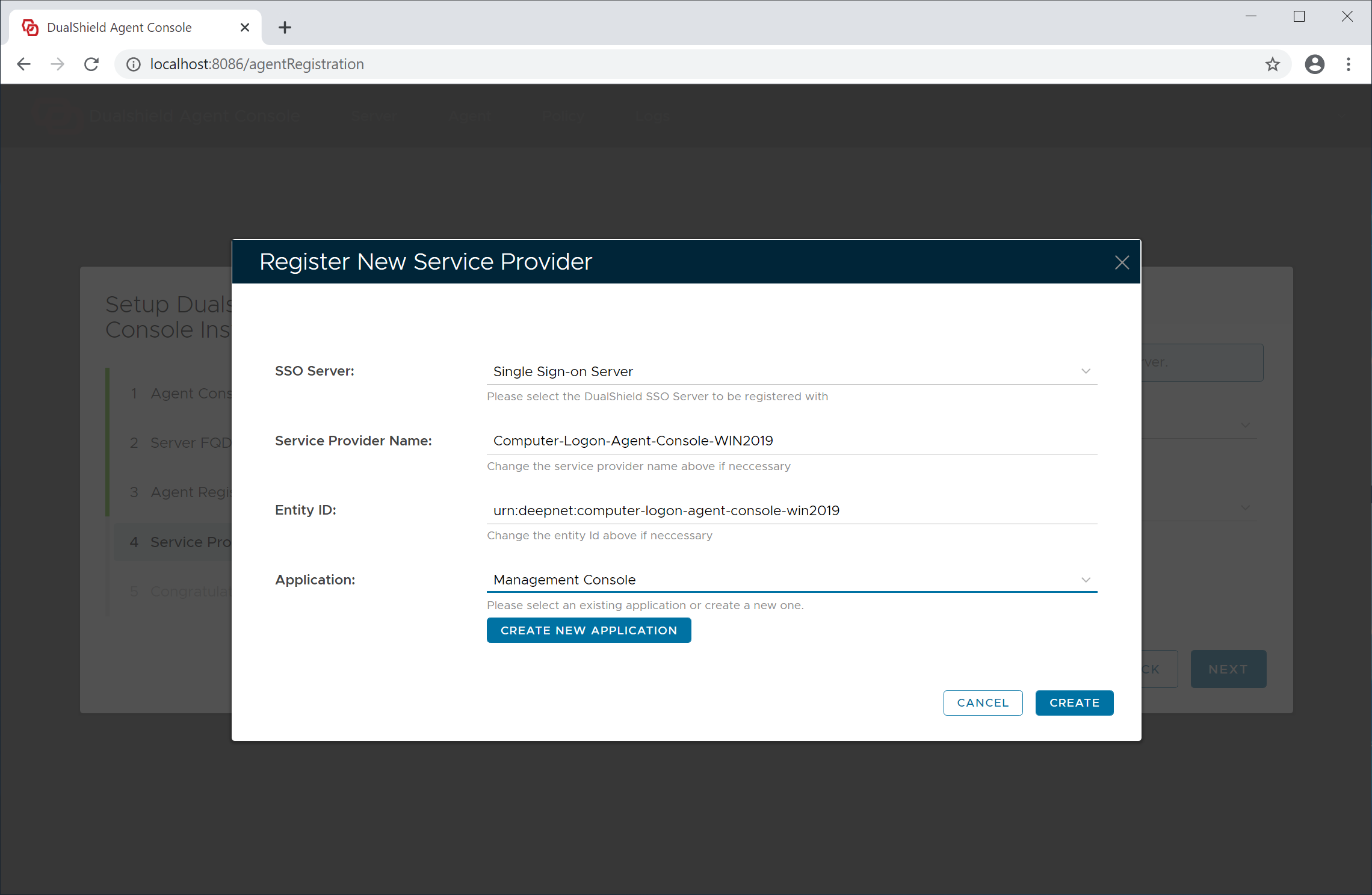
Now, click the "Create" button to create a new service provider for this agent
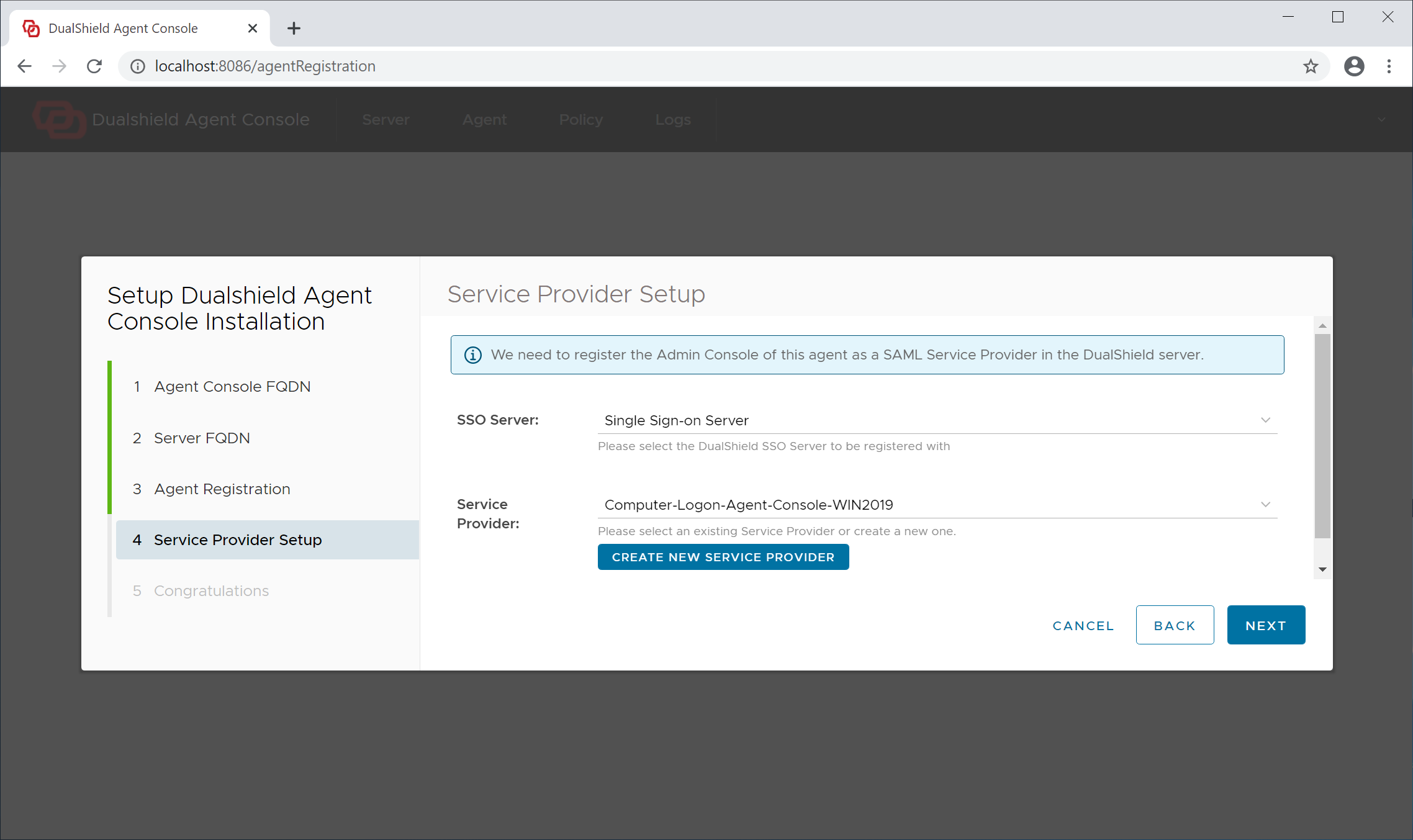
Click "Next" to continue
Step 5 - Completion
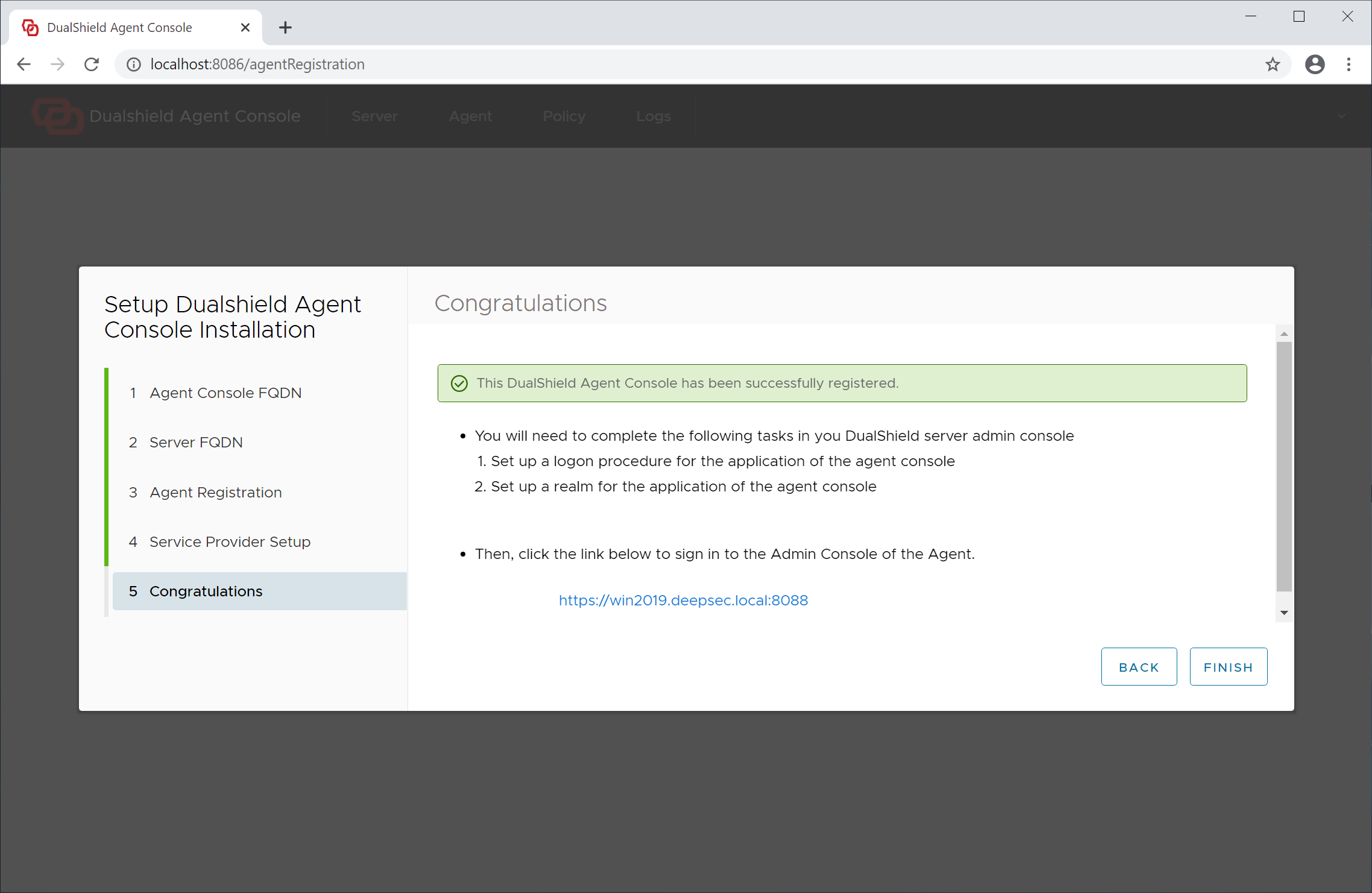
At this point, the The agent has now been successfully registered.
However, before we can sign into the admin console of the agent, we need to set up the application that we created ealier for the admin console.
If you click the "Finish" button now, you will see the screen below. That is because the console application has not yet been set up.
Click "Finish" to continue and ssign into the Admin Console of the agent