...
Using the Management Console, Navigate to "Customisation | Message Templates";

- A new tab "Message Templates" will now open.
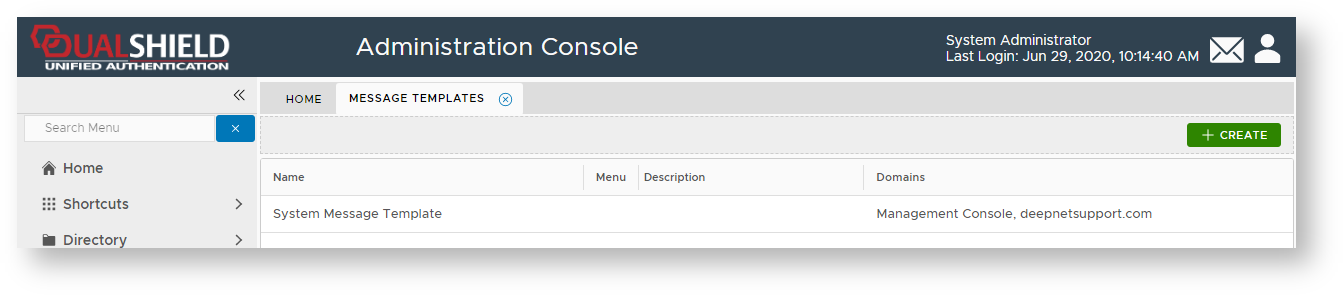
- Left click on context menu of the message template "System Message Template", then select "Push Token";
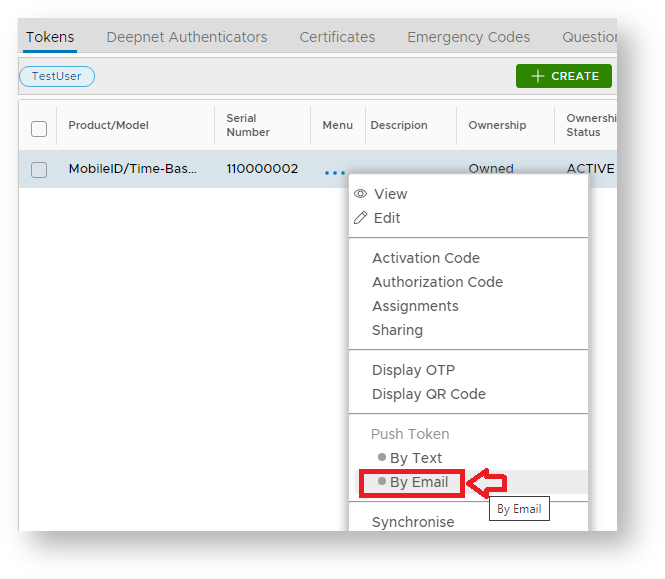
- .Select the tab "SMTP Template", then click on the "Edit" button;

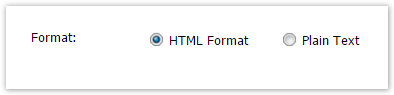
- At the prompt "Format:" ensure "HTML Format" is selected;
- At the prompt "Body:" include the text "[[QRCODE]]".;
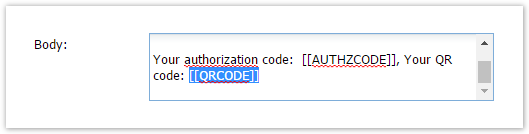
- If the authorization code is not required, then remove "Your authorization code: [[AUTHZCODE]]" from the message body.
- Click on the "Save" button to update the SMTP Template for pushed emails.
...