Create a
...
Logon Procedure
- Login to the DualShield Administration Console
- In the main menu, select Authentication > Logon Procedures
...
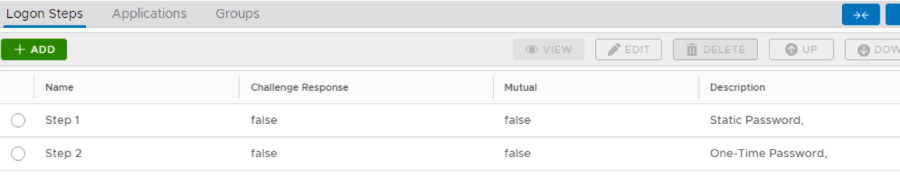
10.Repeat step 7-9 to add more logon steps if desired, e.g. One-Time Password.
Create an Application
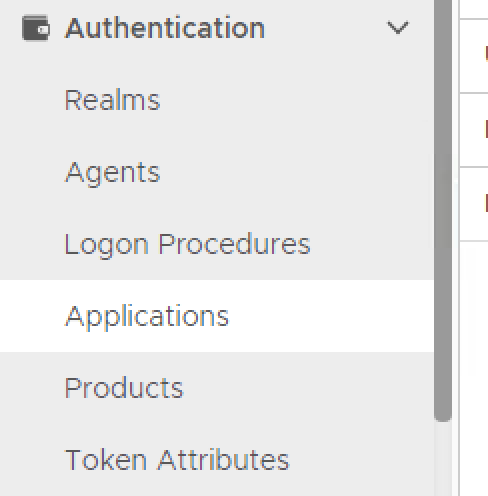
- In the main menu, select Authentication > Application
2. Click on Create

3. Enter Name
4. Select Realm from drop-down list and Logon Procedure from search button.
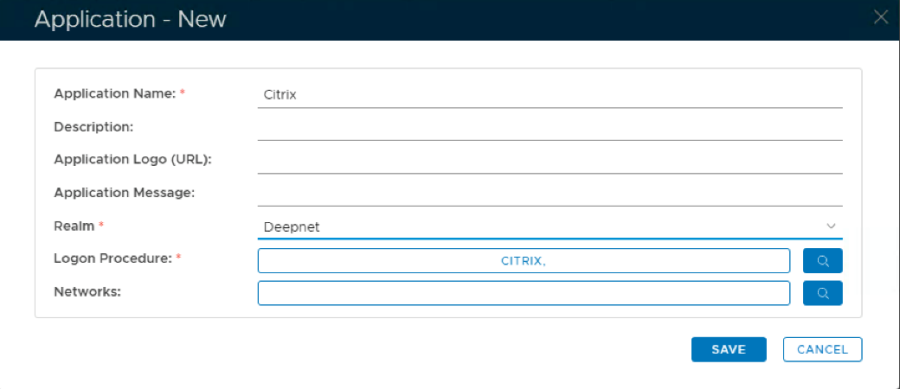
5. Click Save
6. Click the context menu of the newly created application, select Agents
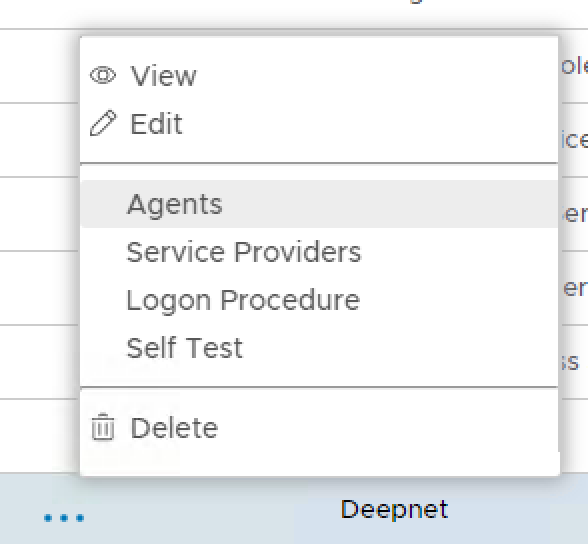
7. Select Single Sign-on Server
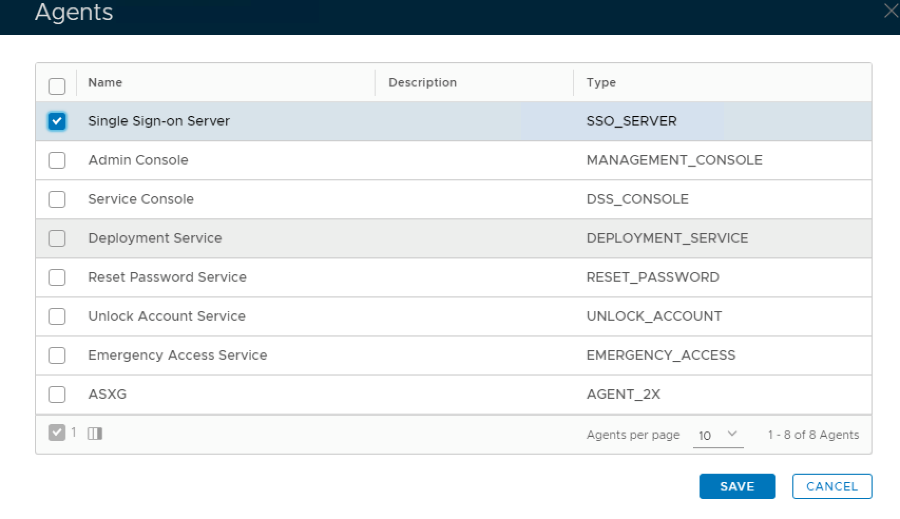
8. Click Save
9. Click the context menu of the newly created application, select Self Test
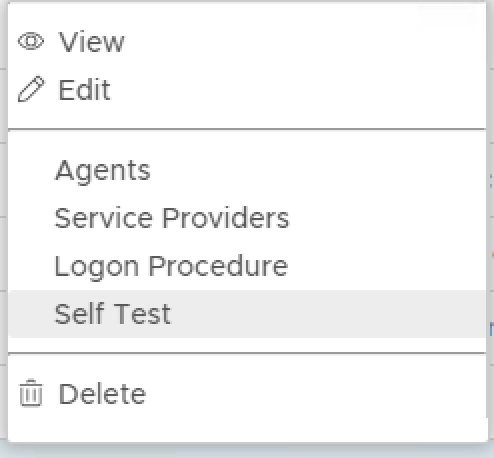
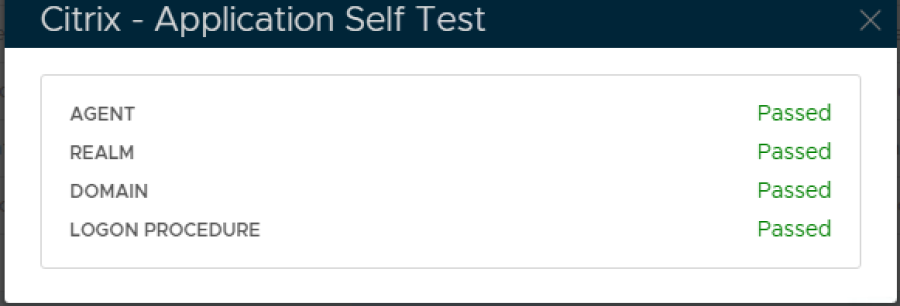
If configured correctly all the tests should pass, as below.