...
- Login to the DualShield Administration Console
- In the main menu, select Authentication > Logon Procedures
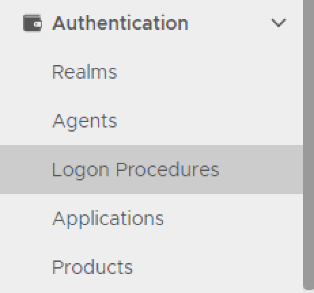
3. Click the "Create" button on the toolbar
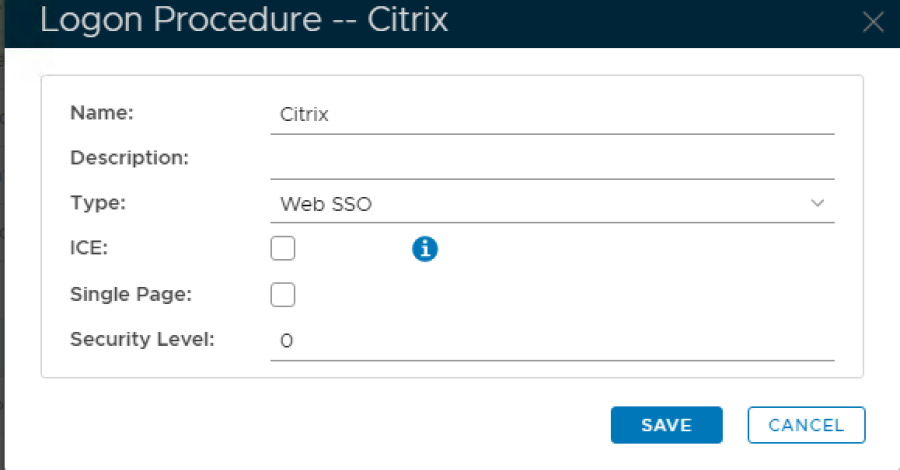
4. Enter "Name" and select
...
Web
...
SSO as the type.
...
5. Click Save
...
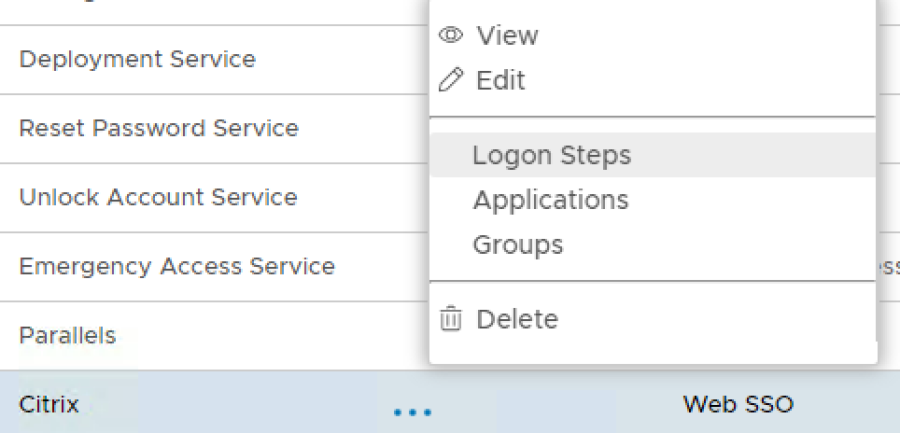
6. Click the Context Menu icon of the newly create logon procedure, select
...
Logon Steps
...
7. In the popup windows, click on Add
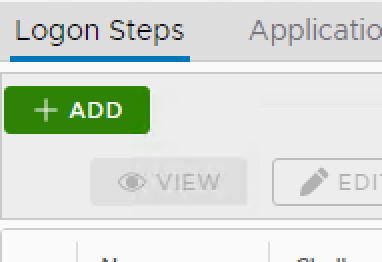
- Select the desired authentication method, e.g. "Static Password"
...