...
First, sign in to the computer using the local account
Then, navigate to the "Program Files\Deepnet Security\ComputerLogonClient/opt/deepnet/dshield-computer-logon" folder
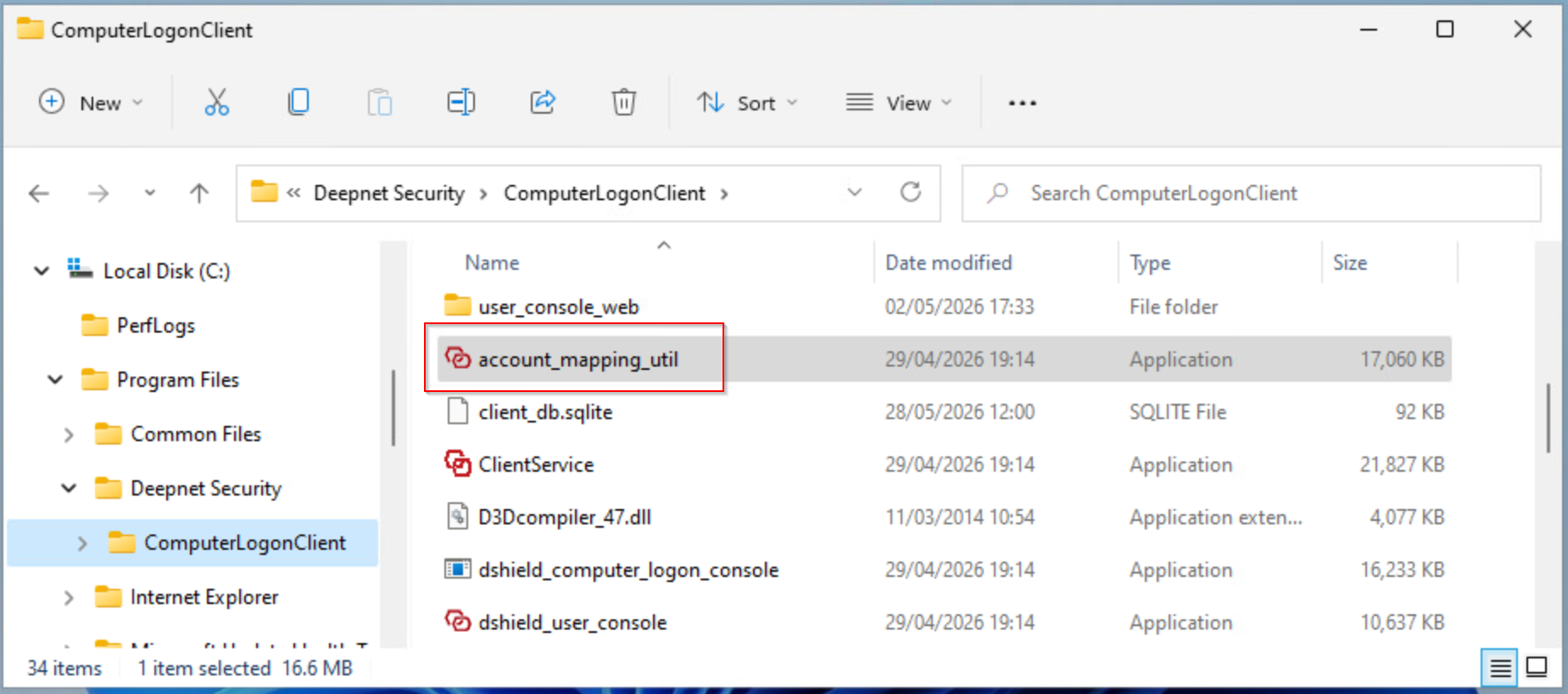
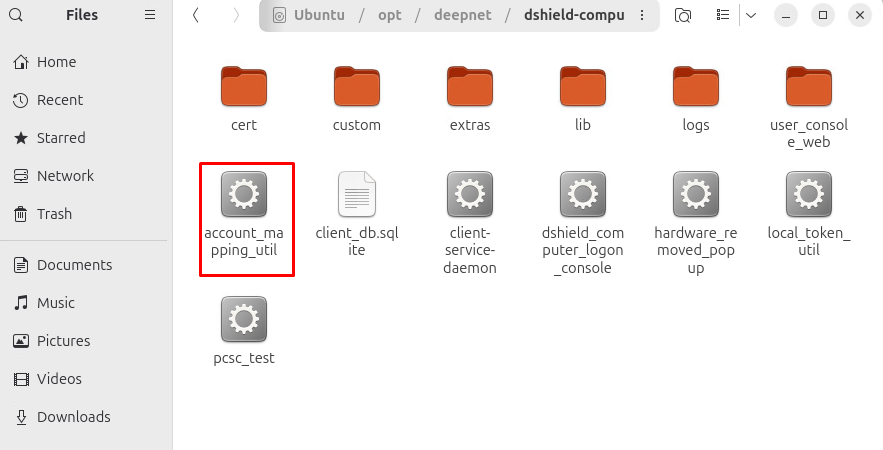
Run the utility application "account_mapping_util"
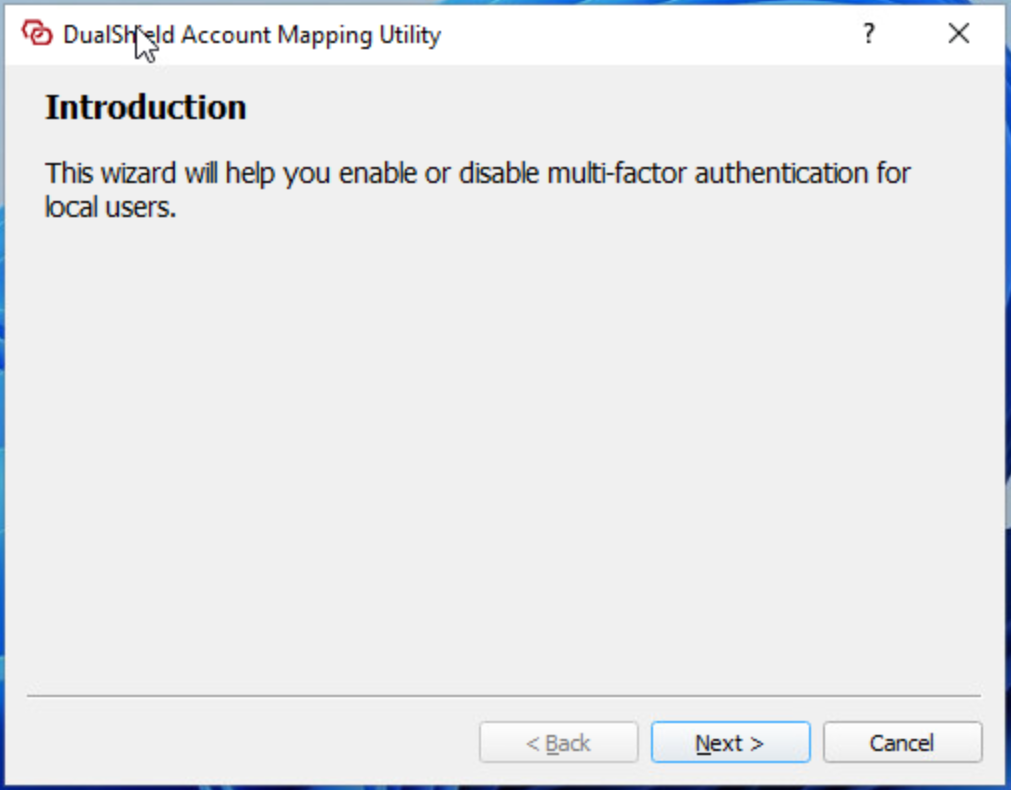
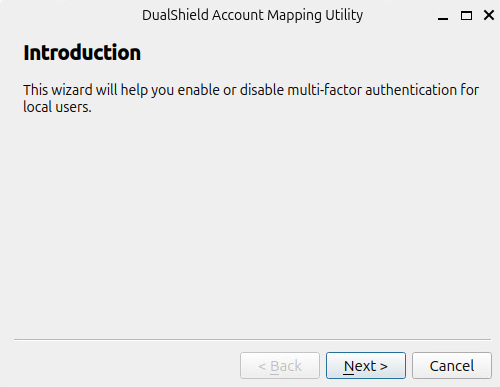
Click "Next"
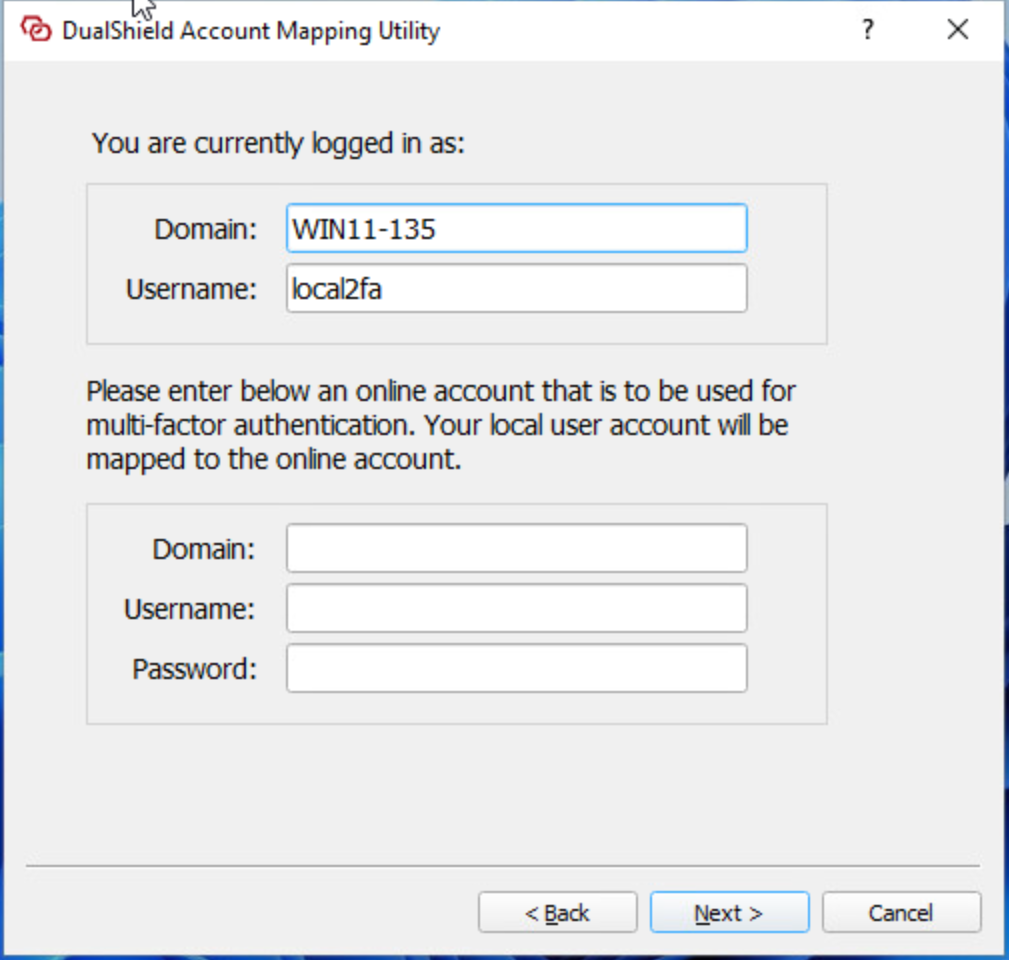
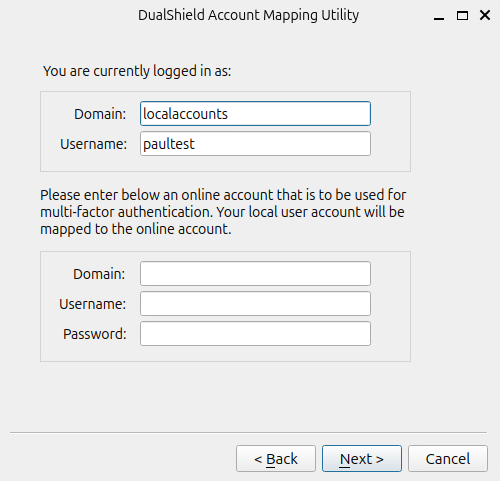
Enter the details of the domain account to which the local account will be mapped, including
- Domain Name
- Username
- Password
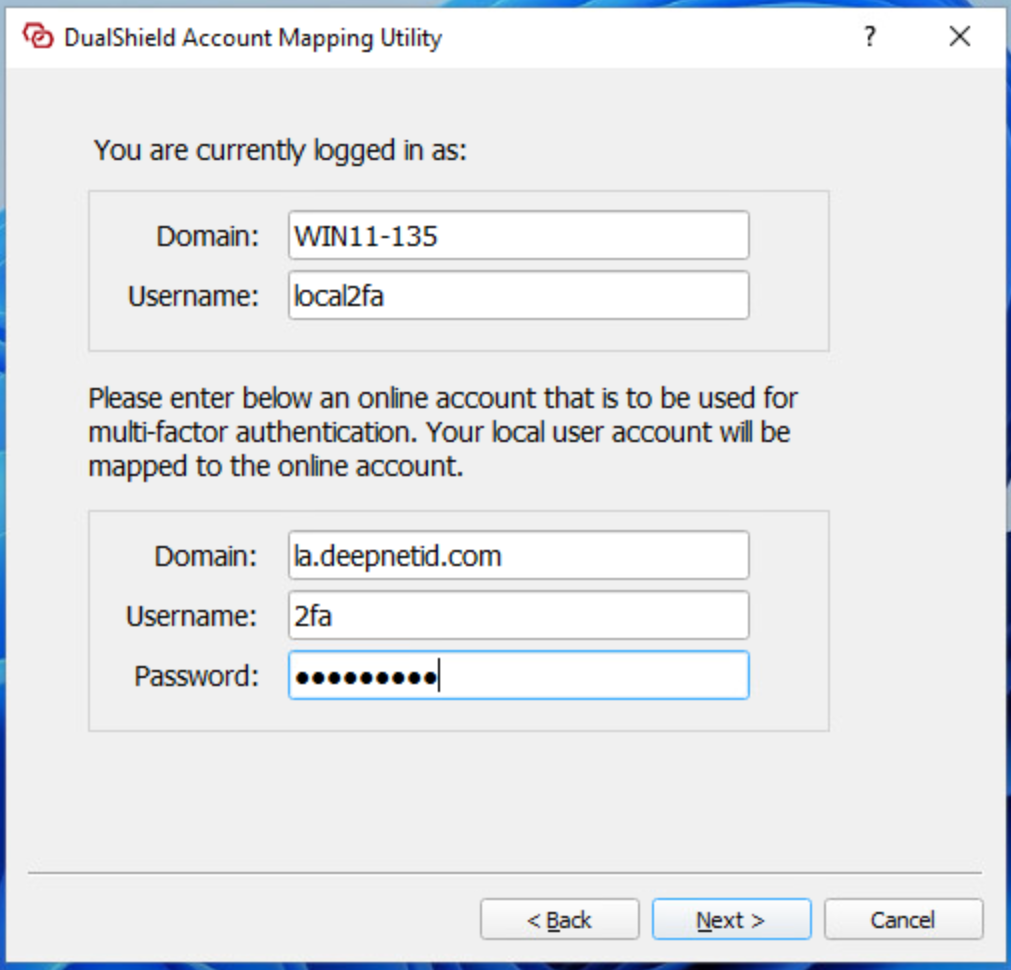
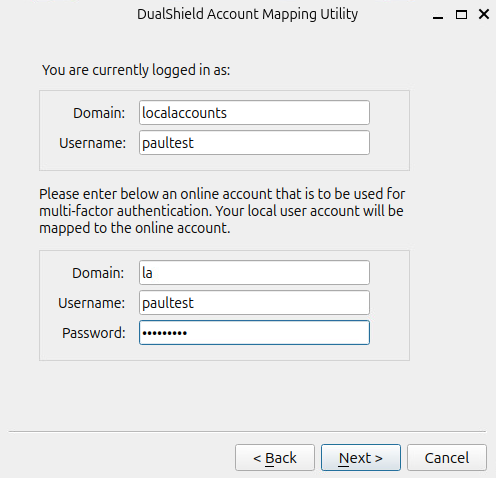
Click "Next"
You will be prompted to verify the domain account
...