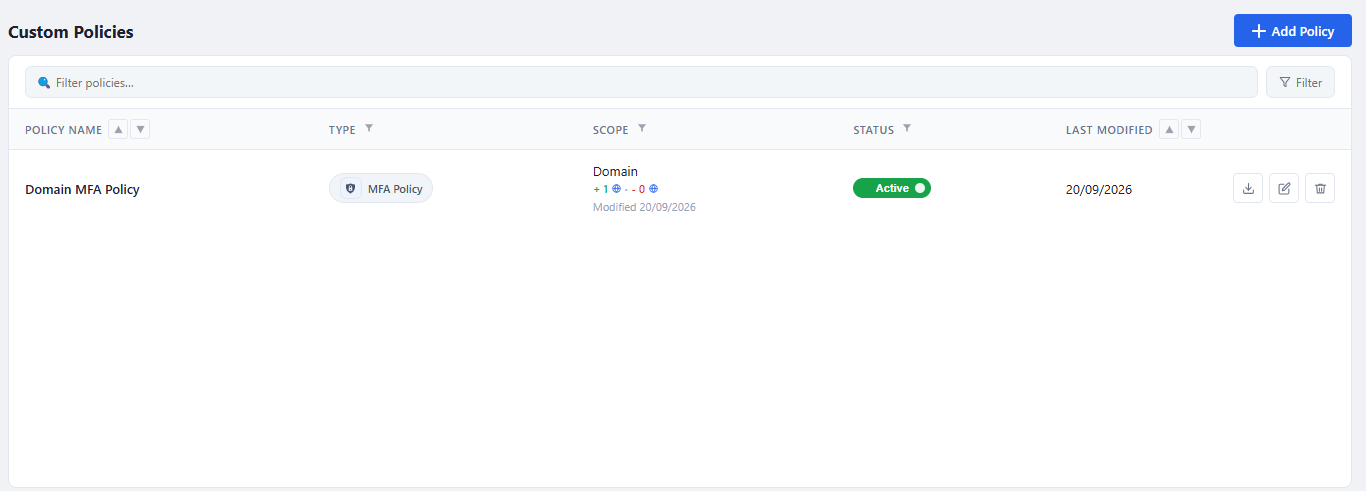
...
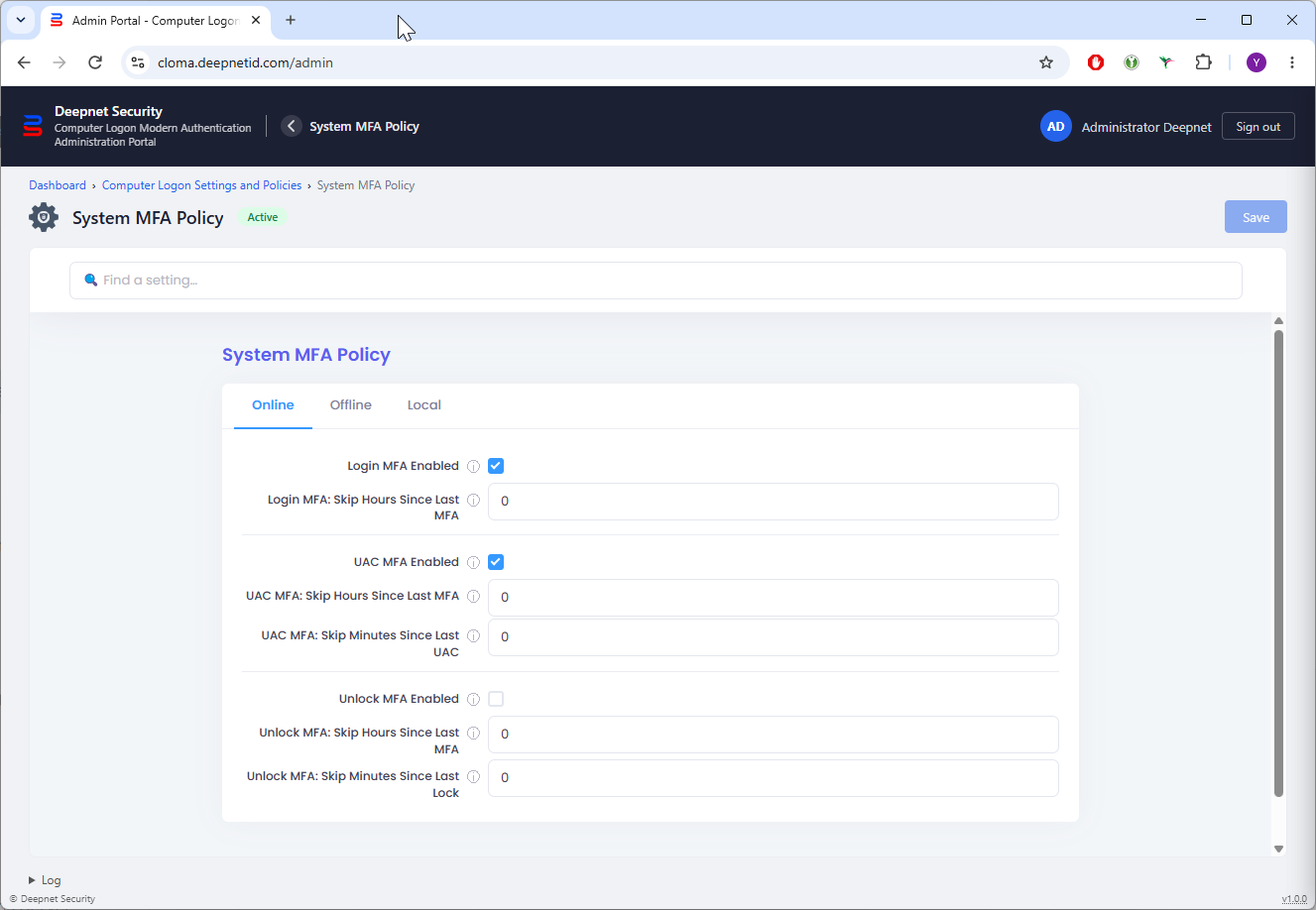
You can also define separate MFA policies for online login, offline login, and local login
System MFA Policy
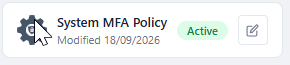
To access the system MFA policy, click the Edit icon on the System MFA Policy tile.
Domain & User MFA Policy
In the Management Portal, domain and user policies are listed in the Custom Policies section
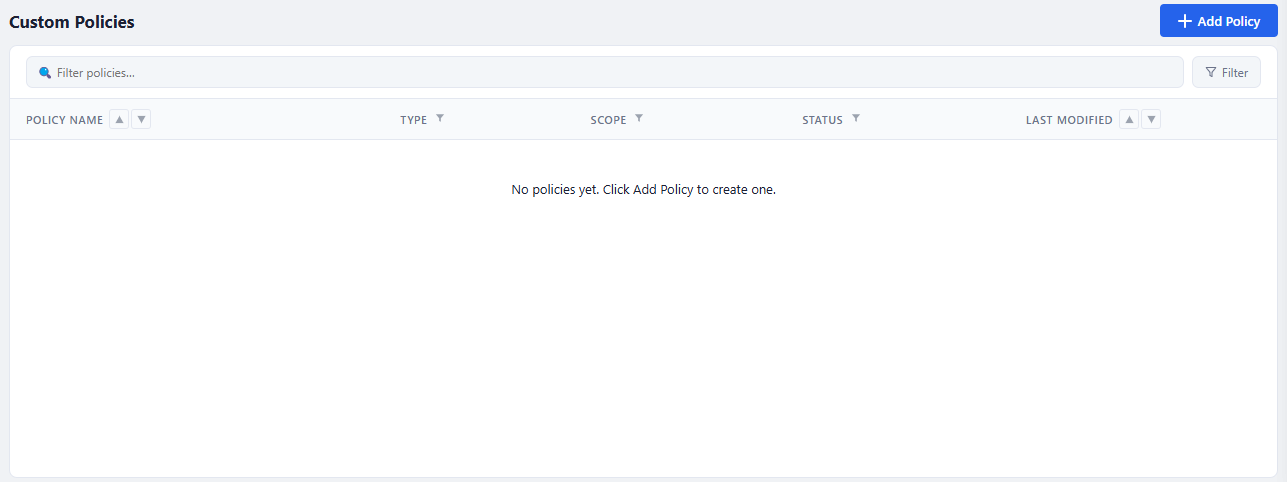
To create a domain or user MFA policy, click the "Add Policy" button
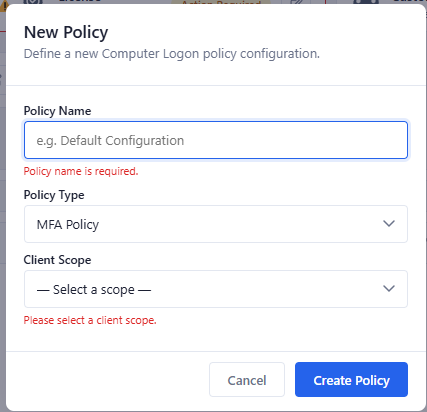
Enter the name of the policy to be created, e.g. "Domain MFA Policy"
Select the type of the policy, e.g. MFA Policy
Select the policy scope, e.g. Domain based access
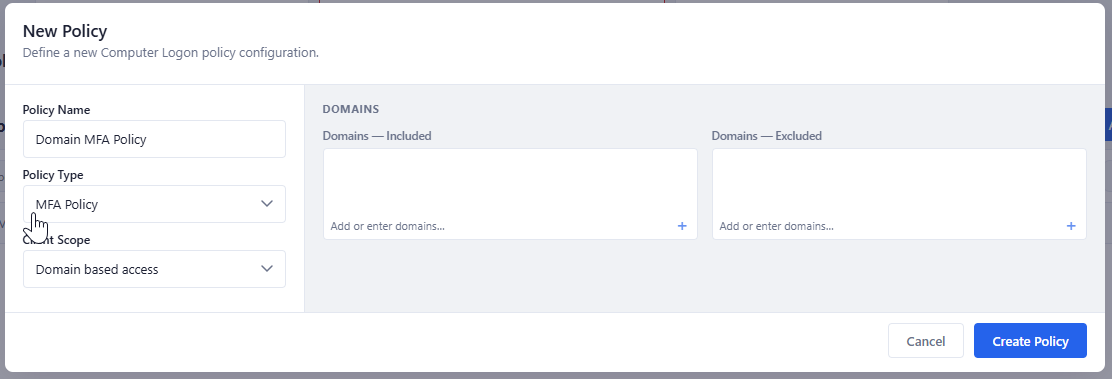
Add domains to be included and/or excluded
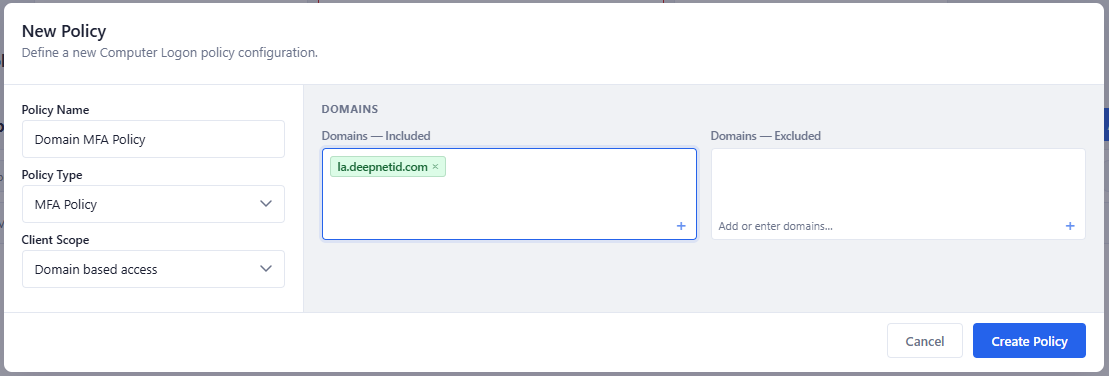
Click the "Create Policy" button
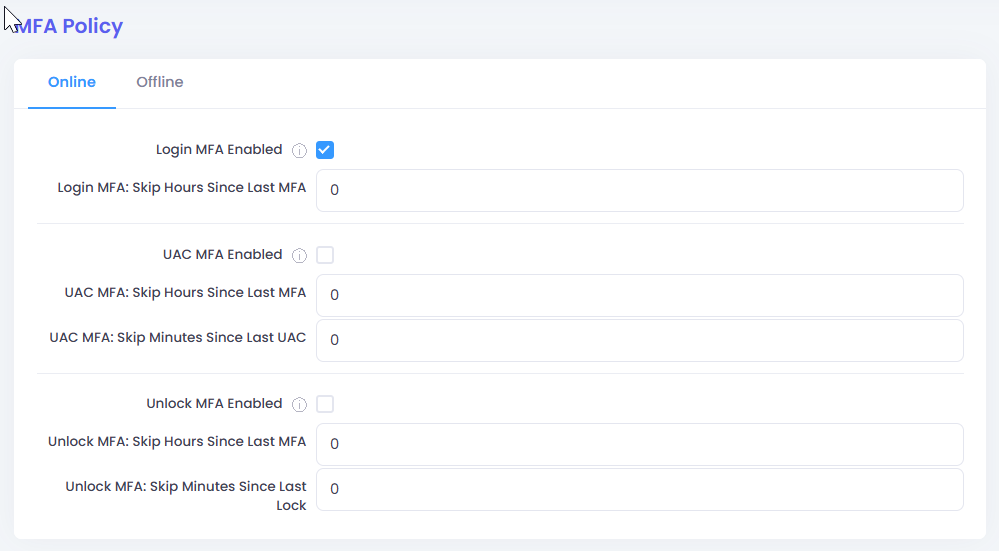
Define the policy options, then click the "Save" button