...
To avoid this error message in your DualShield system, follow the steps below.
Open Windows Command Prompt, navigate to the DualShield installation directory, select the subfolder "tomcat\bin",
Enter the command "dir tomcat*w.exe*"
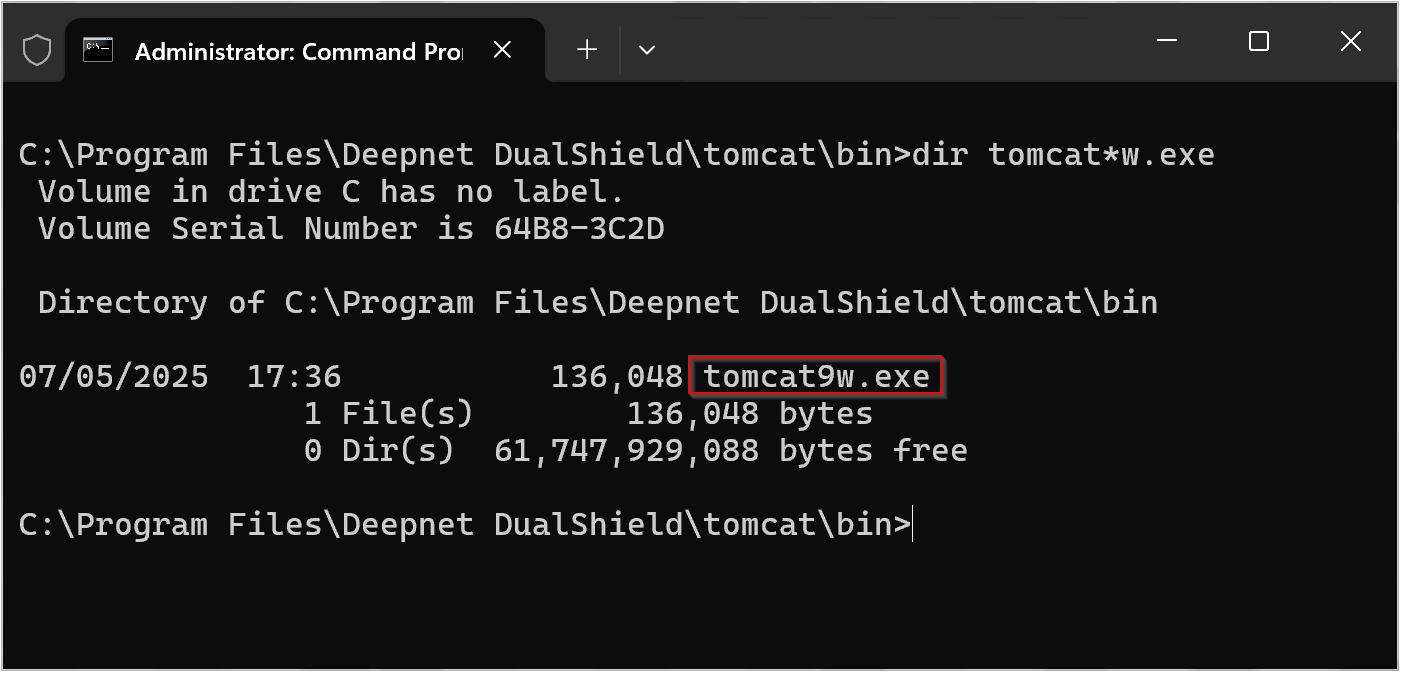
Now, enter the command "tomcatNw.exe //ES//dualshield " (replacing N with the version found in your directory, e.g. Tomcat9w.exe),
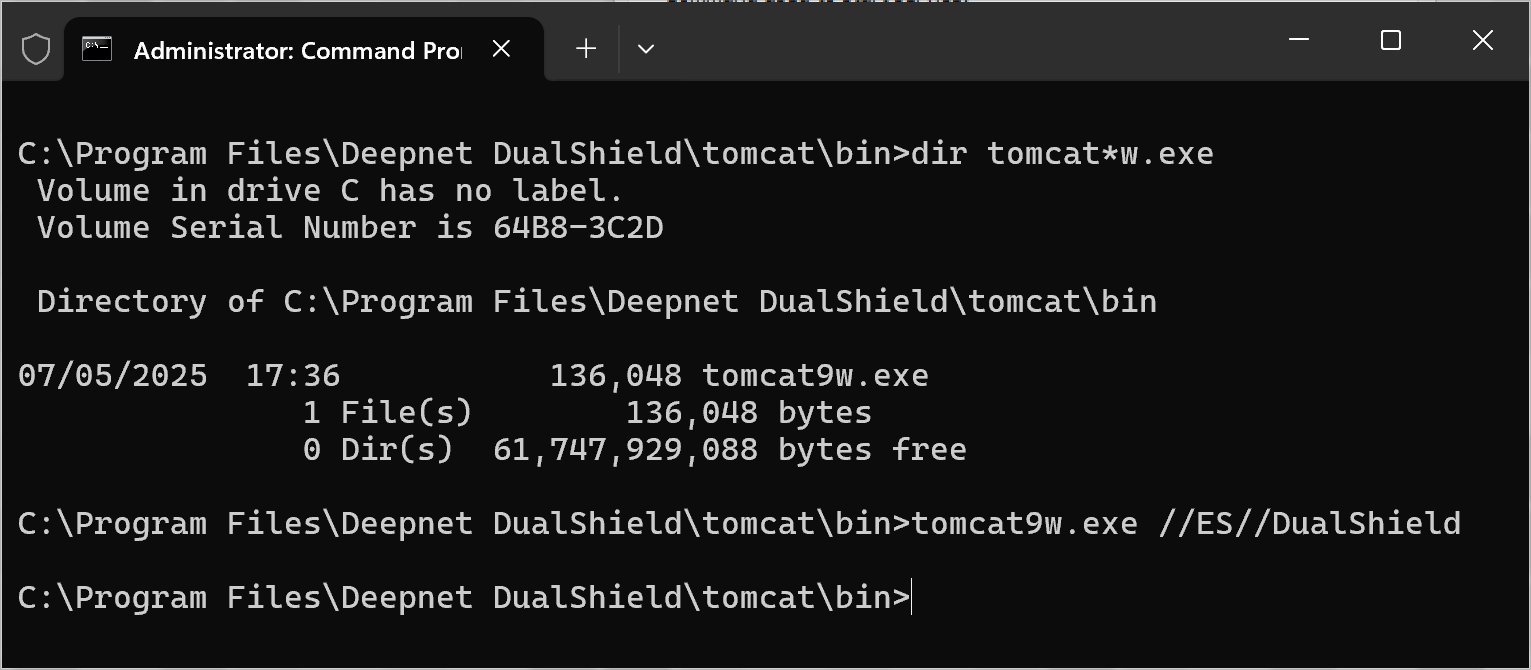
A new window will open titled "DualShield Authentication Server Properties", select the tab "Java";
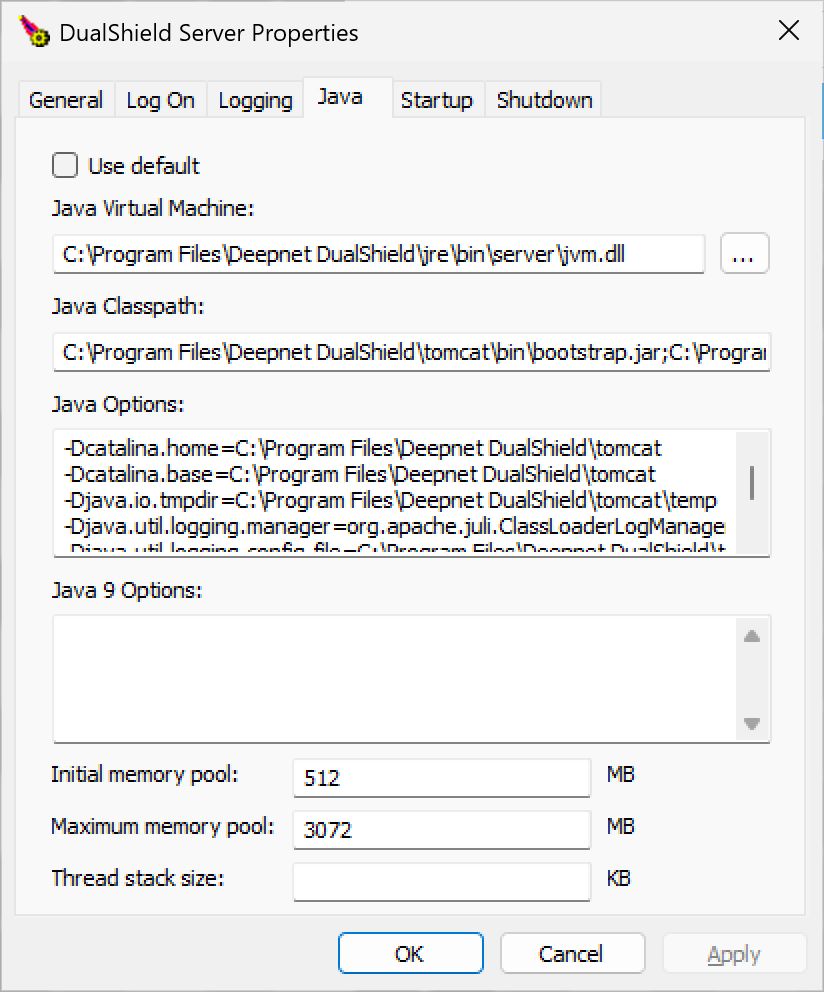
At the prompt "Java Options" add the instruction "-Duser.timezone=UTC" ,
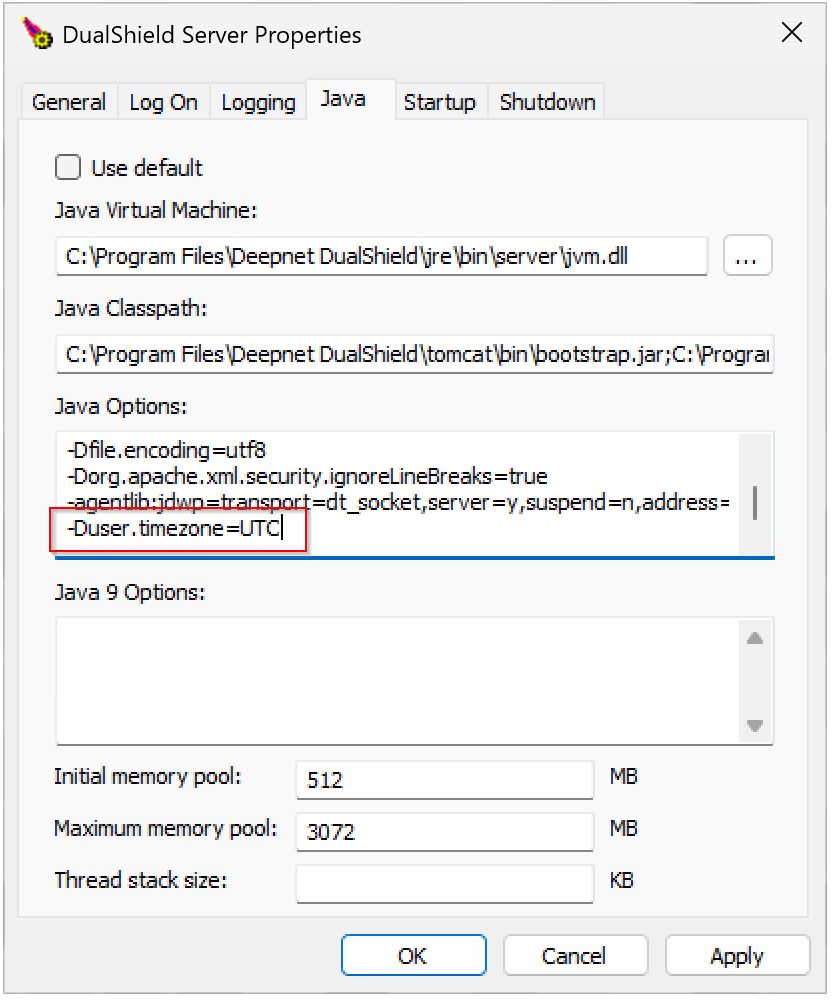
then click "Apply", click "OK"
Finally, restart the DualShield service.