...
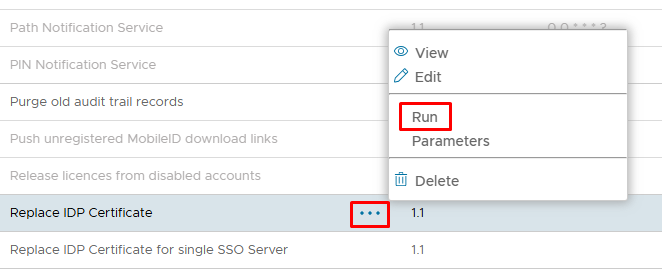
They both do a similar job, however the Replace IDP Certificate for single SSO Server only applies in the case where a user has multiple frontend SSO servers, and the different servers are being used as the IDP for different Service Providers. If you just have an all-in-one setup, where the backend also acts as the frontend, you can just run the Replace IDP Certificatetask.
Click Run from the context menu on the task you wish to use
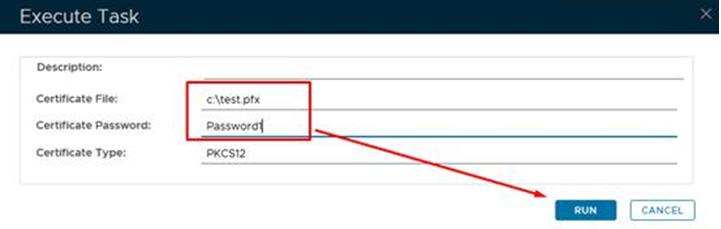
Replace the default values with the path and certificate name, plus password....
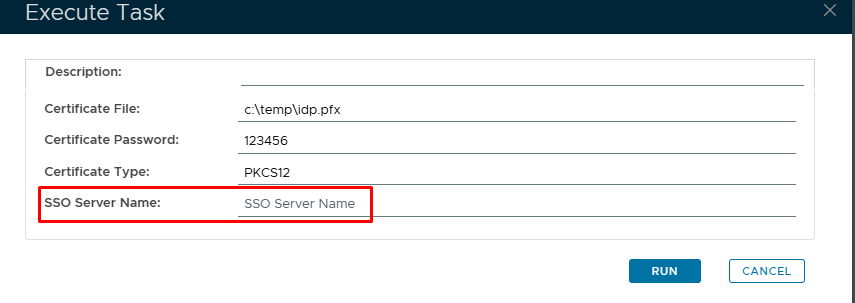
The task parameters for single SSO Server only is almost identical, however you will see the additional SSO Server Name: field at the bottom., where you can specify the name of just one of your SSO servers
Click on Run
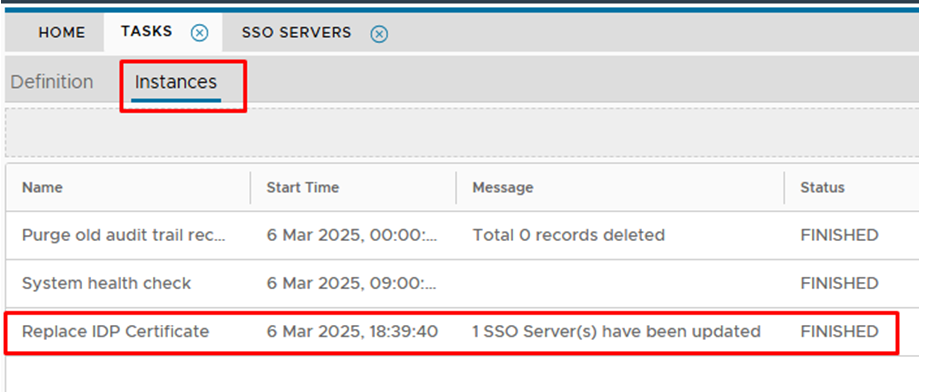
Click on the Instances tab at the top and check that the task had complete d with out errors..
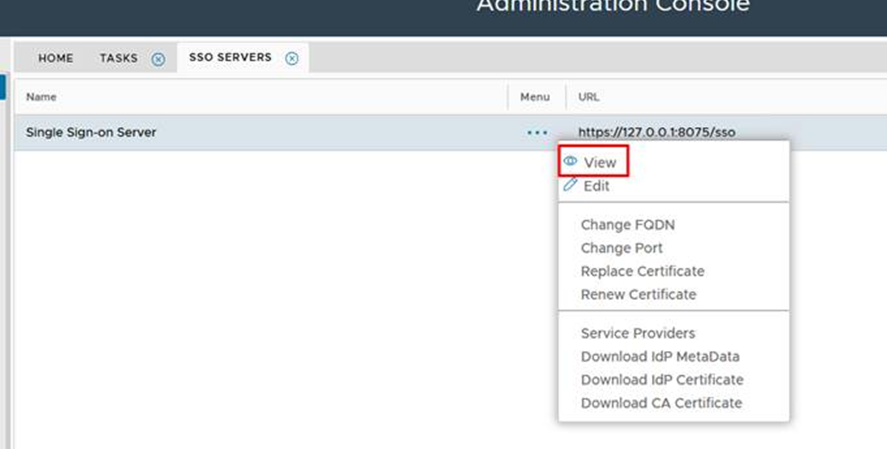
Go to SSO>SSO Servers and View
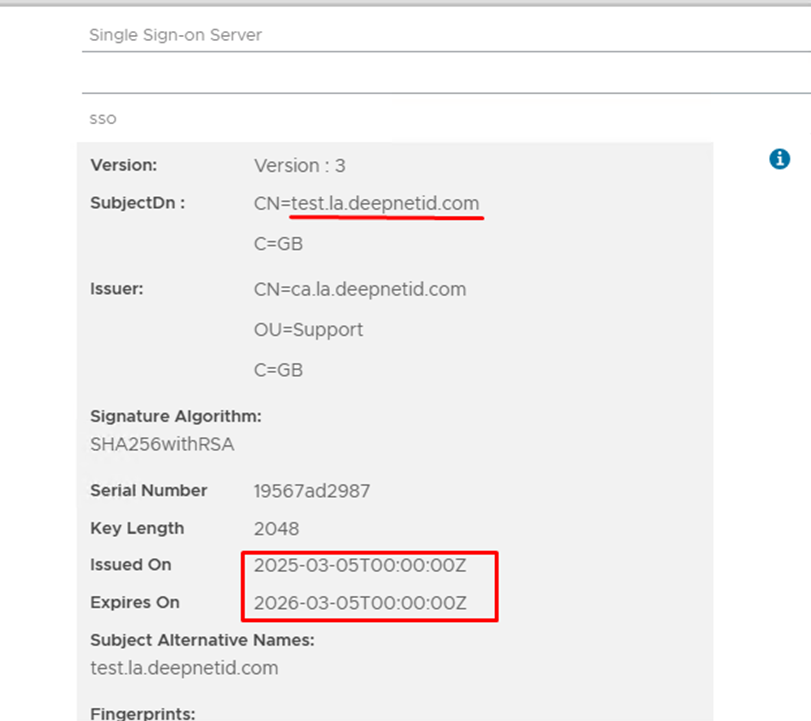
You will see that the certificate has successfully updated..
Please the restart the DualShield Server Service o the corresponding server that you have applied certificate update to, to make it effective.