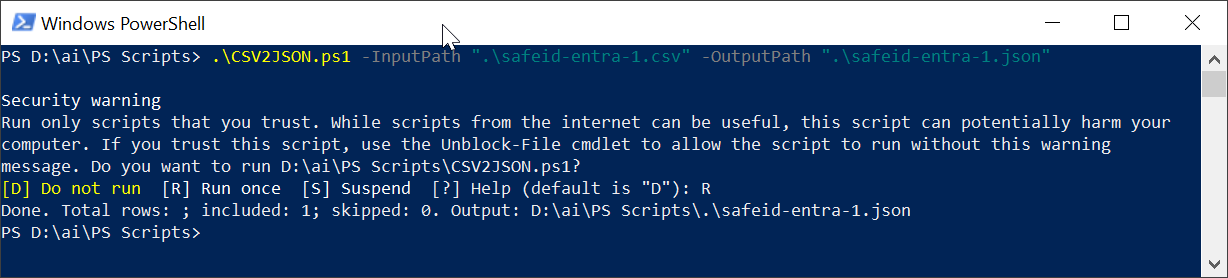
To access the Graph Explorer, visit: https://developer.microsoft.com/en-us/graph/graph-explorer
...
| Expand |
|---|
Option 1 – Through Graph Explorer (Admin Account)
Option 2 – Through Azure Portal (Enterprise Applications)
|
If you have the the consent for the "Policy.ReadWrite.AuthenticationMethod" permission, then you can continue.
Click the "Request body" tab
Open the JSON file in a text editor, copy all the contents, and paste the data into the the Request body
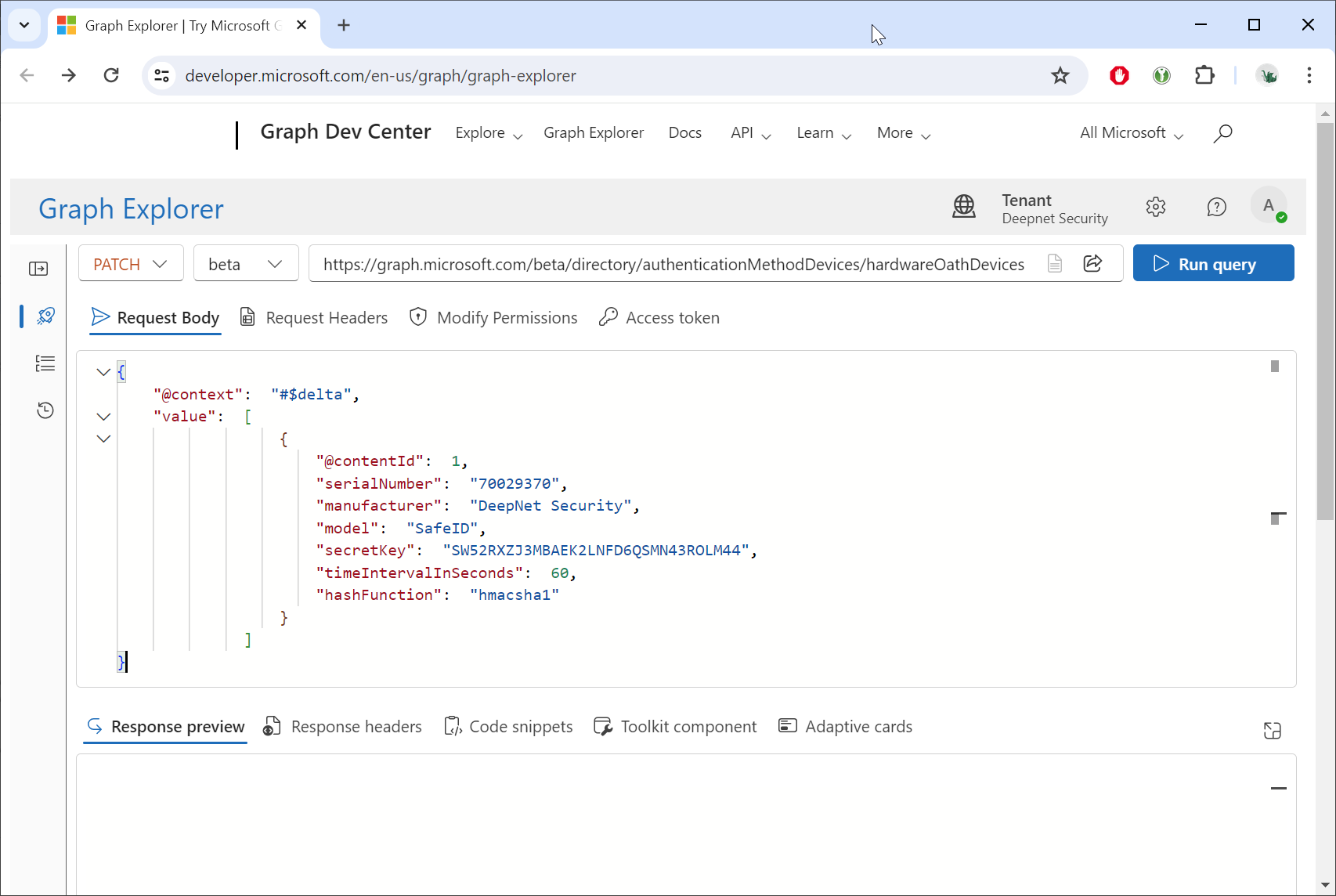
Click the Run query button.
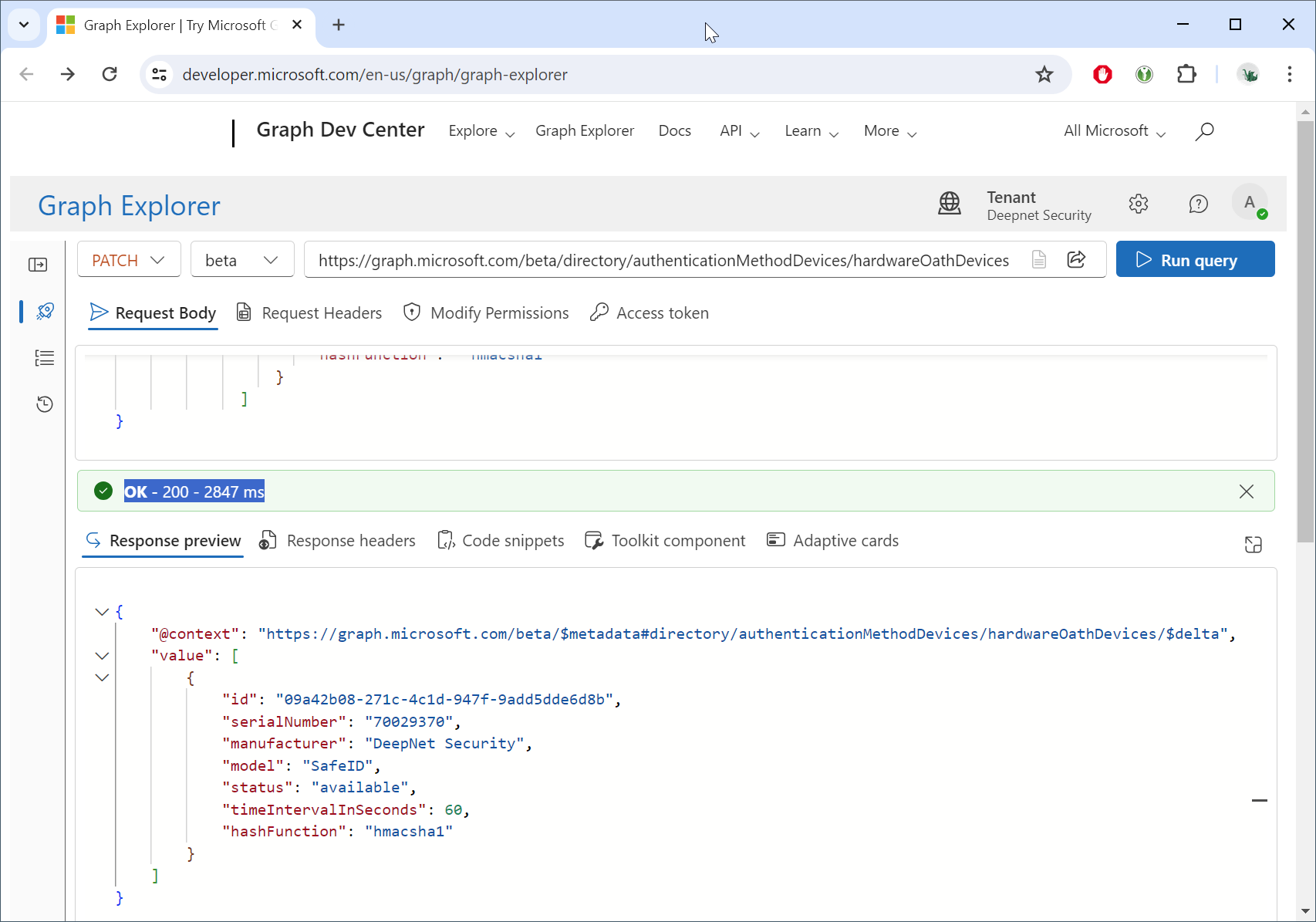
If you see "OK - 200 - ...", then the tokens have been successfully uploaded into the Token Resposiroty Repository in your Entra ID tenant.
To check your Token Repository in Entra ID, you must also use the Graph API.
...