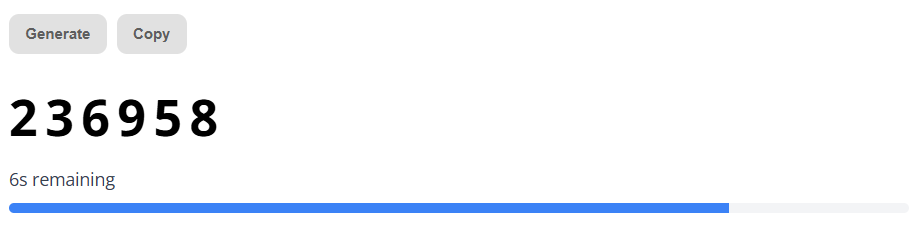
The Deepnet Security online TOTP generator can be accessed using the following URL;
https://www.deepnetsecurity.com/tools/totp-generator/
Transfer the Seed data and time window parameters from the SafeID programming tool to the online page;
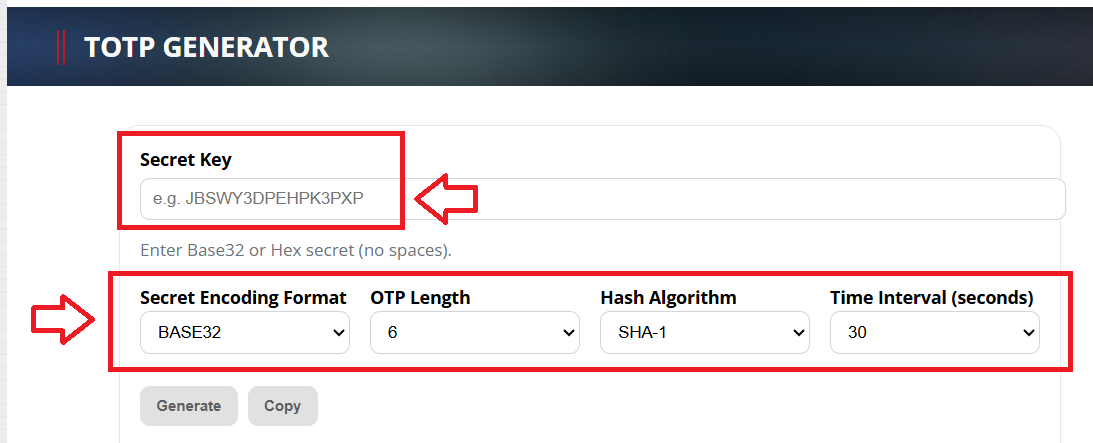
- At "Secret Key", fill in the secret key (seed) data that matches the serial number of the token you are testing
- At "Secret Encoding Format", select the format that matches the format in your CSV file (for azure this will be Base32)
- At "OTP Length", select "6 digits"
- At "Hash Algorithm", select "SHA-1"
- At "Time Interval", select either "30 seconds" or "60 seconds" (this will depend upon use - e.g. for Azure you will be using 60 second intervals, but if you are emulating an authentication app you will probably need this set to 30 seconds).
When you have supplied all the details above click  , and OTP codes will now start to be generated using the supplied seed data;