...
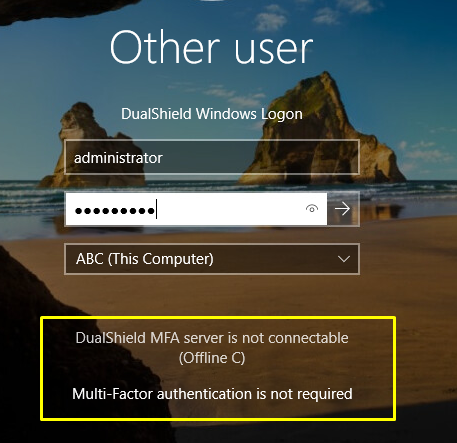
To ensure the non-domain joined machine receives the offline policies and automatically downloads the offline tokens, each account must be logged in to at least once whilst the machine is connected to the network. If the machine is not in the same building you should still be able to logon as the local administrator and set up a VPN connection.
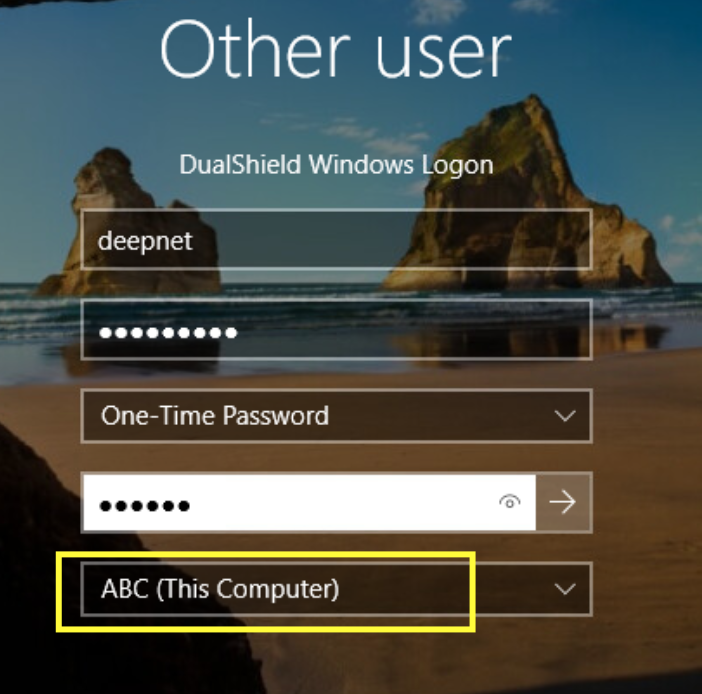
Online Testing (Local Standard account)
Online Testing (Local Admin account - no MFA required)
Once each account has been logged on at least once whilst the machine was connected to the network, you should now be able to remove the machine from the network, so it is truly stand-alone and can be used offsite.
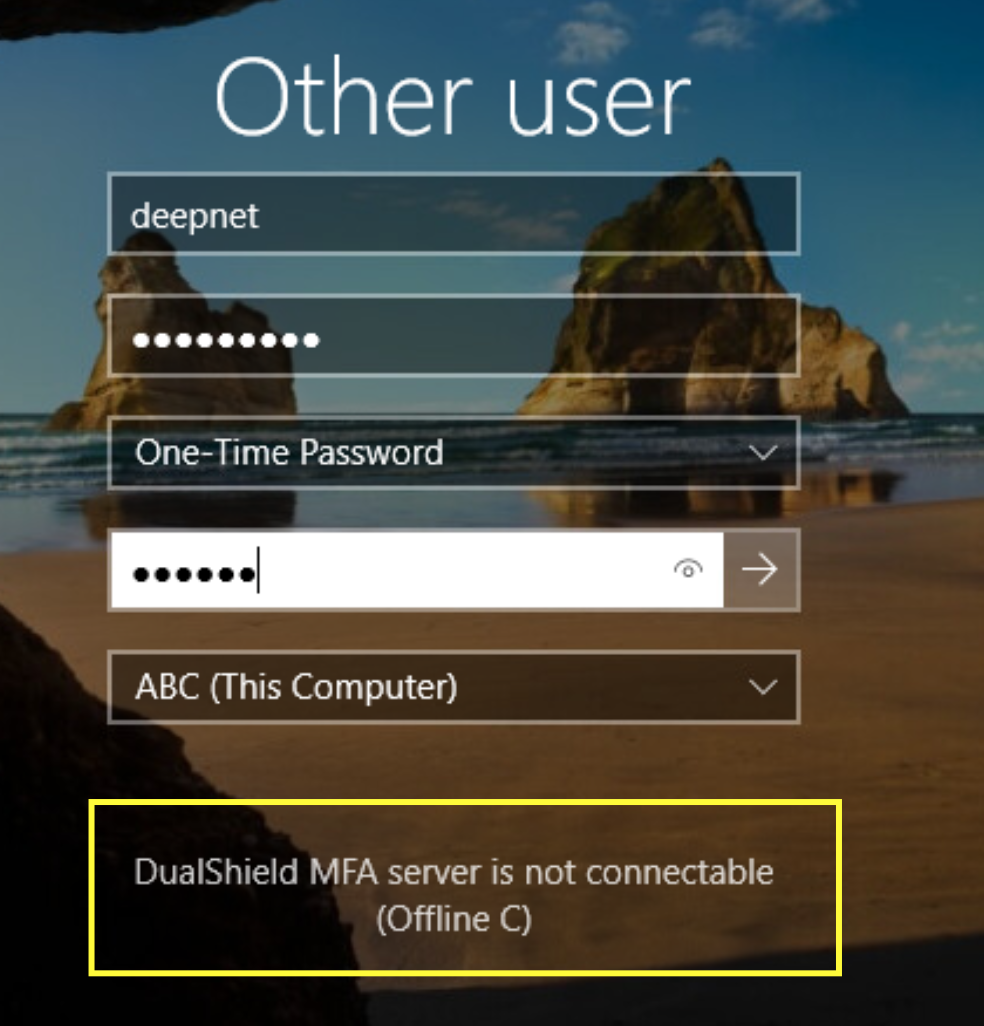
Offline Testing (Local Standard account)
Offline Testing (Local Admin account - no MFA required)
Type your account credentials into the native Windows credentials UI...
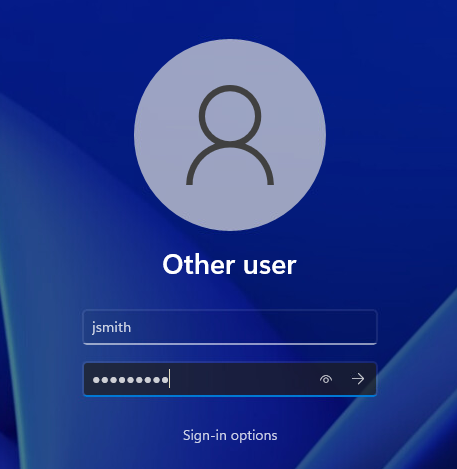
If you have entered the local account password correctly you will the be presented with the Computer Logon Client UI, asking to input the second factor.
(For this example, it is prompting for a One-Time Password)...
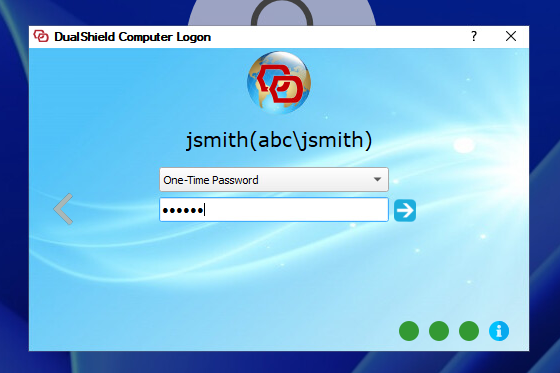
If the OTP has been entered correctly, you will be logged in to the local account profile.
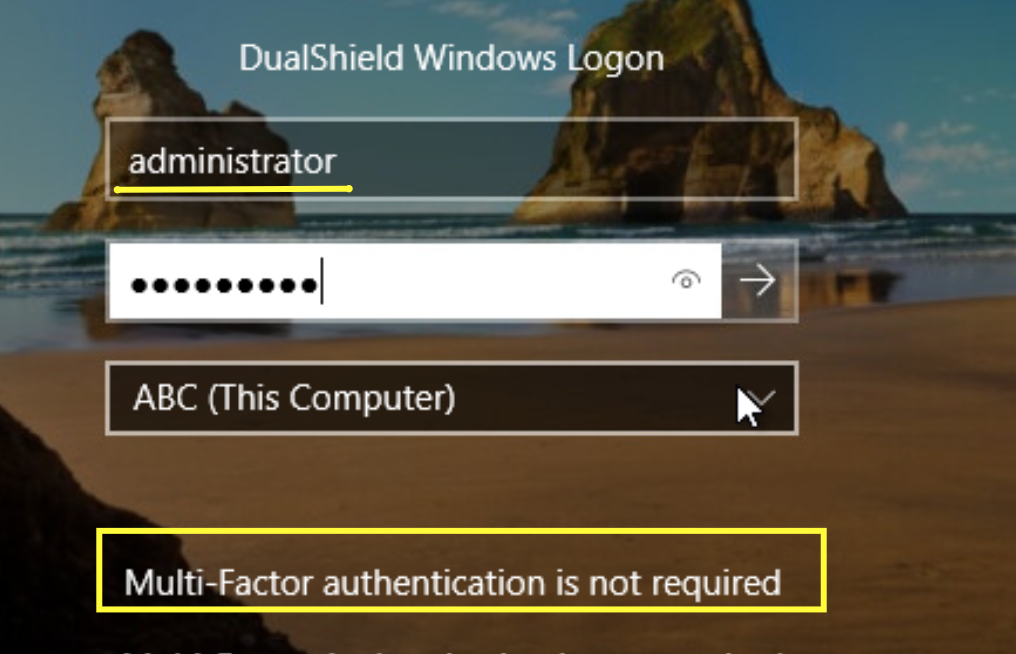
Online Testing (Local Administrator account)
If the local administrator account is exempted from MFA in the policy settings, signing in with these credentials through the native Windows credentials UI should log you in directly without an MFA prompt.