...
The Deepnet Computer Logon Modern Authentication support both Azure AD (Entra ID) joined PCs and On-Prem AD joined PCs. The block "Azure AD" includes MFA server settings for Azure AD, and the block "OnPremAD" includes MFA server settings for On-Prem AD.
Customise Azure AD Settings
If the application you set up for Computer Logon with MFA supports a single tenant only
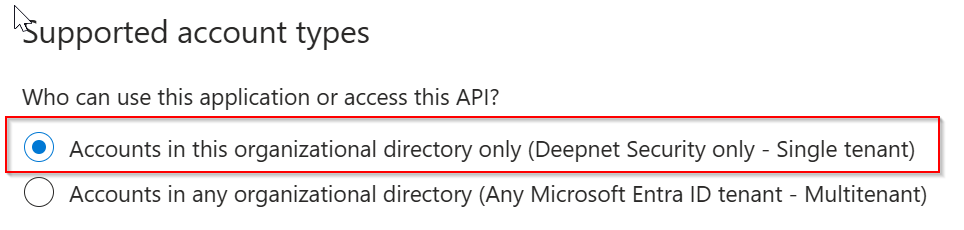
thenThen, in the "AzureAD" block, replace "YOUR-TENANT-ID" in the configuration file with your Tenant ID in the Entra ID.
However, if the application you set up for Computer Logon with MFA supports multitenant
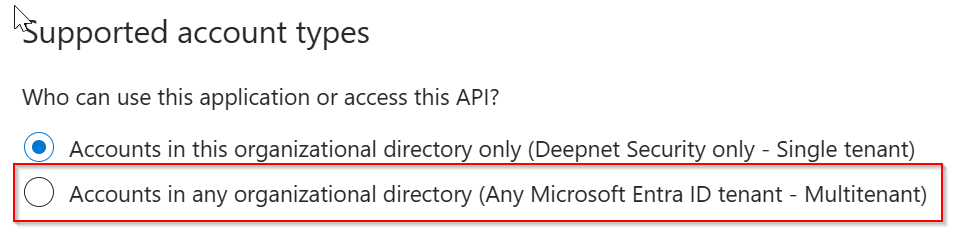
thenThen, in the "AzureAD" block, replace "YOUR-TENANT-ID" in the configuration file with the word "common"
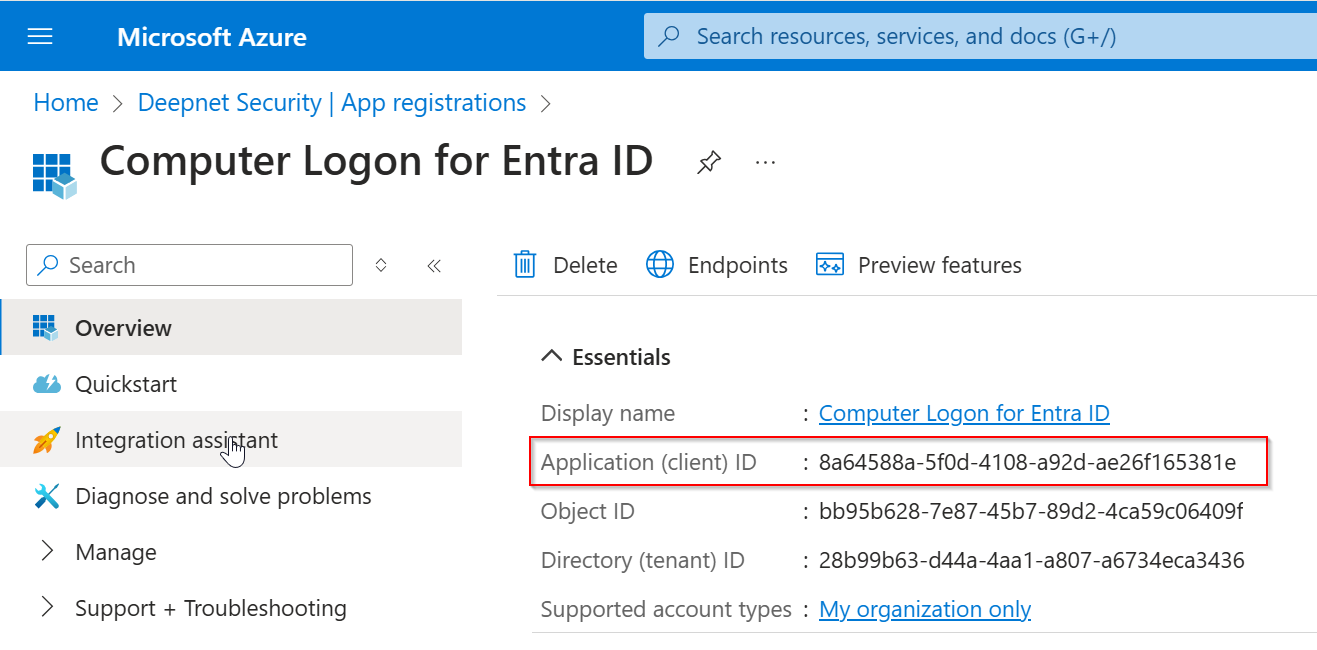
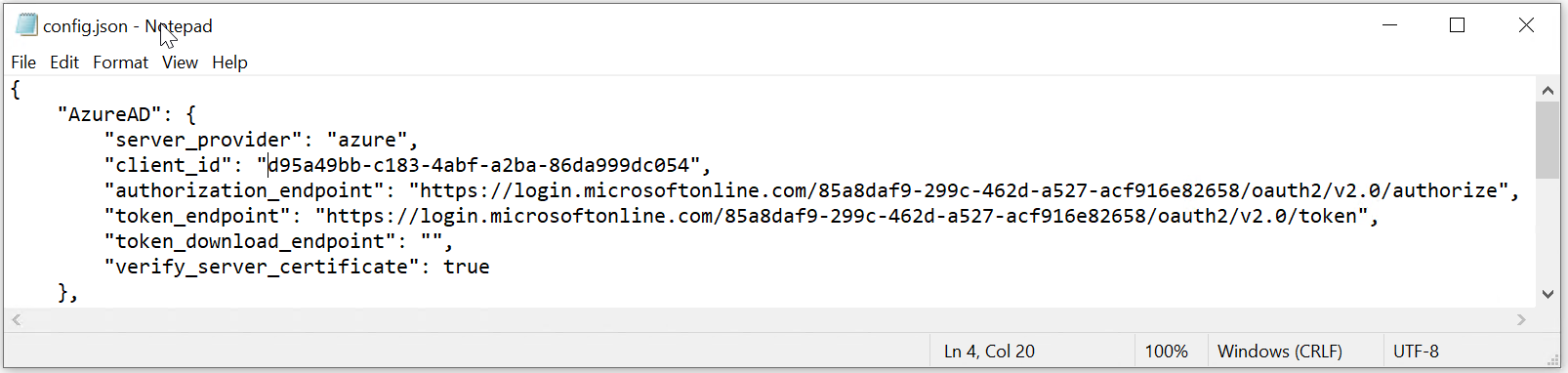
NowNext, replace "YOUR-CLIENT-ID" with the "application Application (client) ID" of the application that you have set up for Computer Logon.
Below is an example:
Add Domain & NetBios Names
Next, you need to add the list of netbios NetBIOS names and domain DNS names used in your organisation. The Computer Logon solution utilizes NetBIOS names and domain DNS names to differentiate between personal and business accounts.
If you only need to implement Computer Logon MFA for Azure AD only, then you do not need to add netbios NetBIOS names.

Save the configuration file.
...