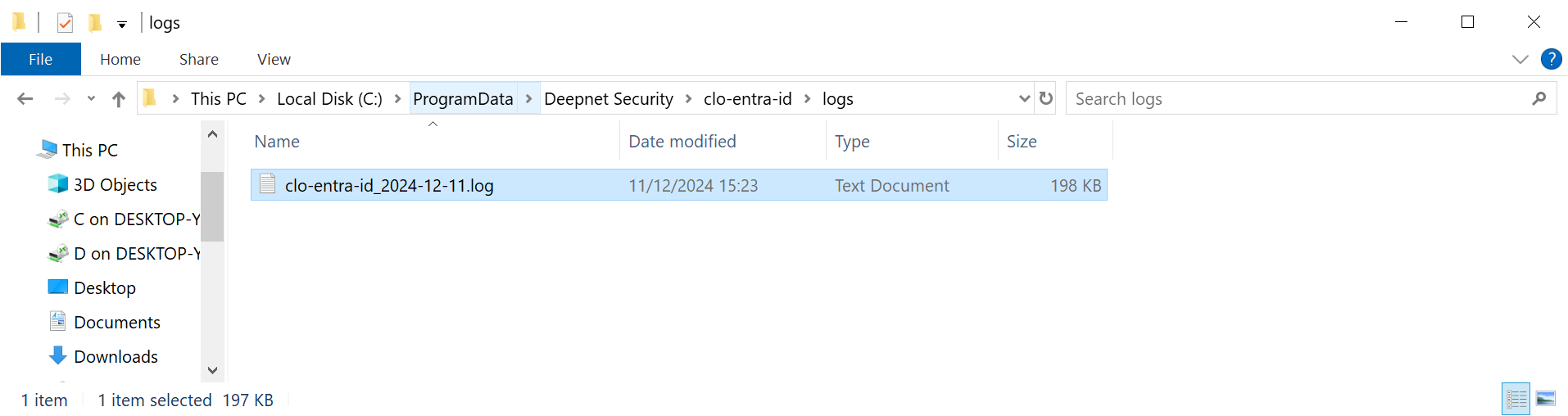
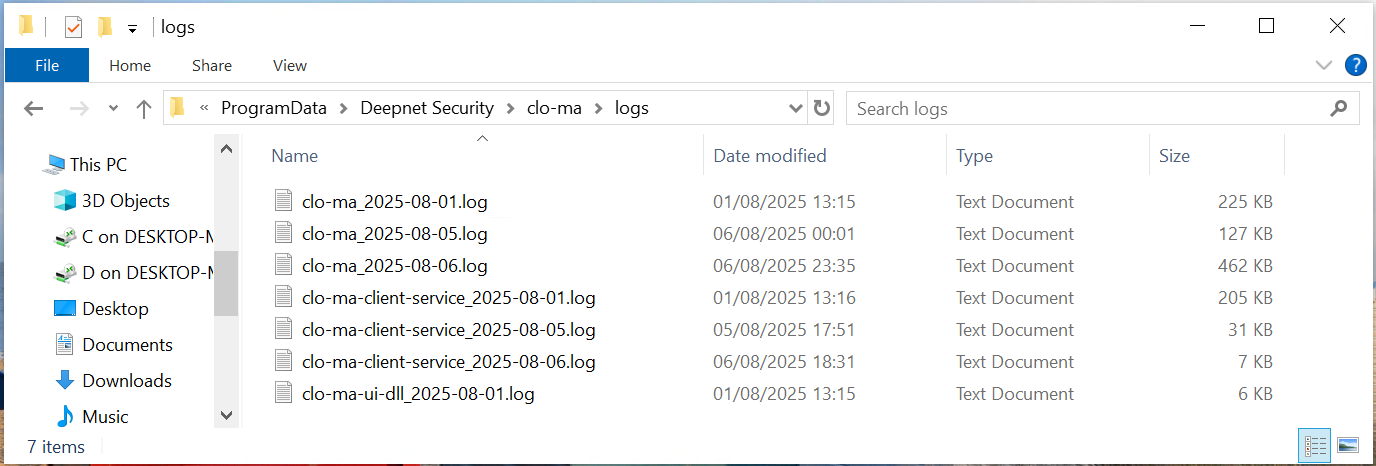
If the computer logon agent for Entra ID encounters problems and requires troubleshooting, then the debug log option can be enabled.
Debug Log Option
To enable debug log in the computer logon agent, find the configuration file located at
%programdata%\Deepnet Security\clo-entra-idma\config.json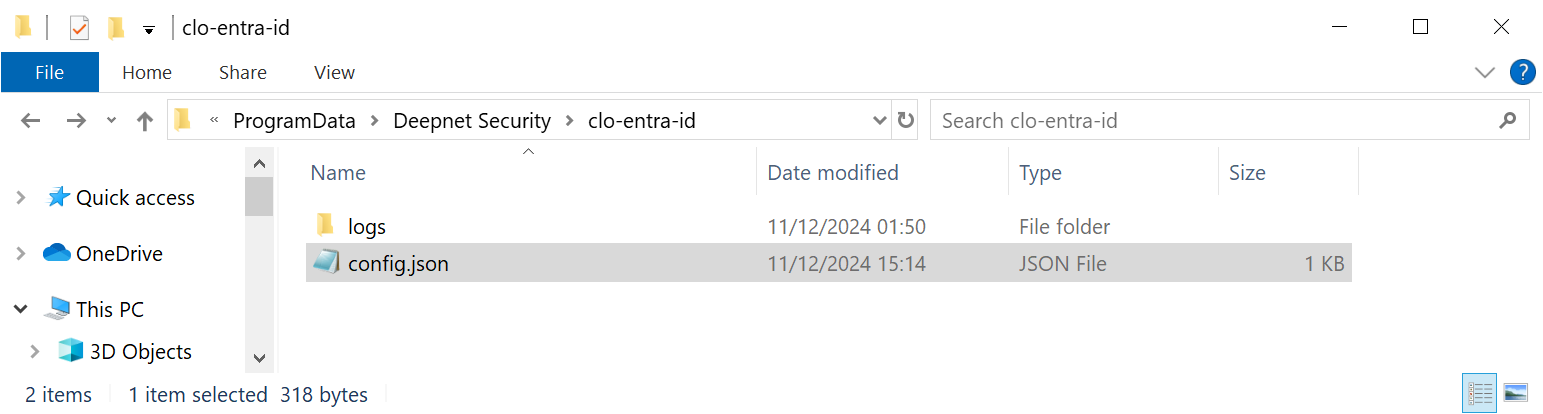
open the configuration file in a text editor such as "Notepad"
...
"log" : 1"
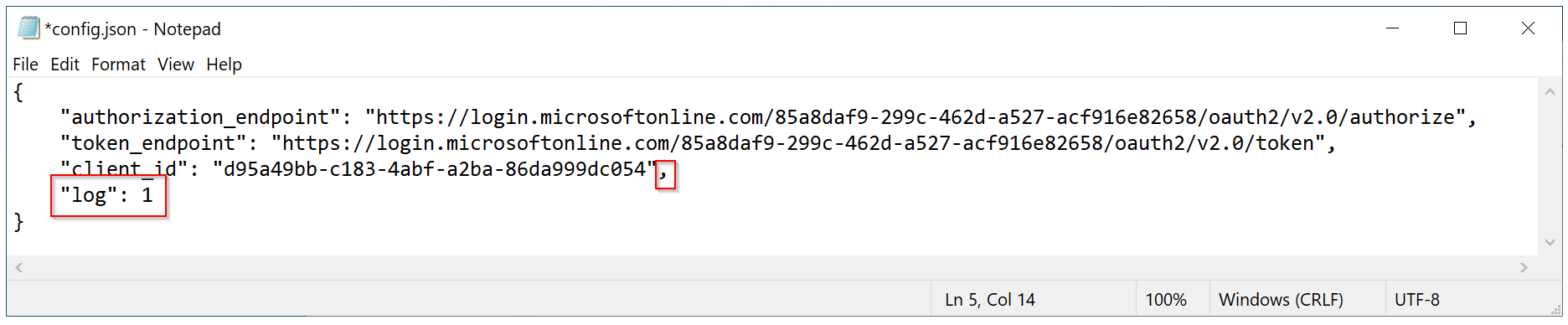
Save the file.
Debug Log Files
Debug log files are located at
%programdata%\Deepnet Security\clo-entra-idma\logs